Best QR Code Platforms for Small Business in 2026: 8 Platforms Compared

- 1
 QR Code GeneratorSimple dynamic QR codesVisit
- 2
 FlowcodeBranded QR codes for marketingVisit
- 3
 BeaconstacQR codes with campaignsVisit
- 4
 QRCode MonkeyFree static QR codesVisit
- 5
 UniqodeEnterprise-grade QR campaignsVisit
- Our pick for most people is QR Code Generator, because it covers simple dynamic qr codes with the fewest trade-offs in this group.
- If you want to start without paying, QR Code Generator is the strongest free option here, though its paid tier adds the deeper features.
- Flowcode is the best second look when QR Code Generator does not fit, since it serves branded qr codes for marketing rather than the same audience.
- Prices and plan limits change often, so confirm the current terms on each vendor site and read the fine print on limits, renewals and cancellation.
Quick comparison
| Product | Ideal for | Price from | Free version | |
|---|---|---|---|---|
| QR Code Generator | Simple dynamic QR codes | Free | Yes | Visit |
| Flowcode | Branded QR codes for marketing | Free | Yes | Visit |
| Beaconstac | QR codes with campaigns | See website | Free trial | Visit |
| QRCode Monkey | Free static QR codes | Free | Yes | Visit |
| Uniqode | Enterprise-grade QR campaigns | See website | Free trial | Visit |
 Bitly | Links plus QR codes together | Free | Yes | Visit |
 Scanova | QR codes for campaigns and products | See website | Free trial | Visit |
 QR Tiger | Feature-rich QR platform | Free | Yes | Visit |
The best QR code platforms for small business
Choosing among options for best qr code platform for small business comes down to fit, not fame. We compared official feature pages, pricing pages, app store listings, privacy policies and public reviews for each option below, and we weighed what you actually get on the entry plan against what stays behind a paywall. QR Code Generator leads this list because it handles simple dynamic qr codes well for the widest range of readers, but the right choice depends on your budget, your team size and how much hand-holding you want. Read the shortlist with your own situation in mind. A cheaper tool that you actually use beats a powerful one that sits untouched, and a plan that looks cheap on the monthly line can cost more once add-ons and limits are counted. Take notes as you read, and shortlist two or three options to test before you decide.
QR Code Generator
Ideal for: Simple dynamic QR codes

QR Code Generator is the straightforward pick for small businesses, with dynamic codes you can edit and track after printing. Its range of code types covers menus, links, Wi-Fi and contact cards in one place. For readers focused on simple dynamic qr codes, the appeal is easy dynamic codes with tracking. That strength matters in daily use, because it is the part you will notice every week, not a feature you open once and forget. Compare it against the rest of the list on that one point first, then look at price, platform support and how the company handles your data. The honest weakness is advanced analytics need paid plans. branding options are limited on free Try it on a real task before you pay, and check whether the entry plan covers the feature you actually need.
- Easy dynamic codes with tracking
- Many code types
- Free tier
- Advanced analytics need paid plans
- Branding options are limited on free
Flowcode
Ideal for: Branded QR codes for marketing
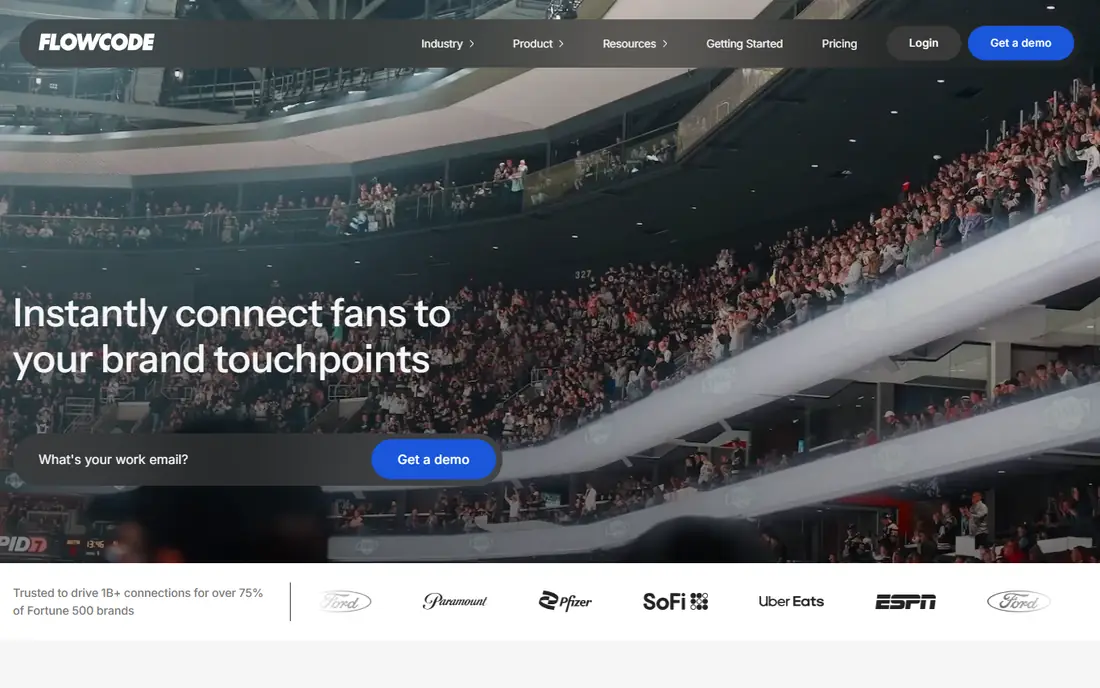
Flowcode focuses on branded codes that look like part of your marketing, with colors, logos and scan analytics. Its offline-to-online tracking helps shops and events see which printed materials actually drive visits. For readers focused on branded qr codes for marketing, the appeal is branded codes with colors and logos. That strength matters in daily use, because it is the part you will notice every week, not a feature you open once and forget. Compare it against the rest of the list on that one point first, then look at price, platform support and how the company handles your data. Watch out for full analytics need paid plans. enterprise focus is growing If you can live with that limit, the rest of the package is easy to recommend for its audience.
- Branded codes with colors and logos
- Analytics
- Offline-to-online tracking
- Full analytics need paid plans
- Enterprise focus is growing
Beaconstac
Ideal for: QR codes with campaigns
Beaconstac combines dynamic QR codes with landing pages and analytics, so a code can lead to a full campaign page. Its bulk creation suits businesses printing codes on many products or locations. For readers focused on qr codes with campaigns, the appeal is dynamic codes, landing pages and analytics. That strength matters in daily use, because it is the part you will notice every week, not a feature you open once and forget. Compare it against the rest of the list on that one point first, then look at price, platform support and how the company handles your data. The catch is pricing grows with scans and features. setup takes time If that trade-off is acceptable for how you work, this is a solid choice, and a short trial will tell you more than any review can.
- Dynamic codes, landing pages and analytics
- Good integrations
- Bulk creation
- Pricing grows with scans and features
- Setup takes time
QRCode Monkey
Ideal for: Free static QR codes
QRCode Monkey is the best free option for static codes, with design choices and high-resolution downloads at no cost. Its simplicity suits one-off codes for print where tracking is not needed. For readers focused on free static qr codes, the appeal is free static codes with design options. That strength matters in daily use, because it is the part you will notice every week, not a feature you open once and forget. Compare it against the rest of the list on that one point first, then look at price, platform support and how the company handles your data. The honest weakness is static codes cannot be edited or tracked. no dynamic features Try it on a real task before you pay, and check whether the entry plan covers the feature you actually need.
- Free static codes with design options
- No account needed
- High-resolution downloads
- Static codes cannot be edited or tracked
- No dynamic features
Uniqode
Ideal for: Enterprise-grade QR campaigns
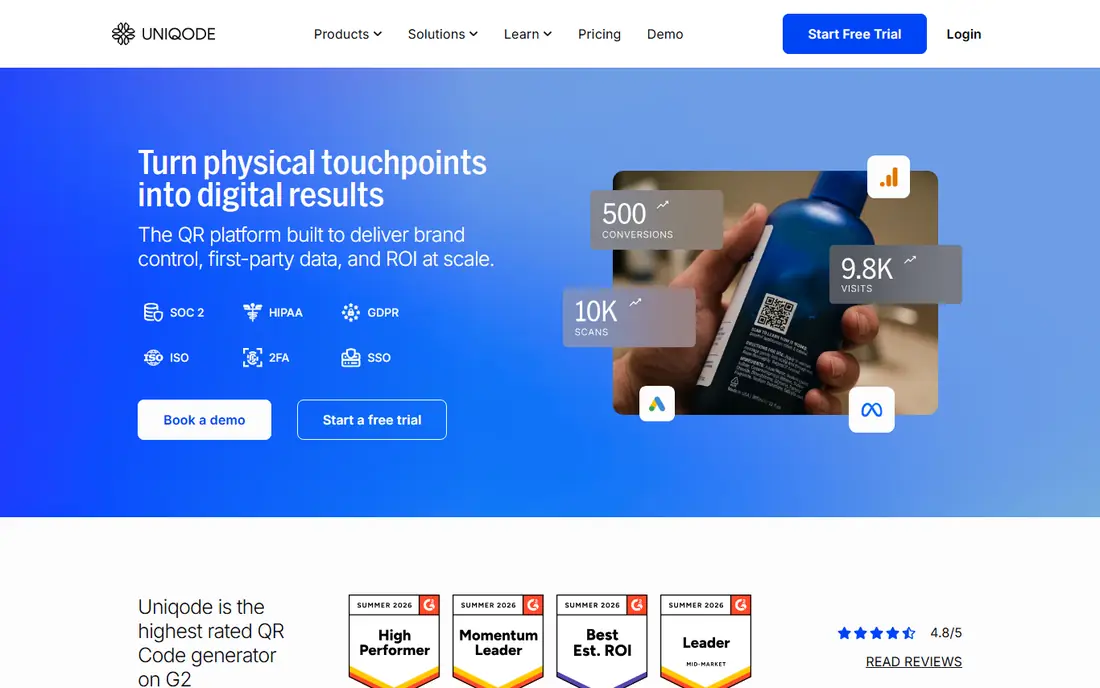
Uniqode, formerly Beaconstac's enterprise arm, offers dynamic codes with security controls and analytics for larger campaigns. Its bulk and security features suit franchises and product packaging at scale. For readers focused on enterprise-grade qr campaigns, the appeal is dynamic codes with security controls. That strength matters in daily use, because it is the part you will notice every week, not a feature you open once and forget. Compare it against the rest of the list on that one point first, then look at price, platform support and how the company handles your data. Watch out for pricing is higher than simple tools. overkill for one code If you can live with that limit, the rest of the package is easy to recommend for its audience.
- Dynamic codes with security controls
- Bulk tools
- Strong analytics
- Pricing is higher than simple tools
- Overkill for one code
Bitly
Ideal for: Links plus QR codes together
Bitly pairs link shortening with QR code generation, so one dashboard tracks both printed codes and shared links. Its branded links help businesses keep every customer touchpoint consistent. For readers focused on links plus qr codes together, the appeal is link shortening with QR codes. That strength matters in daily use, because it is the part you will notice every week, not a feature you open once and forget. Compare it against the rest of the list on that one point first, then look at price, platform support and how the company handles your data. The catch is qR design options are basic. advanced features need paid plans If that trade-off is acceptable for how you work, this is a solid choice, and a short trial will tell you more than any review can.
- Link shortening with QR codes
- Click analytics
- Branded links
- QR design options are basic
- Advanced features need paid plans
Scanova
Ideal for: QR codes for campaigns and products
Scanova covers dynamic codes, landing pages and analytics for campaigns, with bulk generation for product packaging. Its campaign tools help small teams run a code across posters, packaging and receipts. For readers focused on qr codes for campaigns and products, the appeal is dynamic codes and landing pages. That strength matters in daily use, because it is the part you will notice every week, not a feature you open once and forget. Compare it against the rest of the list on that one point first, then look at price, platform support and how the company handles your data. The honest weakness is interface feels dated. pricing varies by features Try it on a real task before you pay, and check whether the entry plan covers the feature you actually need.
- Dynamic codes and landing pages
- Analytics
- Bulk generation
- Interface feels dated
- Pricing varies by features
QR Tiger
Ideal for: Feature-rich QR platform
QR Tiger offers a wide set of code types with dynamic editing, analytics and bulk tools in one dashboard. Its breadth suits businesses that want one platform for menus, tickets, products and events. For readers focused on feature-rich qr platform, the appeal is many code types and dynamic features. That strength matters in daily use, because it is the part you will notice every week, not a feature you open once and forget. Compare it against the rest of the list on that one point first, then look at price, platform support and how the company handles your data. Watch out for free plan has limits. upsell prompts are frequent If you can live with that limit, the rest of the package is easy to recommend for its audience.
- Many code types and dynamic features
- Analytics
- Bulk tools
- Free plan has limits
- Upsell prompts are frequent
How we picked these
We started from the topic itself and kept only products that exist and work today and truly fit it. For each one we checked the official homepage, the pricing page and the free tier, and we read app store listings, privacy policies and public reviews where they were relevant. Products with a homepage we could not verify were left out, and prices we could not verify are shown as See website rather than guessed. We favored a mix of well-known leaders and strong smaller options, and we weighed entry price, free tier, platform coverage and honest weaknesses. No product here paid for its place, and we did not claim hands-on testing we did not do. What follows is a comparison of published facts, so you can check any claim on the vendor site before you buy.
Picking a QR platform for a small business
Start by deciding whether you need static codes for print or dynamic codes you can edit and track, because that choice splits the list in half. Then check design options, scan analytics and how many codes your plan allows. Next, print a test code and scan it on several phones in real lighting, checking the landing page speed and clarity. Compare two finalists on analytics detail and on what happens to your codes if you cancel.
Frequently asked questions
What is a dynamic QR code?
A dynamic QR code points to a short link you can edit later, so the destination can change without reprinting. Static codes bake the destination in permanently and cannot be tracked.
Are QR codes free for small business?
Static codes are free from tools such as QRCode Monkey, while dynamic codes with tracking usually need a paid plan. Start free for print-only needs and upgrade when tracking matters.
Can QR codes track scans?
Dynamic codes track scan counts, locations and devices, which helps measure a poster or menu campaign. Static codes cannot be tracked, so use dynamic codes for marketing.
Do QR codes work for menus?
Yes, restaurants widely use QR menus, and dynamic codes let you update the menu without reprinting. Pair the code with a mobile-friendly menu page for the best experience.
Are QR codes safe for customers?
Codes themselves are safe, but a code can point anywhere, so customers should check the preview URL before opening. Businesses should use their own domain and avoid URL shorteners that hide destinations.