5 Top Radio Automation Software Options Compared (2026)

- 1
 SAM Broadcaster ProDJs who want live-assist playout with automation behind itVisit
- 2
 StationPlaylist StudioAM/FM and serious internet stations needing professional playoutVisit
- 3
 RadioDJHobby and community stations with no budgetVisit
- 4
 RadioBOSSSmall and internet stations wanting budget-friendly full automationVisit
- 5
 SAM Broadcaster CloudInternet stations that want no local PC running 24/7Visit
- Top of the list is SAM Broadcaster Pro, which targets DJs who want live-assist playout with automation behind it.
- SAM Broadcaster Cloud suits internet stations that want no local PC running 24/7.
- RadioDJ stands alone as the one tool in this list with a free plan.
- Before buying SAM Broadcaster Pro, weigh this: voice tracking gets mixed reviews.
- No starting price is published for SAM Broadcaster Pro, StationPlaylist Studio, RadioBOSS and SAM Broadcaster Cloud; expect a quote.
Direct answer
SAM Broadcaster Pro comes first here, mainly for DJs who want live-assist playout with automation behind it. StationPlaylist Studio is better for AM/FM and serious internet stations needing professional playout, and RadioDJ is better for Hobby and community stations with no budget. The full list of 5 tools follows, with prices and free plan facts.
Quick comparison
| Product | Ideal for | Price from | Free version | |
|---|---|---|---|---|
| SAM Broadcaster Pro | DJs who want live-assist playout with automation behind it | See website (one-time license) | Free trial | Visit |
| StationPlaylist Studio | AM/FM and serious internet stations needing professional playout | See website (one-time license) | Free trial | Visit |
| RadioDJ | Hobby and community stations with no budget | Free | Yes | Visit |
| RadioBOSS | Small and internet stations wanting budget-friendly full automation | See website (one-time license, tiered editions) | Free trial | Visit |
| SAM Broadcaster Cloud | Internet stations that want no local PC running 24/7 | See website (per month subscription) | Free trial | Visit |
Radio Automation Software profiles
Short on time? The summary and table above give the quick view of 5 tools for radio automation software, and the profiles that follow give the detail behind each entry.
SAM Broadcaster Pro
Ideal for: DJs who want live-assist playout with automation behind it
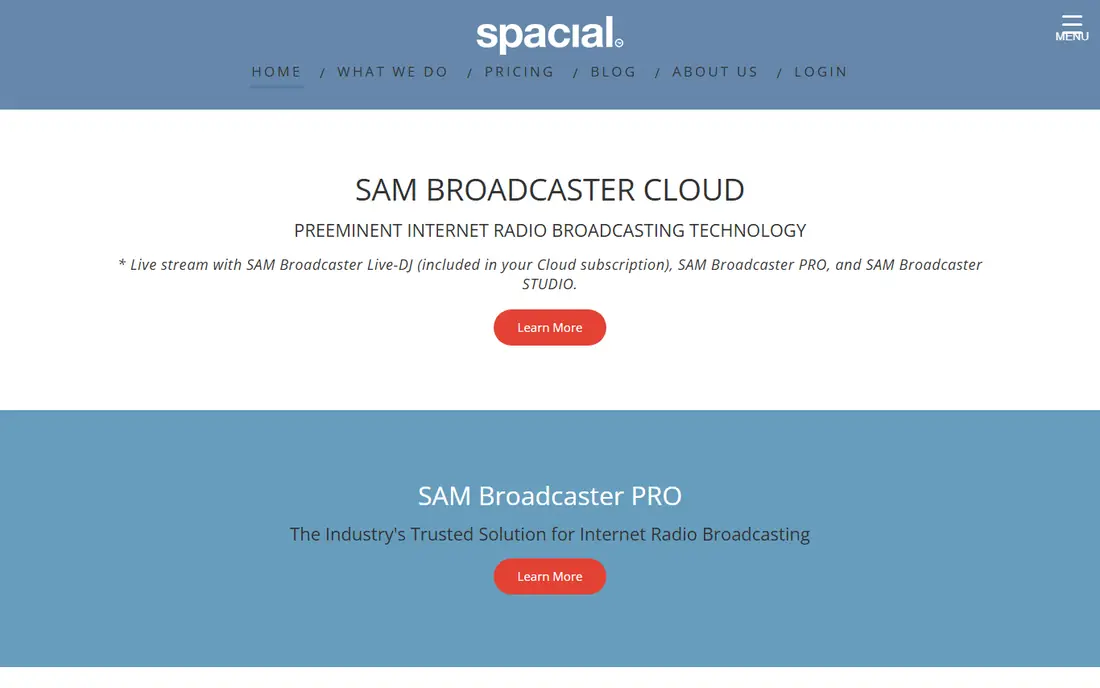
Where SAM Broadcaster Pro fits: DJs who want live-assist playout with automation behind it. SAM Broadcaster Pro feels like DJ software that grew into a station: two decks, crossfader, sound effects, with rotation rules and scheduling running underneath.
Honest limits: Voice tracking gets mixed reviews.
No starting price is listed for SAM Broadcaster Pro here; confirm pricing on the vendor site. Trial and free access: Free trial.
- Solid streaming and stats integration
- Voice tracking for pre-recorded presents
- The interface displays its age
StationPlaylist Studio
Ideal for: AM/FM and serious internet stations needing professional playout
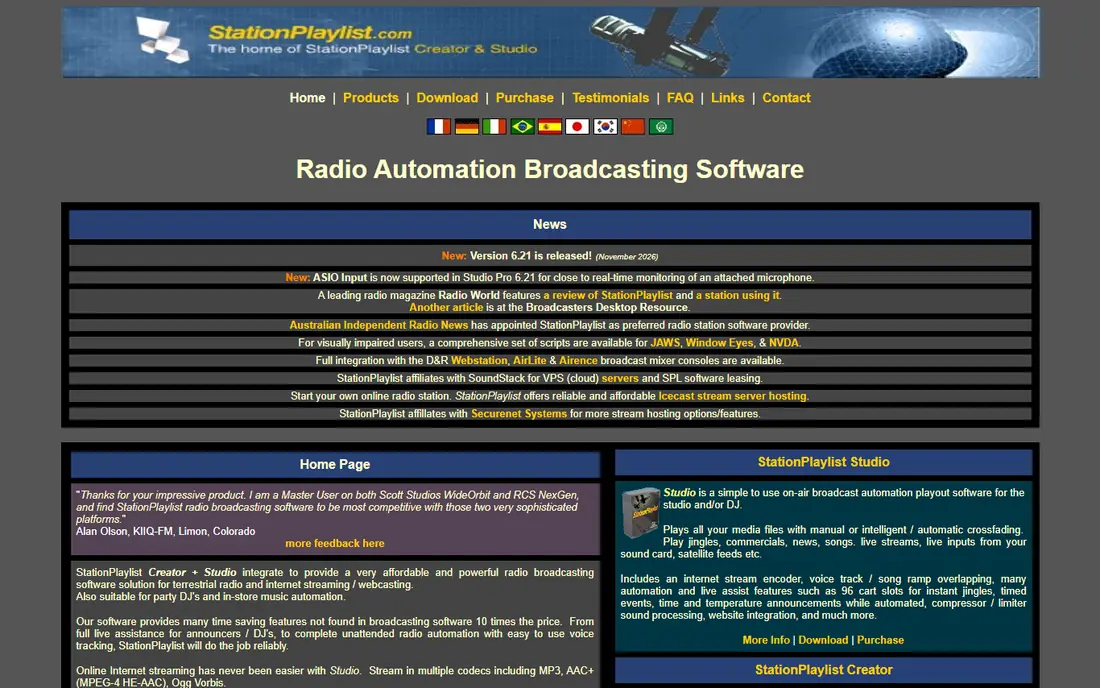
StationPlaylist Studio targets AM/FM and serious internet stations needing professional playout. StationPlaylist is a fixture in real radio stations, terrestrial and online. The separate Creator module does music scheduling with rotations, dayparting and rules that keep the sound consistent.
It is made for stations where dead air is a crisis. That professionalism costs approachability. The ramp-up time is real, it is Windows software with a traditional broadcast feel, and small hobby stations will find it more than they need. Check the vendor site for StationPlaylist Studio pricing; none is listed in this comparison. Trial and free access: Free trial.
Where it is weaker: Windows only.
- Music scheduling with rule-based rotations
- Professional-grade automation with precise timing
- Ramp-up time for the full feature set
RadioDJ
Ideal for: Hobby and community stations with no budget
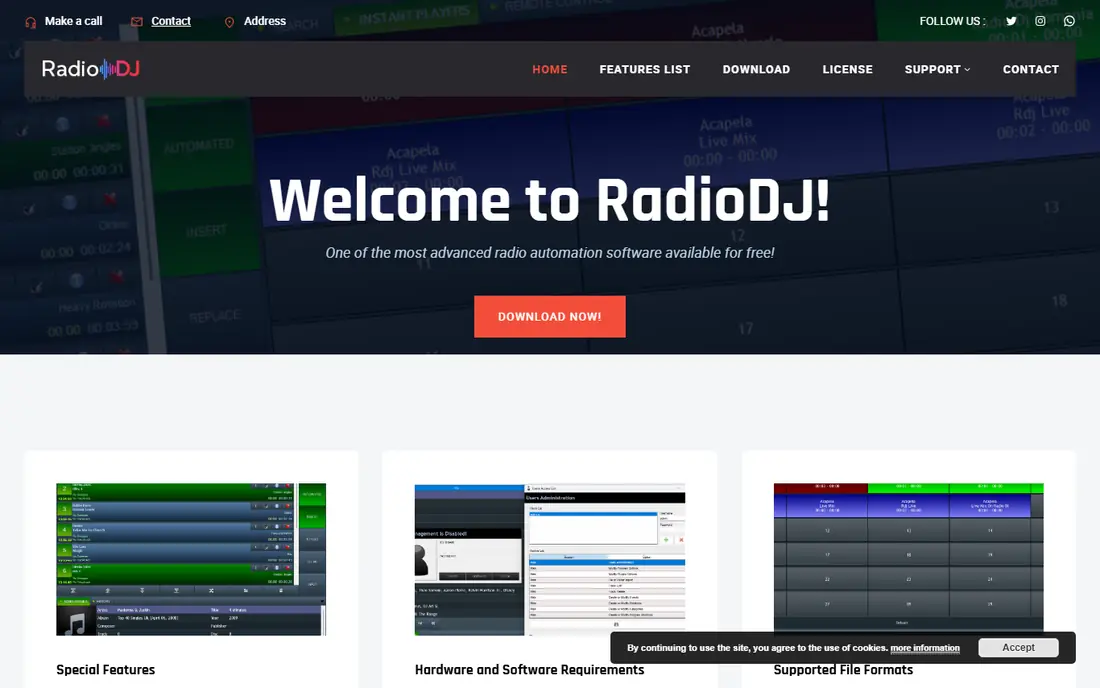
In short, RadioDJ is for Hobby and community stations with no budget. Community stations and hobby broadcasters run real stations on it.
More specifically, the plugin system extends it, and the community forum is active enough to solve most problems. Beyond that, RadioDJ is the remarkable free choice: a full radio automation system, rotations, playlists, events, streaming encoders, costing nothing. Price to start with RadioDJ: Free. RadioDJ offers a free plan.
Downsides: Setup needs technical comfort.
- Rotation and event management
- Active community and plugin ecosystem
- Support is community-based, not commercial
RadioBOSS
Ideal for: Small and internet stations wanting budget-friendly full automation
RadioBOSS is a good fit for small and internet stations wanting budget-friendly full automation. RadioBOSS is the budget station workhorse. Three editions (Express, Standard, Advanced) split features, so check which level has the streaming and automation depth you need.
The tradeoffs are product and polish. For community stations, internet radio and in-store audio, it is the price-to-performance leader. For a one-time license far below traditional broadcast software, you get playlist generation with rotations, an event scheduler, automatic volume leveling, crossfading and built-in streaming encoders. It manages music, station IDs, advertisements and timed announcements, and it is recognised for running unattended for long stretches without drama. Check the vendor site for RadioBOSS pricing; none is listed in this comparison. On free options: Free trial.
Trade-offs to know: Windows only.
Where it shines: Built-in encoders for Shoutcast and Icecast.
- Full automation with scheduler
- Runs unattended for weeks steadily
- Advanced features spread across three editions
SAM Broadcaster Cloud
Ideal for: Internet stations that want no local PC running 24/7
SAM Broadcaster Cloud is designed for internet stations that want no local PC running 24/7. No PC left running, no home internet worries. It pairs with SAM Broadcaster Pro, so live DJs can take over the cloud stream for presents and hand back to automation after.
Where it falls short: Monthly cost forever compared with one-time licenses.
Best features of SAM Broadcaster Cloud: Works with SAM Broadcaster Pro for live presents.
In practice, the subscription never ends, unlike the one-time desktop licenses, so long-term cost is higher. Also, for internet stations that want to skip the always-on PC entirely, it is the straightforward hosted answer. SAM Broadcaster Cloud moves the station off your hardware: upload your library, set rotations and schedules, and the station streams 24/7 from Spacial's servers. SAM Broadcaster Cloud shows no starting price here, so confirm the cost on the vendor site. Free access: Free trial.
- Rotation rules and scheduling in the cloud
- Completely hosted
- Internet-dependent by definition
How we compared the tools
Ainotely used vendor pricing pages and product documentation as the base, then compared plans, free access and documented limits for 5 tools. Seat minimums, billing terms and add-ons can move the real cost, so the starting prices here are a guide and not a quote. The ranking is editorial: typical fit first, then clear pricing, then free access. If your needs are unusual, read the profiles rather than relying on position.
A buyer's checklist
- Get a written quote from SAM Broadcaster Pro, StationPlaylist Studio, RadioBOSS and SAM Broadcaster Cloud; the list shows no starting price for them.
- Test the free plan from RadioDJ against your real workload before relying on it.
- Run a trial of SAM Broadcaster Pro, StationPlaylist Studio, RadioBOSS and SAM Broadcaster Cloud with real work before paying for a year; your own workflow is the best test.
- Read the limits listed for SAM Broadcaster Pro first: voice tracking gets mixed reviews.
- See whether RadioBOSS offers onboarding or training, and whether it is included in the price.
- Ask whether RadioDJ integrates with your current software, and whether that comes standard or as an add-on.
Frequently asked questions
Which options for radio automation software have a free plan?
RadioDJ is the only tool in this list with a free plan. Free plans usually cap users, projects or features, so check the limits on the vendor page. Several others offer a trial instead.
Can I try these options before paying?
Often, yes. RadioDJ has a free plan and SAM Broadcaster Pro, StationPlaylist Studio, RadioBOSS and SAM Broadcaster Cloud offer a free trial. Use your own data and a real task during the test, and check what the free tier or trial limits before you rely on it.
What is the cheapest way to start an internet radio station?
RadioDJ (free) on a Windows PC with a Shoutcast or Icecast host, which costs a handful of dollars per month. As for the details, add music licensing costs on top. Total software cost can be zero; hosting and licensing are the real expenses.
Is SAM Broadcaster Pro the right pick for everyone comparing radio automation software?
No single tool suits every team. SAM Broadcaster Pro comes first because it fits DJs who want live-assist playout with automation behind it, while StationPlaylist Studio suits AM/FM and serious internet stations needing professional playout and RadioDJ suits Hobby and community stations with no budget. Match the tool to your own size, budget and workflow before deciding.
Do these tools publish their prices?
Not all of them. SAM Broadcaster Pro, StationPlaylist Studio, RadioBOSS and SAM Broadcaster Cloud publish no starting price, so expect a quote request for those. The rest, RadioDJ included, show a starting price, though seats and billing terms still change the final cost.