This list puts Affinity Photo first for professional editing without subscription. Listed starting prices: ON1 Photo RAW from $49.99. Alternatives: ACDSee Photo Studio for editing and digital asset management, and Corel PaintShop Pro for low-cost all-in-one photo editing. The full list of 6 tools follows, with prices and free plan facts.
Ainotely put together this guide to raster graphics software for photo retouching for readers who want a clear shortlist without reading every vendor page. It compares 6 tools on starting price, free plans, who each one suits and where each one falls short.
Key takeaways
Number one here is Affinity Photo, a fit for professional editing without subscription.
Pricing for Affinity Photo, ACDSee Photo Studio, Corel PaintShop Pro and others is quote-based, which adds a sales step before you can compare cost.
A permanent free plan is missing from all 6 tools, Affinity Photo and Adobe Photoshop included; plan for a trial or a premium start.
One limit worth knowing about ACDSee Photo Studio: can be slow with large catalogs.
Best for: Professional editing without subscription
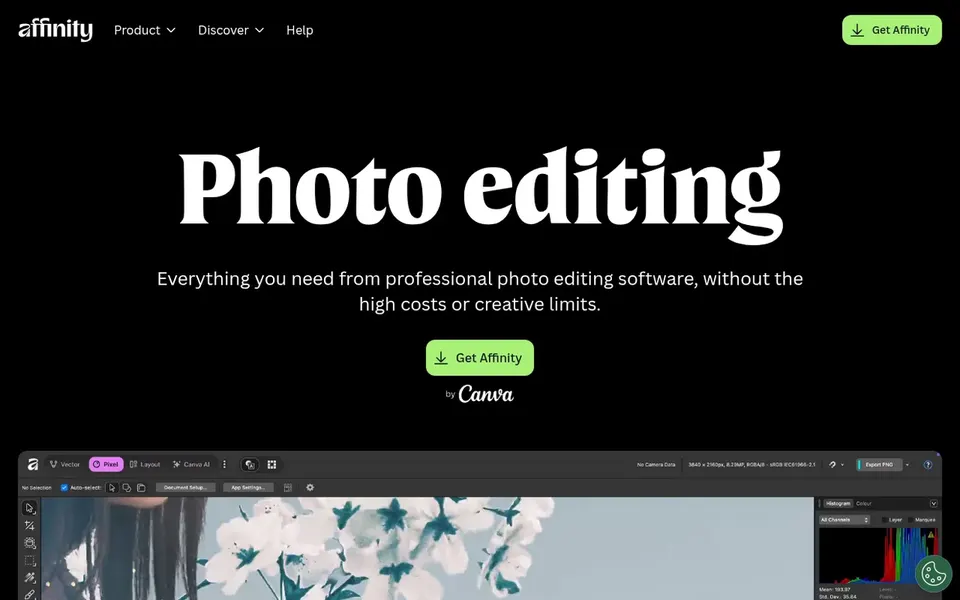
Affinity Photo targets professional editing without subscription. Affinity Photo is a professional photo editor designed for power and precision, offering speed and creative freedom. From a buyer's view, the software bundles a set of tools for precise adjustments and retouching.
Downsides: Restricted plugin ecosystem.
Affinity Photo lacks some of the integrations and external plugins available for Adobe products. Even so, for individual users seeking a capable alternative, it is a capable contender. Affinity Photo shows no starting price here, so confirm the cost on the vendor site. Free access: Not stated.
Choose ACDSee Photo Studio for editing and digital asset management. ACDSee Photo Studio is photo editing and management software that bundles video editing and digital asset management capabilities. For everyday use, ACDSee may struggle with performance when handling very large catalogs.
The main drawbacks: Interface may feel dated.
Its interface may not feel as modern as some competitors. The software merges editing tools with solid management features. Pricing for ACDSee Photo Studio is not stated here, so ask the vendor for current figures. Trial and free access: Not stated.
Best for: Budget-friendly all-in-one photo editing
Corel PaintShop Pro is a good fit for low-cost all-in-one photo editing. Corel PaintShop Pro is a photo editing software family that gives you product information, updates, and tutorials. It supplies a mix of editing tools a good match for hobbyists and small companies looking for an accessible yet capable option.
In practice, the software bundles features for photo retouching and enhancement. It may not offer the depth of advanced retouching tools found in professional-grade software. Check the vendor site for Corel PaintShop Pro pricing; none is listed in this comparison. Free options: Not stated.
For all-in-one RAW editing and organizing, ON1 Photo RAW is a natural candidate. For users who require extensive plugin compatibility or prefer subscription-based continuous updates, other choices may be more suitable. It is available as a one-time purchase without a subscription, making it attractive for photographers who prefer perpetual licenses.
In daily use, ON1 Photo RAW may not integrate as smoothly with other software as some competitors. It can be demanding on system resources. What you pay to start with ON1 Photo RAW: $49.99. Free options: Free trial.
Capture One is a good fit for precise RAW editing and tethering. For general retouching beyond RAW workflows, other tools may offer broader feature sets.
Points against: Steeper ramp-up time.
Capture One may be less right for users who primarily edit non-RAW files or need deep compositing tools. Its interface can be complicated for newcomers. Pricing for Capture One is not stated here, so ask the vendor for current figures. On free options: Not stated. Upsides: Capable tethering capabilities.
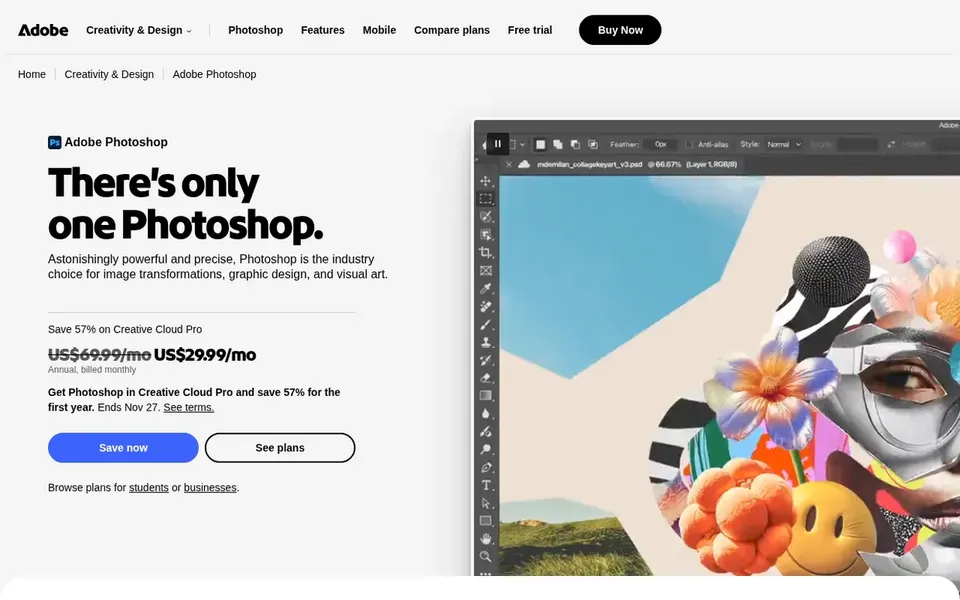
Think of Adobe Photoshop for full retouching and compositing. For more straightforward retouching tasks, lighter alternatives may be more efficient, but Photoshop remains a capable choice for advanced work.
Watch-outs: Subscription required.
Beyond that, the software supports both desktop and mobile workflows, with online and app-based choices. Check the vendor site for Adobe Photoshop pricing; none is listed in this comparison. As for free access: Not stated.
Get a written quote from Affinity Photo, ACDSee Photo Studio, Corel PaintShop Pro and others; the list shows no starting price for them.
Use real work to test the free trial from ON1 Photo RAW, rather than a demo project.
Before choosing Affinity Photo, weigh its main limit: fewer integrations than Adobe.
Check whether Affinity Photo bills monthly or annually, and what cancelling early costs.
Look at the help docs and support options for ON1 Photo RAW before you commit.
How we picked
Ainotely used vendor pricing pages and product documentation as the base, then compared plans, free access and documented limits for 6 tools. Seat minimums, billing terms and add-ons can move the real cost, so the starting prices here are a guide and not a quote. Position on the page reflects fit for a typical buyer first, with price clarity and free access breaking ties. Treat it as a guide, not a ruling. This applies to all 6 Raster Graphics software for photo retouching options compared here.
Every price and plan detail on this page comes from the vendors’ own websites. We did not run hands-on tests unless the text says so, and we do not publish star ratings or review scores. See how we score and our disclosure.
Keep your shortlist in one place
Paste prices, trial dates and notes from this guide into Ainotely, our AI note app. It files them into a topic and pulls out tasks like “cancel trial by Friday”. Free 7-day trial, no card needed.
Not all of them. Affinity Photo, ACDSee Photo Studio, Corel PaintShop Pro and others publish no starting price, so expect a quote request for those. The rest, ON1 Photo RAW included, show a starting price, though seats and billing terms still change the final cost.
Can I try these tools before paying?
Often, yes. ON1 Photo RAW offers a free trial. Use your own data and a real task during the test, and check what the free tier or trial limits before you rely on it. All 6 picks in this Raster Graphics software for photo retouching comparison show their pricing, free plan details and main limits on the cards above.
Is Affinity Photo the right pick for everyone comparing raster graphics software for photo retouching?
No single tool suits every team. Affinity Photo comes first because it fits professional editing without subscription, while ACDSee Photo Studio suits editing and digital asset management and Corel PaintShop Pro suits affordable all-in-one photo editing. Match the tool to your own size, budget and workflow before deciding.
What is the best raster graphics software for photo retouching?
Start with Affinity Photo if you need professional editing without subscription. ACDSee Photo Studio is the better match for editing and digital asset management, and Corel PaintShop Pro for low-cost all-in-one photo editing. The best choice depends on budget, team size and workflow.
Does any tool for raster graphics software for photo retouching here have a free plan?
No tool in this list, Affinity Photo and Adobe Photoshop included, has a permanent free plan. ON1 Photo RAW offer a trial. Trials and quotes are the usual route, so plan a short evaluation period. For the full picture, the cards above cover all 6 entries of this Raster Graphics software for photo retouching list, including price, free plan and limits.