8 Best AI Image Upscaling Software

- 1
 Topaz GigapixelProfessional print upscalingVisit
- 2
 Let's EnhanceAll-around web upscalingVisit
- 3
 VanceAIUpscaling plus a full photo toolkitVisit
- 4
 UpscaylFree offline upscalingVisit
- 5
 BigjpgCheap web upscaling for a few imagesVisit
- Topaz Gigapixel at $29 a month is the professional standard for print work, with up to 16x enlargement and unlimited local rendering.
- Let's Enhance at $9 a month billed annually is the best all-around web upscaler, with batch processing and models tuned for photos, art, and print.
- Upscayl and Waifu2x cost nothing and run on your own computer, which suits occasional use and privacy-sensitive images.
- VanceAI at $15 a month billed annually bundles upscaling with dozens of other photo tools, so it suits a team that needs more than one fix.
- Credit systems punish heavy months and reward light ones, so count your monthly images before you pick a plan.
Quick comparison
| Product | Ideal for | Price from | Free version | |
|---|---|---|---|---|
| Topaz Gigapixel | Professional print upscaling | $29 per month | No | Visit |
| Let's Enhance | All-around web upscaling | $9 per month (billed annually) | Yes | Visit |
| VanceAI | Upscaling plus a full photo toolkit | $15 per month (billed annually) | Yes | Visit |
| Upscayl | Free offline upscaling | $0 | Yes | Visit |
| Bigjpg | Cheap web upscaling for a few images | $6 for 2 months | Yes | Visit |
 Icons8 Smart Upscaler | Simple web upscaling by the image | $9 per month | Free trial | Visit |
 HitPaw Photo Enhancer | Desktop upscaling with face recovery | $17.99 per month | Free trial | Visit |
 Waifu2x | Free upscaling for art and anime | $0 | Yes | Visit |
The best AI image upscaling software
Topaz Gigapixel
Ideal for: Professional print upscaling
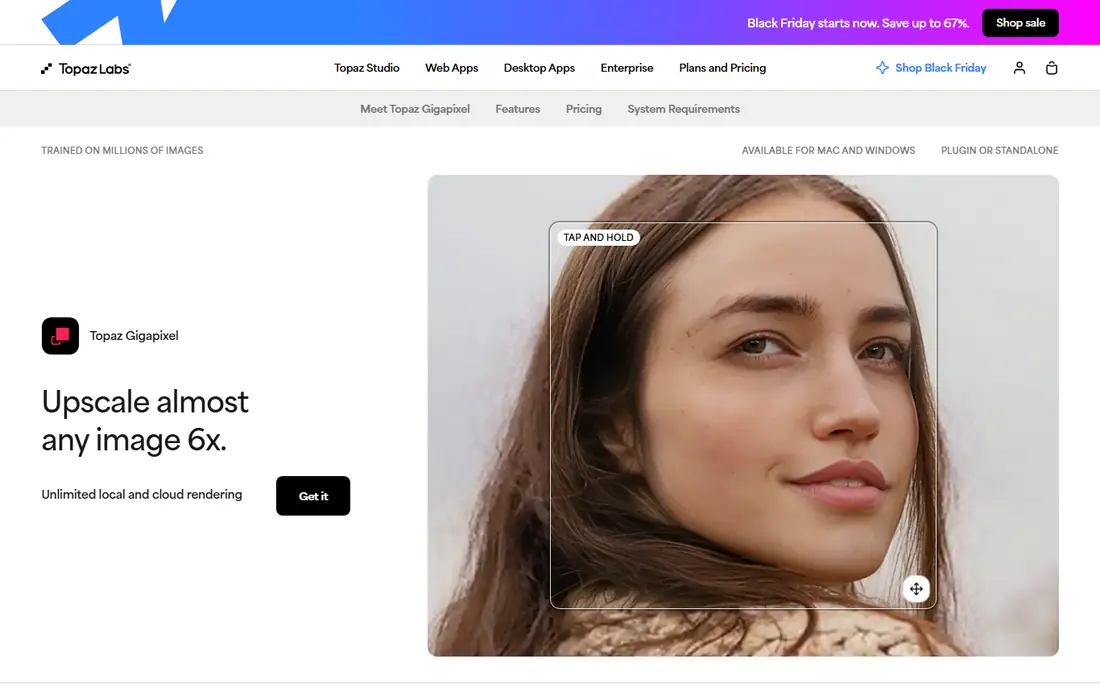
Topaz Gigapixel is the name photographers cite when the pixels have to be right, and it remains the professional standard for print-bound upscaling. The desktop app enlarges images up to 16x with models that recover detail in faces, textures, and fine lines, and processing happens on your own machine with unlimited local and cloud rendering. The Personal plan costs $29 a month with no commitment, $19 a month on a 12-month commitment billed monthly, or $149 a year billed annually, while Pro costs $499 a year.
The business model changed in 2025: the old one-time license is gone for new customers, and Gigapixel is now subscription only, with a web version at $12 a month on promo. The quality is the reason to accept that change, since the models handle noisy high-ISO shots, soft scans, and old photos better than the web tools in this list. The limits are the price and the lack of a free tier, so a hobbyist who upscales a few images a month should start with a free tool and move to Gigapixel only when print quality decides the sale.
- Up to 16x enlargement with strong detail recovery
- Unlimited local and cloud rendering on the plan
- Subscription only since 2025, no more one-time license
- No free plan or trial printed on the pricing page
Let's Enhance
Ideal for: All-around web upscaling
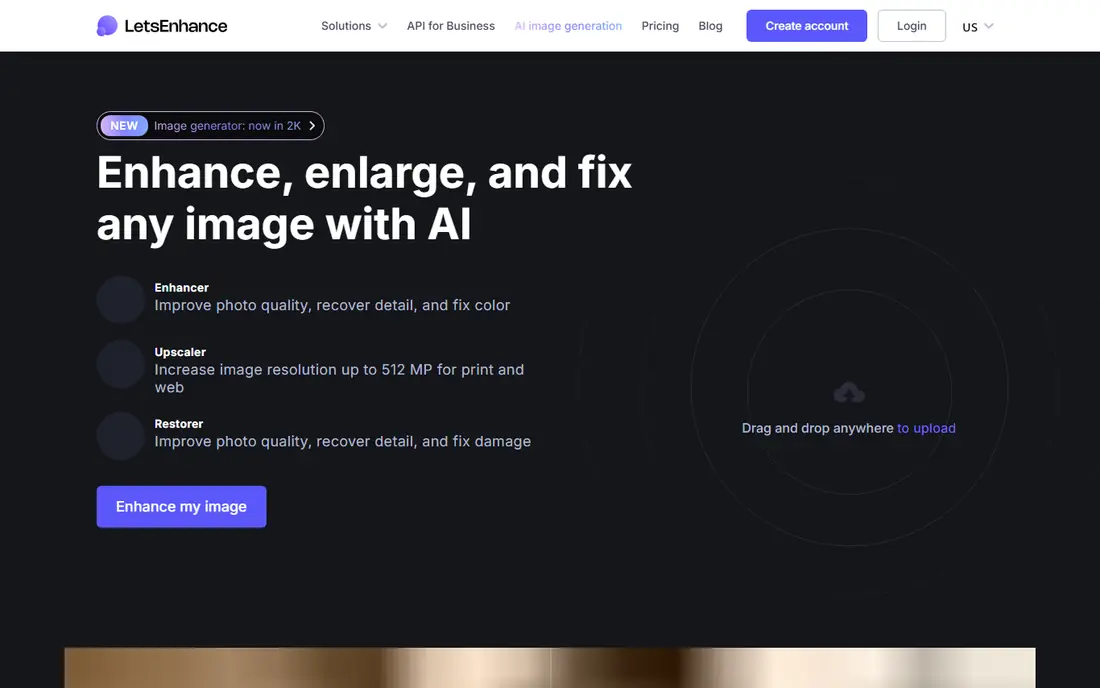
Let's Enhance is the best default web upscaler for most people, with a clear credit system and models tuned for photos, art, and print. It upscales to 16x with output up to 512 megapixels, which means a thumbnail can become a poster at 300 DPI, and the batch mode processes 20 images at once for catalog work. A free tier gives 10 credits with watermarked downloads, Starter is $9 a month billed annually for 100 credits, Pro is $24 for 300, and Max is $34 for 500, with unused credits rolling over while you stay subscribed.
One image costs one credit, so the math is simple: 100 credits cover 100 images a month on Starter, and the rollover means a light month is not wasted. The limits are the free tier, which caps output at 8 MP and adds a watermark, and the credit model itself, which suits steady monthly volume better than a single big batch. For a print shop, a photographer, or an ecommerce team that upscales every week, it is the most transparent web option in this list.
- Batch processing of 20 images at once
- Credits roll over while you stay subscribed
- Free tier gives only 10 credits with a watermark
- Output above 8 MP needs a subscription plan
VanceAI
Ideal for: Upscaling plus a full photo toolkit
VanceAI bundles image upscaling with dozens of other AI tools, including sharpening, denoising, background removal, portrait retouching, and a growing video section with upscale, denoise, and colorize. The web Starter plan costs $15 a month billed annually for 260 credits, with higher tiers at $30, $45, and $75 a month, and a 7-day money-back guarantee. The desktop app is priced separately at $39.90 a month, $99.90 a year, or $129.90 for a lifetime license on one PC.
The toolkit is the draw: a team that needs upscaling plus background removal plus retouching gets all of it in one subscription instead of three. The limits are the credit math, since a 4x upscale can cost two credits, so a heavy month burns the allowance faster than the headline number suggests, and the web and desktop plans do not share credits. Check the credit cost per upscale size before you subscribe, and pick the desktop license if you upscale in large batches on Windows.
- Dozens of AI photo tools in one subscription
- Desktop app with unlimited local processing
- Credit costs vary by upscale size, so large jobs use more credits
- Web and desktop plans are priced separately
Upscayl
Ideal for: Free offline upscaling
Upscayl is a free and open source image upscaler that runs on Windows, Mac, and Linux, and it costs nothing with no monthly image limit and no account. It uses AI models to enlarge images up to 4x, with batch processing for folders of images, and because it runs locally, your images never leave your computer. That makes it a strong pick for privacy-sensitive work, for occasional use, and for anyone who upscales a few images a month and refuses to rent software.
The limits are hardware and depth. Upscaling runs on your graphics card, so an old laptop will process slowly, and the model list is smaller than the commercial tools, with no face recovery model as strong as Topaz. There is also no cloud batch queue, so a catalog of hundreds of images takes longer than on Let's Enhance. For free offline upscaling with no strings attached, though, nothing in this list beats it, and it pairs well with a web tool for the jobs it cannot handle.
- Free and open source with no image limits
- Runs offline on your own computer
- Needs a decent graphics card for fast results
- Fewer models and no batch cloud processing
Bigjpg
Ideal for: Cheap web upscaling for a few images
Bigjpg is a web upscaler with the clearest free allowance in this list: 20 pictures a month, up to 4x enlargement, uploads up to 5 MB, with no watermark and no login needed. The subscription tiers are fixed-term passes rather than monthly subscriptions: Basic is $6 for 2 months with 500 pictures a month, Standard is $12 for 6 months with 1,000 a month, and Pro is $22 for 12 months with 2,000 a month. All subscription tiers open up to 16x enlargement, 50 MB uploads, priority servers, and batch processing.
The fixed-term model is the appeal for a small shop that upscales in bursts: buy two months, use the allowance, and walk away with no renewal to cancel. The limits are the free tier, which stops at 4x and 5 MB, and the payment options, which run through WeChat Pay, Alipay, or Stripe. For a hobbyist or a small seller who needs a handful of enlargements a month, the free tier alone may be enough, and Basic at $6 is the cheapest way to reach 16x.
- Free tier gives 20 pictures a month with no watermark
- Fixed-term passes with no forced renewal
- Free tier stops at 4x and 5 MB uploads
- Subscription tiers are fixed terms, not monthly plans
Icons8 Smart Upscaler
Ideal for: Simple web upscaling by the image
Icons8 Smart Upscaler is a web upscaler from Icons8, the icon and stock photo company, and it keeps pricing simple: a pay-per-image pack at $10 for 50 images that you use anytime, a Limited plan at $9 a month for 100 images a month with rollover, and an Unlimited plan at $99 a month. One image costs 20 cents on the pay-per-image pack, and unused credits on the monthly plan roll over, so a light month is not wasted.
The simplicity suits a designer or a small team that wants to upscale a logo or a product shot without learning a new app or committing to a big subscription. The limits are the free trial, which allows only three watermarked uses at 2x, and the lack of batch processing on the entry plan, so a catalog job means uploading one image at a time. It is a good pick for occasional single images, while a team with regular volume should compare the $9 plan against Let's Enhance Starter at the same price.
- Simple credit pricing with rollover
- Pay-per-image packs let you buy images without a subscription
- Free trial gives only three watermarked uses
- No batch mode on the entry plan
HitPaw Photo Enhancer
Ideal for: Desktop upscaling with face recovery
HitPaw Photo Enhancer is a desktop photo enhancer for Windows and Mac that upscales images, improves quality, colorizes and restores old photos, fixes blurry shots, and repairs scratches. It ships with six AI super-resolution models, including a face model that rebuilds soft or damaged faces, and it handles upscaling, denoise, and sharpening in one app. The Windows plan costs $17.99 a month, $79.99 a year, or $99.99 for a lifetime license, while Mac costs $19.99 a month, $79.99 a year, or $129.99 lifetime.
The face recovery and old photo repair are the reasons to pick it over a plain upscaler, since scanned family photos and damaged portraits come out cleaner than a generic enlarge. The limits are the price, which is high for a monthly desktop tool, and the Mac premium, which costs $2 a month more than Windows for the same features. A free trial lets you test the face model on your own photos before you commit, and the lifetime license suits a user who will upscale for years.
- Six AI models including face recovery and old photo repair
- Works on Windows and Mac with an online version too
- Monthly price is high next to web-only tools
- Mac plan costs more than Windows at $19.99 a month
Waifu2x
Ideal for: Free upscaling for art and anime
Waifu2x is a free image upscaler built for anime-style art and illustration, and it costs nothing with no account, no image limit, and no watermark. It uses a convolutional neural network to enlarge images up to 2x while reducing noise, and it is the best free option when the source is line art, a manga panel, a game sprite, or a digital illustration. The web version runs in the browser, and desktop builds exist for offline use.
The strength is the niche: on anime and illustration it keeps clean lines and flat colors better than the general photo upscalers, and the price cannot be beaten. The limits are photographs, where it falls behind Topaz, Let's Enhance, and VanceAI, and speed, since the free web version shares servers and can queue at busy times. For an artist, a fan translator, or a game modder who enlarges art every week, it is the right free tool, while a photographer should pick a photo-tuned option instead.
- Free with no account and no image limits
- Best results on anime, illustration, and line art
- Weak on photographs next to the photo-tuned tools
- Web version can be slow at busy times
How we chose
We compared vendor pricing pages, product documentation, and plan details for each tool, and we checked the starting price and free plan terms on the vendor site on 11 November 2026. We favored tools that publish a price, state a clear free limit or credit allowance, and cover photos, art, or print use. We did not test any product hands-on, and we did not use customer counts, ratings, or awards to rank the tools. Prices change often, so confirm the current figure on the vendor pricing page before you buy.
What to check before you buy
Count your monthly images before you pick a plan, because credit systems charge per image and the allowance decides the real cost. Check the maximum enlargement and the maximum output size, since a free tier may stop at 4x or cap output at 8 MP, and confirm whether the plan includes batch processing or charges extra for it. Test the free tier with your own images first, and check whether credits roll over, since a rollover plan wastes nothing in a light month.
| Monthly volume | Best starting point | Why it fits | Monthly cost to model | | A few images, art only | Waifu2x | Free, no account, best on line art | $0 | | A few images, any kind | Upscayl | Free offline upscaling, no limits | $0 | | Under 20 images a month | Bigjpg free | 20 free pictures a month, no watermark | $0 | | 100 images a month, web | Let's Enhance Starter | 100 credits, batch of 20, rollover | $9 billed annually | | 100 images a month, simple | Icons8 Limited | 100 images a month with rollover | $9 | | Photos plus other fixes | VanceAI Starter | Full toolkit in one subscription | $15 billed annually | | Print quality, no limits | Topaz Gigapixel | 16x, unlimited local rendering | $29 |
Frequently asked questions
What is the best AI image upscaler for print?
Topaz Gigapixel at $29 a month is the best pick for print, with up to 16x enlargement, strong detail recovery, and unlimited local rendering, so a small file can become a large poster. Let's Enhance Max at $34 a month billed annually is the best web option for print, with output up to 512 megapixels and batch processing for catalog work.
Are free AI image upscalers good enough?
Free upscalers are good enough for screen use and small prints. Upscayl and Waifu2x cost nothing and handle everyday enlargements well, while Bigjpg gives 20 free pictures a month up to 4x with no watermark. For large prints, faces, or damaged photos, the subscription tools recover more detail, so test the free tier on your own images before you decide.
How do credit systems work for image upscaling?
A credit system gives you a monthly allowance, and each upscale uses one or more credits depending on the size. Let's Enhance charges one credit per image, while VanceAI can charge two credits for a 4x upscale. Unused credits roll over on Let's Enhance and Icons8 while you stay subscribed, so a light month is not wasted, but a heavy month can burn the allowance fast.
What is the maximum enlargement I can expect?
Topaz Gigapixel, Let's Enhance, and Bigjpg all reach 16x, which turns a small thumbnail into a poster-sized file. Upscayl and Waifu2x reach 4x and 2x, which suits screen use and moderate prints. The number alone does not decide quality, since a 16x upscale of a blurry photo still looks soft, so test the tool on your own images first.
Can I upscale images without installing software?
Yes, Let's Enhance, VanceAI, Bigjpg, and Icons8 Smart Upscaler all run in the browser with no install, and Waifu2x has a web version too. Web tools suit occasional use and shared computers, while desktop tools such as Topaz Gigapixel, HitPaw, and Upscayl suit heavy use, since they run on your own hardware and keep images off the internet.
Does upscaling work on old or blurry photos?
Upscaling helps old photos when the tool also denoises and sharpens, which Topaz Gigapixel and HitPaw Photo Enhancer do with dedicated models. HitPaw adds face recovery and scratch repair for scanned prints, while VanceAI bundles denoise and sharpening with its upscaler. A badly blurred photo will still look soft after any upscale, so set expectations before you promise a client a perfect result.