Best fintech apps for bill payments in 2026: 8 Compared

- Our top choice for most readers is doxo, which balances coverage, ease of use, and clear pricing for best fintech apps for bill payments.
- Prism is a strong alternative when tracking bills and paying from one dashboard matters more than a single all round option.
- Prices and free plans vary widely across this list, so check the vendor website for the current plan that fits your budget.
- We compared official feature pages, pricing, app-store listings, privacy policies, and public reviews for every option below.
Quick comparison
| Product | Ideal for | Price from | Free version | |
|---|---|---|---|---|
 doxo | paying many billers from one app | Free | Yes | Visit |
 Prism | tracking bills and paying from one dashboard | Free | Yes | Visit |
 Papaya | paying bills by photographing them | Free | Yes | Visit |
 PayPal | paying bills and people from one account | Free | Yes | Visit |
 Venmo | splitting and paying shared bills | Free | Yes | Visit |
 Cash App | simple payments and bill splitting | Free | Yes | Visit |
 Rocket Money | finding and managing recurring bills | See website | Yes | Visit |
 Empower | tracking bills beside investments and cash flow | Free | Yes | Visit |
The best fintech apps for bill payments
Bill payment apps differ on biller coverage, fees, and payment speed, so we compared those basics plus reminders, autopay controls, and how clearly each app shows when money leaves your account. We compared official feature pages, pricing, app-store listings, privacy policies, and public reviews to build this list, and we focused on options that work in October 2026.
doxo
Ideal for: paying many billers from one app
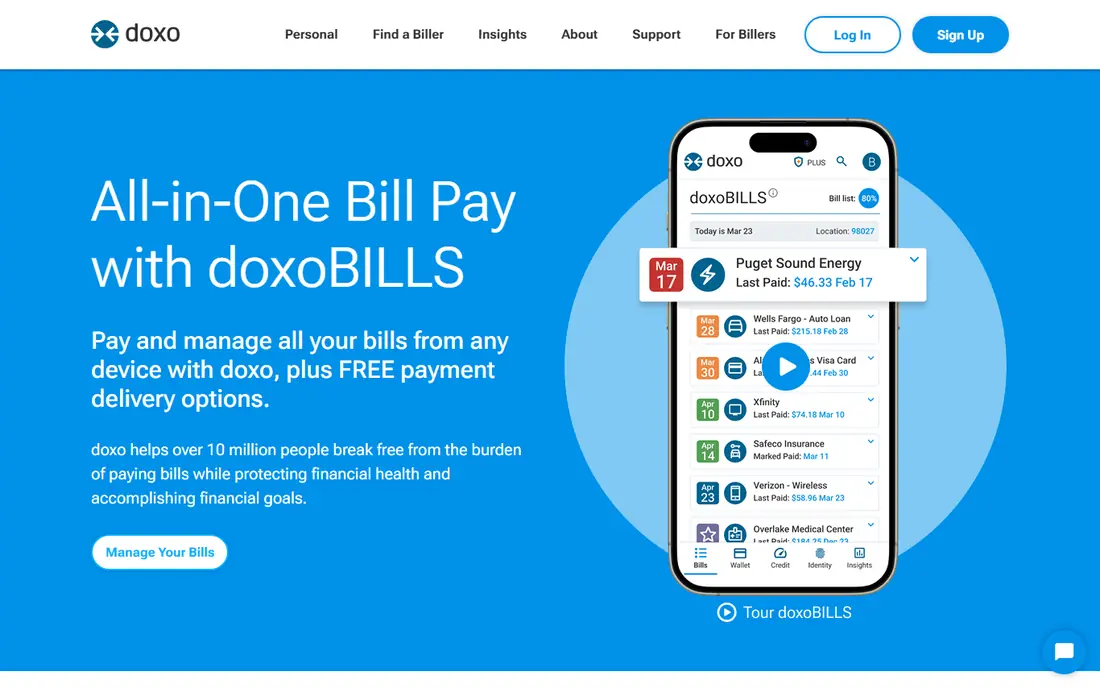
doxo fits paying many billers from one app. doxo brings many billers into one place, which helps households that juggle utilities, phone, and other monthly bills. The starting price is free, and a free plan is available. Check the fee for your payment method, since bank payments and card payments are not always priced the same.
What stood out in our comparison was many billers supported. The honest catch is card payment fees may apply. Support and setup matter here too, so check help pages and onboarding before you commit to a paid plan.
If paying many billers from one app is your main need, doxo deserves a close look, but check delivery times vary before you commit. We also weighed how clearly doxo explains its pricing and privacy terms, since vague terms often hide extra costs. Our pick for most readers in this group is the option that balances price, coverage, and ease of use.
- Many billers supported
- Bill tracking
- Payment reminders
- Card payment fees may apply
- Delivery times vary
Prism
Ideal for: tracking bills and paying from one dashboard
Prism fits tracking bills and paying from one dashboard. Prism is useful for seeing all your bills and due dates in one dashboard before you pay. The starting price is free, and a free plan is available. Biller coverage is not universal, so confirm your main billers are listed before you depend on it.
What stood out in our comparison was bill tracking. The honest catch is smaller company than rivals. Integration with tools you already use can matter as much as the headline feature, so confirm that link early.
If tracking bills and paying from one dashboard is your main need, Prism deserves a close look, but check biller coverage varies before you commit. We also weighed how clearly Prism explains its pricing and privacy terms, since vague terms often hide extra costs. We would shortlist this one beside the category leader and compare them on a real trial.
- Bill tracking
- Payment scheduling
- Balance view
- Smaller company than rivals
- Biller coverage varies
Papaya
Ideal for: paying bills by photographing them

Papaya fits paying bills by photographing them. Papaya lets you pay a paper bill by photographing it, which suits people who still receive bills by post. The starting price is free, and a free plan is available. Fees and processing times vary, so check the total cost and delivery date at checkout.
What stood out in our comparison was photo bill payment. The honest catch is fees may apply. Privacy terms deserve a read as well, especially where personal or payment data is involved.
If paying bills by photographing them is your main need, Papaya deserves a close look, but check coverage varies by biller before you commit. We also weighed how clearly Papaya explains its pricing and privacy terms, since vague terms often hide extra costs. This is a solid second choice when the leading option does not cover your area or budget.
- Photo bill payment
- Simple flow
- Reminders
- Fees may apply
- Coverage varies by biller
PayPal
Ideal for: paying bills and people from one account
PayPal fits paying bills and people from one account. PayPal is a familiar wallet for many users, and its bill pay features cover a growing set of billers. The starting price is free, and a free plan is available. It does not replace a bank bill pay service for every biller, so confirm coverage for your essential bills.
What stood out in our comparison was wide acceptance. The honest catch is fees vary by payment type. Trial periods and free tiers are worth using first, since a short test often reveals more than a feature list.
If paying bills and people from one account is your main need, PayPal deserves a close look, but check bill pay coverage is not universal before you commit. We also weighed how clearly PayPal explains its pricing and privacy terms, since vague terms often hide extra costs. It earns a place here on the strength of its core feature, even though it is not the best all rounder.
- Wide acceptance
- Bill pay options
- Buyer protections on eligible payments
- Fees vary by payment type
- Bill pay coverage is not universal
Venmo
Ideal for: splitting and paying shared bills
Venmo fits splitting and paying shared bills. Venmo is best for shared household bills, where one person pays and others reimburse quickly. The starting price is free, and a free plan is available. It is not a direct utility bill pay service, so use it beside a proper bill pay app for formal billers.
What stood out in our comparison was easy bill splitting. The honest catch is not built for direct utility bill pay. Long term cost matters as much as the starting price, so check what happens when you add users or usage.
If splitting and paying shared bills is your main need, Venmo deserves a close look, but check fees on some payments before you commit. We also weighed how clearly Venmo explains its pricing and privacy terms, since vague terms often hide extra costs. We kept it in the list because it serves a specific need better than more general rivals.
- Easy bill splitting
- Social payment feed
- Linked bank payments
- Not built for direct utility bill pay
- Fees on some payments
Cash App
Ideal for: simple payments and bill splitting
Cash App fits simple payments and bill splitting. Cash App keeps peer payments simple and can help with shared bills and everyday money moves. The starting price is free, and a free plan is available. Its formal bill pay coverage is thinner than dedicated apps, so check whether your billers are supported.
What stood out in our comparison was simple payments. The honest catch is bill pay features are limited. Customer reviews can highlight recurring problems, so look for patterns rather than single complaints.
If simple payments and bill splitting is your main need, Cash App deserves a close look, but check fees on instant transfers before you commit. We also weighed how clearly Cash App explains its pricing and privacy terms, since vague terms often hide extra costs. It is worth a trial if its main strength matches the problem you are trying to solve.
- Simple payments
- Card and direct deposit options
- Bill splitting
- Bill pay features are limited
- Fees on instant transfers
Rocket Money
Ideal for: finding and managing recurring bills
Rocket Money fits finding and managing recurring bills. Rocket Money helps you spot recurring bills and subscriptions you forgot, which is often where money leaks. The starting price is shown on the vendor website, and a free plan is available. Bill negotiation help is not guaranteed to save money, and premium features add a monthly cost.
What stood out in our comparison was subscription tracking. The honest catch is premium features cost extra. Ease of use for everyone on your team counts, since a tool only one person understands will not stick.
If finding and managing recurring bills is your main need, Rocket Money deserves a close look, but check negotiation results vary before you commit. We also weighed how clearly Rocket Money explains its pricing and privacy terms, since vague terms often hide extra costs. We would test it for a week on a real task before moving a whole team or household to it.
- Subscription tracking
- Bill negotiation help
- Spending view
- Premium features cost extra
- Negotiation results vary
Empower
Ideal for: tracking bills beside investments and cash flow
This service fits tracking bills beside investments and cash flow. This service is strong for seeing bills in the context of your whole cash flow, investments, and accounts. The starting price is free, and a free plan is available. It is more of a tracking and planning tool than a direct bill payment service, so pair it with a payment app.
What stood out in our comparison was account aggregation. The honest catch is bill pay itself is limited. Check update frequency and support responsiveness, because neglected apps fall behind quickly.
If tracking bills beside investments and cash flow is your main need, this service deserves a close look, but check interface can feel busy before you commit. We also weighed how clearly this service explains its pricing and privacy terms, since vague terms often hide extra costs. It stands out for value rather than breadth, which suits buyers with a clear single need.
- Account aggregation
- Cash flow view
- Bill reminders
- Bill pay itself is limited
- Interface can feel busy
How we picked these
We started from the topic itself and shortlisted products that genuinely fit it, rather than adding well known names that only partly match. For each candidate we checked its official feature pages and pricing, looked at its app-store listing where one exists, and read its privacy terms and public reviews for recurring problems. Products that were discontinued, region locked for the stated market, or impossible to verify were left out. We then ranked the list by fit for the stated need, breadth of coverage, clarity of pricing, and ease of use for ordinary readers. No product paid for a place on this list, and our pick for most people is the one that balances those factors best, not the one with the longest feature list.
How to choose a bill payment app
Use the points below as a checklist before you sign up, since the right choice depends on your budget, your device, and how often you will actually use the service.
Confirm your exact billers are supported before you switch, since coverage varies by utility, lender, and landlord.
Check payment timing carefully, because some apps need several days for a payment to reach a biller.
Keep autopay limits and alerts switched on, and review scheduled payments each month so nothing surprises you.
Frequently asked questions
What is the best option for best fintech apps for bill payments?
For most readers, doxo is a strong starting point because it covers paying many billers from one app well and its pricing is clear. That said, the best choice depends on your budget, your location, and how often you will use it. Shortlist two or three options from this list and test them before you commit.
Are there free options for best fintech apps for bill payments?
Yes, several options in this list offer a free plan or a free tier, including doxo where a free plan is listed. Free plans usually limit features, storage, or usage, so check those limits against your needs. If you use the service daily, a paid plan often works out better than juggling free limits.
How much do these options cost?
Costs vary widely, and several vendors list pricing only on their own websites, so we mark those as See website in the comparison table. Compare the total monthly cost, including extra users, add ons, and transaction fees, rather than the headline price alone. A free trial is a good way to test value before paying.
How do I choose between the top options?
Start with the problem you need to solve, then check coverage for your area, device support, and pricing. Read the privacy terms if the service handles personal data, and look for recent public reviews that mention support quality. A short trial on a real task usually makes the choice clear.
Can I switch later if I pick the wrong one?
In most cases yes, though switching takes more effort when you have stored data, scheduled items, or a team using the service. Export your data before you cancel, and check whether the new service can import it. Keep your old account active until the new setup is working smoothly.