Best Rated Live Chat Tool For Startup Companies In 2026: 8 Options Compared

- Intercom stands out for startup support and chat, while Zendesk Chat is a strong choice for support-led startups.
- Prices and terms vary a lot, so check the official pricing page and contract details before you commit.
- Drift and LiveChat show how different the same category can be, from large established names to more focused options.
- The right pick depends on your budget, your location, and how much support you want after you sign up.
Quick comparison
| Product | Ideal for | Price from | Free version | |
|---|---|---|---|---|
 Intercom | startup support and chat | See website | Free trial | Visit |
 Zendesk Chat | support-led startups | See website | Free trial | Visit |
 Drift | sales-focused chat | See website | No | Visit |
 LiveChat | simple live chat | See website | Free trial | Visit |
 Crisp | affordable startup chat | See website | Yes | Visit |
 Tidio | small startup chat and bots | See website | Yes | Visit |
 HubSpot Live Chat | startups using HubSpot CRM | See website | Yes | Visit |
 Freshchat | startup chat from Freshworks | See website | Free trial | Visit |
The best rated live chat tool for startup companies
We compared the options below on official feature pages, pricing, app-store listings where relevant, privacy policies and public reviews. Our aim was a shortlist that covers large, well-known names and smaller focused options, so you can match a choice to your budget and needs rather than picking the first name you recognise.
Intercom
Ideal for: startup support and chat
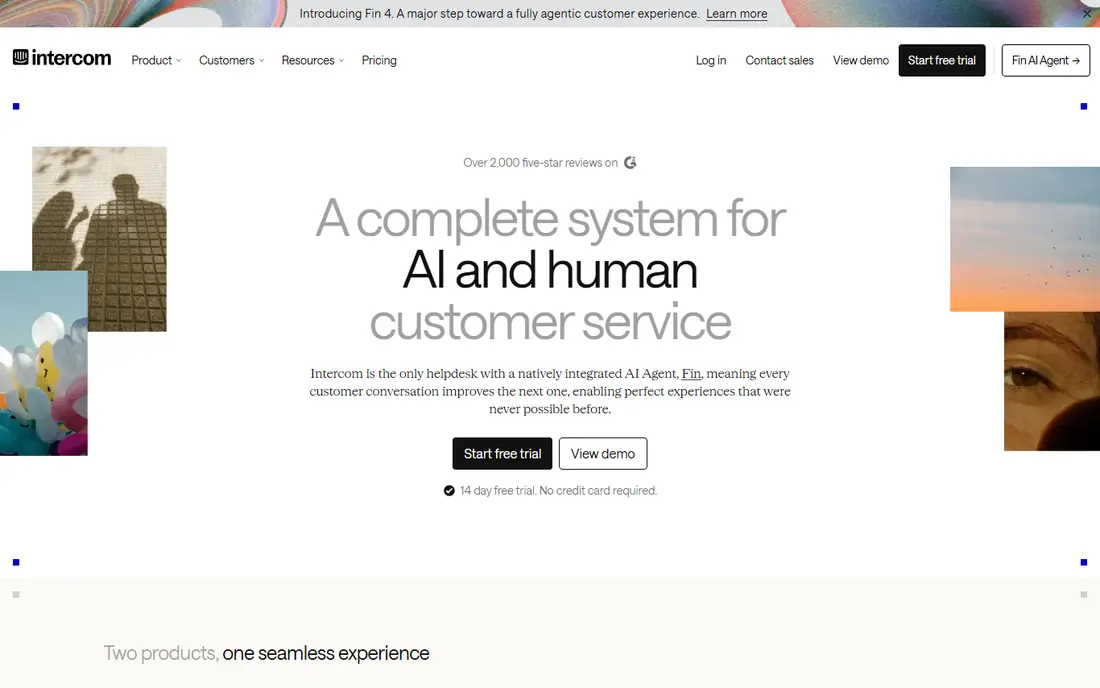
Intercom combines live chat with bots and support tools for startups. It fits readers looking for startup support and chat, and it is worth weighing that fit against the other names on this list before you decide. What stood out in our comparison was chat, bots and help centre in one, and the wider set of strengths includes automation. That combination is the main reason it earns a place here, even though no option on this list is right for every reader. The honest catch is pricing rises with contacts, and a second point to check is setup takes time. Before you commit, read the official pricing and terms pages, confirm what is included at the price you will actually pay, and check availability and support in your location.
- Chat, bots and help centre in one
- Automation
- Integrations
- Pricing rises with contacts
- Setup takes time
Zendesk Chat
Ideal for: support-led startups
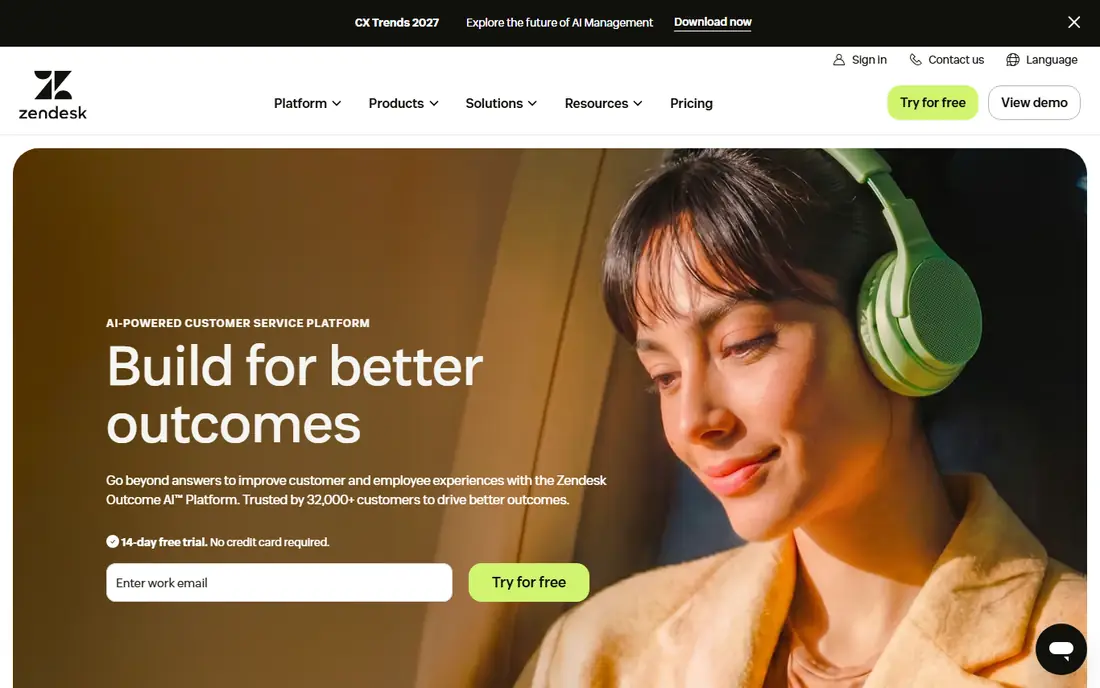
Zendesk Chat gives startups live chat inside a wider support suite. It fits readers looking for support-led startups, and it is worth weighing that fit against the other names on this list before you decide. What stood out in our comparison was live chat plus ticketing, and the wider set of strengths includes reporting. That combination is the main reason it earns a place here, even though no option on this list is right for every reader. The honest catch is full suite pricing grows fast, and a second point to check is setup is involved. Before you commit, read the official pricing and terms pages, confirm what is included at the price you will actually pay, and check availability and support in your location.
- Live chat plus ticketing
- Reporting
- Integrations
- Full suite pricing grows fast
- Setup is involved
Drift
Ideal for: sales-focused chat
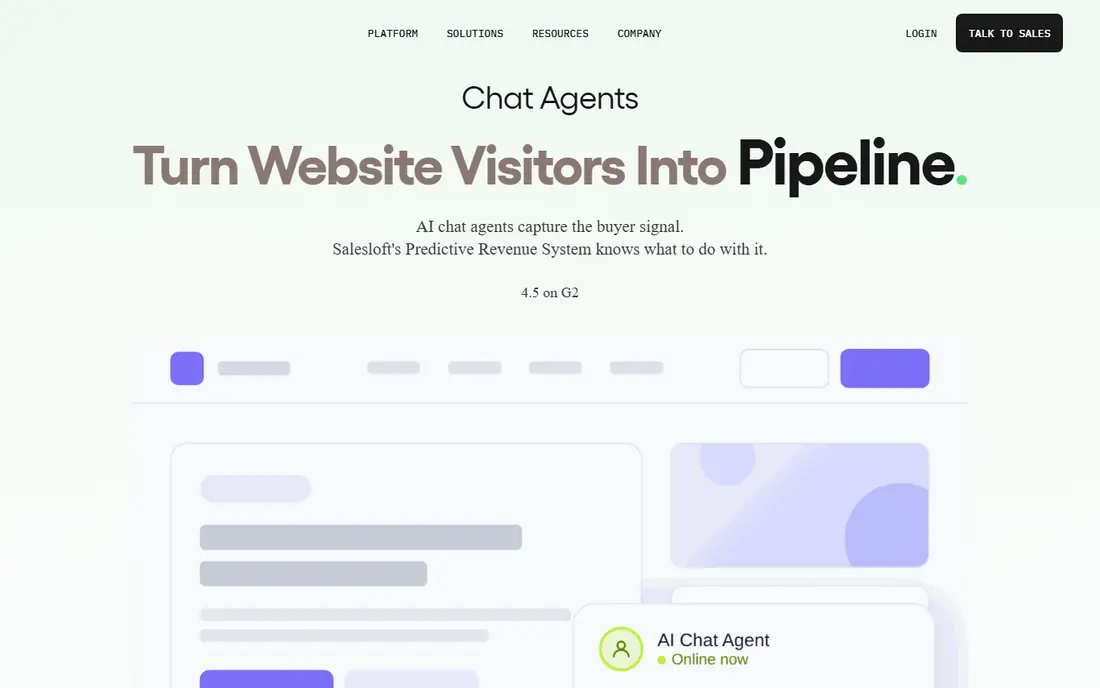
Drift focuses on turning chat visitors into sales conversations. It fits readers looking for sales-focused chat, and it is worth weighing that fit against the other names on this list before you decide. What stood out in our comparison was conversational sales tools, and the wider set of strengths includes playbooks. That combination is the main reason it earns a place here, even though no option on this list is right for every reader. The honest catch is pricing is sales oriented, and a second point to check is smaller teams may find it costly. Before you commit, read the official pricing and terms pages, confirm what is included at the price you will actually pay, and check availability and support in your location.
- Conversational sales tools
- Playbooks
- Meeting booking
- Pricing is sales oriented
- Smaller teams may find it costly
LiveChat
Ideal for: simple live chat
LiveChat offers straightforward live chat for websites. It fits readers looking for simple live chat, and it is worth weighing that fit against the other names on this list before you decide. What stood out in our comparison was simple chat widgets, and the wider set of strengths includes ticketing add-ons. That combination is the main reason it earns a place here, even though no option on this list is right for every reader. The honest catch is advanced automation costs more, and a second point to check is design options are basic. Before you commit, read the official pricing and terms pages, confirm what is included at the price you will actually pay, and check availability and support in your location.
- Simple chat widgets
- Ticketing add-ons
- Reporting
- Advanced automation costs more
- Design options are basic
Crisp
Ideal for: affordable startup chat
Crisp suits startups that want chat, email and help centre in one affordable tool. It fits readers looking for affordable startup chat, and it is worth weighing that fit against the other names on this list before you decide. What stood out in our comparison was affordable plans, and the wider set of strengths includes chat and help centre. That combination is the main reason it earns a place here, even though no option on this list is right for every reader. The honest catch is advanced features are tiered, and a second point to check is smaller support team. Before you commit, read the official pricing and terms pages, confirm what is included at the price you will actually pay, and check availability and support in your location.
- Affordable plans
- Chat and help centre
- Shared inbox
- Advanced features are tiered
- Smaller support team
Tidio
Ideal for: small startup chat and bots
Tidio gives small startups chat plus simple bots. It fits readers looking for small startup chat and bots, and it is worth weighing that fit against the other names on this list before you decide. What stood out in our comparison was chatbots included, and the wider set of strengths includes easy setup. That combination is the main reason it earns a place here, even though no option on this list is right for every reader. The honest catch is free plan limits chats, and a second point to check is advanced automation is paid. Before you commit, read the official pricing and terms pages, confirm what is included at the price you will actually pay, and check availability and support in your location.
- Chatbots included
- Easy setup
- Shopify and WordPress links
- Free plan limits chats
- Advanced automation is paid
HubSpot Live Chat
Ideal for: startups using HubSpot CRM
HubSpot Live Chat is free inside HubSpot CRM for startups. It fits readers looking for startups using HubSpot CRM, and it is worth weighing that fit against the other names on this list before you decide. What stood out in our comparison was free chat tool, and the wider set of strengths includes CRM integration. That combination is the main reason it earns a place here, even though no option on this list is right for every reader. The honest catch is advanced features need paid HubSpot tiers, and a second point to check is chat alone is basic. Before you commit, read the official pricing and terms pages, confirm what is included at the price you will actually pay, and check availability and support in your location.
- Free chat tool
- CRM integration
- Shared inbox
- Advanced features need paid HubSpot tiers
- Chat alone is basic
Freshchat
Ideal for: startup chat from Freshworks
Freshchat offers live chat and bots for growing startups. It fits readers looking for startup chat from Freshworks, and it is worth weighing that fit against the other names on this list before you decide. What stood out in our comparison was chat and bots, and the wider set of strengths includes Freshworks integration. That combination is the main reason it earns a place here, even though no option on this list is right for every reader. The honest catch is pricing tiers gate features, and a second point to check is support quality varies. Before you commit, read the official pricing and terms pages, confirm what is included at the price you will actually pay, and check availability and support in your location.
- Chat and bots
- Freshworks integration
- Mobile apps
- Pricing tiers gate features
- Support quality varies
How we picked these
We started from the topic itself and looked for options that exist and work in October 2026 and truly fit it. We compared official feature pages, pricing pages, app-store listings where relevant, privacy policies and public reviews, and we left out names that did not fit the topic even if they are well known elsewhere. We also favoured a mix of large names and smaller options, and we noted honest weaknesses alongside strengths. Where we could not verify a price from the vendor, we wrote See website rather than guessing, and we did not claim hands-on testing that did not happen.
How to choose the right option for you
Start with the job you need done, not with the brand name. For best rated live chat tool for startup companies, write down the two or three features you will use every week, the budget you can sustain for a year, and the support you expect when something goes wrong. That short list will rule out several options at once and make the rest of the comparison much simpler. Next, check the total cost, not just the headline price. Look for setup fees, per-person charges, add-ons, renewal terms and any limits that could force an upgrade. A low starting price can still be costly if the plan you actually need sits two tiers higher, and a higher price can be good value if it includes support and features you would otherwise buy separately. Then check fit in practice. Read the terms, the privacy policy and recent public reviews, and confirm availability in your location. If you can, try a free plan or trial, ask support a real question, and check how easy it is to leave if the service does not suit you. A short trial often reveals more than a long feature list. Finally, compare two or three finalists side by side on the same criteria, and pick the one that fits your daily work rather than the one with the longest list of extras. The best choice is usually the simplest option that covers your core needs well and leaves room to grow.
Frequently asked questions
What should I look for in best rated live chat tool for startup companies?
Start with fit for your budget, location and support needs, then compare official pricing and terms. Look for clear terms, honest limits and recent public reviews, and shortlist two or three options before you decide.
Are the cheapest options for best rated live chat tool for startup companies always good value?
Not always. A low price can be good value if it covers your core needs, but check for add-ons, limits and renewal terms. Compare the total yearly cost for the plan you will actually use.
How do I compare best rated live chat tool for startup companies fairly?
Use the same checklist for every option, including price, features, support, terms and availability. Read the vendor pricing page rather than relying on review summaries alone, and note where a price could not be verified.
Can I switch later if I pick the wrong option for best rated live chat tool for startup companies?
In most cases yes, but switching costs vary. Check contract length, exit terms and how easy it is to move your data or account before you sign up, especially for longer commitments.
Do I need the largest name for best rated live chat tool for startup companies?
No. Large names often bring scale and support, but smaller focused options can fit a specific need better and cost less. Pick the option that matches your daily needs, not just the best-known brand.