Best Recipe Apps in 2026: 8 Apps Compared

- Paprika is the best recipe manager for saving and organising recipes from the web, with a one-time purchase per platform.
- Yummly and Tasty suit discovery and step-by-step cooking, while Mealime suits meal planning with automatic grocery lists.
- BigOven and Allrecipes suit cooks who want a large community recipe library with reviews and variations.
- Check whether the app works offline in the kitchen, and whether grocery lists sync with your shopping routine.
Quick comparison
| Product | Ideal for | Price from | Free version | |
|---|---|---|---|---|
 Paprika Recipe Manager | Best recipe manager and organiser | See website | No | Visit |
 Yummly | Personalised recipe discovery | See website | Yes | Visit |
 Tasty | Step-by-step videos for beginners | Free | Yes | Visit |
 Mealime | Meal planning with automatic grocery lists | See website | Yes | Visit |
 BigOven | Large community recipe library | See website | Yes | Visit |
 Allrecipes | Community recipes with reviews | Free | Yes | Visit |
 SideChef | Guided cooking with smart features | See website | Yes | Visit |
 Cookpad | Home cook recipes from around the world | See website | Yes | Visit |
The best recipe apps
We compared official feature pages, pricing pages, app store listings, privacy policies and public reviews to build this list, focusing on products that fit the topic closely and are still available in October 2026.
Paprika Recipe Manager
Ideal for: Best recipe manager and organiser
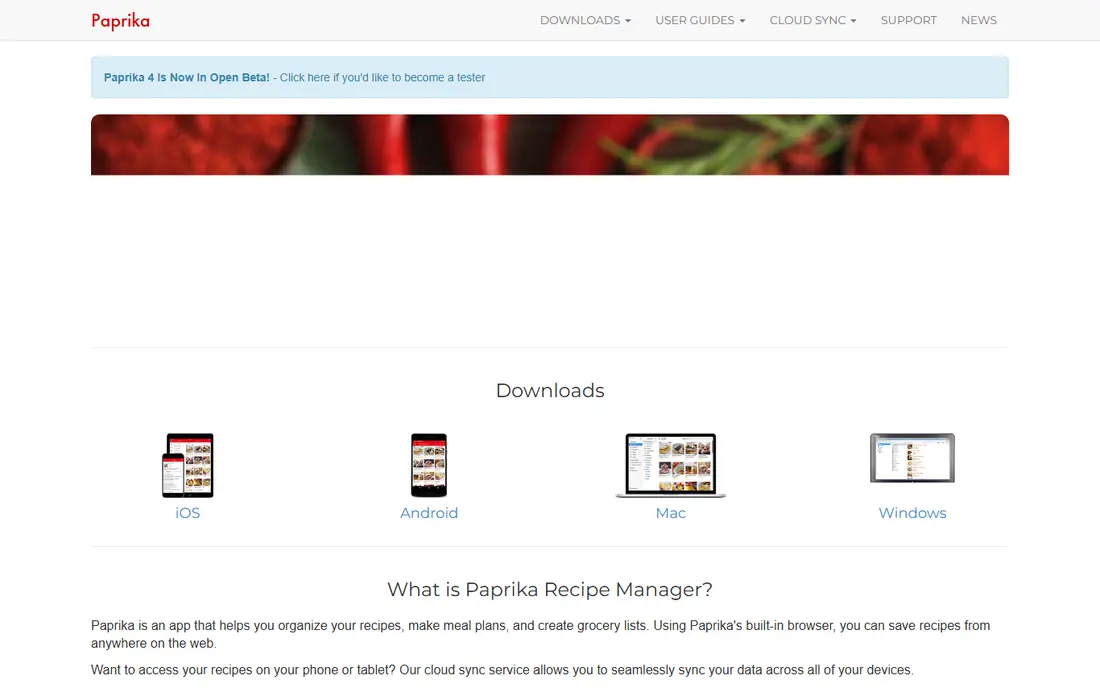
Paprika is the best recipe manager for cooks who already find recipes online. It saves a recipe from a website with one tap, strips ads and clutter, and stores it in your own collection with a meal planner, grocery lists, and pantry tracking. Cloud sync keeps recipes across phone, tablet, and computer.
Paprika is a purchase per platform, so buying for phone and computer costs more than a single subscription, and it does not offer a large discovery library like Yummly. Paprika suits organised cooks who want their own collection, meal plans, and grocery lists in one app, rather than endless browsing.
- Saves recipes from the web with one tap
- Meal planner and grocery lists
- Cloud sync
- One-time purchase per platform
- No built-in recipe discovery library
Yummly
Ideal for: Personalised recipe discovery
Yummly suits cooks who want recommendations tailored to diet, allergies, and taste. Tell it what you like and avoid, and it suggests recipes, with step-by-step cooking mode, timers, and shopping lists to keep the kitchen organised. The app learns from your saves and ratings over time.
Full features need a paid plan, and some recipes link out to external sites rather than staying in the app. Ads appear in the free tier. Yummly suits discovery-focused cooks who want personalised suggestions and are willing to pay for the full experience if they use it weekly.
- Personalised recommendations based on diet and taste
- Step-by-step cooking mode
- Shopping lists
- Full features need a paid plan
- Some recipes link to external sites
- Ads in free tier
Tasty
Ideal for: Step-by-step videos for beginners

Tasty is best for beginners who learn by watching. Short videos show each step clearly, with filters for diet, time, and cuisine, and a step-by-step mode that keeps your place while cooking. The app is free, which makes it an easy first recipe app for new cooks.
Recipe depth is thinner than Paprika or Yummly, with fewer detailed notes on technique and variations. Meal planning features are also basic. Tasty suits new cooks and visual learners who want quick, clear recipes. Experienced cooks who want a manager should pair it with Paprika.
- Short video recipes with step-by-step mode
- Easy filters for diet and time
- Free to use
- Recipe depth is thinner than a manager like Paprika
- No meal planner depth
Mealime
Ideal for: Meal planning with automatic grocery lists
Mealime solves the weekly question of what to cook. Tell it your diet, household size, and dislikes, and it builds a meal plan with recipes and an automatic grocery list. Recipes are quick, often under 30 minutes, which suits busy weeknights and reduces food waste from unplanned shopping.
Full customisation, such as more recipes per week and nutritional details, needs a Pro subscription. Recipe variety is also narrower than a discovery app. Mealime suits busy households that want a plan and a list without deciding each night, especially for weeknight dinners.
- Meal plans based on diet and household size
- Automatic grocery lists
- Quick recipes
- Full customisation needs Pro
- Recipe variety is narrower than Yummly
BigOven
Ideal for: Large community recipe library
BigOven offers a huge community recipe library, with reviews and variations that help you judge a recipe before cooking. The Use Up Leftovers feature suggests recipes based on ingredients you already have, which reduces waste. Meal planner and grocery lists cover the basics for weekly cooking.
The free tier has ads, and the interface feels dated compared with Yummly or Mealime. Full features need a Pro subscription. BigOven suits cooks who value a large, reviewed library and a leftovers tool, and who do not mind an older interface in exchange for depth.
- Huge recipe library with reviews
- Use Up Leftovers feature
- Meal planner and lists
- Ads in free tier
- Interface feels dated
- Full features need Pro
Allrecipes
Ideal for: Community recipes with reviews
Allrecipes is the largest community recipe site in app form, with detailed reviews that often include substitutions and tips from other cooks. That review depth is its main strength, since you can learn what worked, what failed, and how to adjust a recipe before you start. The app is free.
Recipe quality varies, since anyone can submit, so read reviews carefully. Meal planning and grocery features are thinner than Paprika or Mealime, and ads appear in the app. Allrecipes suits cooks who want community-tested recipes and honest reviews, especially for classic dishes.
- Very large community library
- Detailed reviews and ratings
- Free to use
- No advanced meal planner like Paprika
- Ads
- Recipe quality varies
SideChef
Ideal for: Guided cooking with smart features
SideChef guides you through cooking step by step, with photos, timers, and voice guidance in some modes, which helps beginners avoid mistakes. Meal plans, grocery lists, and smart appliance integration, where supported, make it a complete kitchen companion for tech-comfortable cooks.
Full features need a Premium subscription, and the recipe library is smaller than Allrecipes or BigOven. Some smart features also vary by region and appliance. SideChef suits beginners and tech-friendly cooks who want guided steps and a meal plan in one app.
- Step-by-step guided cooking with photos and timers
- Meal plans
- Smart appliance integration
- Full features need Premium
- Library is smaller than Allrecipes
- Some features vary by region
Cookpad
Ideal for: Home cook recipes from around the world
Cookpad focuses on everyday home cooking from real home cooks around the world, rather than professional chefs. That gives it a warm, practical feel, with recipes for weeknight meals, lunchboxes, and family dishes that are tested in home kitchens. Publishing your own recipes is easy.
Quality varies, as with any community library, so check reviews and photos before cooking. Meal planning features are basic, and premium features need a paid plan. Cookpad suits home cooks who want everyday, practical recipes and enjoy sharing their own dishes with a community.
- Recipes from home cooks worldwide
- Easy publishing
- Good for everyday home cooking
- Recipe quality varies
- Meal planning is basic
- Premium features need a paid plan
How we picked these
We compared official feature pages, pricing pages, app store listings, privacy policies and public reviews for each option in this guide. We checked that each product is still offered in October 2026, that its homepage loads, and that its price or free tier could be confirmed or marked as See website when it could not. We did not claim hands-on testing. We favoured products that fit the topic closely, explain their limits clearly, and give readers a practical way to try them before paying. Where prices change often, we say so and point readers to the vendor page for the current figure.
How to choose a recipe app
Decide whether you need discovery, planning, or organising. Discovery cooks should try Yummly, Tasty, or Allrecipes. Planners should try Mealime or Paprika meal planner. Organisers who save recipes from the web should buy Paprika. Check offline access, since a kitchen often has poor signal, and test the grocery list with a real shop before committing.
Before you pay,try the free tier or trial first and check the exact limits that matter to you, such as device support, export options, or cancellation terms. Read the privacy policy for any app that handles personal, financial, or health data, and check whether your data can be exported or deleted. The cheapest option is not always the best value if it lacks a feature you will use every week, and the most expensive option is rarely worth it if you only need the basics.
Frequently asked questions
What is the best recipe app overall?
Paprika is best for organising recipes, Yummly is best for personalised discovery, and Mealime is best for meal planning with grocery lists. Tasty is best for beginners who learn by video.
Are recipe apps free?
Tasty and Allrecipes are free, while Yummly, Mealime, BigOven, and SideChef offer free tiers with paid upgrades. Paprika is a one-time purchase per platform, which can be cheaper long term than a subscription.
Can recipe apps help with meal planning?
Yes, Mealime and Paprika both offer meal planners with grocery lists, while Yummly and BigOven offer basic planning. A good planner reduces food waste and decision fatigue, especially for busy households.
What is the best app for saving recipes from websites?
Paprika is the best recipe saver, with one-tap saving that strips ads and clutter. It stores recipes in your own collection, with a meal planner and grocery lists, and syncs across devices.
Do recipe apps work offline?
Some apps, including Paprika, offer offline access to saved recipes, which helps in kitchens with poor signal. Check offline support before choosing an app if your kitchen has weak Wi-Fi or mobile coverage.