Best Recording Software in 2026: 8 Tools Compared

- 1
 Audacityfree multitrack recording on any computerVisit
- 2
 GarageBandMac owners recording their first tracksVisit
- 3
 Descriptediting audio and video by editing textVisit
- 4
 Riversideremote interviews with studio-quality audio and videoVisit
- 5
 Adobe Auditionprofessional audio cleanup and post-productionVisit
- Audacity is free and open source, and it covers most solo recording and editing needs at no cost.
- GarageBand is free on Mac and iOS, and it is the easiest first studio for beginners.
- Descript is the fastest route from recording to finished episode for people who think in words.
- Riverside and Zencastr record remote guests locally, so poor internet does not ruin the audio.
Quick comparison
| Product | Ideal for | Price from | Free version | |
|---|---|---|---|---|
| Audacity | free multitrack recording on any computer | Free | Yes | Visit |
| GarageBand | Mac owners recording their first tracks | Free | Yes | Visit |
| Descript | editing audio and video by editing text | $16 per month | Yes | Visit |
| Riverside | remote interviews with studio-quality audio and video | $24 per month | Yes | Visit |
| Adobe Audition | professional audio cleanup and post-production | $22.99 per month | Free trial | Visit |
 Reaper | a full professional DAW at a low one-time price | $60 one-time | Free trial | Visit |
 OBS Studio | free screen recording and live streaming | Free | Yes | Visit |
 Hindenburg | journalists and podcasters making spoken-word stories | $12 per month | Free trial | Visit |
The best recording software
Recording software covers solo voice recording, music production, remote interviews, and screen capture, and no single tool leads on every job. We compared the leading options on price, platform, editing style, and who each one suits.
Audacity
Ideal for: free multitrack recording on any computer
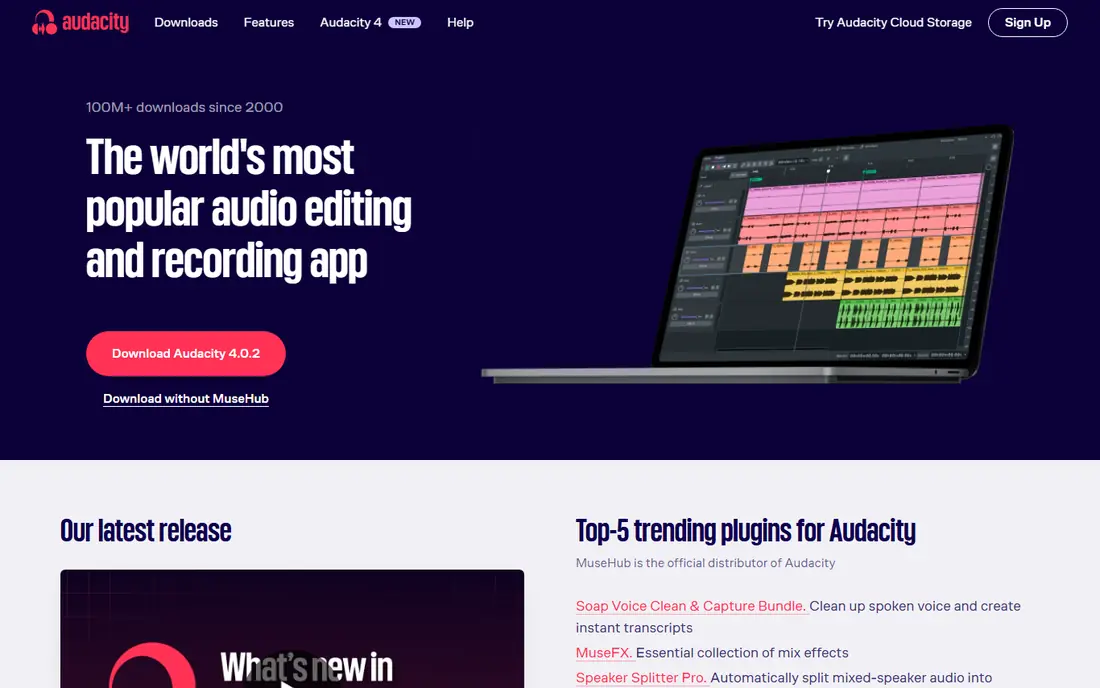
Audacity works best for free multitrack recording on any computer. Audacity remains the free standard for solo recording, with multitrack editing, effects, and broad format support at no cost. Pricing starts at Free, and a free plan is available. This is the option to look at first if that description matches your situation.
It cannot record remote guests on its own, and the interface looks dated next to modern editors, though the features are solid. That trade-off matters most if you were hoping for a single tool that covers every situation without compromise. Compared with the other options here, Audacity stands out for free multitrack recording on any computer, while asking you to accept that No remote guest recording. Weigh that honestly against your budget and your patience for setup before you commit.
- Free and open source
- Multitrack editing
- Runs on Windows, Mac, Linux
- No remote guest recording
- Interface looks dated
GarageBand
Ideal for: Mac owners recording their first tracks
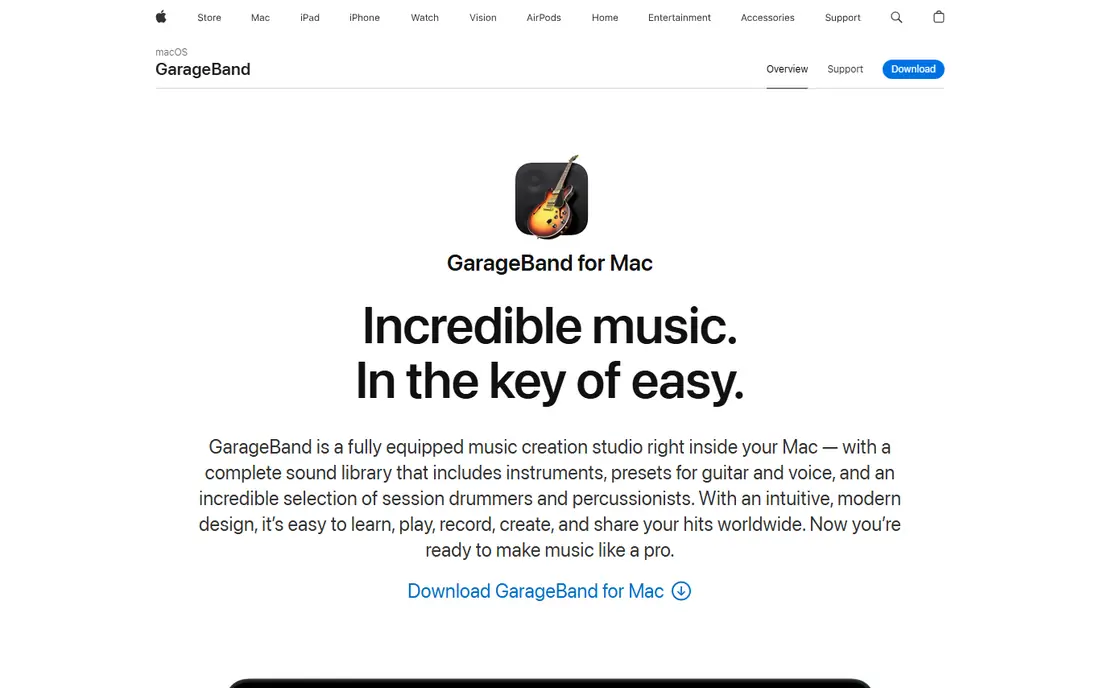
GarageBand works best for Mac owners recording their first tracks. GarageBand gives Mac owners a free studio with virtual instruments, loops, and simple mixing that beginners can learn quickly. Pricing starts at Free, and a free plan is available. Put this one near the top of your shortlist when the fit sounds right.
It runs only on Apple devices, and advanced mixing features are limited compared with Logic Pro or Reaper. That trade-off matters most if you were hoping for a single tool that covers every situation without compromise. Compared with the other options here, GarageBand stands out for Mac owners recording their first tracks, while asking you to accept that Mac and iOS only. Weigh that honestly against your budget and your patience for setup before you commit.
- Free on Mac and iOS
- Virtual instruments
- Easy to learn
- Mac and iOS only
- Limited advanced mixing
Descript
Ideal for: editing audio and video by editing text
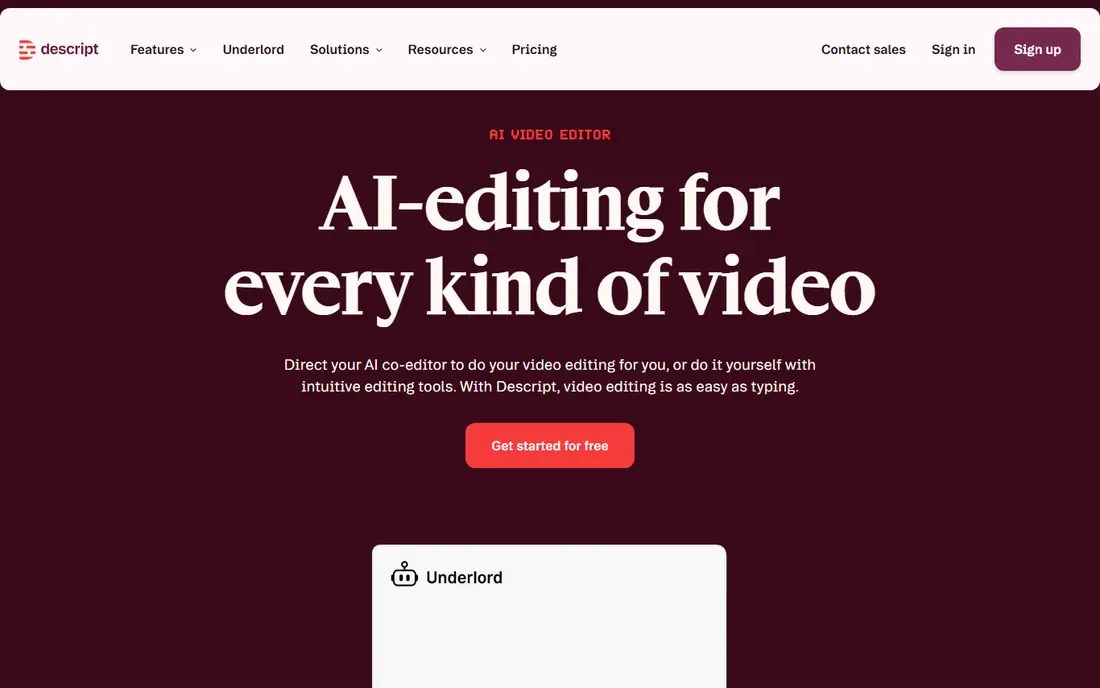
Descript works best for editing audio and video by editing text. Descript lets you edit audio by editing its transcript, deleting a sentence deletes the audio, which makes podcast editing fast for non-editors. Pricing starts at $16 per month, and a free plan is available. This choice makes the most sense for readers who match the description above.
It is less suited to music production and detailed sound design, and heavy users may need a higher tier. That trade-off matters most if you were hoping for a single tool that covers every situation without compromise. Compared with the other options here, Descript stands out for editing audio and video by editing text, while asking you to accept that Less suited to music production. Weigh that honestly against your budget and your patience for setup before you commit.
- Transcript-based editing
- Filler-word removal
- Studio Sound cleanup
- Less suited to music production
- Costs rise with usage
Riverside
Ideal for: remote interviews with studio-quality audio and video
Riverside works best for remote interviews with studio-quality audio and video. Riverside records each guest locally in high quality, so bad internet never ruins an interview, and it adds video and editing tools. Pricing starts at $24 per month, and a free plan is available. Consider this option closely if you want the balance it offers.
The price is higher than audio-only tools, so solo shows and audio-only podcasts may prefer a cheaper option. That trade-off matters most if you were hoping for a single tool that covers every situation without compromise. Compared with the other options here, Riverside stands out for remote interviews with studio-quality audio and video, while asking you to accept that Higher price for video features. Weigh that honestly against your budget and your patience for setup before you commit.
- Local recording per guest
- 4K video
- Built-in editor
- Higher price for video features
- Audio-only shows may not need it
Adobe Audition
Ideal for: professional audio cleanup and post-production
Adobe Audition works best for professional audio cleanup and post-production. Audition is the professional choice for cleanup and mixing, with spectral editing and sound presets that speed up broadcast work. Pricing starts at $22.99 per month, and a free trial is available. This is a strong candidate when your priorities line up with its strengths.
It is subscription only, and beginners face a steep learning curve, so casual recorders should start with a free tool. That trade-off matters most if you were hoping for a single tool that covers every situation without compromise. Compared with the other options here, Adobe Audition stands out for professional audio cleanup and post-production, while asking you to accept that Subscription only. Weigh that honestly against your budget and your patience for setup before you commit.
- Essential Sound presets
- Spectral editing
- Multitrack mixing
- Subscription only
- Steep learning curve for beginners
Reaper
Ideal for: a full professional DAW at a low one-time price
Reaper works best for a full professional DAW at a low one-time price. Reaper offers a full professional digital audio workstation for a $60 discounted license, with deep customization and broad format support. Pricing starts at $60 one-time, and a free trial is available. Keep this one in mind if the trade-offs below are acceptable to you.
The interface is plain and setup takes time, but the value is hard to beat for serious recording and mixing. That trade-off matters most if you were hoping for a single tool that covers every situation without compromise. Compared with the other options here, Reaper stands out for a full professional DAW at a low one-time price, while asking you to accept that Interface is plain. Weigh that honestly against your budget and your patience for setup before you commit.
- Full DAW features
- Runs on Windows, Mac, Linux
- 60-day trial
- Interface is plain
- Setup takes time
OBS Studio
Ideal for: free screen recording and live streaming
OBS Studio works best for free screen recording and live streaming. OBS Studio is the free standard for screen recording and live streaming, with scene mixing and broad platform support. Pricing starts at Free, and a free plan is available. This option earns its place for the specific audience named above.
It is not an audio editor, so recordings usually need a second tool for cleanup and cutting. That trade-off matters most if you were hoping for a single tool that covers every situation without compromise. Compared with the other options here, OBS Studio stands out for free screen recording and live streaming, while asking you to accept that Not an audio editor. Weigh that honestly against your budget and your patience for setup before you commit.
- Free and open source
- Screen and live capture
- Scene mixing
- Not an audio editor
- Setup takes care
Hindenburg
Ideal for: journalists and podcasters making spoken-word stories
Hindenburg works best for journalists and podcasters making spoken-word stories. Hindenburg is built for spoken-word production, with voice profiling and auto-leveling that keep narration consistent. Pricing starts at $12 per month, and a free trial is available. Round out your shortlist with this option if its approach appeals to you.
Video support is limited, and the plugin range is smaller than larger DAWs, so video-first creators should look elsewhere. That trade-off matters most if you were hoping for a single tool that covers every situation without compromise. Compared with the other options here, Hindenburg stands out for journalists and podcasters making spoken-word stories, while asking you to accept that Video support is limited. Weigh that honestly against your budget and your patience for setup before you commit.
- Voice profiling
- Auto-leveling
- Transcript editing
- Video support is limited
- Smaller plugin range
How we picked these
We compared official feature pages, pricing pages, app store listings, privacy policies, and public reviews for each option, and we kept only products that exist and work today and that truly fit the topic. We gave weight to clear pricing, a usable free or trial option where one is offered, and honest limits stated on the vendor site. We did not claim hands-on testing we did not do, and where a price could not be verified on the vendor site we wrote See website instead of guessing. Our pick for most people is usually the option that covers the core job well at a fair price, not the one with the longest feature list. That said, the right answer depends on your situation, so use the comparison table to narrow the list to two or three options, then check the current pricing page before you pay.
How to choose recording software
Start with the job. Solo voice recording needs a simple editor, music needs a DAW, remote interviews need local guest recording, and screen work needs OBS.
Next, check your platform. GarageBand and Logic Pro are Apple only, while Audacity, Reaper, and OBS run on Windows, Mac, and Linux.
Finally, remember the room matters as much as the software. A decent microphone in a quiet, soft-furnished room improves recordings more than any upgrade, so spend on that before a paid editor.
Frequently asked questions
What is the best recording software?
Audacity is the best free option, GarageBand is best for Mac beginners, Descript is best for transcript editing, and Reaper is the best-value full DAW. The right pick depends on your job.
What is the best free recording software?
Audacity is the best free recording and editing tool on any computer, and GarageBand is free on Mac and iOS. OBS Studio is free for screen recording and streaming.
What is the best app to record audio?
For voice notes and solo recording, Audacity on desktop and GarageBand on Mac are strong free picks. For remote interviews, Riverside or Zencastr record guests locally.
Is Descript good for podcast recording?
Yes, Descript is excellent for podcasters who edit by text, with filler-word removal and Studio Sound cleanup. It is less suited to music production.
Do I need a paid DAW for music?
Not always. GarageBand covers beginners free, and Reaper at $60 one-time covers serious work. Paid DAWs like Logic Pro add instruments and polish for committed producers.