Best Recruiting Automation Tool in 2026: 8 Tools Compared

- Greenhouse and Lever lead for full hiring platforms, with structured hiring, automation, and reporting that scale with growing teams.
- Workable and JazzHR suit small and mid-sized companies that want strong automation without enterprise complexity.
- Gem and Paradox focus on sourcing and candidate communication, with AI outreach and chatbots that speed up early hiring stages.
- Jobvite and SmartRecruiters suit larger organizations that need enterprise hiring workflows and broad integrations.
- Automation should speed up hiring, not dehumanize it. Keep humans in final decisions, and check AI screening tools for bias before rolling them out widely.
Quick comparison
| Product | Ideal for | Price from | Free version | |
|---|---|---|---|---|
 Greenhouse | Structured hiring at scale | See website | Free trial | Visit |
 Lever | Full hiring platform with CRM | See website | Free trial | Visit |
 Workable | Small and mid-sized hiring | See website | Free trial | Visit |
 Jobvite | Enterprise recruiting workflows | See website | Free trial | Visit |
 Gem | Sourcing and outreach automation | See website | Free trial | Visit |
 Paradox | AI chatbots and scheduling | See website | Free trial | Visit |
 SmartRecruiters | Enterprise hiring platform | See website | Free trial | Visit |
 JazzHR | Affordable hiring for small teams | See website | Free trial | Visit |
The best recruiting automation tools
We compared official feature pages, pricing pages, customer stories, and public reviews for the tools below. Our pick for most hiring teams is Greenhouse, because it combines structured hiring, strong automation, and clear reporting in a platform that grows from startup to enterprise.
Greenhouse
Ideal for: Structured hiring at scale
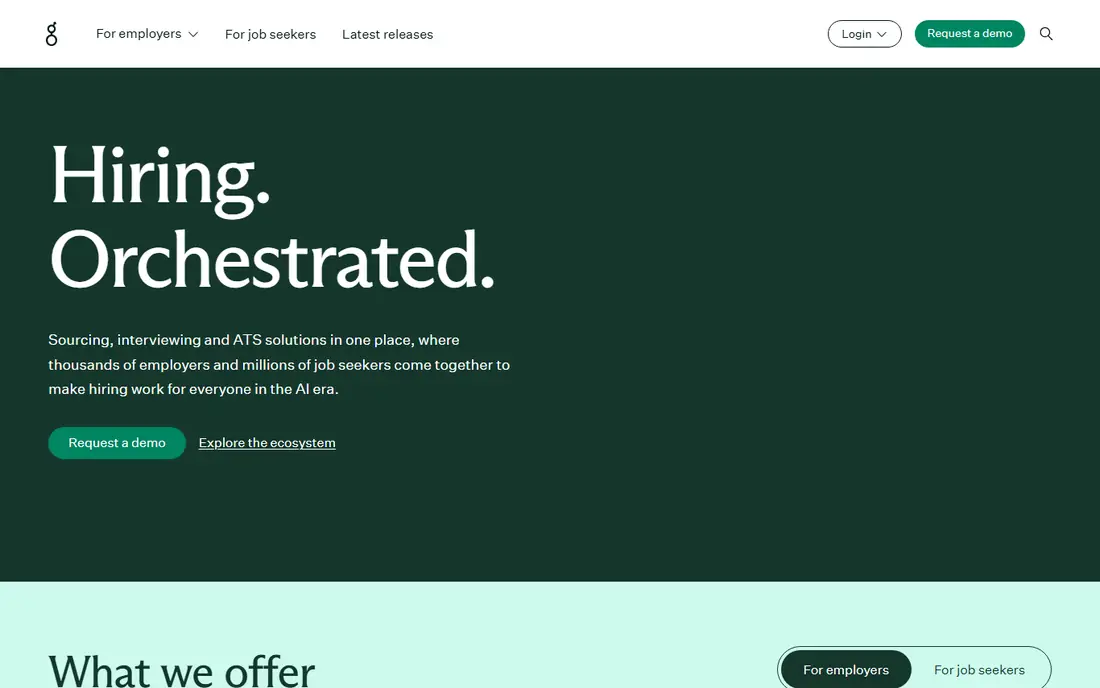
Greenhouse is built around structured hiring: defined interview plans, scorecards, and consistent evaluation that reduce bias and improve hiring quality. Automation handles scheduling, reminders, emails, and approvals, while reporting shows time to hire, source quality, and pipeline health.
Setup rewards teams that design their hiring process first, and pricing is handled by quote. For companies that hire regularly and want consistency plus automation, Greenhouse is our pick.
- Structured hiring with scorecards and interview plans
- Automation for scheduling, emails, and approvals
- Strong reporting and integrations
- Pricing is quote-based
- Setup needs hiring process design
- Smaller teams may find it heavy
Lever
Ideal for: Full hiring platform with CRM
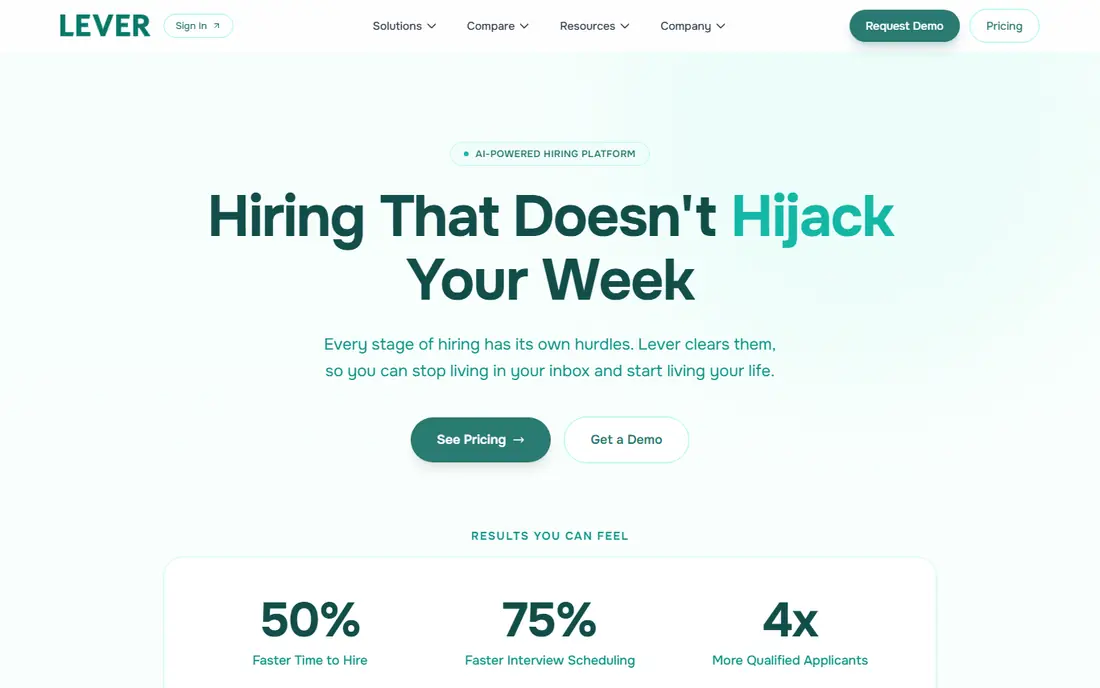
Lever combines an applicant tracking system with a candidate relationship manager, so teams can nurture past candidates and source proactively, not just react to applications. Automation covers email campaigns, scheduling, and pipeline moves, and analytics show where candidates come from and where they stall.
The breadth can feel busy for small teams, and pricing is quote-based. For hiring teams that source continuously and want one system for applicants and talent pools, Lever is a strong choice.
- Applicant tracking plus candidate CRM
- Automation for nurture campaigns and scheduling
- Strong analytics and integrations
- Pricing is quote-based
- Interface packs in a lot
- Best value for teams with ongoing sourcing needs
Workable
Ideal for: Small and mid-sized hiring
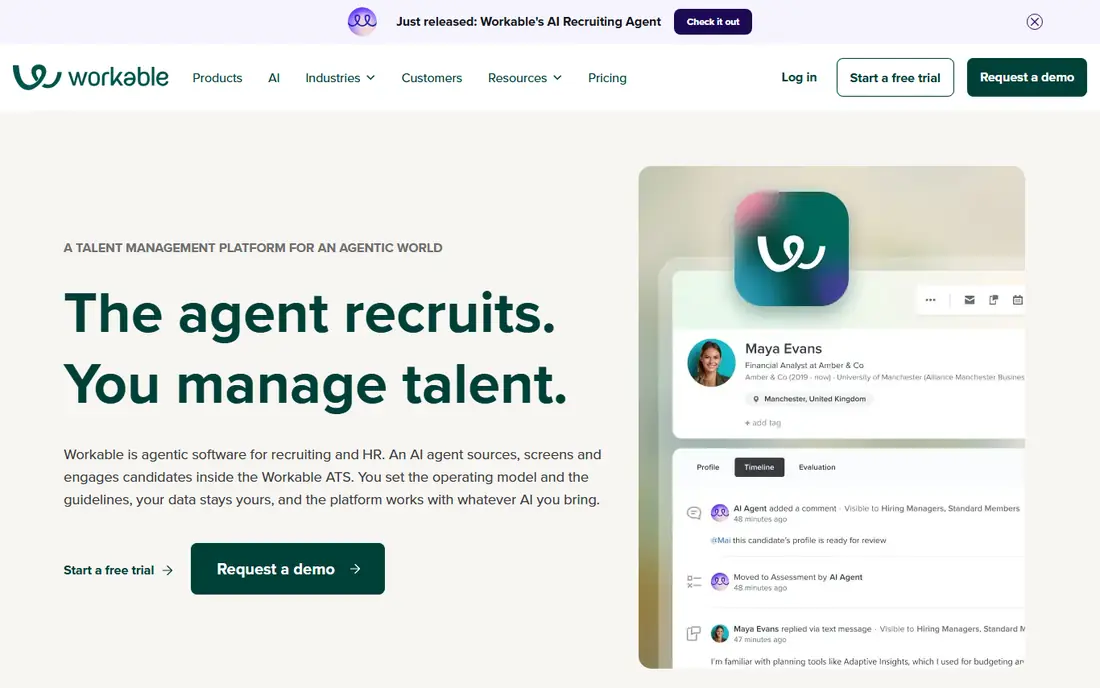
Workable helps small and mid-sized companies post jobs to many boards at once, screen applicants with AI help, and automate emails, scheduling, and interview feedback. The interface is friendly, and pricing is more accessible than enterprise platforms.
Larger organizations may miss deeper enterprise controls and reporting. For growing companies that want solid automation without enterprise overhead, Workable is an excellent fit.
- Easy job posting to many boards
- AI screening and automation
- Affordable plans for smaller teams
- Enterprise features are lighter than Greenhouse
- Advanced reporting needs higher tiers
- Some automation needs setup
Jobvite
Ideal for: Enterprise recruiting workflows
Jobvite is an enterprise recruiting platform covering applicant tracking, automation, referrals, and onboarding. It handles high-volume hiring with workflow automation, and its referral tools help companies tap employee networks for candidates.
The interface feels older than newer rivals, and implementation takes planning. For large organizations that need proven enterprise hiring workflows, Jobvite remains a reliable choice.
- Enterprise applicant tracking with automation
- Employee referrals and onboarding tools
- Broad integrations
- Interface feels dated in places
- Pricing is quote-based
- Implementation takes time
Gem
Ideal for: Sourcing and outreach automation
Gem automates sourcing, helping recruiters find candidates, run multi-step outreach sequences, and track response rates, all while keeping talent pools organized. Analytics show which sources and messages work, so teams can improve outreach over time.
It is a sourcing tool, not a full applicant tracking system, so most teams pair it with Greenhouse, Lever, or another tracker. For teams that hire through proactive sourcing, Gem is the best automation add-on here.
- Sourcing automation with multi-step outreach sequences
- Talent pool analytics
- Integrates with major applicant tracking systems
- Sourcing-focused, not a full applicant tracker
- Pricing is quote-based
- Best value for teams that source actively
Paradox
Ideal for: AI chatbots and scheduling
Paradox offers an AI assistant that chats with candidates, answers questions, screens for basic qualifications, and schedules interviews automatically. That speed matters for high-volume hiring in retail, hospitality, healthcare, and logistics, where slow responses lose candidates.
Chatbot flows need careful design to feel human and fair, and senior or niche roles still need recruiter judgment. For high-volume hiring where speed wins, Paradox is a standout tool.
- AI assistant screens candidates and schedules interviews by chat
- Fast candidate experience
- Works for high-volume hiring
- Chatbot experience needs careful setup
- Pricing is quote-based
- Less suited to senior or niche roles
SmartRecruiters
Ideal for: Enterprise hiring platform
SmartRecruiters is an enterprise talent acquisition platform with a marketplace of integrated hiring tools, automation for screening and scheduling, and support for global hiring. It suits large organizations that need one system across many regions and business units.
Setup is heavier than smaller tools, and pricing is quote-based. For enterprises that want a broad, integrated hiring platform, SmartRecruiters is a strong contender.
- Enterprise hiring with marketplace integrations
- Automation for screening and scheduling
- Global hiring support
- Pricing is quote-based
- Setup is heavier than Workable
- Interface can feel complex
JazzHR
Ideal for: Affordable hiring for small teams
JazzHR gives small teams an affordable applicant tracking system with job posting, candidate screening, email automation, and interview scheduling. Setup is quick, the interface is simple, and pricing fits small business budgets.
Enterprise features, reporting depth, and integrations are lighter than larger platforms. For small companies making their first move from spreadsheets and email to a real hiring tool, JazzHR is the best value pick.
- Affordable plans for small businesses
- Job posting, screening, and automation
- Easy setup and use
- Enterprise features are limited
- Reporting is simpler than Greenhouse
- Integrations are fewer
How we picked these
We compared official feature pages, pricing pages, customer stories, and public reviews for each tool, and we favored products still operating in October 2026 that automate real recruiting work such as sourcing, screening, scheduling, or pipeline management. We left out job boards with no automation and HR suites with only basic applicant tracking. Note that homepage checks for this article were limited by a browser rate-limit error during our work, so readers should confirm current pricing and features on each vendor site.
Automating hiring without losing good candidates
Automate the repetitive parts first: posting, acknowledgments, scheduling, reminders, and status updates. Those tasks eat recruiter time and frustrate candidates when they are slow, and automation handles them reliably. Keep humans in charge of evaluation, interviews, and final decisions, where judgment matters most.
Audit automated screening regularly. Check whether AI screening or knockout questions reject qualified candidates unevenly, and review outcomes by group to catch bias. Also keep candidate communication human where it counts: a personal note after an interview means more than any automated message, and it protects your employer brand.
Candidate experience is the test that matters most for recruiting automation. Automated messages, scheduling, and screening should make hiring faster for candidates, not colder. A chatbot that answers real questions and a scheduler that respects time zones both help, while generic rejection emails sent weeks late hurt your employer brand. Review every automated message as if you were the candidate, and keep a human step before final decisions, since people notice when a process feels fully robotic.
Bias checks deserve real attention too. Screening tools trained on past hiring data can repeat past patterns, so audit outcomes by group, watch for filters that screen out qualified candidates, and keep humans in charge of shortlisting. Integration quality is the other deciding factor: a tool that syncs cleanly with your HR system and calendar saves hours, while one that needs manual data entry creates the work it promised to remove. Pilot with one role, track time to hire and candidate satisfaction, and expand only when both improve. Onboarding is where recruiting automation hands off to retention, and a smooth handoff matters. New hires who receive clear first-week plans, working accounts, and a named buddy settle faster than those left to figure things out alone, so connect your recruiting tool to onboarding checklists where possible. Automated messages can confirm start dates, share paperwork links, and remind managers of first-day tasks, but a personal welcome from the hiring manager still matters more than any automated email. Track early turnover and new-hire satisfaction alongside hiring speed, since fast hiring that leads to fast exits has not solved anything.
Data quality in recruiting tools also needs attention. Duplicate candidate records, outdated job postings, and stale pipeline stages make reports unreliable and waste recruiter time, so clean data regularly and close requisitions promptly when roles are filled. Standardize job titles and stages across teams, so reports compare like with like, and review automation rules quarterly, since a rule written for one hiring surge may misfire in a quieter market. A recruiting tool is only as good as the data inside it, and regular housekeeping keeps it trustworthy.
Frequently asked questions
What is the best recruiting automation tool?
Greenhouse is our pick for most hiring teams, with structured hiring, automation, and reporting that scale. Workable suits smaller teams, while Gem and Paradox add sourcing and chatbot automation to any tracker.
What does recruiting automation actually automate?
It automates job posting, candidate outreach, screening questions, interview scheduling, reminders, emails, and pipeline updates. Recruiters still run interviews and make final hiring decisions.
Is AI screening fair to candidates?
AI screening can speed hiring but can also carry bias from training data or criteria, so audit outcomes regularly and keep humans in final decisions. Check vendor fairness documentation before wide rollout.
Do small companies need recruiting automation?
Small companies benefit from basic automation like posting, scheduling, and email templates, even with low hiring volume. Tools like JazzHR and Workable offer affordable starting points.
Can recruiting automation replace recruiters?
No. Automation handles repetitive tasks and early stages, but recruiters still source strategically, assess fit, sell candidates on roles, and manage offers. The best results come from automation plus human judgment.