Best Reminder App in 2026: 8 Apps Compared

- 1
 TodoistBest overallVisit
- 2
 TickTickHeavy reminder usersVisit
- 3
 Any.doCalendar plus remindersVisit
- 4
 Google TasksGoogle usersVisit
- 5
 Microsoft To DoMicrosoft usersVisit
- Todoist is the best reminder app for most people, with reliable recurring reminders and a strong free tier, though reminders are a Pro feature.
- TickTick suits heavy reminder users, with a calendar view and a premium plan at $49.99 per year.
- Google Tasks and Apple Reminders are the best free options, each tied to its own ecosystem.
- Any.do offers the best balance of calendar, reminders and collaboration for small teams.
- Pick the app that lives where you already work: a reminder you never see is a reminder that fails, no matter how good its features are.
Quick comparison
| Product | Ideal for | Price from | Free version | |
|---|---|---|---|---|
| Todoist | Best overall | Free | Yes | Visit |
| TickTick | Heavy reminder users | Free | Yes | Visit |
| Any.do | Calendar plus reminders | Free | Yes | Visit |
| Google Tasks | Google users | Free | Yes | Visit |
| Microsoft To Do | Microsoft users | Free | Yes | Visit |
 Apple Reminders | Apple users | Free | Yes | Visit |
 Google Keep | Quick notes with reminders | Free | Yes | Visit |
 Things 3 | Apple-only focus | See website | No | Visit |
The best reminder app
These eight apps cover task-based reminders, calendar reminders and note-based reminders. We compared official pricing pages, feature pages and public reviews, focusing on reminder reliability, recurring support and ecosystem fit, since a reminder app fails if its alerts do not reach you.
Todoist
Ideal for: Best overall
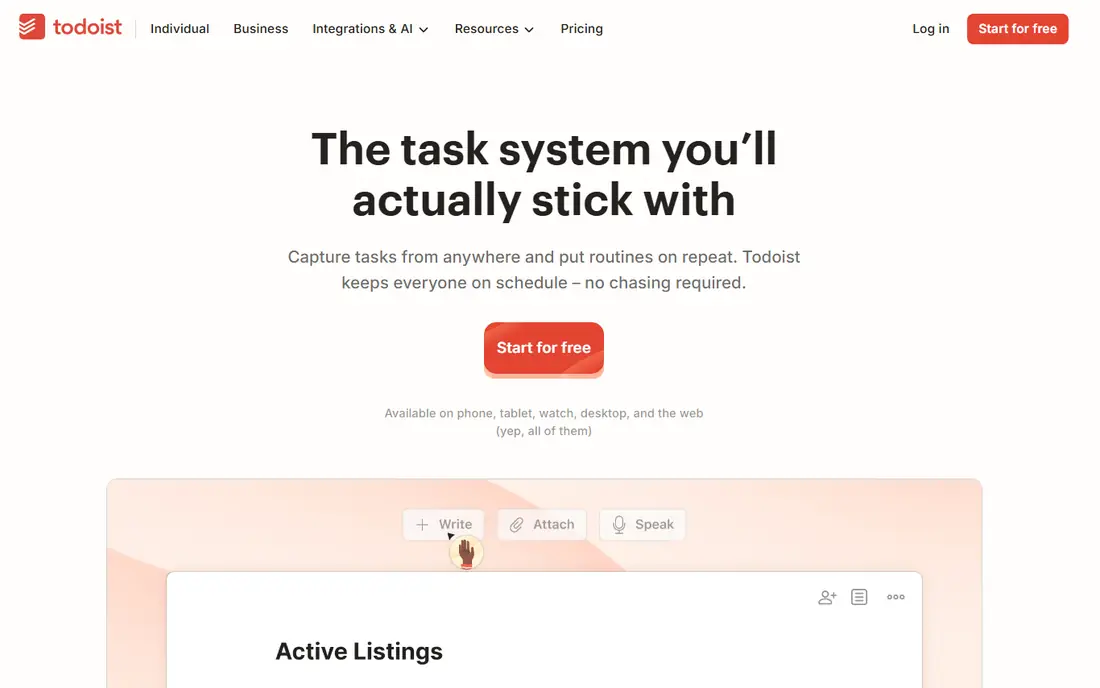
Todoist is the best reminder app for most people because it combines reliable recurring reminders with clean cross-platform apps and natural language dates such as "every Tuesday at 9am". Tasks sync across phone, desktop and web, and the free tier covers five projects with basic task management. Pro costs $60 per year, or $7 per month, and adds reminders, filters and unlimited projects.
The catch is that reminders themselves require Pro, so a free-tier user gets tasks without alerts. For a user who relies on reminders daily, the Pro price is worth it. For a casual user, a free ecosystem app may suffice.
- Reliable recurring reminders
- Strong cross-platform apps
- Natural language dates
- Reminders are a Pro feature at $60 per year
- Free tier covers basic tasks only
TickTick
Ideal for: Heavy reminder users
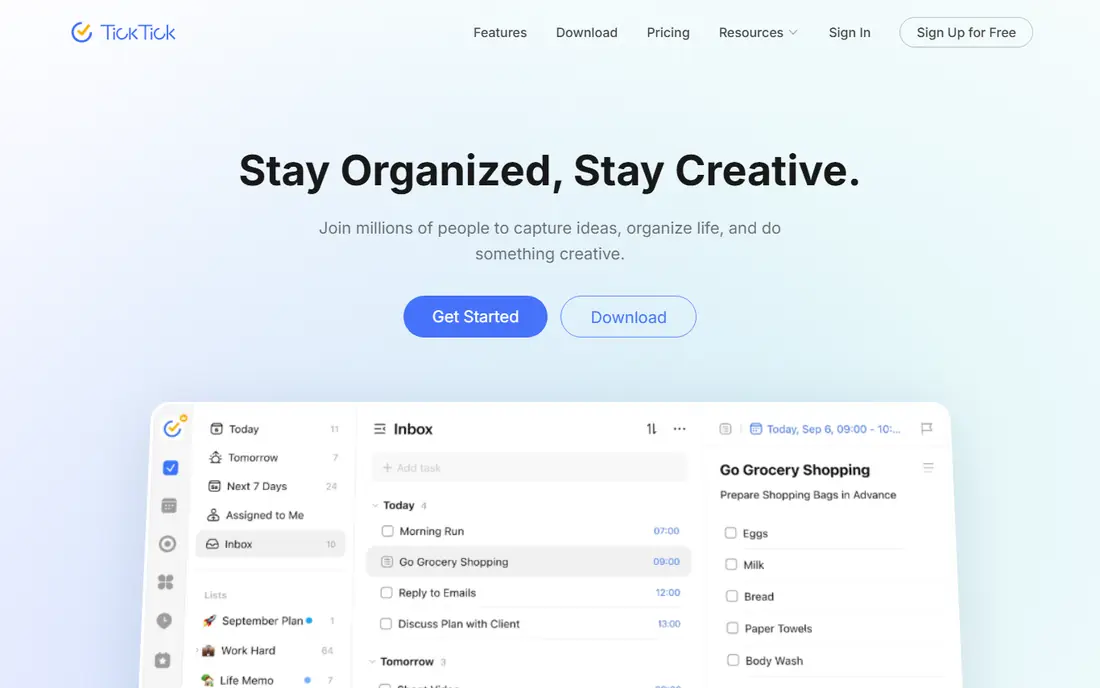
TickTick suits users who set many reminders and want a calendar view of them. Its free tier covers tasks, lists and a calendar, while Premium at $49.99 per year adds unlimited reminders, habit tracking and custom filters. The calendar view shows reminders alongside events, which helps users who plan their day visually.
Free-tier reminders are capped at two per task, so heavy users will need Premium. For a user juggling many deadlines, TickTick's calendar plus reminder combination is the strongest in this list.
- Calendar view plus reminders
- Habit tracker included
- Premium at $49.99 per year
- Free tier caps at two reminders per task
- Interface can feel busy
Any.do
Ideal for: Calendar plus reminders
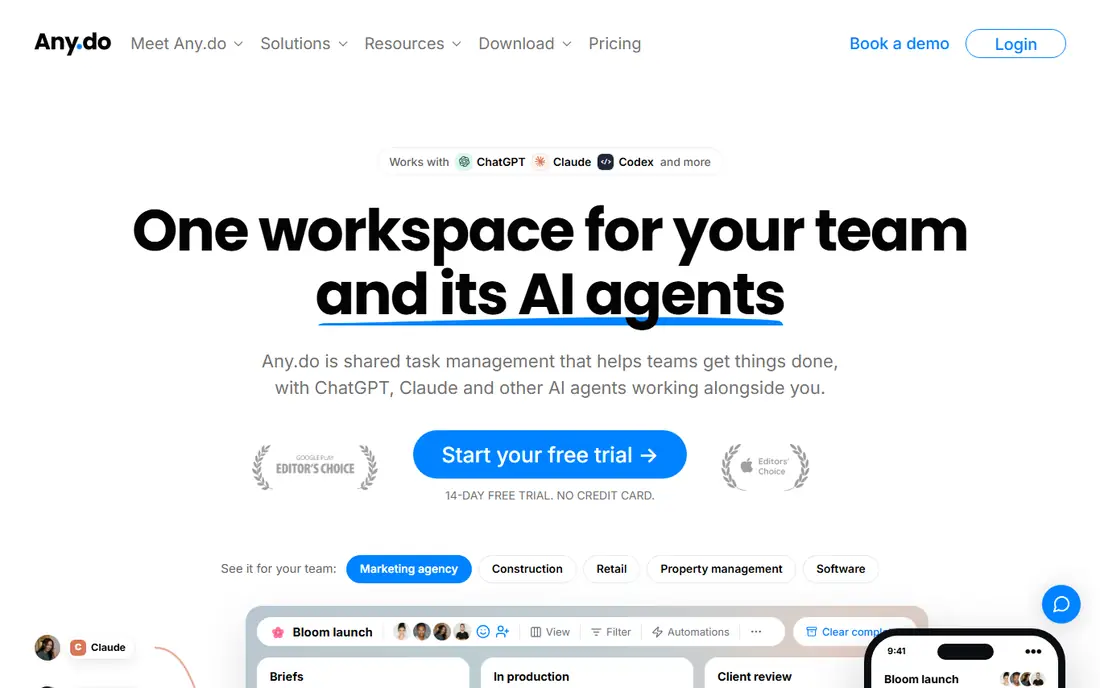
Any.do combines calendar, tasks and reminders in one app, which suits users who want a single view of their day. Location reminders trigger when you arrive or leave a place, and team features cover shared lists and assignments. A free tier covers basic tasks and reminders, with Premium around $7.99 per month, or $4.99 on annual billing.
Some advanced features sit on the higher tier, and the interface prioritizes simplicity over power. For a user who wants calendar and reminders together without a steep learning curve, Any.do is a balanced pick.
- Calendar, tasks and reminders in one app
- Location reminders
- Team collaboration
- Premium around $7.99 per month, or $4.99 on annual billing
- Some features need the higher tier
Google Tasks
Ideal for: Google users
Google Tasks is the best free reminder app for Google users, since it integrates with Gmail and Google Calendar and costs nothing. Tasks created from an email appear in Calendar, reminders sync across devices, and the interface stays deliberately simple. That simplicity is its strength for users who want a reminder without a project manager.
There are no location reminders, and subtasks and collaboration are limited. For a Google user who needs basic, reliable reminders, Google Tasks is enough. For complex projects, Todoist or TickTick fits better.
- Completely free
- Integrates with Gmail and Calendar
- Simple and reliable
- No location reminders
- Limited subtasks and collaboration
Microsoft To Do
Ideal for: Microsoft users
Microsoft To Do is the best free reminder app for Microsoft users, integrating with Outlook, Teams and Microsoft 365. Its My Day view helps users plan each morning, tasks sync across devices, and flagged emails can become tasks. It costs nothing for anyone with a Microsoft account.
Location reminders are absent, and automation is thinner than Todoist's. For a Microsoft shop or an Outlook user, Microsoft To Do is the natural, free choice. For a power user, a paid app offers more.
- Completely free
- Integrates with Outlook and Microsoft 365
- My Day view
- No location reminders
- Fewer automation options than Todoist
Apple Reminders
Ideal for: Apple users
Apple Reminders is the best free reminder app for Apple users, built into iPhone, iPad and Mac with Siri integration, location and time reminders, and shared lists for families. It costs nothing beyond the device, and reminders sync through iCloud across Apple hardware.
There is no Android or Windows app, so mixed-device households will struggle. For an all-Apple user, Apple Reminders covers most needs without a subscription. For a cross-platform user, Todoist or Google Tasks fits better.
- Completely free on Apple devices
- Siri integration
- Location and time reminders
- Shared lists
- Apple-only
- No Android or Windows app
Google Keep
Ideal for: Quick notes with reminders
Google Keep suits users who capture quick notes and want a reminder attached. Notes are fast to create, color-coded and searchable, with time reminders that sync to Google Tasks in current flows. It costs nothing and works across web and mobile.
Location reminders were dropped, and Keep is not a task manager, so complex projects need another app. For a user who thinks in notes first and tasks second, Keep's speed is appealing. For a reminder-heavy workflow, Todoist or TickTick is stronger.
- Completely free
- Fast note capture
- Time reminders
- Color-coded notes
- Reminders moved to Google Tasks in some flows
- Location reminders were dropped
- Not a task manager
Things 3
Ideal for: Apple-only focus
Things 3 is the premium Apple-only pick for users who want a beautiful, focused task manager with reminders. Its design stays out of the way, projects and areas organize work cleanly, and a one-time purchase per device replaces a subscription, which appeals to users who dislike monthly fees.
There is no free tier, no Android or Windows version, and each device needs its own purchase. For an Apple user who values design and focus over cross-platform reach, Things 3 is worth the price. For a mixed-device user, it is not a fit.
- Beautiful, focused design
- One-time purchase
- Strong Apple integration
- Apple-only
- One-time purchase per device
- No free tier
How we picked these
We compared official pricing pages, feature pages and public reviews for reminder apps available in October 2026. We favored apps with reliable alerts, a real user base and current pricing, and we weighed reminder flexibility, recurring support, ecosystem fit and price, since a reminder app that does not reach you on time has failed at its core job.
What to check before you choose a reminder app
Start with your devices, not the feature list. If you live on Apple hardware, Apple Reminders is free and reliable. If you live in Google or Microsoft apps, Google Tasks or Microsoft To Do integrates cleanly. If you switch devices often, Todoist, TickTick or Any.do syncs everywhere. A reminder app that only works on one platform will fail you on the other.
Then test the reminder types you actually use. Time reminders suit most tasks, location reminders suit errands, and recurring reminders suit habits and bills. Check that your chosen app supports the types you need on your devices, since location reminders were dropped from some Google flows and are absent from others.
Finally, check alert reliability before committing. Enable notifications, set a test reminder for five minutes ahead, and confirm it arrives on your phone, watch and desktop. A reminder that arrives late or silently is worse than no reminder, because it creates false confidence.
If you are still unsure, trial the top two options from this list with a real project before committing to a paid plan, since hands-on use reveals fit faster than any feature list. Check how each option handles your everyday tasks, how quickly support answers a question, and how easy it is to export your data if you later switch. A short trial with real work gives you evidence that no comparison table can, and it protects you from paying for features you will never use.
Frequently asked questions
What is the best reminder app?
Todoist is the best overall reminder app for most people, with reliable recurring reminders and cross-platform apps, though reminders require Pro at $60 per year. TickTick suits heavy users, while Google Tasks and Apple Reminders are the best free ecosystem options.
Is there a free reminder app?
Yes, Google Tasks, Microsoft To Do, Apple Reminders and Google Keep are completely free, and Todoist, TickTick and Any.do offer free tiers. Paid plans add unlimited reminders, location triggers and advanced filters.
Can reminder apps do location reminders?
Yes, Apple Reminders and Any.do support location reminders that trigger on arrival or departure. Google Keep dropped location reminders, and Google Tasks and Microsoft To Do do not offer them.
What is the difference between Todoist and TickTick?
Todoist offers cleaner cross-platform task management with reminders on Pro, while TickTick adds a calendar view and habit tracking, with Premium at $49.99 per year. TickTick suits visual planners, Todoist suits users who prefer a simpler task list.
Do reminder apps work on watch and desktop?
Most apps in this list sync across phone, desktop and web, with watch support on Apple Watch and Wear OS for major apps. Check your chosen app's watch support before buying, since it varies by platform.