Our first pick is GoTo Resolve, best for IT teams needing endpoint management. Listed starting prices: Splashtop from $6 per month. For a different need, Splashtop covers quick and secure remote work access and Zoho Assist covers secure remote support for IT teams. The remaining 2 options are covered below with prices and limits.
Choosing remote desktop software like AnyDesk usually comes down to price, fit and limits. This Ainotely guide sets 5 tools side by side on those three points, with the facts kept short and checkable.
Key takeaways
GoTo Resolve sits first on this list: IT teams needing endpoint management.
Check the limits for Splashtop before you commit: less emphasis on full IT management.
Starting prices begin at $6 per month with Splashtop.
Neither GoTo Resolve nor TeamViewer, nor any of the other 3 tools, has a permanent free plan; trials and quotes are the norm.
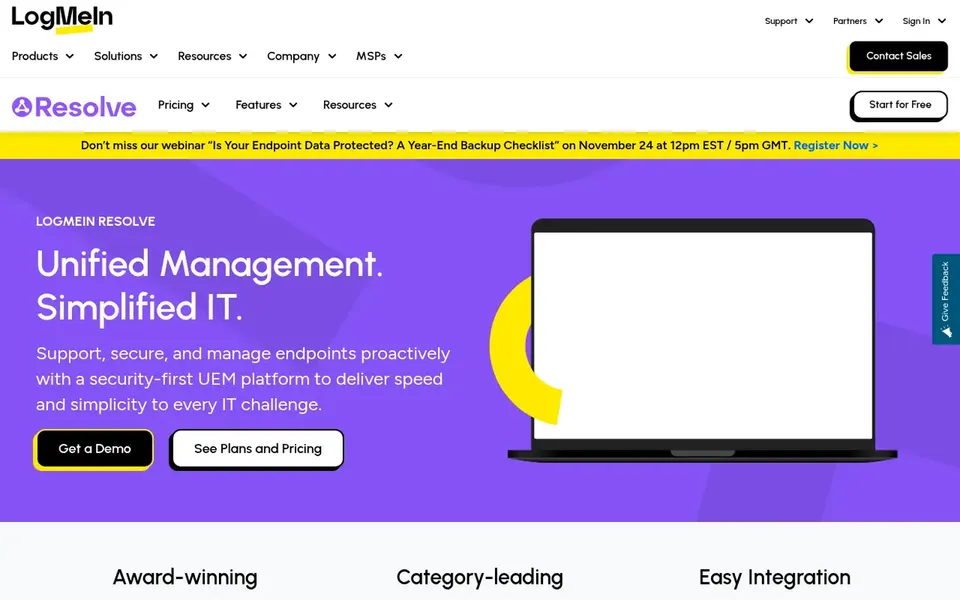
GoTo Resolve targets IT teams needing endpoint management. It merges remote support with unified endpoint management so IT teams can stay on top of their device landscape. More specifically, pick it when remote support and endpoint management should live in one place.
For a single user who only needs to link to one computer, GoTo Resolve may contain more management capability than necessary. Its value grows with team size and device count. GoTo Resolve shows no starting price here, so confirm the cost on the vendor site. Free access: Free trial.
What to check first: May be more than straightforward remote access needs.
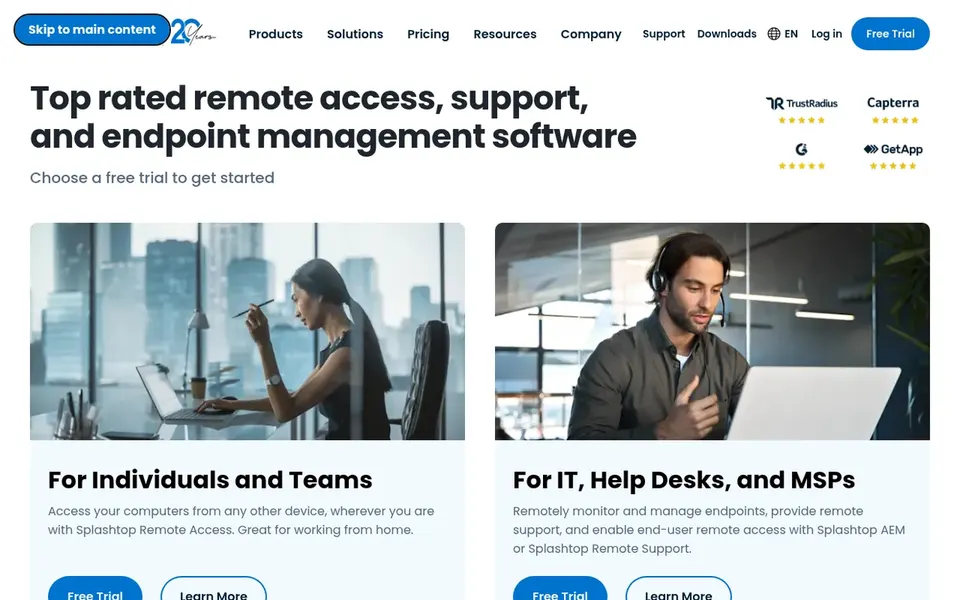
Splashtop is a good fit for quick and secure remote work access. Splashtop gives you secure remote access and remote support software. Its documented focus is on quick and secure connections for remote work, remote support and remote learning.
Choose Splashtop when speed and secure access are the main priorities. In practice, Splashtop is not positioned as a full endpoint management suite, so teams needing broader IT oversight may need another tool. Its offerings are split across product lines, so confirm which edition matches your use case. Price to start with Splashtop: $6 per month. Trial and free access: Free trial.
The main drawbacks: Feature set varies by product line.
Pick Zoho Assist if this describes you: secure remote support for IT teams. It lets technicians access, control and troubleshoot devices from anywhere, which makes it a practical alternative for support-oriented AnyDesk users.
Points against: May need other Zoho tools for full workflows.
This comparison lists no price for Zoho Assist; ask the vendor. Free options: Not stated.
Pick N-able Take Control if this describes you: MSPs delivering remote support. Organizations outside the service-provider model may prefer a general remote access tool.
Check the vendor site for N-able Take Control pricing; none is listed in this comparison. Free access: Not stated.
Where it falls short: Pitched at service providers instead of general users.
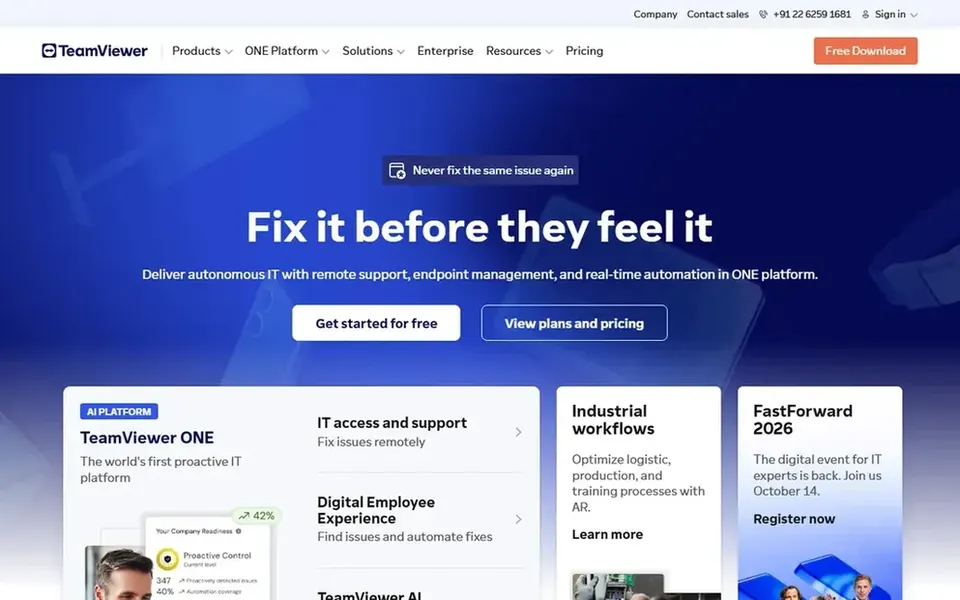
TeamViewer was built for all-around remote access and support. TeamViewer is a digital workplace product centered on remote desktop access. It lets you link to remote computers, supply remote support and collaborate online, which makes it a natural comparison point for anyone looking for an AnyDesk-style tool.
Worth adding: since it covers so plenty of functions, new users may need time to learn the interface. For everyday use, consider TeamViewer when you want an established product that blends remote access with support and collaboration. Check the vendor site for TeamViewer pricing; none is listed in this comparison. Free access: Free trial.
What to check first: Personal use terms differ from business use.
Get a written quote from GoTo Resolve, Zoho Assist, N-able Take Control and TeamViewer; the list shows no starting price for them.
Use real work to test the free trial from GoTo Resolve, Splashtop and TeamViewer, rather than a demo project.
Before choosing GoTo Resolve, weigh its main limit: may be more than straightforward remote access needs.
Map your must-have features to a specific N-able Take Control plan before you compare prices.
Test how quickly TeamViewer answers a pre-sales question; it hints at how support will feel later.
How we picked
The comparison looks at four things: starting price, free access, how well the feature set matches remote desktop software like AnyDesk, and the main limit of each tool. Where a price is missing, the vendor does not list one publicly or ties it to a quote. Always confirm before budgeting. Position on the page reflects fit for a typical buyer first, with price clarity and free access breaking ties. Treat it as a guide, not a ruling.
Every price and plan detail on this page comes from the vendors’ own websites. We did not run hands-on tests unless the text says so, and we do not publish star ratings or review scores. See how we score and our disclosure.
Keep your shortlist in one place
Paste prices, trial dates and notes from this guide into Ainotely, our AI note app. It files them into a topic and pulls out tasks like “cancel trial by Friday”. Free 7-day trial, no card needed.
Does any tool for remote desktop software like AnyDesk here have a free plan?
No tool in this list, GoTo Resolve and TeamViewer included, has a permanent free plan. GoTo Resolve, Splashtop, TeamViewer offer a trial. Trials and quotes are the usual route, so plan a short evaluation period.
What should I check before choosing a remote desktop tool?
Confirm supported operating systems, security controls and whether the tool is meant for personal or business use. Also, testing connection quality on your network helps avoid surprises.
Which tool is best for IT support teams?
GoTo Resolve comes first here and is built for IT teams needing endpoint management. Buyers with other needs may prefer Splashtop (for quick and secure remote work access) or Zoho Assist (for secure remote support for IT teams). Compare costs and limits first.
What is the cheapest option for remote desktop software like AnyDesk in this list?
On published monthly entry prices, Splashtop is the lowest here at $6 per month. Entry price is only part of the cost, because seats, add-ons and billing terms can change the total. The 5 tool cards above repeat this per product for remote desktop software like AnyDesk, with the listed price or "pricing on request".
What is the best remote desktop software like AnyDesk?
GoTo Resolve comes first here and is built for IT teams needing endpoint management. Buyers with other needs may prefer Splashtop (for fast and secure remote work access) or Zoho Assist (for secure remote support for IT teams). Compare costs and limits first.
Is GoTo Resolve the right pick for everyone comparing remote desktop software like AnyDesk?
No single tool suits every team. GoTo Resolve comes first because it fits IT teams needing endpoint management, while Splashtop suits fast and secure remote work access and Zoho Assist suits secure remote support for IT teams. Match the tool to your own size, budget and workflow before deciding.