Splashtop leads the list, best for quick, secure remote access and support. Listed starting prices: Splashtop from $6 per month. Alternatives: TeamViewer Remote for Remote desktop access and IT support, and Microsoft Teams for clinics already using Microsoft tools. Details, prices and limits for the rest of the 5 tools are below.
This Ainotely guide covers 5 remote support software for medical clinics. Each profile lists a starting price, free plan details, strengths and drawbacks, so you can drop poor fits quickly.
Key takeaways
Top of the list is Splashtop, which targets fast, secure remote access and support.
Neither Splashtop nor N-able Take Control, nor any of the other 3 tools, has a permanent free plan; trials and quotes are the norm.
The cheapest monthly starting price in the list is $6 per month, offered by Splashtop.
N-able Take Control fits managed service providers supporting clinics.
What to know about Doxy.me first: restricted IT support features.
Splashtop serves quick, secure remote access and support. Splashtop is a general remote access product instead of a clinical telehealth product, so patient visits need separate tools. Environments with complicated compliance requirements should review configuration carefully.
The main drawbacks: Needs setup for each environment.
Consider it when remote access and support are the goal, and pair it with a dedicated telehealth choice for appointments. Beyond that, Splashtop supplies secure remote access and remote support software for work, support, and learning scenarios. Clinics can use it so IT staff or administrators reach clinic workstations without traveling between sites, which helps multi-location practices. Splashtop pricing: $6 per month. Free access: Free trial. Strengths: Positioned around secure access.
In short, TeamViewer Remote is for Remote desktop access and IT support. TeamViewer Remote is a digital workplace product centered on remote desktop access, remote support, and online collaboration.
It suits practices with in-house or contracted IT support that wants a dependable remote access tool. No starting price is listed for TeamViewer Remote here; confirm pricing on the vendor site. Free access: Free trial.
What to check first: Not a patient telehealth tool.
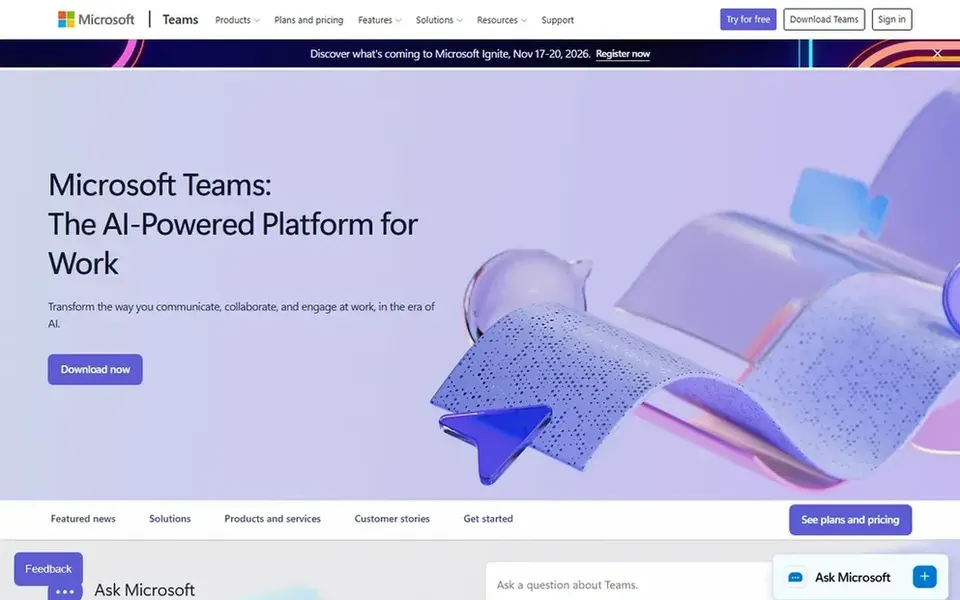
Think of Microsoft Teams for clinics already using Microsoft tools. Microsoft Teams is a collaboration hub that merges meetings, calling, chat, and shared files. For clinics already using Microsoft productivity tools, it can serve as the internal communication layer for staff huddles, scheduling coordination, and administrative meetings.
Where it shines: Supports internal coordination.
As for the details, Teams is not purpose-built for patient telehealth, so clinics with strict clinical workflow needs should pair it with a dedicated system or choose one instead. Without clear governance, channels and files can become cluttered. Check the vendor site for Microsoft Teams pricing; none is listed in this comparison. Trial and free access: Not stated. Drawbacks to consider: Not a dedicated telehealth product.
Best for: Straightforward browser-based telehealth visits
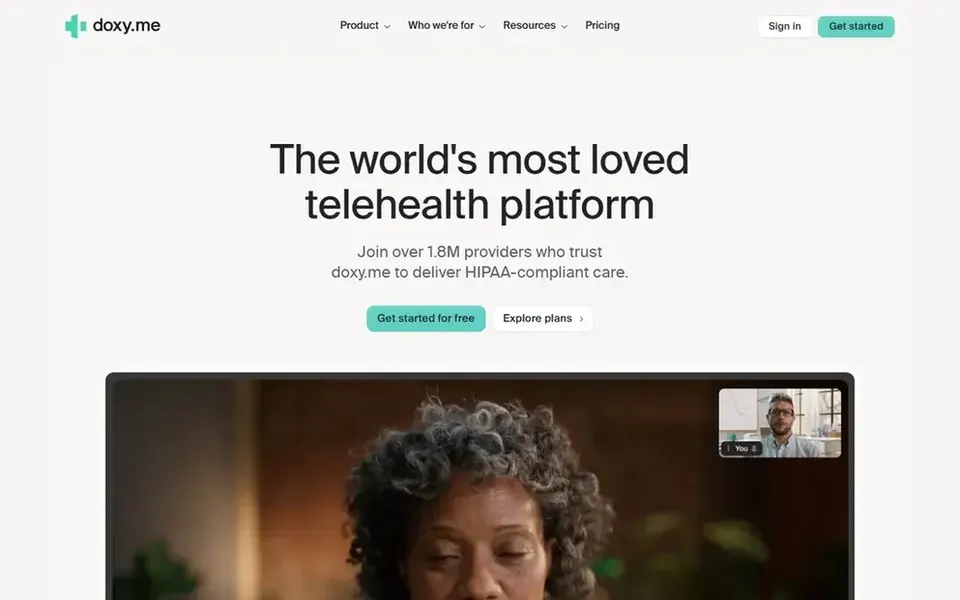
Doxy.me serves straightforward browser-based telehealth visits. Doxy.me is a telehealth product built around straightforward, secure virtual visits. It performs well for routine follow-ups and consultations.
Drawbacks to consider: Restricted IT support features.
Worth adding: bigger organizations with complex integration requirements may prefer a broader product. More specifically, since it centers on telehealth, Doxy.me is not a remote desktop or IT support tool, so clinics needing to troubleshoot staff computers should look elsewhere. Pricing for Doxy.me is not stated here, so ask the vendor for current figures. Free plan details: Not stated.
Best for: Managed service providers supporting clinics
N-able Take Control targets managed service providers supporting clinics. Choose it when your IT support is delivered by a managed provider, and use a separate system for clinical video appointments. N-able Take Control is a remote control and support tool that helps managed service providers resolve issues whereas serving their customers.
Points against: Not a patient-facing tool.
Clinics that work with a MSP may encounter it as the tool used to support their systems. It does not deal with patient telehealth visits. Pricing for N-able Take Control is not stated here, so ask the vendor for current figures. Free plan details: Not stated.
Confirm the entry price on the vendor page. For TeamViewer Remote, Microsoft Teams, Doxy.me and N-able Take Control that means a quote rather than a fixed price.
Take the trial from Splashtop and TeamViewer Remote and push a live task through it before you pay.
Read the limits listed for Splashtop first: not healthcare-specific.
Look at which plan of N-able Take Control unlocks the features you need; entry tiers are often cut down.
Get the contract term, renewal terms and any onboarding fees from Splashtop in writing.
How we picked
We compared the tools on published pricing, free plan or trial availability, feature coverage for remote support software for medical clinics, and the limits each vendor documents. Seat minimums, billing terms and add-ons can move the real cost, so the starting prices here are a guide and not a quote. The sequence is a judgement call: typical use case first, then pricing transparency, then free access. Use the profiles to check fit.
Every price and plan detail on this page comes from the vendors’ own websites. We did not run hands-on tests unless the text says so, and we do not publish star ratings or review scores. See how we score and our disclosure.
Keep your shortlist in one place
Paste prices, trial dates and notes from this guide into Ainotely, our AI note app. It files them into a topic and pulls out tasks like “cancel trial by Friday”. Free 7-day trial, no card needed.
Is Splashtop the right pick for everyone comparing remote support software for medical clinics?
No single tool suits every team. Splashtop comes first because it fits fast, secure remote access and support, while TeamViewer Remote suits Remote desktop access and IT support and Microsoft Teams suits clinics already using Microsoft tools. Match the tool to your own size, budget and workflow before deciding.
What is the cheapest option for remote support software for medical clinics in this list?
On published monthly entry prices, Splashtop is the lowest here at $6 per month. Entry price is only part of the cost, because seats, add-ons and billing terms can change the total. For the full picture, the cards above cover all 5 entries of this remote support software for medical clinics list, including price, free plan and limits.
Can I try these tools before paying?
Often, yes. Splashtop and TeamViewer Remote offer a free trial. Use your own data and a real task during the test, and check what the free tier or trial limits before you rely on it.
How should a clinic evaluate security before buying?
Ask vendors for their security and privacy documentation and confirm how access is controlled. Review which staff can initiate sessions and how patient data is handled.
Do these tools publish their prices?
Not all of them. TeamViewer Remote, Microsoft Teams, Doxy.me and N-able Take Control publish no starting price, so expect a quote request for those. The rest, Splashtop included, show a starting price, though seats and billing terms still change the final cost.