Best Remote Support Software in 2026: 8 Tools Compared

- 1
 TeamViewerEnterprise remote supportVisit
- 2
 AnyDeskLow-latency connectionsVisit
- 3
 SplashtopValue for support techniciansVisit
- 4
 Zoho AssistSmall support teamsVisit
- 5
 ConnectWise ScreenConnectMSPs and IT departmentsVisit
- TeamViewer remains the enterprise standard for remote support, but its Business plan at $50.90 per month is the priciest in this list.
- Splashtop SOS at $22 per month is the value pick for support technicians, with strong streaming quality.
- Zoho Assist suits small support teams, with a genuinely useful free plan for one technician and five unattended computers.
- ConnectWise ScreenConnect offers a free single-technician license, which makes it a favorite for managed service providers.
- Chrome Remote Desktop and RustDesk are genuinely free for basic access, while paid tools add session management, security and reporting.
Quick comparison
| Product | Ideal for | Price from | Free version | |
|---|---|---|---|---|
| TeamViewer | Enterprise remote support | $50.90 per month | Yes | Visit |
| AnyDesk | Low-latency connections | $23 per month | Yes | Visit |
| Splashtop | Value for support technicians | $22 per month | Free trial | Visit |
| Zoho Assist | Small support teams | $12 per technician per month | Yes | Visit |
| ConnectWise ScreenConnect | MSPs and IT departments | $30 per month | Yes | Visit |
 RemotePC | Cheap always-on access | $22.12 per year | Free trial | Visit |
 Chrome Remote Desktop | Free basic access | Free | Yes | Visit |
 RealVNC Connect | Cross-platform classic | $8.25 per month | Free trial | Visit |
The best remote support software
These eight tools cover enterprise support, small-team helpdesks and free access. We compared official pricing pages, feature pages and public reviews, focusing on session quality, security, pricing model and the true cost at realistic team sizes.
TeamViewer
Ideal for: Enterprise remote support
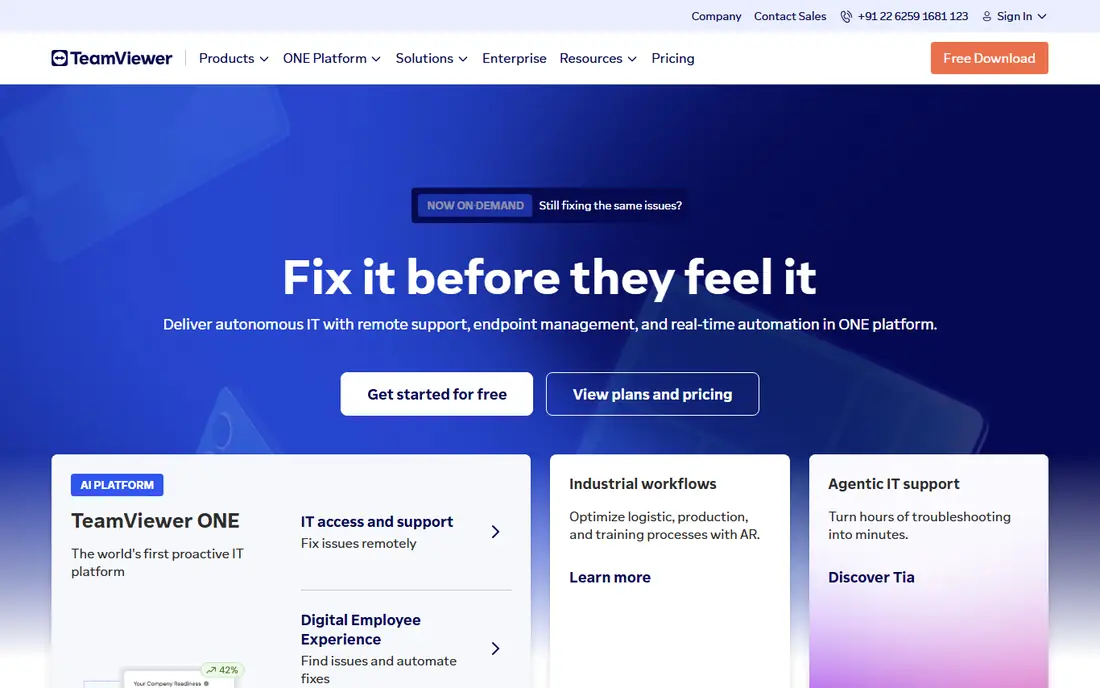
TeamViewer is the enterprise standard for remote support, and its familiarity is an advantage when supporting clients who already have it installed. It covers Windows, Mac, Linux, mobile and more, with session management, file transfer, remote printing and compliance features that large IT teams need.
The price is the drawback: Business plans cost $50.90 per month on annual billing, and the free personal tier aggressively flags suspected commercial use, which can interrupt work. For a large team or enterprise, TeamViewer's breadth justifies the cost. For a small team, Splashtop or Zoho Assist offers better value.
- Best-known remote support tool
- Cross-platform
- Strong compliance and security features
- Business plan at $50.90 per month is pricey
- Free tier flags suspected commercial use
AnyDesk
Ideal for: Low-latency connections
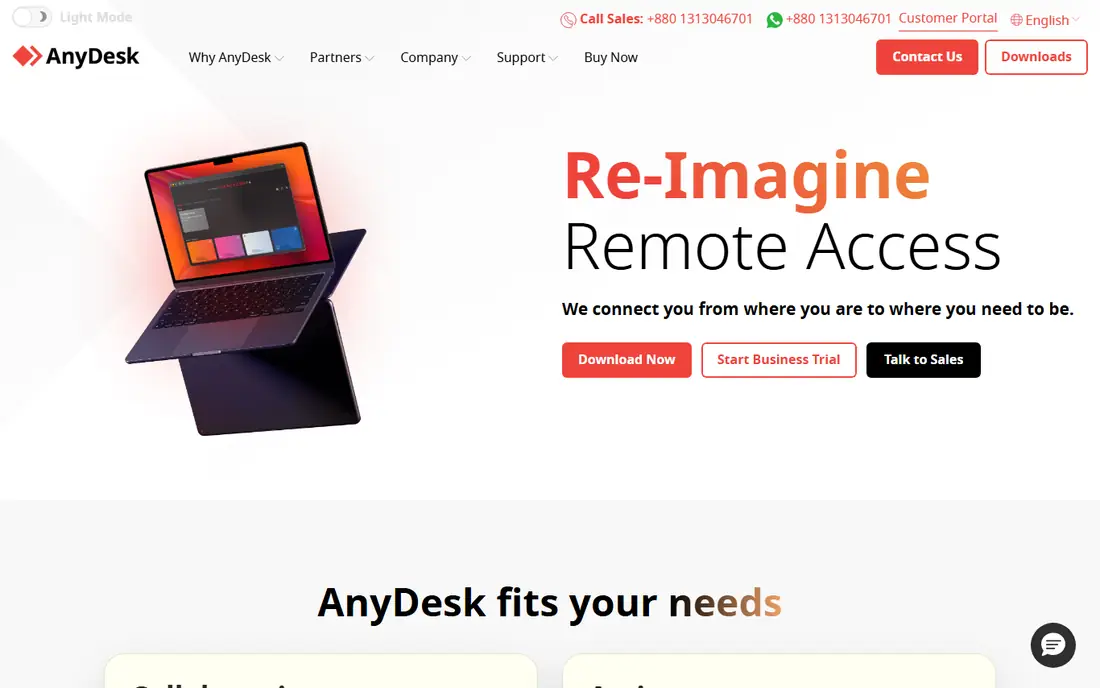
AnyDesk built its name on speed, and its DeskRT codec still delivers low-latency sessions even on weaker connections, which matters for remote support over poor networks. The client is lightweight, setup is fast, and a free tier covers personal use.
Pricing changed in late 2025 to a connection-based model that varies by region, with Solo plans from around $22.90 per month in the US in recent comparisons. Check the current quote for your region and team size before budgeting, since the old flat-rate pricing no longer applies everywhere.
- Fast DeskRT codec for low latency
- Lightweight client
- Cross-platform
- Pricing switched to connection-based licensing in late 2025 and varies by region
- Solo from around $22.90 per month
Splashtop
Ideal for: Value for support technicians
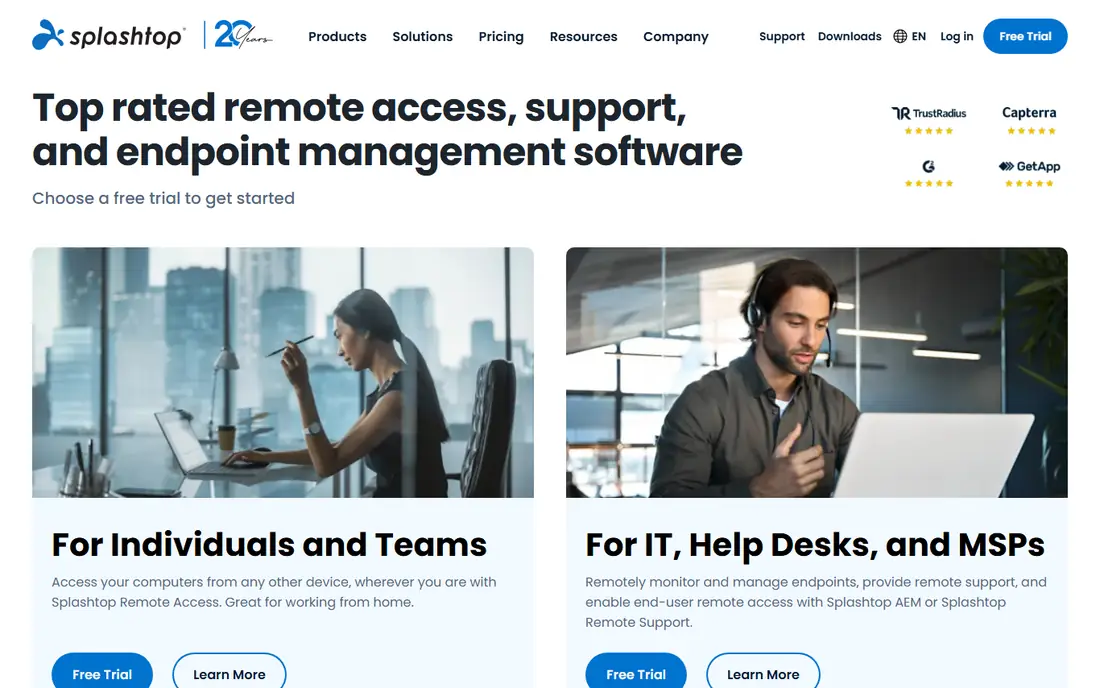
Splashtop SOS is the value pick for support technicians. At $22 per month on annual billing, it gives technicians attended and unattended access with strong streaming quality, file transfer and session tools, at less than half the price of TeamViewer Business. That value is why small MSPs with two to six technicians often choose it.
There is no permanent free plan, only a trial, and Business Access for remote work is priced separately from SOS. For a support team that needs professional tools at a sensible price, Splashtop is hard to beat.
- SOS at $22 per month for technicians
- Strong streaming quality
- Good value for small MSPs
- No permanent free plan, only a trial
- Business Access pricing differs from SOS
Zoho Assist
Ideal for: Small support teams
Zoho Assist suits small support teams, especially those already using Zoho Desk, CRM or Books. Its free plan covers one technician and five unattended computers, which is genuinely useful for a tiny team, while Standard costs $12 per technician per month, or $10 on annual billing in some listings. Browser-based sessions and unattended access cover the core support job.
The ecosystem is smaller than TeamViewer's, and advanced reporting sits on higher tiers. For a small team that wants a capable, low-cost helpdesk tool, Zoho Assist is an excellent starting point.
- Free plan for one technician and five unattended computers
- Standard at $12 per technician per month
- Zoho Desk integration
- Advanced features need higher tiers
- Smaller ecosystem than TeamViewer
ConnectWise ScreenConnect
Ideal for: MSPs and IT departments
ConnectWise ScreenConnect, formerly ConnectWise Control, is the MSP favorite in this list. It offers a free single-technician license with limited access agents, self-hosting for teams that want control over data, and multi-technician plans from $30 per month on annual billing. Integrations with ConnectWise's PSA and RMM tools add value for managed service providers.
The interface feels technical compared with TeamViewer or Splashtop, and pricing varies by plan in recent comparisons, from $27 to $33 per month for the One plan. For an MSP or IT department that wants control and scalability, ScreenConnect is a strong choice.
- Free single-technician license
- Self-hosting option
- Strong for MSPs
- Paid plans from $30 per month
- Interface can feel technical
RemotePC
Ideal for: Cheap always-on access
RemotePC is the cheapest way to reach your own computers unattended. Consumer plans start at $22.12 per year for one computer in recent listings, with business plans priced by computer rather than by user, which suits owners accessing their own machines. File transfer, remote printing and always-on access cover the essentials.
It is priced by computer, so a team supporting many client machines should compare technician-based pricing instead. For a small business owner who mainly needs access to their own devices, RemotePC's price is unmatched.
- Very low per-computer pricing
- Unattended access
- File transfer and remote printing
- Priced by computer, not user
- Support features are thinner than SOS or ScreenConnect
Chrome Remote Desktop
Ideal for: Free basic access
Chrome Remote Desktop is the free, no-fuss option for personal and occasional support. Install the Chrome extension, set a PIN, and access your own computers or help a family member, with no cost and no subscription. It works on Windows, Mac, Linux and ChromeOS.
There are no helpdesk features: no session queues, no reporting, no multi-technician management. For a professional support team, that gap matters. For personal use and quick favors, Chrome Remote Desktop is all most people need.
- Completely free
- Simple setup through Chrome
- Works across platforms
- Basic features only
- No session management, reporting or helpdesk tools
RealVNC Connect
Ideal for: Cross-platform classic
RealVNC Connect is the cross-platform classic, built on the VNC standard, with support for Windows, Mac, Linux, Raspberry Pi and mobile. Essentials plans start at $8.25 per month on annual billing, with a free Lite tier for up to five devices and three users for personal use.
The interface feels dated compared with Splashtop or TeamViewer, and advanced team features sit on higher tiers. For mixed-OS environments and Raspberry Pi fleets, RealVNC's broad platform support keeps it relevant.
- Long-standing VNC standard
- Cross-platform including Raspberry Pi
- Essentials from $8.25 per month
- Interface feels dated to some users
- Free Lite tier is limited to personal use
How we picked these
We compared official pricing pages, feature pages and public reviews for remote support tools available in October 2026. We favored tools with a working free tier or trial, a real support user base and current pricing, and we weighed session quality, security, pricing model and team features, since a tool priced per technician differs sharply from one priced per computer.
What to check before you choose remote support software
Start with who you support and how many technicians you have. A single technician supporting family or a small office can start free with Zoho Assist or Chrome Remote Desktop. A team of technicians needs per-technician pricing such as Splashtop SOS or ScreenConnect, while a business owner accessing their own machines should price per computer with RemotePC.
Then test session quality on a real connection, not just on office Wi-Fi. Check latency, multi-monitor support, file transfer and unattended access on the slowest connection you support, since a tool that stutters there will frustrate clients.
Finally, check security and compliance. Confirm two-factor authentication, session logging, encryption and permission controls, especially when supporting regulated clients. Get the renewal price in writing, since first-year discounts on some tools jump noticeably at renewal, and confirm whether your plan includes the support hours you need.
Frequently asked questions
What is the best remote support software?
TeamViewer is the enterprise standard, Splashtop SOS offers the best value for technicians at $22 per month, and Zoho Assist suits small teams with a useful free plan. The best choice depends on team size and budget.
Is there free remote support software?
Yes, Chrome Remote Desktop is free for basic access, RustDesk is free and open source with self-hosting, and Zoho Assist and ConnectWise ScreenConnect offer free tiers for small teams. Paid tools add session management and reporting.
How much does remote support software cost?
Prices in this list run from free for Chrome Remote Desktop to $8.25 per month for RealVNC Connect, $12 per technician for Zoho Assist, $22 for Splashtop SOS and $50.90 for TeamViewer Business. Always check whether pricing is per technician, per user or per computer.
What is the difference between remote support and remote access?
Remote support covers attended sessions where a technician helps a user live, while remote access covers unattended access to your own computers at any time. Most tools in this list cover both, but pricing and features differ by use case.
Is remote support software safe?
Reputable tools use encryption, two-factor authentication and session logging, but safety also depends on your practices. Only accept sessions from trusted technicians, verify the technician's identity before granting access, and revoke access after the session ends.