Clover comes first here, mainly for general POS with card readers. Listed starting prices: TouchBistro from $69 a month. Alternatives: TouchBistro for all-in-one POS and management, and Square for Restaurants for order tracking and guest engagement. The remaining 2 options are covered below with prices and limits.
If you are comparing restaurant POS software for fine dining, this page covers 5 tools in one place: what each is best for, what it costs to start, whether it has a free plan, and the main limit to know about.
Key takeaways
Clover is the opening pick, best for general POS with card readers.
Before buying Square for Restaurants, weigh this: Restaurant depth varies by chosen tools.
Lightspeed Restaurant is the one to check for configurable POS with reporting insights.
The lowest published monthly entry price here is $69 per month, from TouchBistro.
Neither Clover nor Lightspeed Restaurant, nor any of the other 3 tools, has a permanent free plan; trials and quotes are the norm.
Clover was built for general POS with card readers. Clover offers point of sale systems and credit card readers across business types, including restaurants.
Limits to weigh: Restaurant-specific depth needs checking.
More specifically, for fine dining, it is worth considering when an adaptable, broadly applicable POS foundation is the priority and you can confirm the restaurant features you need. Beyond that, review the restaurant capabilities carefully before committing. Clover does not show a starting price in this comparison, so check the vendor site for current pricing. Free access: Not stated.
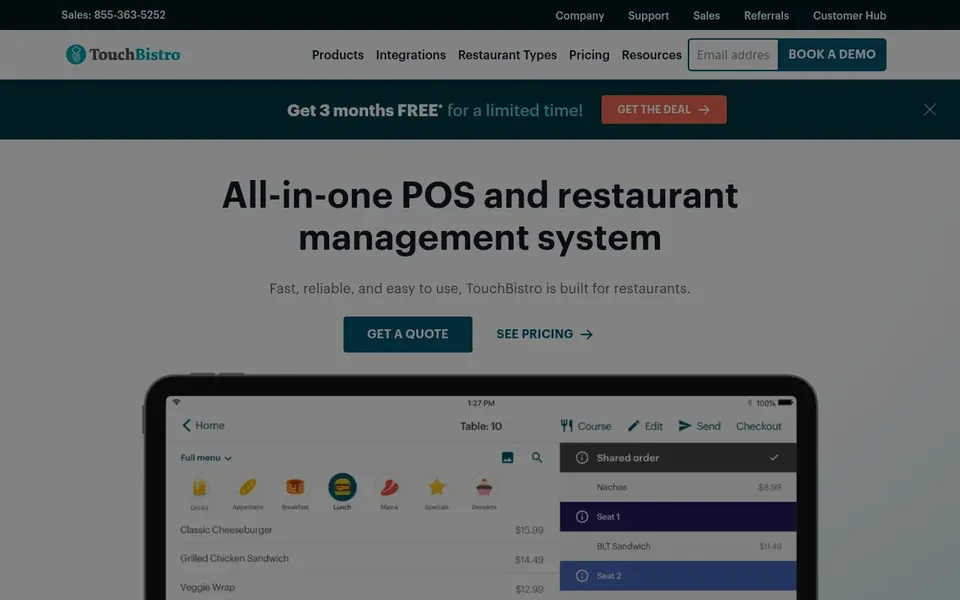
Think of TouchBistro for all-in-one POS and management. TouchBistro presents itself as an all-in-one POS and restaurant management system, positioned around increasing sales, delighting guests and saving time. That combined approach appeals to fine dining operators who want ordering, payments and management under one roof rather than stitching together separate tools.
The main drawbacks: Breadth of features may exceed small needs.
Beyond that, if you already have solid back-office tools, a lighter POS may be enough. As for the details, verify that its management features match your service and reporting requirements. TouchBistro cost at the entry level: $69 per month. Free options: Not stated.
Square for Restaurants is aimed squarely at order tracking and guest engagement. Its stated design centers on the craft of running a restaurant, with guest-facing and operational tools in one ecosystem.
Where it falls short: May suit more straightforward service models better.
On top of that, fine dining operators who value straightforward order and payment tracking alongside team organization may find it worth evaluating. This comparison lists no price for Square for Restaurants; ask the vendor. Trial and free access: Not stated.
Best for: Restaurant-focused full-service operations
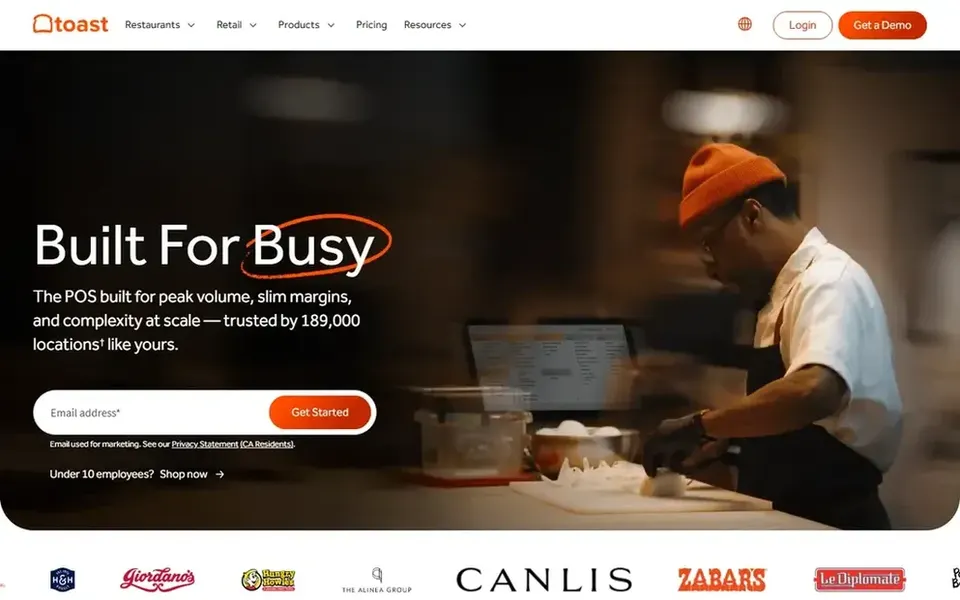
Toast POS serves Restaurant-focused full-service operations. Toast POS is a restaurant-oriented point of sale system that pairs payment processing with management tools for food service operations. It is designed around the way restaurants take orders, run tables and track sales, which makes it a natural fit for fine dining rooms that want an integrated system instead of a generic retail POS.
Since configurations vary widely, the exact feature set relies on which modules and hardware you choose. Operators who prefer a vendor centered on restaurants commonly start here. Pricing for Toast POS is not stated here, so ask the vendor for current figures. Free access: Not stated.
Where it is weaker: Feature depth relies on the modules you adopt.
Best for: Configurable POS with reporting insights
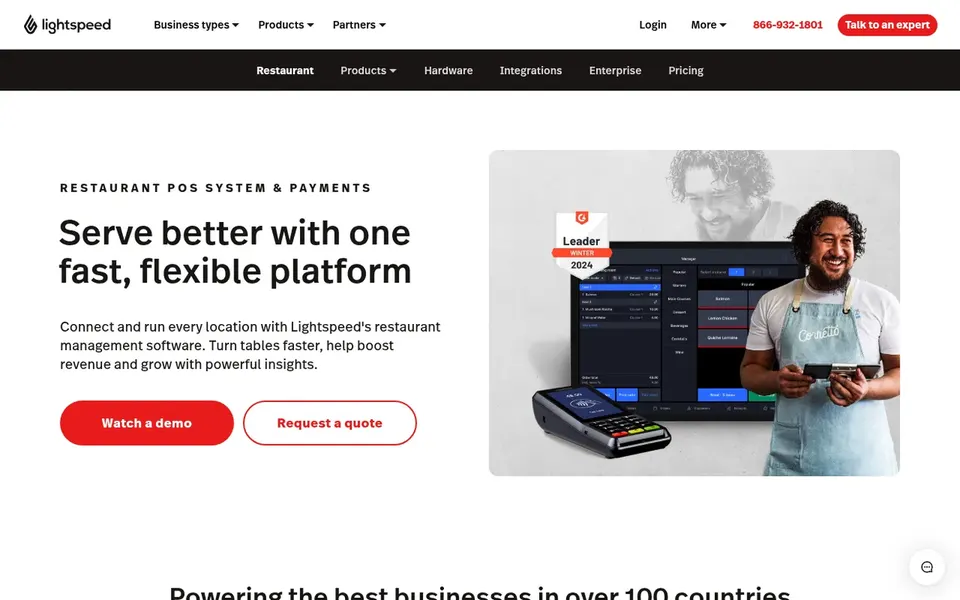
Lightspeed Restaurant serves configurable POS with reporting insights. Lightspeed Restaurant is an adaptable, configurable restaurant point of sale, payments and management product with a stated focus on industry-leading insights. Customizable systems can take more effort to configure and keep consistent across locations.
Where it falls short: Full value relies on using its management features.
As for the details, for fine dining, that adaptability matters when floor plans, service courses and reporting needs differ from standard setups. If you want something more straightforward to deploy, a more standardized restaurant POS may suit you better. No starting price is listed for Lightspeed Restaurant here; confirm pricing on the vendor site. Free access: Not stated.
Confirm the entry price on the vendor page. For Clover, Square for Restaurants, Toast POS and Lightspeed Restaurant that means a quote rather than a fixed price.
Read the limits listed for Clover first: not positioned solely for fine dining.
Add up seats, add-ons and usage charges for Square for Restaurants before comparing it with cheaper entries.
Confirm you can export your data from Lightspeed Restaurant, so leaving later does not mean losing records.
Ask whether Toast POS integrates with your current software, and whether that comes standard or as an add-on.
How we picked
Each tool was reviewed on what its vendor publishes: price, plan limits, core features and stated drawbacks. We did not run hands-on tests. Where a vendor does not publish a price, the entry says quote. Where a price depends on seats or billing term, the entry says so. Order on the page follows fit for the typical buyer first, then price transparency and free access. Your own requirements should decide the final pick. That approach shaped the order of the 5 restaurant POS software for fine Dining tools listed here.
Every price and plan detail on this page comes from the vendors’ own websites. We did not run hands-on tests unless the text says so, and we do not publish star ratings or review scores. See how we score and our disclosure.
Keep your shortlist in one place
Paste prices, trial dates and notes from this guide into Ainotely, our AI note app. It files them into a topic and pulls out tasks like “cancel trial by Friday”. Free 7-day trial, no card needed.
Not by default. None of the tools, from Clover to Lightspeed Restaurant, lists a free plan or a free trial here, so ask each vendor for a demo before committing.
Is a restaurant-specific POS better than a general one?
A restaurant-specific system is typically built around table service, coursing and menu management, which fits fine dining. General POS systems can work but may need closer verification of restaurant features.
Is Clover the right pick for everyone comparing restaurant POS software for fine dining?
No single tool suits every team. Clover comes first because it fits general POS with card readers, while TouchBistro suits all-in-one POS and management and Square for Restaurants suits order tracking and guest engagement. Match the tool to your own size, budget and workflow before deciding.
Does any tool for restaurant POS software for fine dining here have a free plan?
No tool in this list, Clover and Lightspeed Restaurant included, has a permanent free plan. Trials and quotes are the usual route, so plan a short evaluation period.
What is the cheapest option for restaurant POS software for fine dining in this list?
On published monthly entry prices, TouchBistro is the lowest here at $69 per month. Entry price is only part of the cost, because seats, add-ons and billing terms can change the total. All 5 picks in this restaurant POS software for fine Dining comparison show their pricing, free plan details and main limits on the cards above.