Best restaurant pos software in 2026: 7 Options Compared
- 1
 Toastrestaurants that want POS plus orderingVisit
- 2
 Square for Restaurantssmall cafes and food trucksVisit
- 3
 Lightspeed Restaurantrestaurants that want strong stock and reportingVisit
- 4
 Cloverrestaurants that want hardware plus appsVisit
- 5
 TouchBistrotable service restaurantsVisit
- Toast suits full service and quick service restaurants that want POS plus online ordering.
- Square suits small cafes and food trucks that want a simple, low cost start.
- Lightspeed and Clover suit restaurants that want strong stock and hardware options.
- TouchBistro, SpotOn and Revel suit table service and multi-site operations.
Quick comparison
| Product | Ideal for | Price from | Free version | |
|---|---|---|---|---|
| Toast | restaurants that want POS plus ordering | See website | No | Visit |
| Square for Restaurants | small cafes and food trucks | See website | Yes | Visit |
| Lightspeed Restaurant | restaurants that want strong stock and reporting | See website | Free trial | Visit |
| Clover | restaurants that want hardware plus apps | See website | No | Visit |
| TouchBistro | table service restaurants | See website | Free trial | Visit |
 SpotOn Restaurant | restaurants that want POS plus marketing | See website | No | Visit |
 Revel Systems | multi-site restaurant groups | See website | No | Visit |
The best restaurant pos software
Restaurant POS software handles orders, payments, tables, menus and stock for a restaurant, and the right system depends on service style and size. We compared official product pages, pricing pages and public reviews, focusing on ordering, payments, table management, reporting and pricing model. Pricing is often quote or plan based, plus payment rates, so we note the model rather than quoting a figure we could not confirm.
Toast
Ideal for: restaurants that want POS plus ordering
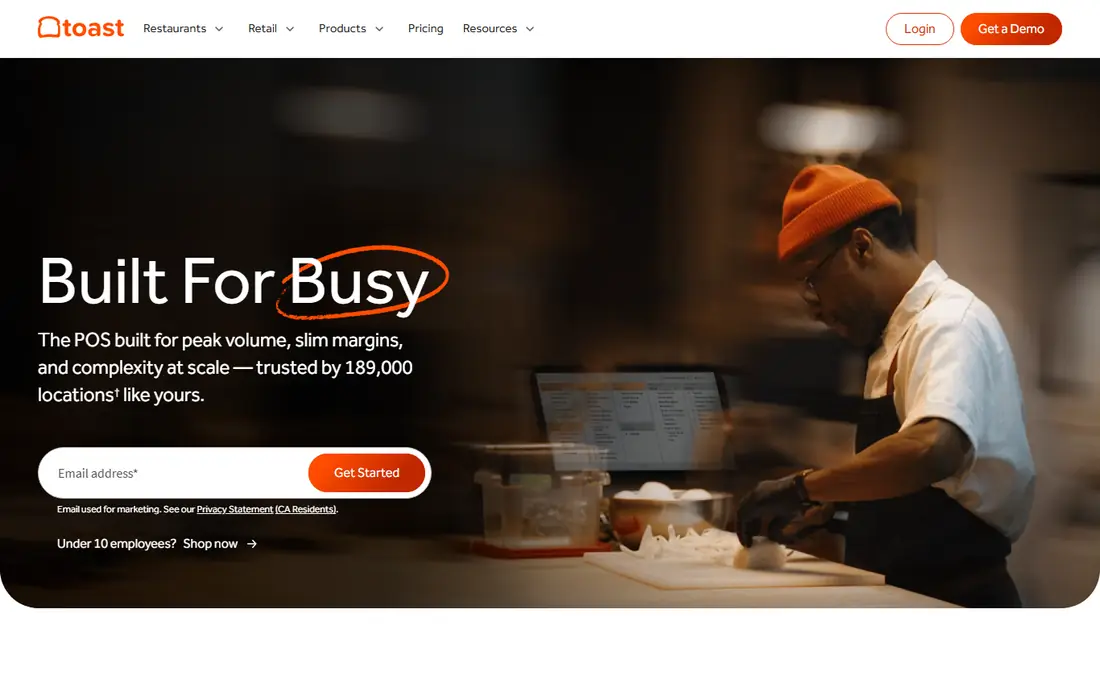
Toast is built for restaurants, with POS, online ordering, payments, gift cards and reporting in one system. Table service, quick service and bar layouts are all supported, and menu changes update across dine in and online channels. That restaurant focus suits owners who want a system designed for food service rather than general retail.
Before you pay, check the limits that apply to your own use, including seats, storage, monthly usage and support hours. A plan that looks generous on the headline page can still cap the one feature you rely on most, so read the plan comparison page rather than the marketing summary. A trial or free tier is the safest way to test this, and it also shows whether support answers promptly when you need help.
Pricing is quoted and hardware is extra, so the total cost needs a full quote including payment rates. Check contract terms, offline mode behaviour and which reporting features sit inside your plan.
- Restaurant focused POS
- Online ordering
- Reporting
- Quote based pricing
- Hardware costs
Square for Restaurants
Ideal for: small cafes and food trucks

Square for Restaurants offers a simple POS with a free tier, payment processing and basic menu and order tools, which suits small cafes, food trucks and new restaurants. Owners can start on a tablet and add hardware as the business grows. Its dashboard covers sales and items without a complex implementation.
The price on the headline page is only part of the cost, so check renewal pricing, per-seat charges and any paid add-ons before you commit. Free tiers help for light use, but they often cap the features that matter once work grows, and trials end on a fixed date whether you have finished testing or not. Set a reminder before a trial ends, and confirm cancellation steps in advance so you are not locked into a plan you no longer need.
Advanced table, stock and reporting features need paid plans, and hardware is extra. Check transaction rates and plan costs together, and test the POS on your actual menu, including modifiers and combos, before launch.
- Simple setup
- Free tier
- Payments included
- Advanced features need paid plans
- Hardware extra
Lightspeed Restaurant
Ideal for: restaurants that want strong stock and reporting
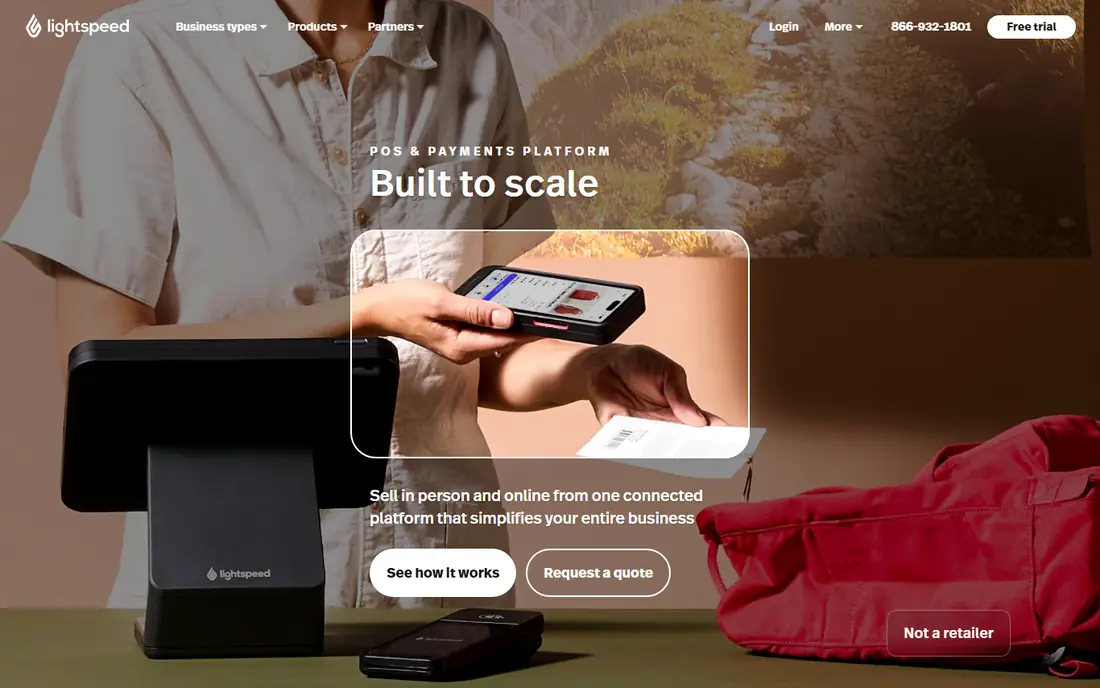
Lightspeed Restaurant covers POS, stock, suppliers, customers and reporting, with multi-site support for growing groups. Its stock tools handle ingredients and recipes, which helps restaurants track food cost alongside sales. That depth suits operators who manage margins closely.
Pricing is where many readers get caught out, so look past the headline figure and check what the plan actually includes for your level of use. Seats, usage limits, add-ons and renewal terms can change the real monthly cost, and a cheaper plan that lacks one feature you need is not a saving. If a free tier or trial is offered, use it for real work before paying, and confirm how cancellation works while you still have time to change your mind.
Plans are priced by tier and setup takes time to import menus and stock. Use a trial with your real menu, and confirm which online ordering and accounting integrations are included.
- Strong stock control
- Multi-site
- Detailed reporting
- Plan pricing
- Setup takes time
Clover
Ideal for: restaurants that want hardware plus apps
Clover offers POS hardware from a small terminal to a full station, plus an app market for ordering, loyalty and reporting. Restaurants can pick hardware that fits the counter and add apps as needs grow. Payment processing is built in, which keeps setup in one place.
Before you pay, check the limits that apply to your own use, including seats, storage, monthly usage and support hours. A plan that looks generous on the headline page can still cap the one feature you rely on most, so read the plan comparison page rather than the marketing summary. A trial or free tier is the safest way to test this, and it also shows whether support answers promptly when you need help.
Hardware and plan costs add up, and app quality varies, so test the apps you need. Confirm contract terms, payment rates and offline behaviour before committing.
- Hardware range
- App market
- Payments built in
- Hardware and plan costs
- App quality varies
TouchBistro
Ideal for: table service restaurants
TouchBistro is an iPad based restaurant POS with table management, floor plans, menu modifiers and staff tools designed for table service. Servers can take orders tableside, and the floor view helps managers see table status at a glance. That focus suits full service restaurants more than general retail POS.
The price on the headline page is only part of the cost, so check renewal pricing, per-seat charges and any paid add-ons before you commit. Free tiers help for light use, but they often cap the features that matter once work grows, and trials end on a fixed date whether you have finished testing or not. Set a reminder before a trial ends, and confirm cancellation steps in advance so you are not locked into a plan you no longer need.
It is iPad based, so Android or Windows hardware is not an option, and pricing is plan based. Check payment processing options, offline mode and integration with accounting and reservations.
- Table management
- Floor plans
- IPad based POS
- IPad based
- Pricing is plan based
SpotOn Restaurant
Ideal for: restaurants that want POS plus marketing
SpotOn combines restaurant POS, payments, marketing, loyalty and review tools, which suits owners who want guest marketing tied to order data. Its reporting covers sales and labour, while marketing tools can target guests based on visits. That breadth reduces the number of separate subscriptions.
Pricing is where many readers get caught out, so look past the headline figure and check what the plan actually includes for your level of use. Seats, usage limits, add-ons and renewal terms can change the real monthly cost, and a cheaper plan that lacks one feature you need is not a saving. If a free tier or trial is offered, use it for real work before paying, and confirm how cancellation works while you still have time to change your mind.
Pricing is quoted and bundles vary, so get an itemised quote covering POS, payments and marketing separately. Test loyalty and email tools on a trial if offered, and confirm payment rates.
- POS and payments
- Marketing and loyalty
- Reporting
- Quote based pricing
- Bundles vary
Revel Systems
Ideal for: multi-site restaurant groups
Revel Systems offers a cloud POS with deep controls for menus, stock, staff and multi-site reporting, aimed at larger restaurant groups and franchises. Owners can compare locations, manage menus centrally and integrate accounting and payroll. That scale suits groups more than a single small cafe.
Before you pay, check the limits that apply to your own use, including seats, storage, monthly usage and support hours. A plan that looks generous on the headline page can still cap the one feature you rely on most, so read the plan comparison page rather than the marketing summary. A trial or free tier is the safest way to test this, and it also shows whether support answers promptly when you need help.
Pricing is quoted and implementation takes time, so a single site may find it heavy. Ask for an implementation timeline, training plan and total cost including hardware before signing.
- Deep POS controls
- Multi-site reporting
- Integrations
- Quote based pricing
- Implementation takes time
How we picked these
We compared official feature pages, pricing pages, app store listings, privacy policies and public reviews for each option in this guide. We kept only products that exist and work in October 2026 and that fit the topic directly, and we checked that each official homepage loads and belongs to the product named. Prices and free tiers are taken from the vendor site where we could verify them, and we wrote See website where a price could not be confirmed, rather than guessing. Our pick in each guide reflects fit for ordinary readers, not a claim of hands-on testing, and we note the honest limits of each option alongside its strengths.
How to choose restaurant POS software
Start with service style: table service needs floor plans and tableside ordering, quick service needs fast counter and kitchen display, and a food truck needs mobile hardware and offline mode. List your menu complexity, payment methods and online ordering needs, then test the POS on a busy service simulation with real modifiers and discounts.
Compare total cost including hardware, plan, payment rates and apps, and check contract length, offline behaviour and data export. Train staff before launch, keep a backup payment route for outages, and review reports weekly for food cost, labour and best sellers. A POS your team uses confidently on a busy night is worth more than a feature list they avoid.
Frequently asked questions
What is the best restaurant POS software?
Toast suits full service and quick service restaurants, Square suits small cafes and trucks, and Lightspeed suits stock focused operators. Clover suits hardware choice, TouchBistro suits table service, and SpotOn and Revel suit marketing and multi-site needs.
How much does restaurant POS software cost?
Costs vary by plan, hardware, payment rates and apps, with free tiers at Square for basic use and quoted plans for larger systems. Add up hardware, monthly plan, payment rates and any apps to get the true monthly cost.
Can restaurant POS work without internet?
Many cloud POS systems offer an offline mode that queues orders and payments, but features vary. Check offline behaviour, including card payments and kitchen printing, before launch, and keep a backup connection or payment route for outages.
Do I need online ordering with my POS?
Online ordering linked to the POS avoids double entry, keeps menus in sync and reduces errors. If takeout is a large share of sales, integrated ordering usually pays for itself against marketplace commissions. Check ordering fees and delivery handling.
What hardware do I need for restaurant POS?
Most restaurants need a terminal or tablet, a card reader, a receipt printer and a kitchen printer or display, plus cash drawer if needed. Check hardware compatibility, costs and whether you can use existing tablets before buying a bundle.