Best Retail POS Software For Small Business in 2026: 8 Compared

- 1
 Squaresimple POS for small retailersVisit
- 2
 Shopify POSstores selling online and in personVisit
- 3
 Lightspeed Retailretailers needing strong inventoryVisit
- 4
 Clovercounter POS with app marketplaceVisit
- 5
 Epos Nowaffordable retail POSVisit
- Square and Zettle suit the smallest retailers, while Lightspeed and Revel suit larger or multi store retailers.
- Shopify POS is the natural pick for stores already selling on Shopify.
- Check processing fees and hardware costs together, not just software price.
- Test the POS with your real products, variants and returns before opening day.
Quick comparison
| Product | Ideal for | Price from | Free version | |
|---|---|---|---|---|
| Square | simple POS for small retailers | See website | Yes | Visit |
| Shopify POS | stores selling online and in person | See website | No | Visit |
| Lightspeed Retail | retailers needing strong inventory | See website | No | Visit |
| Clover | counter POS with app marketplace | See website | No | Visit |
| Epos Now | affordable retail POS | See website | No | Visit |
 Revel Systems | multi location retail POS | See website | No | Visit |
 Heartland POS | POS with payment processing | See website | No | Visit |
 Zettle by PayPal | mobile POS for small sellers | See website | No | Visit |
The best retail pos software for small business
Retail POS software for small business needs to handle sales, payments, inventory and reporting without slowing down the counter. The right system depends on store size, online sales and how complex inventory is. This guide compares options for small retailers.
Square
Ideal for: simple POS for small retailers

For many buyers, this is the natural starting point. Square gives small retailers a free point of sale app with hardware options for counter and mobile use. It covers sales, inventory basics, payments and reporting in one system that is quick to set up. On pricing, the starting price is listed above, and where a vendor does not publish a clear price we list it as See website. Check what is included at that level, because seats, usage limits and add-ons often change the real monthly cost. Payment processing fees apply to each sale, and deeper inventory or staff tools sit on paid plans. That trade-off does not make this a poor choice, but it does decide who should pick it. If the weakness touches your main use case, look at another option on this list. If it touches only a secondary need, the strengths here may still make it our pick for you.
- Free POS app
- Hardware options
- Easy setup
- Payment processing fees
- Advanced features need paid plans
Shopify POS
Ideal for: stores selling online and in person

This is a strong choice when the basics matter most. Shopify POS suits retailers who sell online and in person and want one inventory system. It syncs online and store stock, orders and customer data, which reduces manual updates. On pricing, the starting price is listed above, and where a vendor does not publish a clear price we list it as See website. Check what is included at that level, because seats, usage limits and add-ons often change the real monthly cost. Retailers not using Shopify get less value, and the fuller POS Pro feature set costs extra. That trade-off does not make this a poor choice, but it does decide who should pick it. If the weakness touches your main use case, look at another option on this list. If it touches only a secondary need, the strengths here may still make it our pick for you.
- Unified online and in store inventory
- Many apps
- Hardware
- Best inside Shopify
- POS Pro costs extra
Lightspeed Retail
Ideal for: retailers needing strong inventory
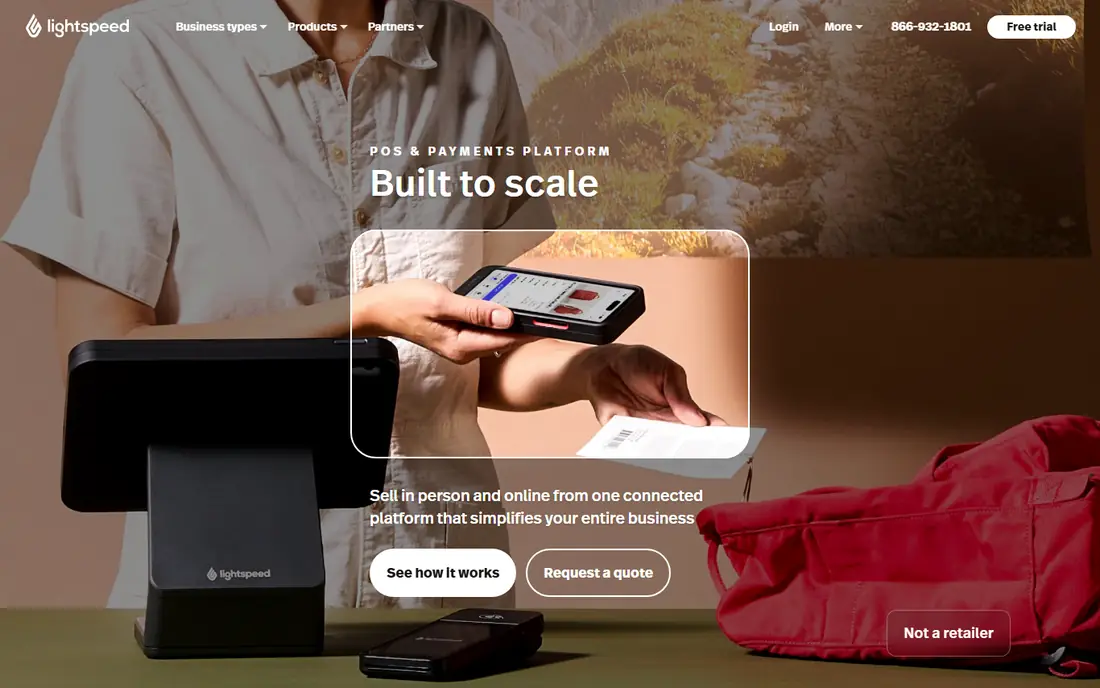
What sets this option apart is its focus on a clear use case. Lightspeed Retail is built for retailers that need detailed inventory, variants and multi store management. It handles purchase orders, stock levels and reporting across locations. On pricing, the starting price is listed above, and where a vendor does not publish a clear price we list it as See website. Check what is included at that level, because seats, usage limits and add-ons often change the real monthly cost. Pricing is quoted for many plans, and setup for a large catalog takes time. That trade-off does not make this a poor choice, but it does decide who should pick it. If the weakness touches your main use case, look at another option on this list. If it touches only a secondary need, the strengths here may still make it our pick for you.
- Strong inventory tools
- Multi store support
- Reporting
- Pricing is quoted
- Setup takes time
Clover
Ideal for: counter POS with app marketplace
Teams that want a straightforward setup should look closely here. Clover offers counter hardware with an app marketplace for inventory, loyalty and reporting. Small retailers can start with a basic setup and add apps as needs grow. On pricing, the starting price is listed above, and where a vendor does not publish a clear price we list it as See website. Check what is included at that level, because seats, usage limits and add-ons often change the real monthly cost. Hardware and app costs add up, and the best setup depends on the merchant account and plan. That trade-off does not make this a poor choice, but it does decide who should pick it. If the weakness touches your main use case, look at another option on this list. If it touches only a secondary need, the strengths here may still make it our pick for you.
- Hardware range
- App marketplace
- Payments
- Hardware costs
- App costs add up
Epos Now
Ideal for: affordable retail POS
This option earns its place through a different strength than the leaders. Epos Now offers retail POS with hardware bundles aimed at small businesses. It covers sales, inventory and reporting with a straightforward setup. On pricing, the starting price is listed above, and where a vendor does not publish a clear price we list it as See website. Check what is included at that level, because seats, usage limits and add-ons often change the real monthly cost. Support quality varies in public reviews, and some features need add-ons. That trade-off does not make this a poor choice, but it does decide who should pick it. If the weakness touches your main use case, look at another option on this list. If it touches only a secondary need, the strengths here may still make it our pick for you.
- Affordable hardware bundles
- Inventory
- Reporting
- Support quality varies
- Some features need add-ons
Revel Systems
Ideal for: multi location retail POS
For buyers with a specific need, this one deserves a closer look. Revel Systems suits retailers with several locations that need central control. It covers inventory, reporting and multi store management from one system. On pricing, the starting price is listed above, and where a vendor does not publish a clear price we list it as See website. Check what is included at that level, because seats, usage limits and add-ons often change the real monthly cost. It is priced for larger operations, so very small single stores may find it heavy. That trade-off does not make this a poor choice, but it does decide who should pick it. If the weakness touches your main use case, look at another option on this list. If it touches only a secondary need, the strengths here may still make it our pick for you.
- Multi location tools
- Inventory
- Kitchen and retail options
- Enterprise focus
- Pricing is quoted
Heartland POS
Ideal for: POS with payment processing
This is worth considering when budget or simplicity is a priority. Heartland POS combines point of sale software with integrated payment processing. It suits retailers that want hardware, software and payments from one provider. On pricing, the starting price is listed above, and where a vendor does not publish a clear price we list it as See website. Check what is included at that level, because seats, usage limits and add-ons often change the real monthly cost. Total cost depends on processing terms, so retailers should compare the full agreement. That trade-off does not make this a poor choice, but it does decide who should pick it. If the weakness touches your main use case, look at another option on this list. If it touches only a secondary need, the strengths here may still make it our pick for you.
- Integrated payments
- Hardware
- Support
- Pricing depends on processing
- Setup varies
Zettle by PayPal
Ideal for: mobile POS for small sellers
Our shortlist would feel incomplete without this option. Zettle by PayPal offers mobile card readers and a simple POS app for small sellers. It suits market stalls, pop ups and small shops that need low upfront cost. On pricing, the starting price is listed above, and where a vendor does not publish a clear price we list it as See website. Check what is included at that level, because seats, usage limits and add-ons often change the real monthly cost. Advanced inventory features are limited, and transaction fees apply to sales. That trade-off does not make this a poor choice, but it does decide who should pick it. If the weakness touches your main use case, look at another option on this list. If it touches only a secondary need, the strengths here may still make it our pick for you.
- Low upfront cost
- Mobile hardware
- PayPal link
- Limited advanced inventory
- Transaction fees apply
How we picked these
We compared official feature pages, pricing pages, app store listings, privacy policies and public reviews for each product on this list. We checked that each product exists, works in October 2026 and truly fits the topic, and we left out products that did not fit even when they were well known in a nearby category. We also weighed who each product suits, what it does well and where it falls short. Prices change, so where we could not verify a current price from the vendor we wrote See website. We did not claim hands-on testing that did not happen, and we focused on facts a buyer can check before paying.
How to choose a retail POS
First, start here
Start with inventory complexity. A shop with a few products needs simple stock tracking, while a shop with sizes, colours and suppliers needs variants and purchase orders. Buying a complex system for simple stock wastes time, while a simple system will fail a complex catalog.
Next, check the details
Check online and in store together. If you sell online, a POS that syncs inventory with your online store prevents overselling and manual updates. If you only sell in store, focus on counter speed, hardware and offline reliability instead.
Finally, decide with confidence
Compare total cost. Software fees, hardware, payment processing and app costs all count. Get a clear quote for your sales volume and hardware needs, and test returns, discounts and staff permissions before committing.
Frequently asked questions
What is retail POS software?
Retail point of sale software runs the checkout, records sales, takes payments and tracks inventory. Modern systems also handle customer data, reporting and staff permissions. Many work with card readers, receipt printers and barcode scanners.
Is Square good for small retail businesses?
Square suits many small retailers because the POS app is free to start and setup is simple. It covers sales, payments and basic inventory. Payment fees apply, and deeper inventory tools need paid plans.
Should I use Shopify POS for a retail store?
Shopify POS suits stores that sell online through Shopify and in person, because inventory syncs across both. Stores not using Shopify may prefer Square, Lightspeed or Clover, depending on inventory needs.
How much does retail POS software cost?
Costs include software fees, hardware and payment processing. Some apps are free to start, while others charge monthly fees. Compare the full cost at your sales volume, including card fees, before choosing.
Can a POS work offline?
Some POS systems can take sales offline and sync later, but features vary. Check offline behaviour for card payments and inventory before relying on it. A shop with unreliable internet should test this specifically.