Best Retirement Planning Software in 2026: 8 Tools Compared

- 1
 BoldinDIY detailed planningVisit
- 2
 ProjectionLabScenario testingVisit
- 3
 OnTrajectoryBeginner planningVisit
- 4
 VanguardInvestor planning toolsVisit
- 5
 FidelityBrokerage retirement planningVisit
- Boldin suits DIY planners who want detailed taxes, Social Security, healthcare and what-if scenarios in one planner.
- ProjectionLab suits detail lovers and early retirement planners who want scenario testing without linking accounts.
- OnTrajectory suits beginners, with a free basic plan and an unlimited plan at 80 USD per year or 9 USD per month.
- Vanguard and Fidelity suit investors who want planning tools inside a brokerage and retirement account provider.
- RightCapital, MoneyGuide and eMoney suit financial advisors who need client planning, tax and stress-testing tools.
- Projections are estimates based on your inputs and assumptions, not guarantees, so review your plan yearly and before big decisions.
Quick comparison
| Product | Ideal for | Price from | Free version | |
|---|---|---|---|---|
| Boldin | DIY detailed planning | See website | See website | Visit |
| ProjectionLab | Scenario testing | See website | See website | Visit |
| OnTrajectory | Beginner planning | Free | Yes | Visit |
| Vanguard | Investor planning tools | Free | Yes | Visit |
| Fidelity | Brokerage retirement planning | Free | Yes | Visit |
 RightCapital | Advisor planning | See website | 14-day trial | Visit |
 MoneyGuide | Advisor goals planning | See website | No | Visit |
 eMoney | Advisor comprehensive planning | See website | No | Visit |
The best retirement planning software
Retirement planning software should answer more than "how much do I need." It should model taxes, Social Security timing, healthcare costs, spending and market risk, and let you test what happens if you retire earlier, spend more or face a market drop. The tools below cover DIY planners and professional advisors, and we checked each official homepage before listing it.
A short note: projections depend on assumptions about returns, inflation, taxes and lifespan, and they will be wrong in detail. Use software to compare choices and find a plan with room for error, not to chase a single precise number. This article is general information, not financial advice.
Boldin
Ideal for: DIY detailed planning
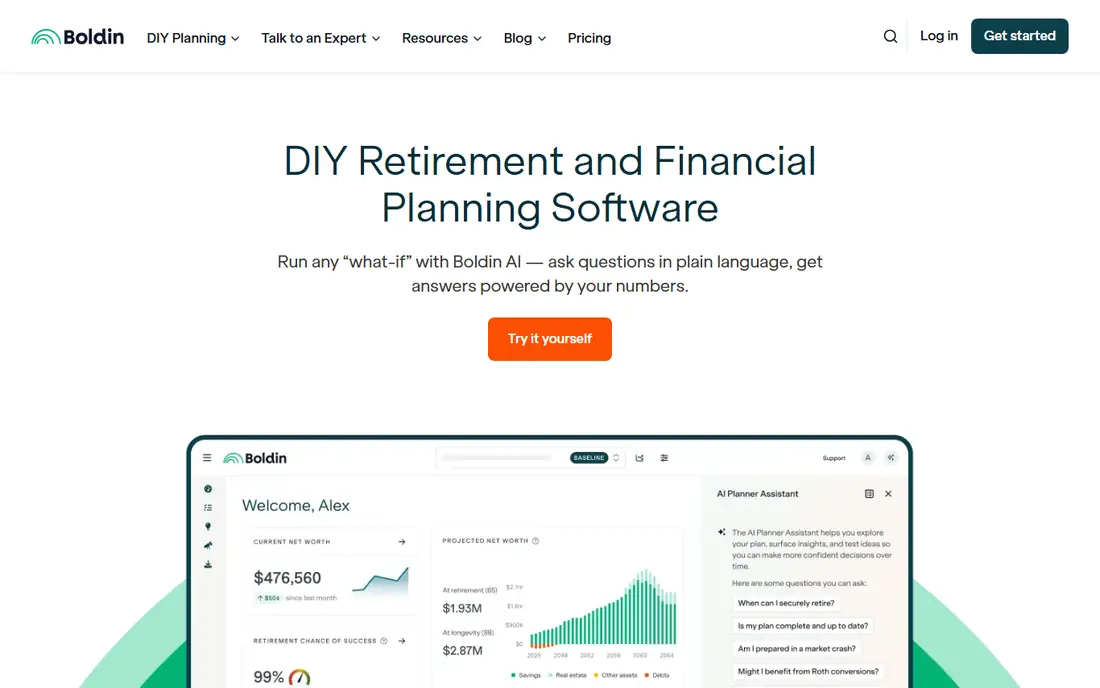
Boldin is DIY retirement and financial planning software that goes beyond savings and investments, factoring in taxes, Social Security, real estate, healthcare costs, long-term care and more. Its homepage highlights an AI assistant that answers questions in plain language based on your numbers, plus state tax modeling, itemized deductions, income from work, annuities and pensions, debt, goals and budgets. It also offers classes, groups and one-to-one coaching sessions.
Boldin suits planners who want control and detail. If you want to compare Roth conversions, Social Security claiming ages and long-term care costs in one plan, Boldin covers more ground than a simple calculator. The trade-off is learning time: the depth that makes it powerful also means a first plan takes longer to build. For serious DIY planners, that time pays off.
- Covers taxes, Social Security, real estate, healthcare and long-term care
- AI assistant answers questions from your plan
- Monte Carlo analysis and classes
- Depth can feel complex for beginners
- Premium features need a paid plan
ProjectionLab
Ideal for: Scenario testing
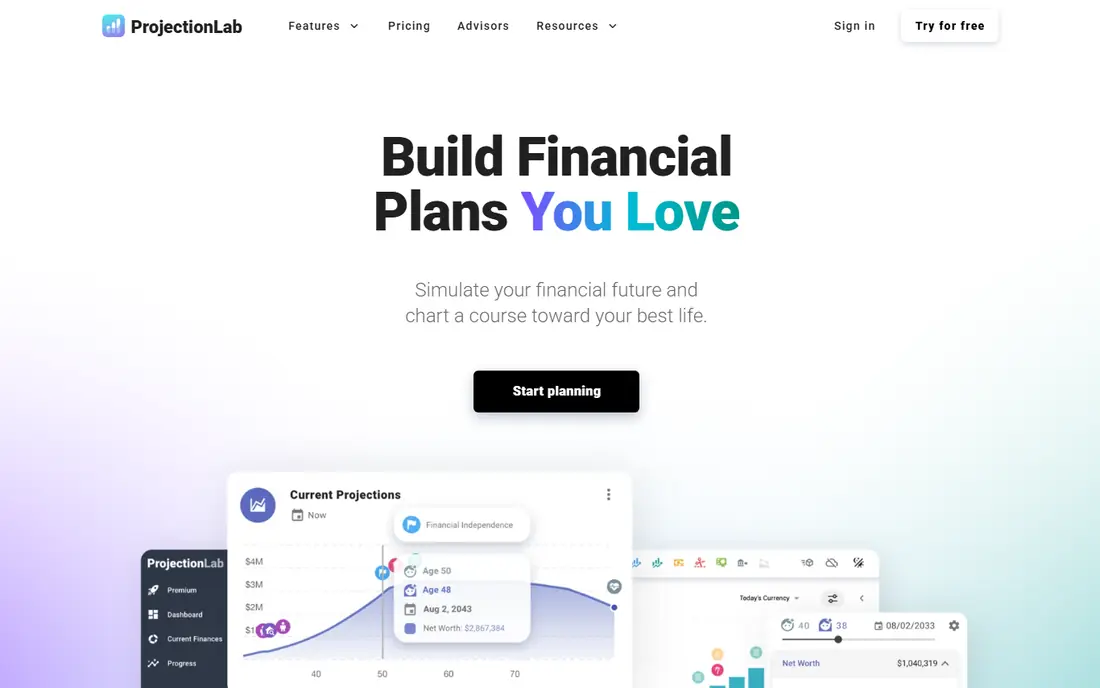
ProjectionLab is modern financial and retirement planning software praised by users for visualizing investments, expenses and scenarios over time. Testimonials on its homepage call it a powerful tool for financial independence planning, with detailed variables, cash flow priorities and multi-condition milestones that build decision trees for different market conditions. Users also note that it does not require linking financial accounts, which suits privacy-minded planners.
ProjectionLab suits people who enjoy testing many futures: retire at 55 versus 62, move to a higher-tax state, pay off debt early versus invest more. Its scenario tools answer those questions with charts rather than single numbers. The limit is that its depth suits motivated planners more than people who want a quick answer. For early retirement and FIRE planning, it is one of the best tools available.
- Detailed scenario modeling without linking accounts
- Multi-condition milestones for complex plans
- Strong fit for early retirement planning
- Detail can overwhelm casual users
- Pricing needs checking on the site
OnTrajectory
Ideal for: Beginner planning
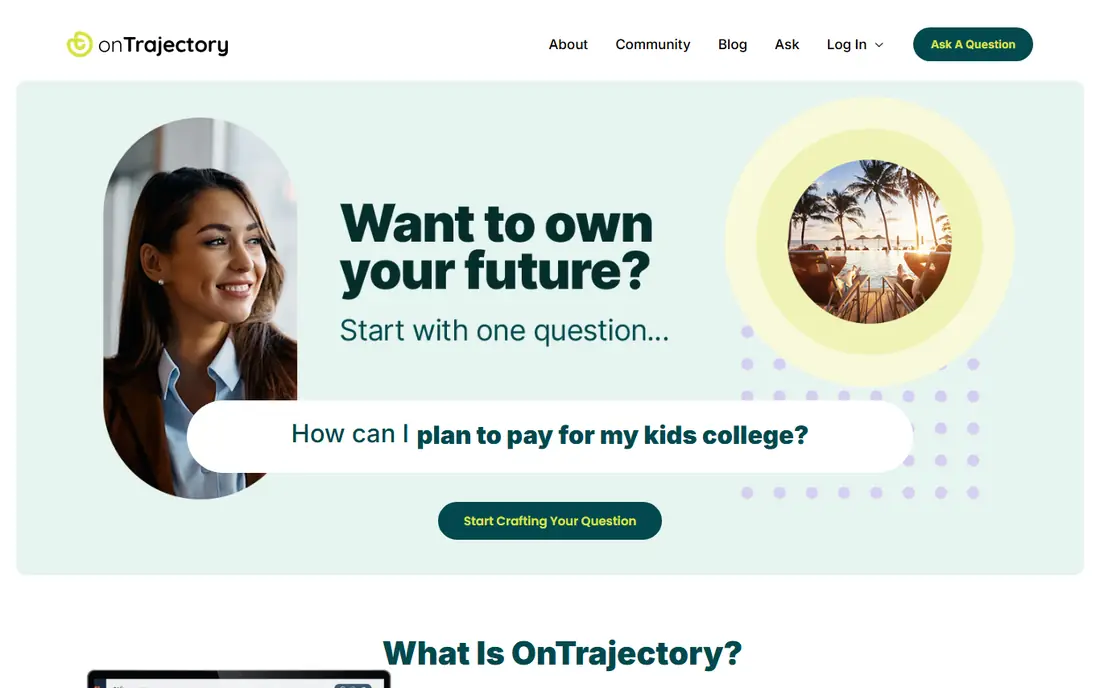
OnTrajectory is financial planning software designed so regular people can create lifetime models, with goals-based planning for beginners and cash flow planning for more complex finances. Its homepage pricing shows a free Basic plan with income, expenses and accounts, plan visualization, one alternate scenario, email support and a chance-of-success calculation. The Unlimited plan costs 80 USD per year or 9 USD per month, adding unlimited scenarios, Monte Carlo and historical analysis, tax customization, withdrawal optimization and debt reduction strategies.
OnTrajectory suits beginners who want a real plan without a big cost. The free plan is enough to build a first lifetime model and test one alternative, while the unlimited plan adds the analysis serious planners need. The trade-off is that the free tier is limited, but at 80 USD per year the full version is good value compared with advisor software.
- Free basic plan with one alternate scenario
- Unlimited plan at 80 USD per year or 9 USD per month
- Goals-based and cash flow planning options
- Free plan limits scenarios and customization
- Professional tools cost extra
Vanguard
Ideal for: Investor planning tools
Vanguard combines time-tested investment principles with retirement tools, savings strategies, personalized financial advice and market insights to help investors build a future for those they love. Its homepage highlights mutual funds, IRAs, ETFs and 401(k) plans, with a 50-year history of investor success built on high-quality investments and a drive to help investors keep more of what they earn.
Vanguard suits investors who want planning tools alongside their retirement accounts at a provider known for low costs. Seeing retirement savings, IRAs and 401(k) plans in one place makes a plan more accurate, since it uses real balances rather than typed estimates. The free tools cover basic planning, while paid advice adds a human advisor.
- Mutual funds, IRAs, ETFs and 401(k) plans from a 50-year investor-focused provider
- Retirement tools alongside savings strategies and market insights
- Personalized financial advice available
- Low-cost investment principles focused on helping investors keep more of what they earn
- Planning tools sit inside a wider investment platform
- Personalized advice may cost extra
Fidelity
Ideal for: Brokerage retirement planning
Fidelity Investments is one of the largest financial services companies in the United States, offering retirement accounts, brokerage, mutual funds, ETFs, wealth management and financial planning. Its homepage notes 0 USD account fees, commission-free US stock and ETF trades online, fractional shares from 1 USD, tax-free growth and withdrawals in a Roth for qualified rules, and an HSA with no account fees or minimums.
Fidelity suits investors who want retirement planning inside their brokerage, with accounts and tools in one place. Its planning tools help with savings goals, Roth versus traditional choices and withdrawal planning, backed by research and guidance. The limit is that Fidelity's tools are general-purpose rather than a dedicated deep planner like Boldin, so serious planners may pair Fidelity accounts with a dedicated tool.
- No account fees and commission-free US stock and ETF trades online
- Roth, HSA and education accounts
- Planning tools inside a major brokerage
- Planning depth varies by tool
- Best value if you hold accounts at Fidelity
RightCapital
Ideal for: Advisor planning
RightCapital is financial planning software for modern advisors, with interactive retirement planning that illustrates multiple scenarios and stress tests, smart tax planning that connects tax return data to plans, insurance needs review, risk tolerance assessment and client collaboration through a portal and mobile app. Its homepage offers a 20-minute one-to-one virtual demo and a 14-day free trial, plus Snapshot summaries and Blueprint visuals for net worth, goals and cash flow.
RightCapital suits advisors who want planning clients can understand. Its visuals translate complex plans into clear pictures, which helps clients act on advice. For consumers, RightCapital matters because your advisor may use it: if your advisor offers RightCapital access, ask for the client portal and stress-test views. It is not a DIY purchase for most individuals.
- Interactive retirement planning with scenarios and stress tests
- Smart tax planning with Roth conversion modeling
- 14-day free trial
- Built for advisors, not DIY consumers
- Pricing needs a demo or trial to confirm
MoneyGuide
Ideal for: Advisor goals planning
MoneyGuide, from Envestnet, is a comprehensive planning platform from foundational to sophisticated planning, with goals-based plans, retirement distribution, risk tolerance, Social Security optimization and tax planning. Its homepage highlights Play Zone, where clients use sliders to vary retirement age, goals and savings and see the impact at once, plus holistic stress testing through a "What Are You Afraid Of" feature, retirement cash flow charts and MyBlocks for ongoing advisor-client collaboration.
MoneyGuide suits advisors who want clients engaged in the plan, not just handed a report. The goals-first approach, sorting goals into needs, wants and wishes, helps clients prioritize when money is tight. For consumers, MoneyGuide is relevant through an advisor: if your advisor uses it, the Play Zone and stress tests are worth exploring in your next review meeting.
- Goals-based planning with needs, wants and wishes
- Play Zone sliders for interactive what-ifs
- Stress testing, tax planning and Social Security optimization
- Advisor software, not sold as a consumer tool
- Pricing requires contacting Envestnet
eMoney
Ideal for: Advisor comprehensive planning
eMoney Advisor offers financial planning solutions from simple conversations to complex plans, with Monte Carlo analysis, account aggregation, a client portal with 24/7 access, a decision center for interactive planning and plan summaries. Its homepage cites a December 2023 study of 701 users in which 94 percent of advisors improved client engagement, 90 percent reported improved efficiency and 94 percent reported improved client satisfaction through eMoney. It supports firms of all sizes, including banks, broker-dealers and RIAs.
eMoney suits large advisory firms and advisors with complex clients, where aggregation, Monte Carlo testing and client portals matter at scale. For consumers, eMoney appears through an advisor's portal, where you can view your plan between meetings. It is the most comprehensive advisor tool on this list, and its price reflects that enterprise focus.
- Monte Carlo analysis, account aggregation and client portal
- Decision center for interactive what-ifs
- Used by banks, broker-dealers and RIAs
- Enterprise advisor pricing
- Not a consumer DIY tool
How we picked these
We compared official homepages, features and pricing, favoring tools that model taxes, Social Security and scenarios rather than simple savings calculators. We covered DIY tools at several price points plus advisor tools, because readers search this topic both as individuals and as advisors. We checked each tool's own site before listing it, and we note where a tool is advisor-only so consumers do not buy the wrong product.
How to choose retirement planning software
Start with who you are. DIY planners should pick Boldin, ProjectionLab or OnTrajectory, based on how much detail they want and what they will pay. Investors with accounts at Vanguard or Fidelity can start with those free tools and add a dedicated planner later. Advisors should compare RightCapital, MoneyGuide and eMoney on client experience, tax tools and integration with their existing systems.
Next, test the assumptions. Enter the same income, savings and retirement age in two tools and compare the results: if they differ widely, check the return, inflation and tax assumptions, since those drive the answer. A tool that lets you change assumptions and run stress tests is more useful than one that hides them. Run a market drop scenario and a longer lifespan scenario to see whether your plan still works.
Finally, review your plan regularly. A plan built once and forgotten will drift as markets, taxes and life change. Revisit it yearly, after job changes, and before claiming Social Security or starting withdrawals. Software helps you compare choices, but the decisions still need your judgment, and a financial advisor can help with complex tax and estate questions.
Frequently asked questions
What is the best retirement planning software for individuals?
Boldin suits detailed DIY planners, ProjectionLab suits scenario testers and early retirement planners, and OnTrajectory suits beginners with a free plan. Vanguard and Fidelity suit investors who want planning inside their brokerage. Pick based on detail, price and whether you want to link accounts.
Is retirement planning software worth paying for?
Free tools from brokerages and OnTrajectory's basic plan cover many needs, but paid tools add tax modeling, Monte Carlo analysis and scenario testing that matter for complex plans. If your plan involves Roth conversions, Social Security timing or long-term care, a paid tool such as Boldin or ProjectionLab can pay for itself in better decisions.
What is Monte Carlo analysis in retirement planning?
Monte Carlo analysis runs your plan through hundreds or thousands of simulated market outcomes to estimate the chance of success, rather than assuming one steady return. It shows how your plan holds up in poor markets, which helps you judge whether you need to save more, spend less or retire later.
Can retirement software handle Social Security and taxes?
The better tools can. Boldin models Social Security, state taxes and deductions, MoneyGuide offers Social Security optimization and tax planning, and RightCapital connects tax return data to plans. Simple calculators often ignore these factors, which can make their answers misleading.
Should I use software or hire a financial advisor?
Software is excellent for modeling and comparing choices, while an advisor adds judgment on taxes, estate planning and behavior during market drops. Many people use both: software to explore options, and an advisor for complex decisions and accountability. Advisor tools such as eMoney and RightCapital are built for that combined approach.
How often should I update my retirement plan?
Review your plan at least yearly, and after major changes such as a job move, a home purchase, a health change or a market drop. Revisit Social Security claiming and withdrawal plans in the years before retirement, since those choices are hard to reverse.