Best Reverse Video Search Tools in 2026: 7 Options Compared

- 1
 Berifytracing video clips and imagesVisit
- 2
 InVIDfree video verificationVisit
- 3
 PimEyesface search across the webVisit
- 4
 Yandex Imagesfree frame matchingVisit
- 5
 Bing Visual Searchquick frame checksVisit
- Berify is our pick for tracing a video clip, because it is built for video matching rather than still images alone.
- InVID is the strongest free option for journalists and fact-checkers verifying a clip.
- Google Lens and Bing Visual Search suit quick checks from a phone, using single frames.
- No tool is perfect: results depend on clip length, quality, and whether the video was re-uploaded or edited.
Quick comparison
| Product | Ideal for | Price from | Free version | |
|---|---|---|---|---|
| Berify | tracing video clips and images | See website | No | Visit |
| InVID | free video verification | Free | Yes | Visit |
| PimEyes | face search across the web | See website | No | Visit |
| Yandex Images | free frame matching | Free | Yes | Visit |
| Bing Visual Search | quick frame checks | Free | Yes | Visit |
 TinEye | image source tracing | See website | Yes | Visit |
 Google Lens | phone-based visual checks | Free | Yes | Visit |
The best reverse video search tools
We compared official feature pages, app listings, and public guides for tools that can trace a video in October 2026. Our pick for most people is Berify, because it handles video matching directly, but free verification tools and phone-based options cover many everyday checks.
Berify
Ideal for: tracing video clips and images
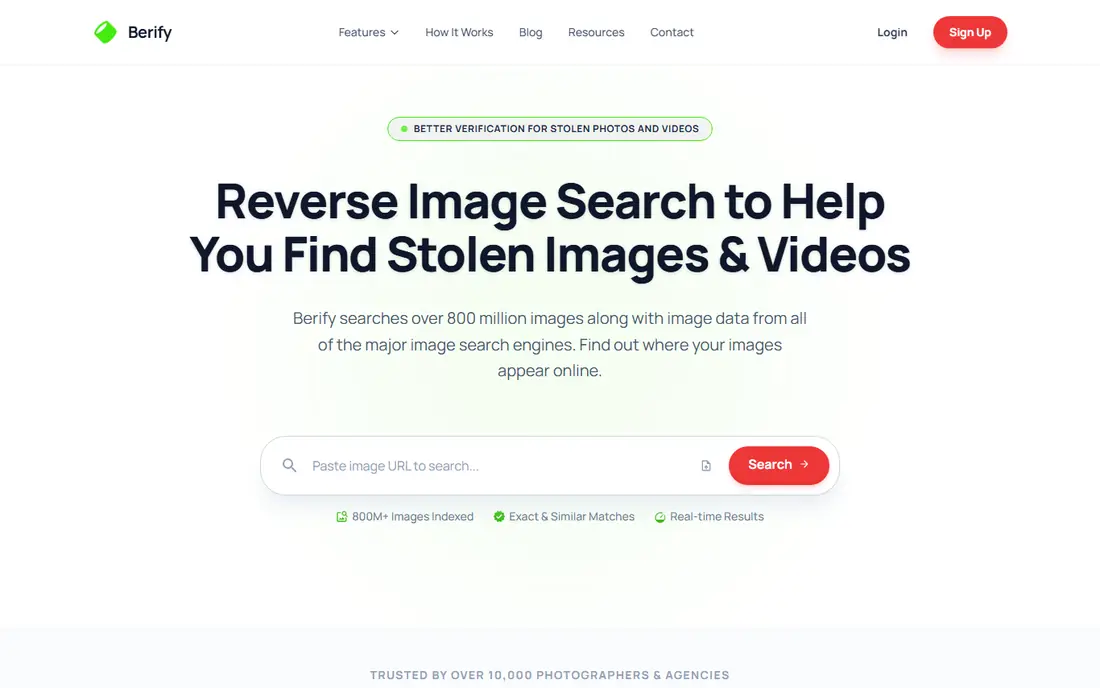
Berify matches videos and images against its index to find copies and re-uploads online. Its strength is video-first matching, which goes beyond the single-frame approach of general search tools. Support quality matters when something breaks, so read the help pages and the refund or cancellation terms before paying. Note which features sit behind higher tiers, because the headline plan rarely includes everything shown on the marketing page.
The catch is cost and coverage: check whether your clip type is indexed before paying. Read the privacy policy for any product that holds personal or business data, and confirm who can see that data and how long it is kept.
Our view: if tracing video clips and images is your main need, this option deserves a trial, with the trade-offs above kept in mind. Set a reminder to review the plan after the first month, when real usage shows whether the tier you picked still fits. A clean export path matters, so confirm you can take your data out in a usable format if you later switch.
- Built for video and image matching
- Finds re-uploads
- Used for rights protection
- Paid service
- Results depend on index coverage
InVID
Ideal for: free video verification
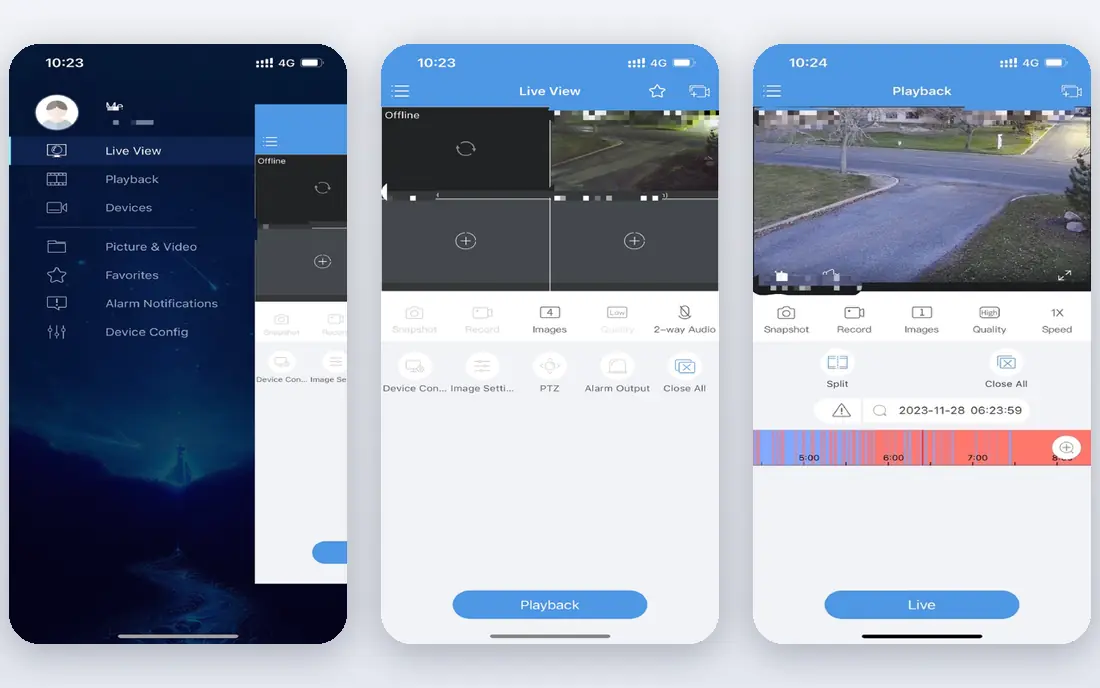
InVID is a free verification plugin and toolkit built for journalists checking video claims. Its strength is frame extraction and metadata checks, which help prove where and when a clip appeared. Watch for limits that only appear at scale, such as seats, projects, scans, or exports, since those decide the real monthly cost. If your team will use it daily, get one or two colleagues to try the same task in it and compare notes before you choose.
The catch is effort: it rewards users who learn its workflow, rather than casual one-tap searches. A clean export path matters, so confirm you can take your data out in a usable format if you later switch.
Our view: this option is a strong candidate when free video verification matters most, provided the limits above fit your budget. If you rely on it for work, confirm uptime, backup, and account recovery options before moving anything important into it. Check the pricing page before you commit, since plans and limits change and the page you see at signup is the one that counts.
- Free verification toolkit
- Frame extraction
- Metadata and keyframe tools
- Browser-based workflow needs some learning
- Not a simple one-click search
PimEyes
Ideal for: face search across the web
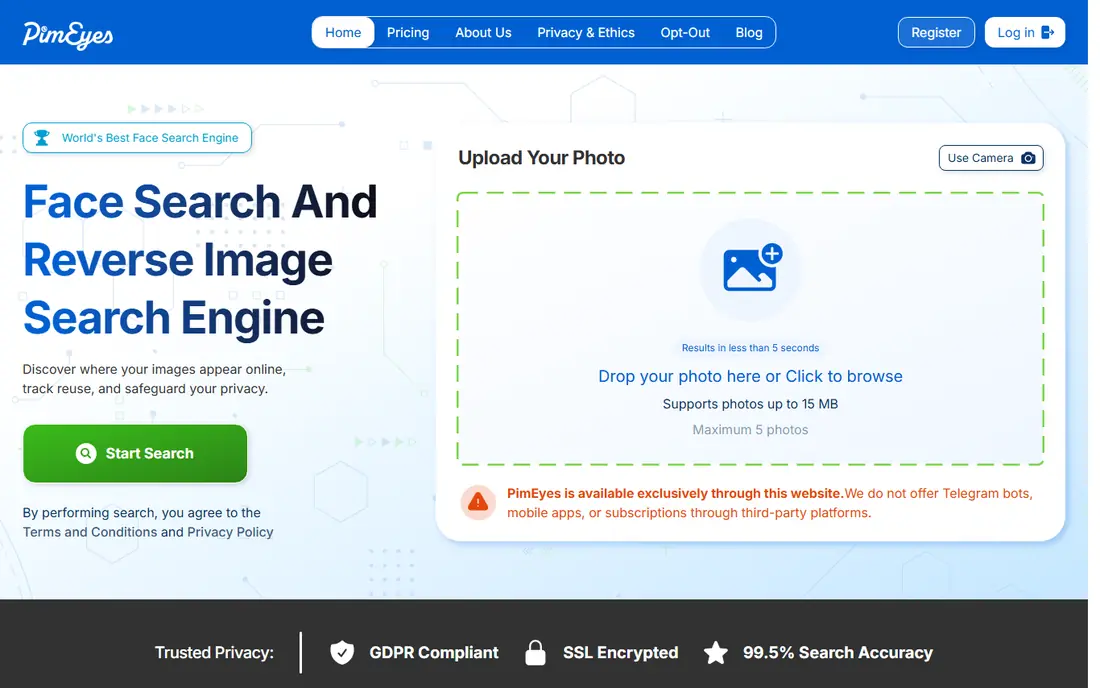
PimEyes searches public web images for faces matching an uploaded photo or frame. Its strength is face matching at scale, which can help people find misuse of their own image. Compare at least two options on the same task, using the same sample project or data, so the comparison stays honest. Check the pricing page before you commit, since plans and limits change and the page you see at signup is the one that counts.
The catch is ethics and privacy: use it only for lawful purposes and respect opt-out requests. Note which features sit behind higher tiers, because the headline plan rarely includes everything shown on the marketing page.
Our view: shortlist this option if face search across the web is what you are buying for, and compare it head to head with one other option here. Look at how it handles your existing tools, because a product that fits your current setup saves more time than one with a longer feature list. If your team will use it daily, get one or two colleagues to try the same task in it and compare notes before you choose.
- Face matching across public web images
- Alerts for new matches
- Opt-out options
- Face search raises privacy questions
- Paid plans for full results
Yandex Images
Ideal for: free frame matching
Yandex Images lets you upload a frame and find visually similar images across the web. Its strength is a large visual index and free access, which makes quick checks easy. Check the pricing page before you commit, since plans and limits change and the page you see at signup is the one that counts. A clean export path matters, so confirm you can take your data out in a usable format if you later switch.
The catch is that it matches frames, not video motion, so pick distinctive frames for best results. A short trial or a free tier, where one exists, tells you more in a week than any feature list can.
Our view: this option earns its place here for buyers who put free frame matching first, and it is worth a close look before you decide. If your team will use it daily, get one or two colleagues to try the same task in it and compare notes before you choose. Note which features sit behind higher tiers, because the headline plan rarely includes everything shown on the marketing page.
- Free visual search
- Strong for similar images
- No account needed for basic use
- Video support is frame-based
- Results vary by region and index
Bing Visual Search
Ideal for: quick frame checks
Bing Visual Search matches an uploaded frame against similar images and source pages. Its strength is convenience, since it is free and needs no new account for basic checks. Support quality matters when something breaks, so read the help pages and the refund or cancellation terms before paying. Look at how it handles your existing tools, because a product that fits your current setup saves more time than one with a longer feature list.
The catch is depth: it will not trace a full clip the way a dedicated video tool can. Read the privacy policy for any product that holds personal or business data, and confirm who can see that data and how long it is kept.
Our view: if quick frame checks is your main need, this option deserves a trial, with the trade-offs above kept in mind. Set a reminder to review the plan after the first month, when real usage shows whether the tier you picked still fits. Support quality matters when something breaks, so read the help pages and the refund or cancellation terms before paying.
- Free and easy
- Finds similar images and pages
- Works from phone or desktop
- Frame-based only
- No dedicated video upload matching
TinEye
Ideal for: image source tracing
TinEye traces where an image has appeared online, including cropped or edited copies. Its strength is a mature index and clear source results, which suits rights checks. Watch for limits that only appear at scale, such as seats, projects, scans, or exports, since those decide the real monthly cost. Compare at least two options on the same task, using the same sample project or data, so the comparison stays honest.
The catch is workflow: for video you must extract frames first, then search each one. A clean export path matters, so confirm you can take your data out in a usable format if you later switch.
Our view: this option is a strong candidate when image source tracing matters most, provided the limits above fit your budget. If you rely on it for work, confirm uptime, backup, and account recovery options before moving anything important into it. Set a reminder to review the plan after the first month, when real usage shows whether the tier you picked still fits.
- Long-running reverse image index
- Finds modified copies
- Browser extension available
- Image-focused, so video needs frame uploads
- Free tier has limits
Google Lens
Ideal for: phone-based visual checks
Google Lens matches what your camera sees, or an uploaded frame, against similar web content. Its strength is speed on a phone, which suits a quick check of a clip you just received. Compare at least two options on the same task, using the same sample project or data, so the comparison stays honest. Read the privacy policy for any product that holds personal or business data, and confirm who can see that data and how long it is kept.
The catch is scope: it is a general visual tool, not a dedicated video tracing service. Note which features sit behind higher tiers, because the headline plan rarely includes everything shown on the marketing page.
Our view: shortlist this option if phone-based visual checks is what you are buying for, and compare it head to head with one other option here. Look at how it handles your existing tools, because a product that fits your current setup saves more time than one with a longer feature list. A short trial or a free tier, where one exists, tells you more in a week than any feature list can.
- Free
- Built into many phones
- Fast similar-image results
- Frame-based
- Best for objects and images rather than full video tracing
How we picked these
We compared official feature pages, app store listings, and public guides for each tool. We looked for true video or frame matching, ease of use, cost, privacy handling, and whether results include source pages. We did not run hands-on tests, and we note where a tool works from frames rather than full video.
How to get a useful result from a reverse video search
Start with clean frames. Pick a sharp, distinctive frame from the clip, and try two or three different frames, since one frame may match while another does not.
Try more than one tool. Different indexes cover different platforms, so a clip that fails in one tool may match in another.
Treat face search with care. Only use it for lawful purposes, respect privacy, and do not use results to identify private people or to harass anyone.
Frequently asked questions
Can I reverse search a whole video file?
Some tools accept a video upload or link and match it directly, while others need you to upload single frames. Berify and InVID are closer to full video workflows, while Lens and Bing work from frames.
Why does my video search return no matches?
Re-uploads, crops, filters, and low quality all reduce matching, and private or newly posted clips may not be indexed yet. Try different frames and more than one tool.
Are reverse video search tools free?
Several options here are free for basic checks, while dedicated video matching services charge for deeper or commercial use. Check limits before uploading large files.
Is reverse video search legal?
Searching public clips for verification or research is generally fine, but copying, reposting, or identifying people without a lawful reason can raise legal and privacy issues. Use results responsibly.