Best Reviewed Accounting Automation Services in 2026: 8 Services Compared

- Our pick for most people is Ramp, because it balances price, features and ease of use for the widest group of readers.
- Free plans and trials are real here, but the limits matter: check what Bill and BlackLine actually include before you commit.
- Prices in this guide come from vendor pricing pages and current comparisons checked in October 2026, and they can change, so confirm the plan on the vendor site before you buy.
- The best choice depends on your budget, your experience level and how much support you want, not on which brand is most famous.
Quick comparison
| Product | Ideal for | Price from | Free version | |
|---|---|---|---|---|
 Ramp | Expense and accounting automation for teams | See website | No | Visit |
 Bill | Accounts payable automation for businesses | See website | Free trial | Visit |
 BlackLine | Financial close automation for larger teams | See website | No | Visit |
 FloQast | Close management for accounting teams | See website | Free trial | Visit |
 Tipalti | Global payables and tax compliance automation | See website | No | Visit |
 Vic.ai | AI invoice processing for accounting firms | See website | Free trial | Visit |
 Docyt | AI bookkeeping automation for small businesses | See website | Free trial | Visit |
 Brex | Spend and accounting automation for startups | See website | No | Visit |
The best Reviewed Accounting Automation Services in 2026
We compared official feature pages, pricing pages, app store listings, privacy policies and public reviews to build this list for best-reviewed accounting automation services. Every option below exists and works today, and each one earns its place for a different kind of reader.
Ramp
Ideal for: Expense and accounting automation for teams
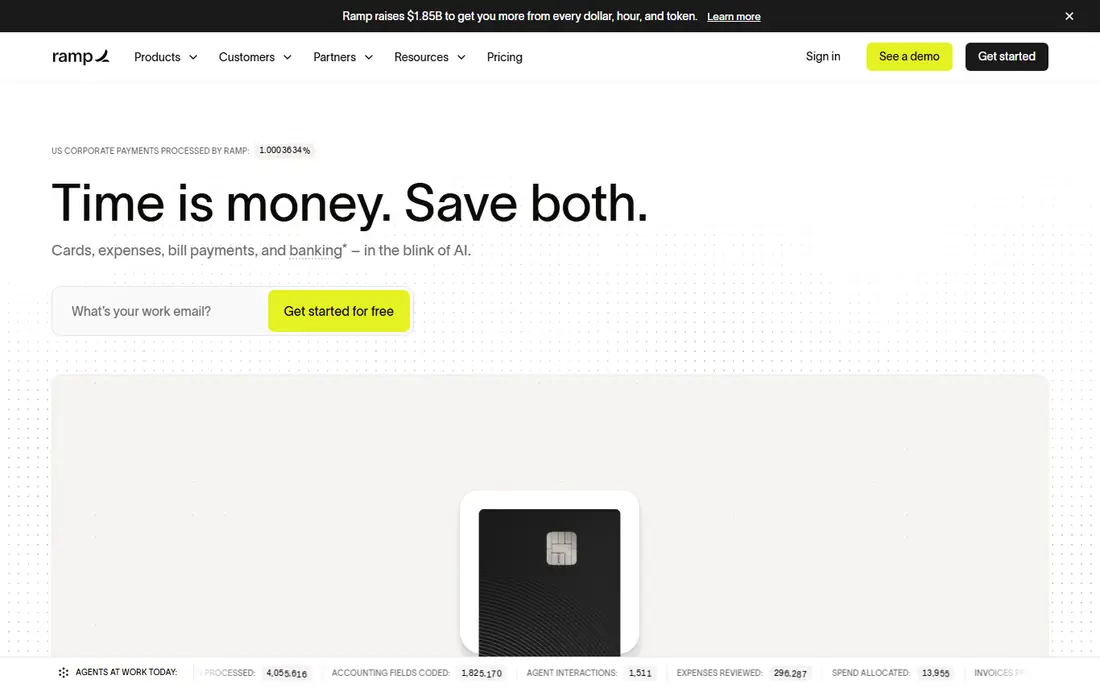
Here is the short version. Ramp combines corporate cards, expense management and accounting automation, with transactions flowing into accounting software with less manual coding. Finance teams get controls and real-time visibility that spreadsheets cannot match. It fits readers who want expense and accounting automation for teams, and its published feature set matches that promise rather than trying to cover every possible use case at once. The price picture is see website, with a free plan status of no. It is built for companies with teams, so a solo freelancer will find simpler bookkeeping tools a better fit. Before you sign up, check the current plan limits on the official site, because caps on users, usage or features are where most buyers get surprised after the first month. Before you commit, read the current plan page in full and check the limits that apply to your size, your volume and your location. Caps on users, usage, storage or support hours are the details that cause most surprises after the first month, and they vary a lot from one provider to the next.
- Corporate cards with controls
- Expense automation
- Accounting integrations
- Best for companies, not solo bookkeeping
- Card approval needed
Bill
Ideal for: Accounts payable automation for businesses
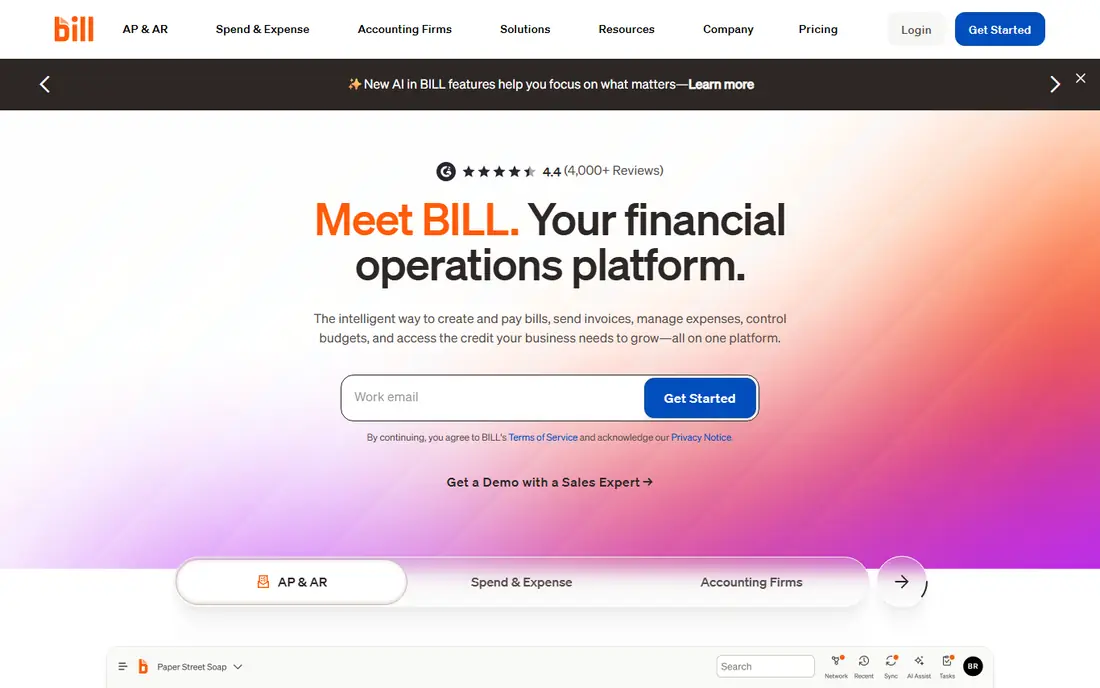
Start here if you want a safe default. Bill automates accounts payable, from invoice capture and approvals to payments and syncing with accounting software. Businesses that pay many vendors each month save the most time, because manual entry and chasing approvals disappear. It fits readers who want accounts payable automation for businesses, and its published feature set matches that promise rather than trying to cover every possible use case at once. The price picture is see website, with a free plan status of free trial. Volume-based pricing means costs grow with invoices, so estimate your monthly volume before comparing plans. Before you sign up, check the current plan limits on the official site, because caps on users, usage or features are where most buyers get surprised after the first month. A short trial or a demo call will tell you more than a feature page can. Use it with a real task from your own work, note where you get stuck, and compare how quickly support answers when you ask a plain question about pricing or limits.
- Invoice capture and approvals
- Payment automation
- Accounting sync
- Pricing rises with volume
- Setup needs accounting software in place
BlackLine
Ideal for: Financial close automation for larger teams
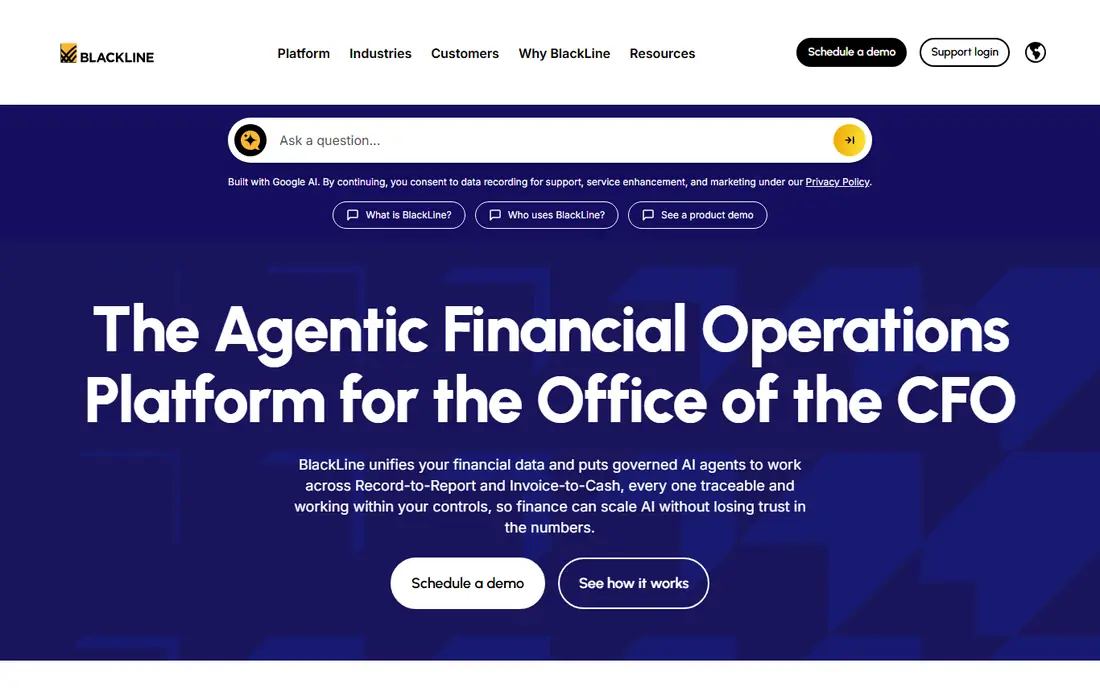
This one suits a specific kind of reader. BlackLine automates the financial close, with reconciliations, task management and audit trails for larger finance teams. It suits companies where the month-end close is a long, manual process involving many accounts. It fits readers who want financial close automation for larger teams, and its published feature set matches that promise rather than trying to cover every possible use case at once. The price picture is see website, with a free plan status of no. Enterprise pricing and implementation effort put it out of reach for small businesses, but it is strong for mid-size and large finance teams. Before you sign up, check the current plan limits on the official site, because caps on users, usage or features are where most buyers get surprised after the first month. Ask about contract length, renewal terms and what happens if you need to leave. A low starting price can hide a long term, a setup fee or a charge for extra users, so get the full first year cost in writing before you sign anything.
- Close task management
- Reconciliation automation
- Audit trails
- Enterprise pricing
- Implementation takes planning
FloQast
Ideal for: Close management for accounting teams
Consider this if the top picks do not fit your needs. FloQast organises the close with checklists, reconciliations and workflow tools that show exactly what is done and what is still open. Accounting teams get a clearer close and a better audit trail than a spreadsheet checklist provides. It fits readers who want close management for accounting teams, and its published feature set matches that promise rather than trying to cover every possible use case at once. The price picture is see website, with a free plan status of free trial. Quoted pricing makes comparison harder, so ask for a full quote based on your team size and close volume. Before you sign up, check the current plan limits on the official site, because caps on users, usage or features are where most buyers get surprised after the first month. Check who actually provides support and how fast they reply on the plan you would buy. Support that is excellent on an enterprise plan can be slow on a starter plan, and that difference matters more than a small price gap when something breaks.
- Close checklist and workflow
- Reconciliations
- Integrations with major ERPs
- Pricing is quoted
- Best for teams, not solo users
Tipalti
Ideal for: Global payables and tax compliance automation
A strong option for a narrower need. Tipalti automates global accounts payable, including supplier onboarding, tax forms and payments across currencies. Companies paying suppliers in many countries get the most value, because compliance and currency handling are built in. It fits readers who want global payables and tax compliance automation, and its published feature set matches that promise rather than trying to cover every possible use case at once. The price picture is see website, with a free plan status of no. Onboarding and enterprise pricing make it a poor fit for a business with a handful of local vendors. Before you sign up, check the current plan limits on the official site, because caps on users, usage or features are where most buyers get surprised after the first month. Look for recent public reviews that mention your exact use case, not just the overall score. A product can be excellent for one kind of buyer and a poor fit for another, and the complaints usually point to the same limit again and again.
- Global supplier payments
- Tax form handling
- Fraud controls
- Enterprise focus
- Onboarding takes time
Vic.ai
Ideal for: AI invoice processing for accounting firms
Worth a close look before you decide. Vic.ai uses AI to read invoices, code them and route approvals, which cuts manual data entry for accounting teams and firms. It learns from past coding decisions, so accuracy tends to improve as it sees more of your invoices. It fits readers who want ai invoice processing for accounting firms, and its published feature set matches that promise rather than trying to cover every possible use case at once. The price picture is see website, with a free plan status of free trial. AI coding still needs human review, especially for unusual invoices, so keep approval checks in place rather than trusting it blindly. Before you sign up, check the current plan limits on the official site, because caps on users, usage or features are where most buyers get surprised after the first month. Confirm that the product still covers your region, your language or your compliance needs before you pay. Coverage pages change, and a service that works well in one country or state may offer a thinner version somewhere else.
- AI invoice coding
- Approval workflows
- Accounting integrations
- AI accuracy needs review
- Pricing is quoted
Docyt
Ideal for: AI bookkeeping automation for small businesses
This belongs on the shortlist for a reason. Docyt automates bookkeeping by capturing receipts and invoices and posting them with AI assistance. Small businesses get cleaner books and real-time reports without hiring a full bookkeeping team. It fits readers who want ai bookkeeping automation for small businesses, and its published feature set matches that promise rather than trying to cover every possible use case at once. The price picture is see website, with a free plan status of free trial. Document quality matters, so messy or handwritten receipts will still need attention, and the tool suits businesses with mostly digital paperwork. Before you sign up, check the current plan limits on the official site, because caps on users, usage or features are where most buyers get surprised after the first month. Compare the total cost for a full year, including add-ons you will actually use. The cheapest headline price is rarely the cheapest year, once you add seats, storage, support or the tier that removes the limit you hit first.
- AI document capture
- Automated bookkeeping
- Real-time reports
- Smaller ecosystem than large rivals
- Accuracy depends on document quality
Brex
Ideal for: Spend and accounting automation for startups
Do not overlook this one. Brex combines corporate cards with expense and accounting automation, aimed at startups and growing companies. Transactions sync to accounting software, and controls help finance teams manage spend as headcount grows. It fits readers who want spend and accounting automation for startups, and its published feature set matches that promise rather than trying to cover every possible use case at once. The price picture is see website, with a free plan status of no. Eligibility and company-stage focus mean it is not the right fit for every small business, so check requirements before applying. Before you sign up, check the current plan limits on the official site, because caps on users, usage or features are where most buyers get surprised after the first month. Talk to the vendor about onboarding and migration if you are switching from another tool. A clear migration path, a named contact and a realistic timeline will save more time than any single feature on the comparison page.
- Corporate cards
- Expense automation
- Accounting integrations
- Best for venture-backed or growing companies
- Card eligibility rules apply
How we picked these
We started from official feature pages and pricing pages, then checked app store listings, privacy policies and public reviews to confirm each product still works and still fits the topic. Products that could not be verified, or that only partly matched the topic, were left out, even when they were well known. We favoured a mix of established leaders and strong smaller options, and we weighted price transparency, a usable free tier or trial, and honest limits more heavily than marketing claims. No product on this list paid for its place, and our pick for most people is the one we would suggest to a friend with ordinary needs and an ordinary budget.
How to pick accounting automation that fits your close process
Start with the outcome you need from best-reviewed accounting automation services, not with the longest feature list. Write down the one result that would make the purchase worth it, the budget you can defend for a full year, and the level of support you expect when something goes wrong. That short list will remove half of this comparison at once, because many strong products are built for a buyer with different needs from yours. Then trial the top two with a real task, not a demo task. Watch how long setup takes, how clear the pricing page is, and how support responds to an awkward question. If a vendor cannot answer a plain question about limits, renewal or cancellation, treat that as a finding, not as a detail to sort out later. The right choice for best-reviewed accounting automation services is the one that still looks good after that test, at the price you will actually pay.
Frequently asked questions
What is the best option for best-reviewed accounting automation services?
There is no single best option, because the right choice depends on your budget, your experience and the size of the job. Ramp is our pick for most people, while Bill and BlackLine suit readers with different priorities. Compare the free plan or trial terms before you decide.
How much do best-reviewed accounting automation services cost?
Costs vary widely across this list, from free tiers to enterprise pricing that is quoted on request. The table above shows the starting price for each option, but the full year cost depends on seats, usage and add-ons. Always confirm the current price on the vendor site before you buy.
Is there a free option for best-reviewed accounting automation services?
Some options in this list offer a free plan or a free trial, while others are paid from the start. Ramp and several others are worth checking first if budget is tight, but read the limits on the free tier, because caps on users or usage are common.
How do I choose between these options for best-reviewed accounting automation services?
Start from your must-have features, then filter by price, support and the limits that matter to you. Trial the top two with a real task, check contract and renewal terms, and pick the option that still fits after a week of real use.