7 Robotic Process Automation Tools Ranked for 2026

- 1
 Microsoft Power AutomateAutomation inside Microsoft 365Visit
- 2
 SS&C Blue PrismGoverned enterprise automationVisit
- 3
 NintexWorkflow automation for business usersVisit
- 4
 PegaEnterprise process and case automationVisit
- 5
 UiPathEnterprise RPA with the largest ecosystemVisit
- Microsoft Power Automate sits first on this list: Automation inside Microsoft 365.
- Pricing for Microsoft Power Automate, SS&C Blue Prism, Nintex and others is quote-based, which adds a sales step before you can compare cost.
- A fair warning about Nintex: RPA depth trails specialists.
- For Python-based open-source-rooted RPA, Sema4.ai is worth a look.
- Only 2 of the 7 tools have a free plan (UiPath, Sema4.ai), so check the caps.
Direct answer
Microsoft Power Automate is the first pick on this list for Automation inside Microsoft 365. SS&C Blue Prism fits governed enterprise automation; Nintex fits workflow automation for business users. All 7 tools are compared below on price, free plan and limits.
Quick comparison
| Product | Ideal for | Price from | Free version | |
|---|---|---|---|---|
| Microsoft Power Automate | Automation inside Microsoft 365 | See website | Free trial | Visit |
| SS&C Blue Prism | Governed enterprise automation | See website | No | Visit |
| Nintex | Workflow automation for business users | See website | Free trial | Visit |
| Pega | Enterprise process and case automation | See website | Free trial | Visit |
| UiPath | Enterprise RPA with the largest ecosystem | Free | Yes | Visit |
 WorkFusion | AI-driven automation for operations | See website | No | Visit |
 Sema4.ai | Python-based open-source-rooted RPA | Free | Yes | Visit |
Robotic Process Automation Tools compared in detail
Ainotely put together this guide to robotic process automation tools for readers who want a clear shortlist without reading every vendor page. It compares 7 tools on starting price, free plans, who each one suits and where each one falls short.
Microsoft Power Automate
Ideal for: Automation inside Microsoft 365
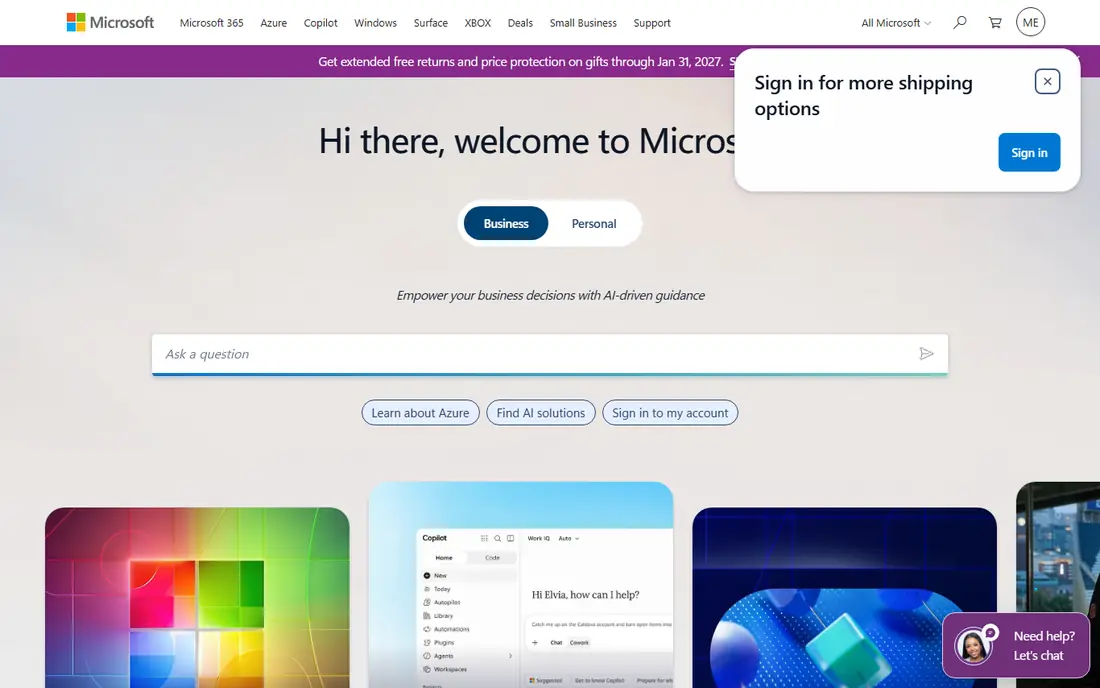
Microsoft Power Automate targets Automation inside Microsoft 365. Power Automate brings automation to the Microsoft masses.
Watch-outs: Premium connectors cost additional.
Premium connectors need higher licenses, and enterprise governance needs deliberate design. Cloud flows link hundreds of apps, desktop flows manage UI automation, and much of it is included or low-priced inside Microsoft 365. Microsoft Power Automate shows no starting price here, so confirm the cost on the vendor site. Free access: Free trial.
- Huge connector library
- Included or cheap with Microsoft 365
- Governance needs planning
SS&C Blue Prism
Ideal for: Governed enterprise automation
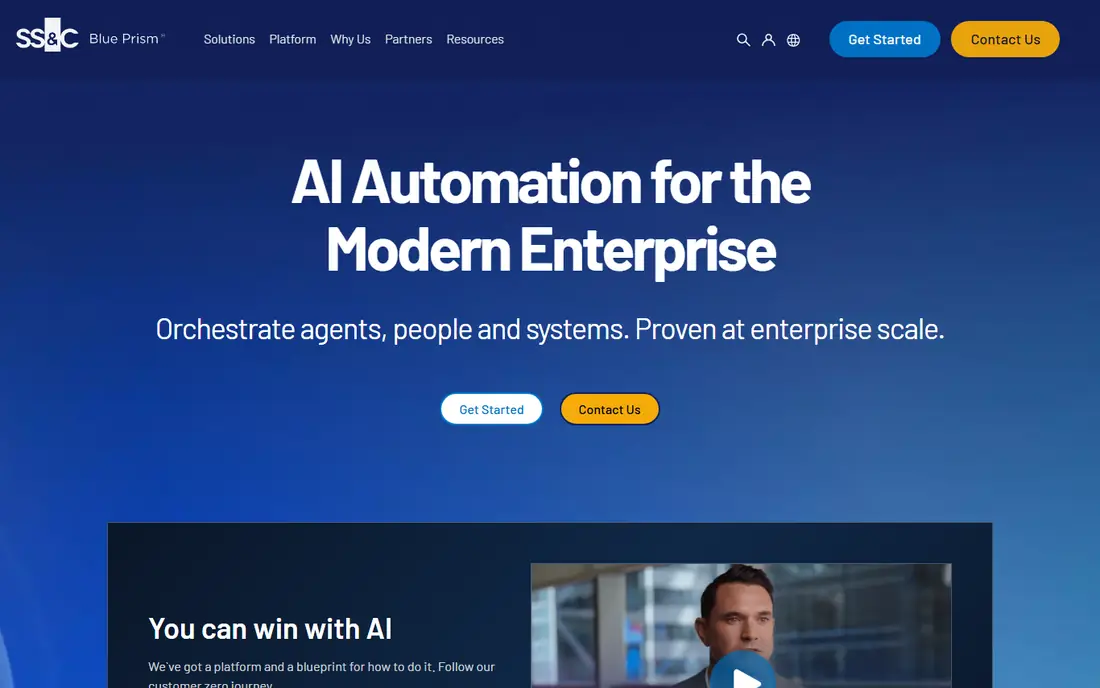
SS&C Blue Prism is built with governed enterprise automation in mind. SS&C ownership adds financial software stability.
In daily use, the control room, audit trails and centralized management satisfy compliance demands that looser products cannot. SS&C Blue Prism does not show a starting price in this comparison, so check the vendor site for current pricing. SS&C Blue Prism does not include a free plan.
Downsides: Less accessible than rivals.
- Capable governance and control room
- SS&C backing
- Enterprise pricing and sales
Nintex
Ideal for: Workflow automation for business users

In short, Nintex is for workflow automation for business users. Pure RPA depth trails the specialists, and pricing is quote-based. But for organizations whose automation needs center on workflows and documents instead of screen-scraping at scale, Nintex's approachability wins.
Nintex made workflow automation accessible to business users, with roots in SharePoint that spread it widely. Forms, workflows, document generation and RPA combine for the document-heavy processes that dominate office work. Pricing for Nintex is not stated here, so ask the vendor for current figures. On free options: Free trial.
The main drawbacks: Pricing by quote.
- Document automation
- Solid SharePoint heritage
- RPA depth trails specialists
Pega
Ideal for: Enterprise process and case automation
Pega was built for enterprise process and case automation. Banks, insurers and governments run critical processes on it. This is enterprise system territory with pricing and complexity to match.
But for organizations automating complicated, judgment-heavy processes end to end, Pega's process-first depth is unmatched. Pega approaches automation from business process management: case management, decisioning and workflows with RPA handling the repetitive steps. No starting price is listed for Pega here; confirm pricing on the vendor site. Free options: Free trial.
Where it falls short: Overkill for straightforward RPA.
- Proven at enterprise scale
- Deep case management and BPM
- System commitment
UiPath
Ideal for: Enterprise RPA with the largest ecosystem
Where UiPath fits: enterprise RPA with the largest ecosystem. The free Community edition and enormous user community lower the learning barrier.
Downsides: Enterprise pricing is significant.
On top of that, product breadth brings complexity. More specifically, enterprise licensing is significant, and realizing value needs a center of excellence, not just licenses. UiPath starts at: Free. You can start on UiPath without paying.
- Largest RPA community and marketplace
- Free community edition
- Product complexity grows
WorkFusion
Ideal for: AI-driven automation for operations
WorkFusion targets AI-driven automation for operations. It is niche instead of general-purpose RPA, with enterprise sales to match.
Limits to weigh: Niche positioning.
But operations leaders with the specific problems WorkFusion targets get packaged automation rather than a system project. WorkFusion shows no starting price here, so confirm the cost on the vendor site. WorkFusion has no permanent free option.
- Capable in banking operations
- AI workers for specific operations roles
- Enterprise sales
Sema4.ai
Ideal for: Python-based open-source-rooted RPA
Sema4.ai is designed for Python-based open-source-rooted RPA. Sema4.ai, formerly Robocorp, brings Python-native RPA with open-source roots. On top of that, Python skills are required.
But for teams that think in code, Sema4's developer-first model is more productive and maintainable than visual RPA. The rebrand is still settling in the market, and the enterprise footprint is smaller than the leaders. Sema4.ai cost at the entry level: Free. You can start on Sema4.ai without paying.
Where it is weaker: Smaller enterprise footprint.
- Python-native automation
- Open-source roots
- Rebrand still settling
How the list was put together
Pricing pages, product documentation and feature lists were the main sources, and every entry carries at least one honest drawback. Figures are shown as the vendors publish them. Billing terms, seat minimums and add-ons can change the real cost. Tools are placed by general fit for robotic process automation tools, with price clarity and free access as tie-breakers. A different team can reasonably rank them differently.
What to check before you buy
- Get a written quote from Microsoft Power Automate, SS&C Blue Prism, Nintex and others; the list shows no starting price for them.
- Check what the free option really includes: UiPath and Sema4.ai offer a free plan, and usage caps differ.
- Use real work to test the free trial from Microsoft Power Automate, Nintex and Pega, rather than a demo project.
- Before choosing Microsoft Power Automate, weigh its main limit: depth trails pure RPA at scale.
- Run a one or two week pilot of WorkFusion with the people who will use it every day.
- Look at the renewal terms for Nintex: auto-renewal, notice periods and price changes can matter more than the first-year price.
Frequently asked questions
Do these tools publish their prices?
Not all of them. Microsoft Power Automate, SS&C Blue Prism, Nintex and others publish no starting price, so expect a quote request for those. The rest, UiPath included, show a starting price, though seats and billing terms still change the final cost.
How are the tools for robotic process automation tools ordered?
Microsoft Power Automate sits first and Sema4.ai last because the order follows typical fit for robotic process automation tools, then price clarity and free access. It is a judgement call, so read each profile for fit and limits.
What is the difference between RPA and AI agents?
RPA automates deterministic, rule-based tasks by mimicking human interface actions. AI agents deal with reasoning, unstructured data and changing conditions. Modern products combine both: agents decide, robots execute.
What happened to Robocorp?
Robocorp rebranded to Sema4.ai, continuing its Python-native, open-source-rooted automation approach. The product philosophy is unchanged. Existing users were transitioned to the new branding.
What is the best RPA software?
Microsoft Power Automate comes first here and is built for Automation inside Microsoft 365. Buyers with other needs may prefer SS&C Blue Prism (for governed enterprise automation) or Nintex (for workflow automation for business users). Compare costs and limits first.
Which options for robotic process automation tools have a free plan?
UiPath and Sema4.ai offer a free plan in this list. Free plans usually cap users, projects or features, so check the limits on the vendor page. Several others offer a trial instead.