Best Running Training App in 2026: 6 Apps Compared

- 1
 RunnaPersonalized race plansVisit
- 2
 Garmin ConnectGarmin watch ownersVisit
- 3
 COROS Training HubCOROS watch ownersVisit
- 4
 adidas RunningCommunity and trackingVisit
- 5
 TrainingPeaksSerious athletes and coachesVisit
- Runna suits runners who want a personalized plan for a specific race distance.
- Garmin Connect suits Garmin watch owners who want deep training data in one place.
- TrainingPeaks suits serious athletes and coaches who want detailed planning and analysis.
- Final Surge suits athletes who want a full training log with no ads and no locked features.
- Start easy, build mileage slowly, and see a doctor if you have pain that does not settle.
Quick comparison
| Product | Ideal for | Price from | Free version | |
|---|---|---|---|---|
| Runna | Personalized race plans | $19.99/month | No | Visit |
| Garmin Connect | Garmin watch owners | See website | Yes | Visit |
| COROS Training Hub | COROS watch owners | See website | Yes | Visit |
| adidas Running | Community and tracking | See website | Yes | Visit |
| TrainingPeaks | Serious athletes and coaches | See website | Yes | Visit |
 Final Surge | Free training log | See website | Yes | Visit |
The best running training apps
A good running app does more than record distance. It should help you plan workouts, track progress, and avoid the classic mistake of doing too much too soon. We compared official product pages, pricing, and public reviews for the apps below, looking at training plans, device support, analysis depth, community features, and cost. Where we could not verify a current price on the vendor's own page, we list See website rather than guessing.
Runna
Ideal for: Personalized race plans
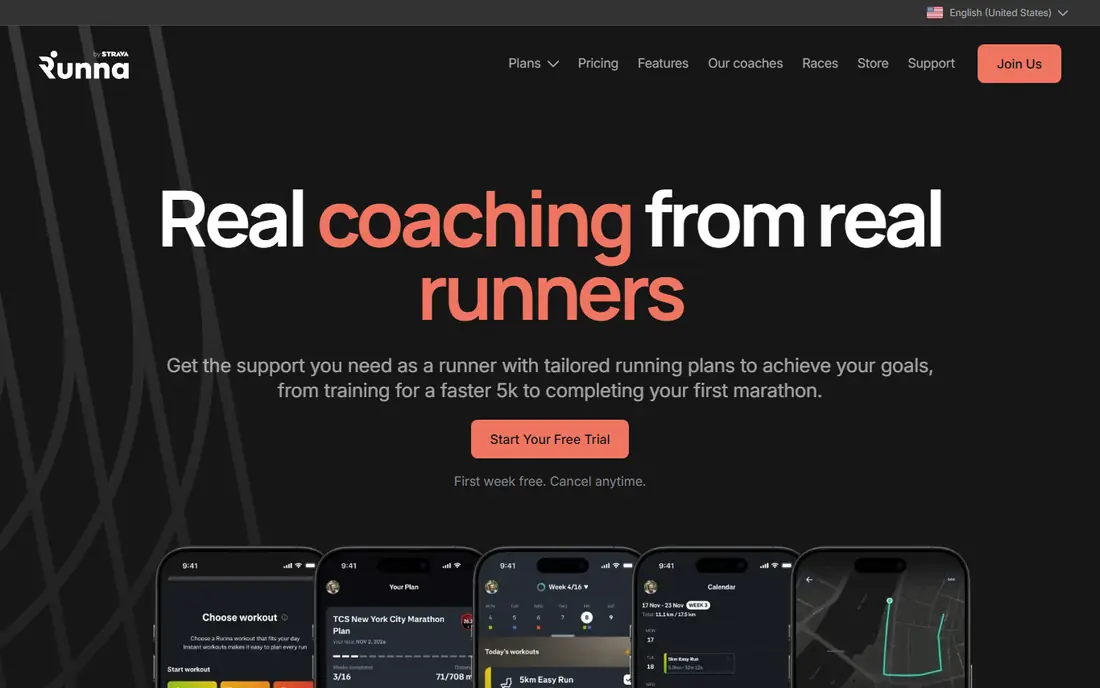
Runna builds a personalized plan from your level, goal distance, race date, and available training days, covering distances from 5K to marathon and beyond. Plans adjust paces as you progress, and workouts sync to Garmin or Apple Watch so you can follow them on your wrist. The site lists $19.99 per month or $119.99 per year, with the first week free.
Runna suits runners with a clear race goal who want structure without hiring a coach. If you only want to log casual runs, a free tracker may be enough, but for race preparation Runna's tailored plans are a clear step up.
- Plans tailored to level, distance, and schedule
- First week free
- Syncs with Garmin and Apple Watch
- Coaching tips included
- Paid only after the trial week
- Annual plan is the better value, so monthly cost is higher
Garmin Connect
Ideal for: Garmin watch owners
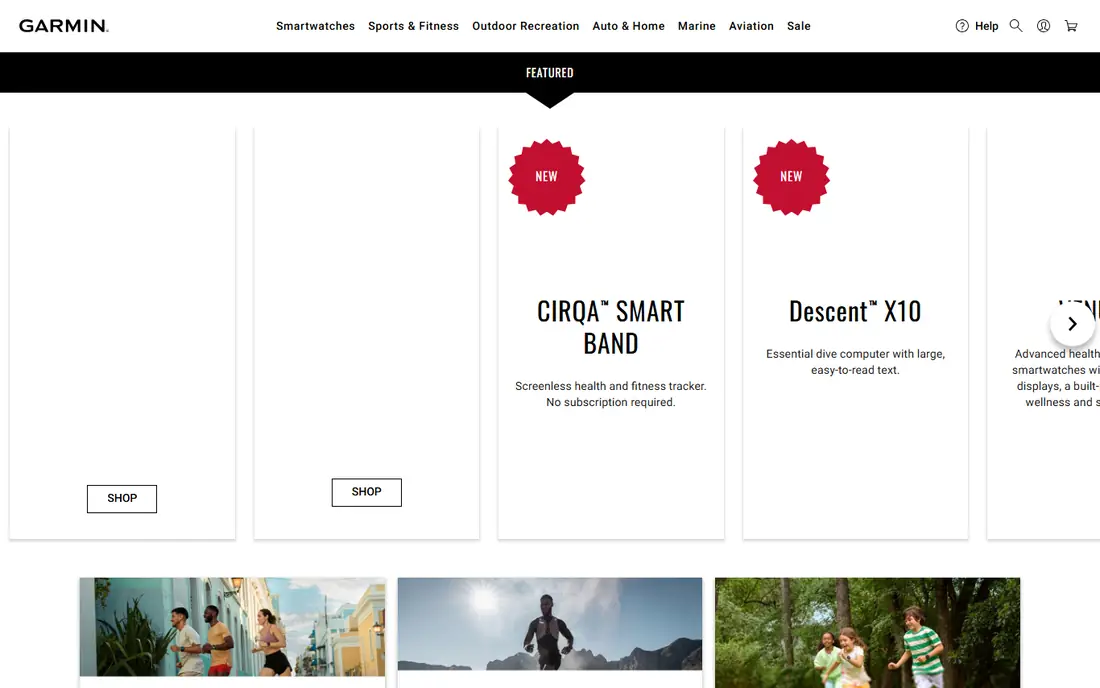
Garmin Connect is the companion app for Garmin watches, and it is free for device owners. It records runs with GPS, heart rate, and advanced metrics, tracks training load and recovery, and offers adaptive training plans and daily suggested workouts on compatible watches. Data syncs from the watch automatically, so your history stays in one place.
The main limit is hardware. Without a Garmin watch, Connect offers little, so it suits runners already in the Garmin system or planning to buy one. For those runners, few apps match its depth of training analysis.
- Free with a Garmin device
- Deep training metrics and load tracking
- Training plans and adaptive coaching
- Huge device range
- Needs a Garmin watch for full value
- Interface can feel dense for beginners
COROS Training Hub
Ideal for: COROS watch owners
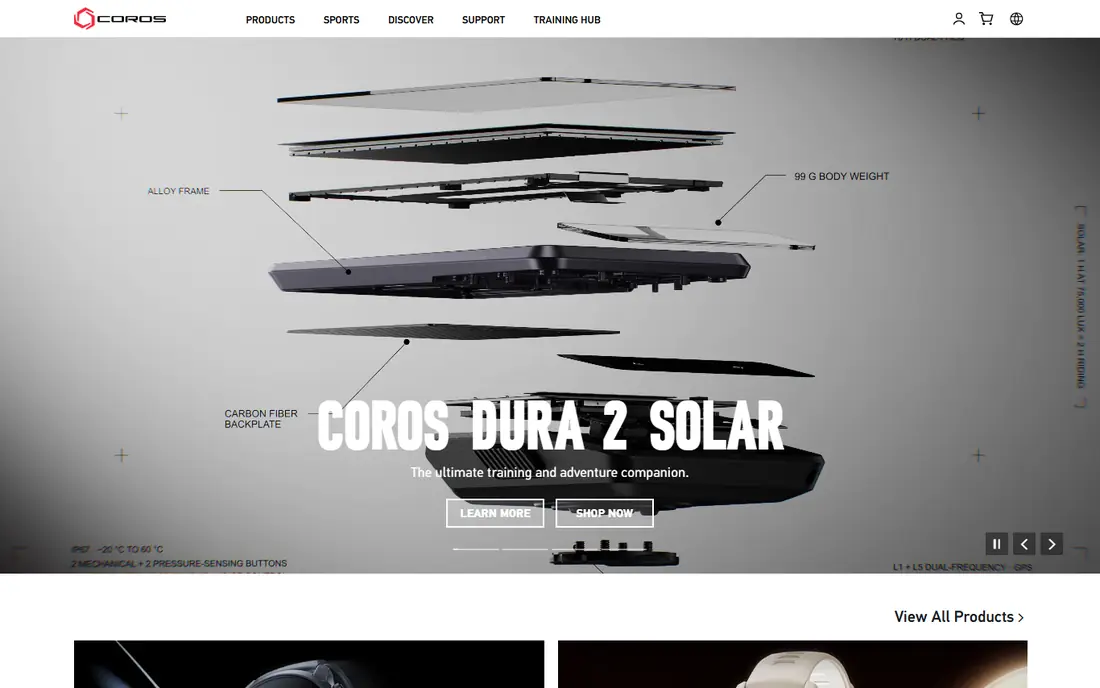
COROS Training Hub pairs with COROS GPS watches to plan workouts, analyze past sessions, and follow a full training journey. COROS watches are known for light weight and long battery life, which suits ultrarunners and trail runners who train for many hours. The hub keeps planning and analysis in one place without a subscription for the core tools.
Like Garmin Connect, the hub only makes sense with its own hardware. Runners who already wear a COROS watch get a focused, well-designed training system, while others should look at platform-neutral apps such as Runna or TrainingPeaks.
- Free training hub for COROS owners
- Plan and analyze workouts
- Long battery life on COROS watches
- Clean design
- Needs a COROS watch
- Smaller third-party app ecosystem than Garmin
adidas Running
Ideal for: Community and tracking
adidas Running, formerly Runtastic, tracks runs with GPS, pace, and distance, and adds community features such as challenges and virtual races to keep motivation up. Training plans adapt to your fitness level, and the app covers many sports beyond running, which suits people who cross-train. A free tier covers basic tracking, with a premium tier adding deeper analysis.
It suits social runners who want tracking plus community, rather than athletes who need detailed load analysis. If your main goal is a structured marathon plan, Runna or TrainingPeaks offer more depth.
- Free tracking for runs and other activities
- Community challenges and virtual races
- Training plans adapted to fitness level
- Advanced features need a paid tier
- Plan depth is lighter than dedicated coaching apps
TrainingPeaks
Ideal for: Serious athletes and coaches
TrainingPeaks is a complete training platform for endurance athletes and coaches, covering running, cycling, swimming, and triathlon. Athletes plan workouts on a calendar, track fitness and fatigue scores, add strength sessions, and work with a coach through the platform if they choose. It syncs with Garmin, COROS, and many other devices, so data flows in from the watch you already own.
The depth that serious athletes love can overwhelm casual runners, and the most useful analysis sits behind a paid plan. TrainingPeaks suits runners who train with structure, follow a coach, or prepare for long events and want to see the full picture of their training.
- Detailed planning, fitness and fatigue tracking
- Coach marketplace
- Strength workouts included
- Syncs with many devices
- Learning curve for beginners
- Premium features need a paid plan
- Best for structured athletes
Final Surge
Ideal for: Free training log
Final Surge offers a training log, calendar, and analysis tools free of ads and charges, with no training features locked behind payments. Athletes plan and track workouts, work with a coach, or follow plans from well-known coaches, and data syncs from Garmin, Strava, and other platforms. Coaches can manage athletes, teams, and clubs from the same platform.
Final Surge suits athletes and coaches who want a capable, honest free log without upsells. Its community is smaller than the big social apps, but for pure training planning and logging, it is one of the best free options available.
- Free account with full training features
- No ads and no locked features
- Syncs with Garmin, Strava, and others
- Coach tools included
- Smaller community than bigger apps
- Design feels more functional than polished
How we picked these
We compared official product pages, pricing, and public reviews, checking training plans, device support, analysis depth, community features, and cost. We favored apps that are active in October 2026 and publish clear feature and pricing information. Where we could not verify a current price on the vendor's own page, we list See website rather than guessing.
How to choose a running training app
Start with your goal. A race goal calls for a structured plan app such as Runna or TrainingPeaks, while casual running needs only a free tracker such as adidas Running or Final Surge. Next, check your watch. Garmin and COROS owners get the most from their own apps, while platform-neutral apps work with any device.
Then weigh cost against use. A paid plan only pays off if you follow it, so try free trials and free tiers first and check whether the plan adapts when life interrupts training. Finally, build mileage slowly, keep most runs easy, and rest when you feel pain that does not settle, since no app replaces sensible training and recovery.
A plan only works if it adapts when life gets in the way, so check how each app handles missed workouts, illness, and travel. Good plans shift sessions rather than piling them up, and they cut volume after a hard week instead of pushing through fatigue. Watch choice matters too: a phone in a pocket records distance well enough for beginners, while a watch gives wrist heart rate, live pace alerts, and hands-free laps that serious runners rely on. Shoes are the other gear question, since worn shoes raise injury risk; most runners replace shoes after several hundred miles, though the right interval depends on your weight, gait, and surfaces. Rest days are part of training, not a break from it, so treat easy days as truly easy and keep one full rest day most weeks, especially when mileage climbs. Finally, track how you feel alongside pace and distance, since sleep, soreness, and mood often warn of overload before any metric does. If you train with friends, shared challenges and group runs can keep motivation high through dark winter months and make long runs pass faster.
Frequently asked questions
What is the best running app for beginners?
adidas Running and Final Surge are strong free starting points for beginners, since both track runs and offer basic plans without cost. Runners with a first race goal may prefer Runna, which builds a tailored plan from your level and schedule.
Do I need a sports watch to use a running app?
No. Most apps track runs with your phone GPS, and a watch adds heart rate, convenience, and deeper metrics. A phone is enough to start, and a watch becomes worthwhile once you train regularly and want better data.
How much should I run each week?
It depends on your current fitness and goal, but most plans build gradually with no more than about 10 percent extra mileage per week. Beginners often start with three runs per week and a mix of walking and running, then add distance slowly.
Can a running app replace a coach?
An app can replace a coach for many runners, especially for standard race plans, but a coach adds personal feedback, injury guidance, and accountability that an app cannot fully match. TrainingPeaks and Final Surge both let you work with a real coach inside the app if you want that middle ground.
Do running apps work offline?
Most apps record runs with GPS even without a signal, then sync when you reconnect. Check your app's offline behavior before a remote run, and carry your phone charged so the recording is not lost.