Best Runtime Application Security Tools in 2026: 8 Tools Compared

- 1
 Contrast SecurityDedicated in-process protectionVisit
- 2
 Datadog Application SecurityRuntime security inside observabilityVisit
- 3
 Dynatrace Application SecurityRuntime security with app contextVisit
- 4
 WaratekJVM-deep runtime protectionVisit
- 5
 JscramblerClient-side JavaScript protectionVisit
- Contrast Security suits teams wanting deep in-process application protection.
- Datadog and Dynatrace suit teams already running those observability platforms.
- Jscrambler suits teams protecting JavaScript and payment pages in the browser.
- Most runtime tools are quote-priced, so budget through vendor quotes, not list prices.
Quick comparison
| Product | Ideal for | Price from | Free version | |
|---|---|---|---|---|
| Contrast Security | Dedicated in-process protection | See website | No | Visit |
| Datadog Application Security | Runtime security inside observability | See website | Free trial | Visit |
| Dynatrace Application Security | Runtime security with app context | See website | Free trial | Visit |
| Waratek | JVM-deep runtime protection | See website | No | Visit |
| Jscrambler | Client-side JavaScript protection | See website | No | Visit |
 Imperva Application Security | WAAP with runtime integration | See website | No | Visit |
 Oligo Security | Runtime application detection and response | See website | No | Visit |
 Appdome | Mobile app runtime protection | See website | No | Visit |
The best runtime application security tools
We compared runtime application security tools on where protection sits, language coverage, blocking versus monitoring, and pricing transparency. Runtime protection differs from firewalls, since it sees inside the running application. Our pick for dedicated protection is Contrast Security, with Datadog as the observability-led alternative.
Contrast Security
Ideal for: Dedicated in-process protection
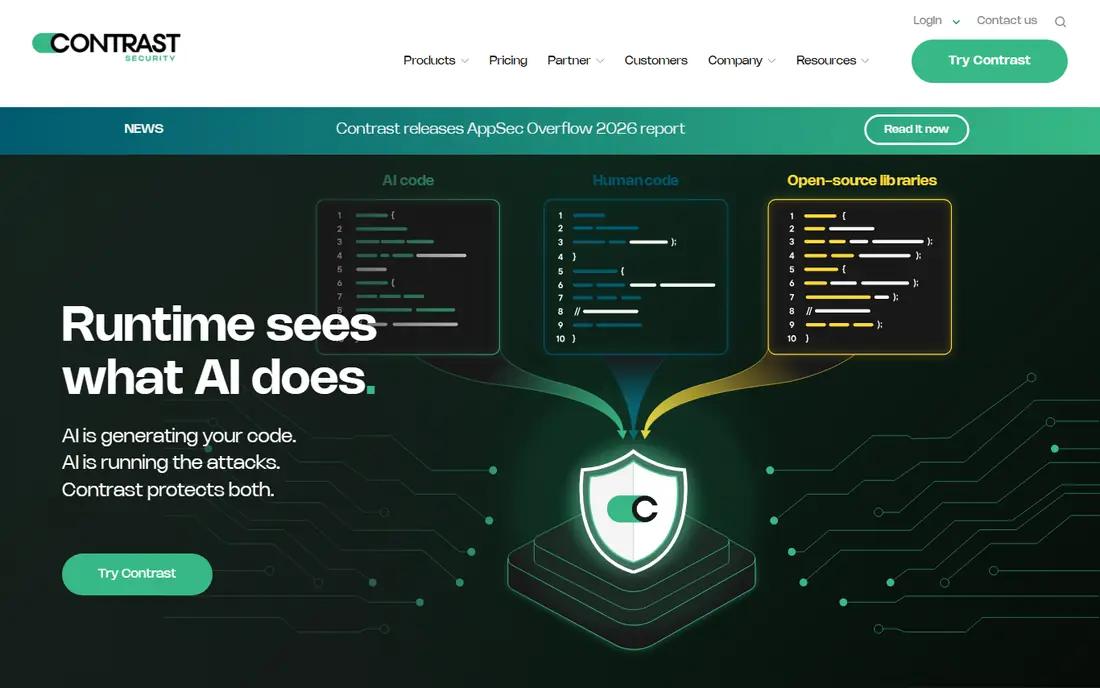
Contrast Security provides in-process runtime protection with code-level context, letting teams see and block attacks inside the running application. That depth suits organisations protecting critical apps. Pricing is quote-based and deployment needs planning, including monitor-first rollout before blocking.
For most readers, the deciding question with Contrast Security is fit rather than raw feature count. Check the plan limits that matter to you, such as seats, usage caps and what happens when a trial ends, before you commit to a paid tier. If the free tier or trial covers your core task, use it for a full week of real work before paying, and keep an eye on renewal terms and cancellation steps. That short test usually tells you more than any feature list, and it keeps the choice grounded in how you actually work day to day.
- In-process runtime protection
- Vulnerability context
- Blocking and monitoring
- Quote-based pricing
- Deployment takes planning
Datadog Application Security
Ideal for: Runtime security inside observability
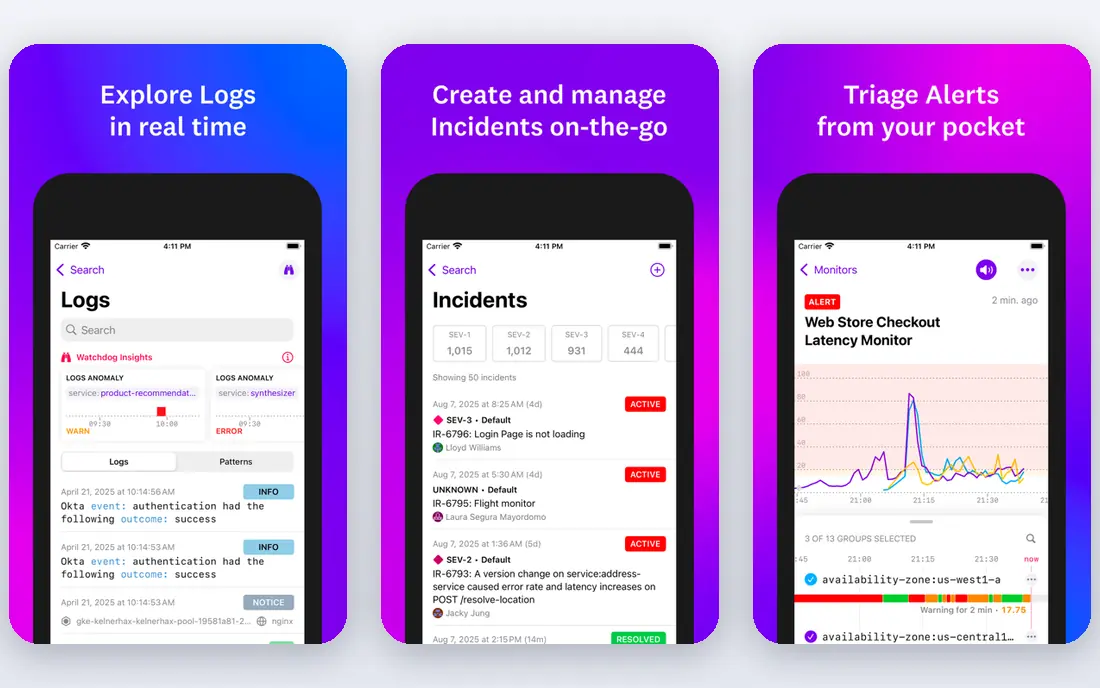
Datadog Application Security adds runtime threat detection with trace context inside the Datadog observability platform. Teams already running Datadog gain a coherent view from traces to threats. Pricing is usage-based, and value is highest inside the Datadog ecosystem, so standalone buyers should compare dedicated tools.
For most readers, the deciding question with Datadog Application Security is fit rather than raw feature count. Check the plan limits that matter to you, such as seats, usage caps and what happens when a trial ends, before you commit to a paid tier. If the free tier or trial covers your core task, use it for a full week of real work before paying, and keep an eye on renewal terms and cancellation steps. That short test usually tells you more than any feature list, and it keeps the choice grounded in how you actually work day to day.
- Runtime threat detection
- Trace context
- Observability integration
- Usage-based pricing
- Best inside Datadog ecosystem
Dynatrace Application Security
Ideal for: Runtime security with app context
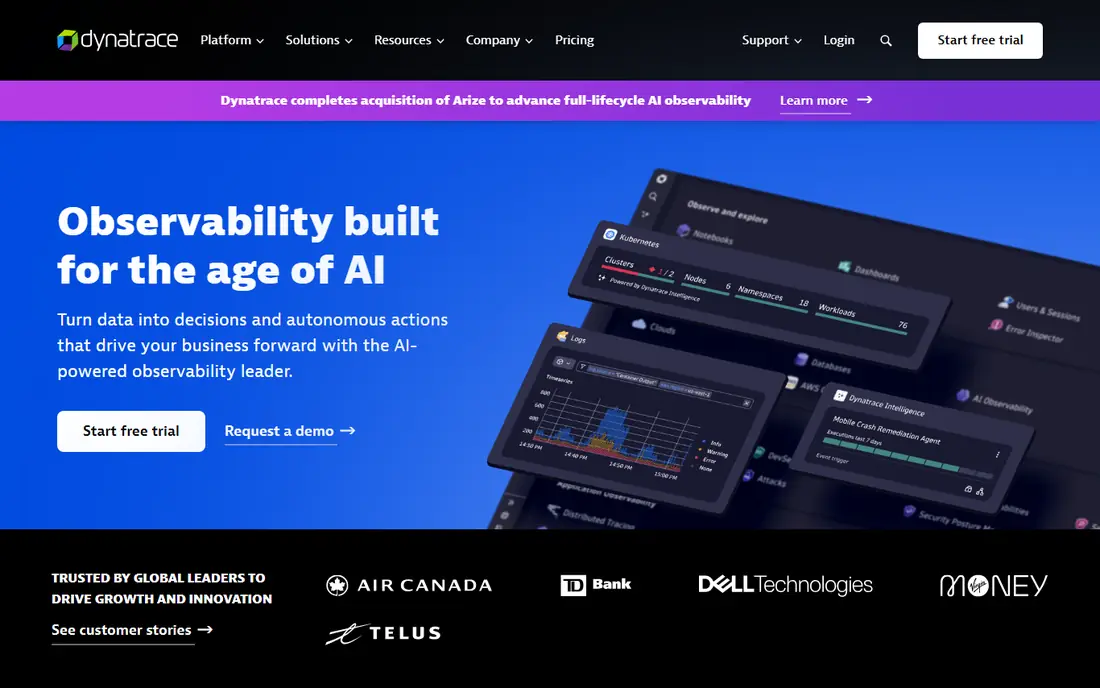
Dynatrace Application Security provides runtime vulnerability and threat detection with application context and automation. Teams running Dynatrace gain integrated observability and security. Pricing is usage-based and value peaks inside the Dynatrace ecosystem, so check integration depth before buying.
For most readers, the deciding question with Dynatrace Application Security is fit rather than raw feature count. Check the plan limits that matter to you, such as seats, usage caps and what happens when a trial ends, before you commit to a paid tier. If the free tier or trial covers your core task, use it for a full week of real work before paying, and keep an eye on renewal terms and cancellation steps. That short test usually tells you more than any feature list, and it keeps the choice grounded in how you actually work day to day.
- Runtime vulnerability and threat detection
- App context
- Automation
- Usage-based pricing
- Best inside Dynatrace ecosystem
Waratek
Ideal for: JVM-deep runtime protection
Waratek offers JVM-deep runtime protection for Java applications, including virtual patching without redeployment. That Java depth suits organisations that cannot easily redeploy legacy Java apps. Pricing is quote-based and coverage is Java only, so polyglot estates need additional tools.
For most readers, the deciding question with Waratek is fit rather than raw feature count. Check the plan limits that matter to you, such as seats, usage caps and what happens when a trial ends, before you commit to a paid tier. If the free tier or trial covers your core task, use it for a full week of real work before paying, and keep an eye on renewal terms and cancellation steps. That short test usually tells you more than any feature list, and it keeps the choice grounded in how you actually work day to day.
- JVM-level protection
- Patching without redeploy
- Java focus
- Quote-based pricing
- Java only
Jscrambler
Ideal for: Client-side JavaScript protection
Jscrambler protects JavaScript in the browser with obfuscation, anti-tampering and integrity controls, including payment-page defence relevant to PCI requirements. That client-side focus fills a gap server tools miss. Pricing is quote-based and coverage is client-side only, so pair it with server-side protection.
For most readers, the deciding question with Jscrambler is fit rather than raw feature count. Check the plan limits that matter to you, such as seats, usage caps and what happens when a trial ends, before you commit to a paid tier. If the free tier or trial covers your core task, use it for a full week of real work before paying, and keep an eye on renewal terms and cancellation steps. That short test usually tells you more than any feature list, and it keeps the choice grounded in how you actually work day to day.
- JavaScript protection
- Anti-tampering
- Payment-page defence
- Quote-based pricing
- Client-side only
Imperva Application Security
Ideal for: WAAP with runtime integration
Imperva provides web application and API protection with runtime modules and threat intelligence. That breadth suits organisations wanting edge and application layers from one vendor. Pricing is quote-based and breadth can complicate setup, so plan deployment with the vendor.
For most readers, the deciding question with Imperva Application Security is fit rather than raw feature count. Check the plan limits that matter to you, such as seats, usage caps and what happens when a trial ends, before you commit to a paid tier. If the free tier or trial covers your core task, use it for a full week of real work before paying, and keep an eye on renewal terms and cancellation steps. That short test usually tells you more than any feature list, and it keeps the choice grounded in how you actually work day to day.
- Web app and API protection
- Runtime modules
- Threat intelligence
- Quote-based pricing
- Breadth can complicate setup
Oligo Security
Ideal for: Runtime application detection and response
Oligo Security focuses on runtime application detection and response, giving app-layer visibility into running workloads. That ADR focus suits teams wanting runtime depth beyond observability add-ons. Pricing is quote-based and the platform is newer than Contrast, so evaluate maturity during trial.
For most readers, the deciding question with Oligo Security is fit rather than raw feature count. Check the plan limits that matter to you, such as seats, usage caps and what happens when a trial ends, before you commit to a paid tier. If the free tier or trial covers your core task, use it for a full week of real work before paying, and keep an eye on renewal terms and cancellation steps. That short test usually tells you more than any feature list, and it keeps the choice grounded in how you actually work day to day.
- Runtime detection
- App-layer visibility
- ADR focus
- Quote-based pricing
- Newer platform
Appdome
Ideal for: Mobile app runtime protection
Appdome protects mobile app binaries with anti-fraud, anti-malware and runtime defences, integrated without code changes. That no-code approach suits mobile teams wanting fast protection. Pricing is quote-based and coverage is mobile only, so server and web apps need separate tools.
For most readers, the deciding question with Appdome is fit rather than raw feature count. Check the plan limits that matter to you, such as seats, usage caps and what happens when a trial ends, before you commit to a paid tier. If the free tier or trial covers your core task, use it for a full week of real work before paying, and keep an eye on renewal terms and cancellation steps. That short test usually tells you more than any feature list, and it keeps the choice grounded in how you actually work day to day.
- Mobile binary protection
- Anti-fraud and anti-malware
- No-code integration
- Quote-based pricing
- Mobile only
How we picked these
We compared official feature pages, pricing pages, app store listings, privacy policies and public reviews for each option below. We kept only products that exist and work now, that fit the topic directly, and whose official homepage we could confirm. Where a price was not published clearly, we wrote See website rather than guessing, and we favoured options with a free tier or trial where one exists.
Deploying runtime protection without breaking production
Start in monitor-only mode on one important app. Measure overhead, false positives and alert volume for at least a sprint before enabling blocking. Teams that block globally on day one usually disable the tool within days.
Pair runtime protection with edge controls. A web application firewall absorbs volumetric noise cheaply, leaving the runtime agent to judge requests that deserve code-level scrutiny. One layer does not replace the other.
Budget client-side protection separately. Payment-page script defence and browser integrity are compliance-relevant for many organisations, and they need their own line item rather than being assumed inside a server tool budget.
Frequently asked questions
What are the best runtime application security tools?
Contrast Security leads for dedicated in-process protection, Datadog and Dynatrace suit observability-led teams, and Jscrambler leads for client-side JavaScript protection. Waratek suits Java-only estates.
What is runtime application security?
Runtime application security protects applications while they run, using agents or modules inside the app or browser to detect and block attacks with code-level context. It complements firewalls, which see traffic but not code context.
How much do runtime security tools cost?
Most are quote-based, priced per app, host or usage depending on vendor. Request quotes based on your app count, languages and traffic, and trial in monitor mode before committing.
Should I start runtime protection in blocking mode?
No, start in monitor-only mode, measure overhead and false positives, then enable blocking gradually on routes where evidence supports it. That staged approach avoids production incidents.
Do I need client-side runtime protection?
If you run payment pages or script-heavy web apps, yes, client-side tools such as Jscrambler address threats server tools miss, including script tampering and skimming. PCI requirements make this relevant for many payment flows.