Best RV Apps in 2026: 7 Apps Compared

- 1
 CampendiumCampground reviews and infoVisit
- 2
 iOverlanderFree and wild camping sitesVisit
- 3
 RV LIFERV-safe trip planningVisit
- 4
 GasBuddyFuel prices and stationsVisit
- 5
 RoadtrippersRoad trip planningVisit
- Campendium is our pick for finding and reviewing campgrounds, with detailed site info and cell coverage notes.
- iOverlander suits boondockers and free camping fans who want community-sourced wild and informal sites.
- RV LIFE suits trip planning with RV-safe routing, while GasBuddy helps cut fuel costs on the road.
- Roadtrippers, Allstays, and FreeRoam cover road trip planning, comprehensive campground data, and free camping discovery.
- Always check site size limits, hookups, and cell coverage before booking, since listings can go out of date.
Quick comparison
| Product | Ideal for | Price from | Free version | |
|---|---|---|---|---|
| Campendium | Campground reviews and info | See website | Free trial | Visit |
| iOverlander | Free and wild camping sites | Free | Yes | Visit |
| RV LIFE | RV-safe trip planning | See website | Free trial | Visit |
| GasBuddy | Fuel prices and stations | Free | Yes | Visit |
| Roadtrippers | Road trip planning | See website | Free trial | Visit |
 Allstays | Comprehensive campground data | See website | See website | Visit |
 FreeRoam | Free camping discovery | See website | Free trial | Visit |
The best RV apps
RV travel needs more than a normal map: site sizes, hookups, dump stations, bridge heights, and cell coverage all shape where you can stay and drive. We compared official feature pages, app store listings, and public reviews, focusing on campground data, RV-safe routing, offline use, and what free access truly allows.
Campendium
Ideal for: Campground reviews and info
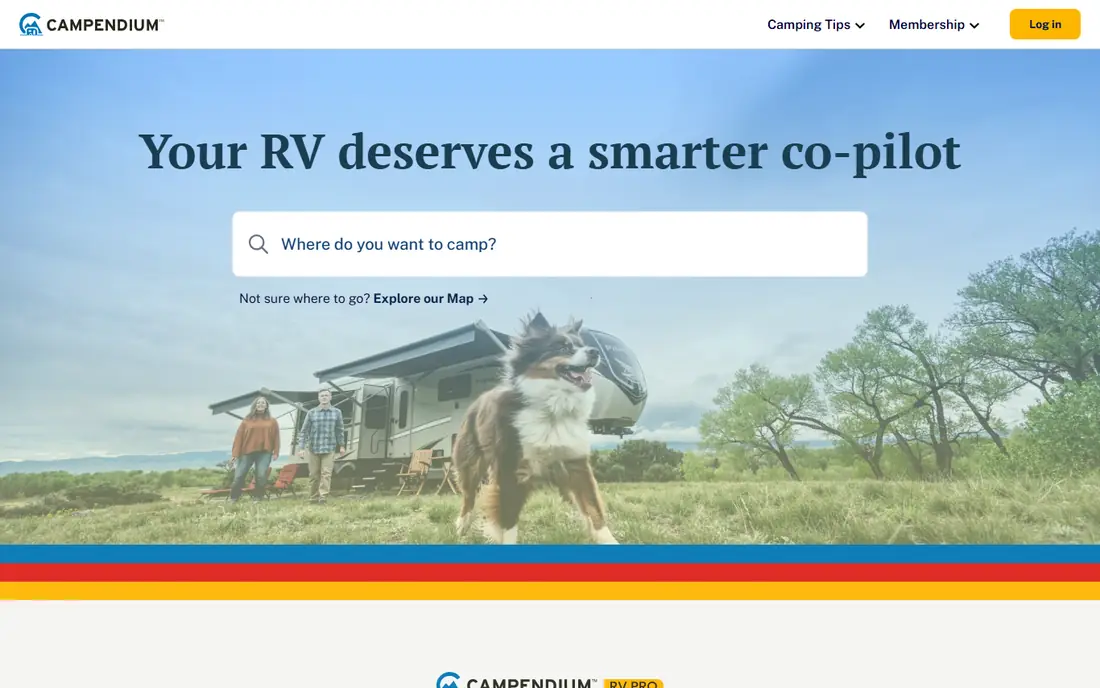
Campendium is the go-to app for researching campgrounds before you book. Reviews cover site size, hookups, price, noise, and cell coverage by carrier, which matters for remote workers and anyone who needs to stay connected. Filters help narrow thousands of campgrounds to sites that fit your rig and style.
Some features, such as advanced filters and offline tools, need a paid plan, and coverage is stronger in popular RV regions. For trip research and campground choice, Campendium is our top pick.
- Detailed campground reviews
- Cell coverage reports
- Filters for hookups and site size
- Some features need a paid plan
- Coverage varies by region
iOverlander
Ideal for: Free and wild camping sites
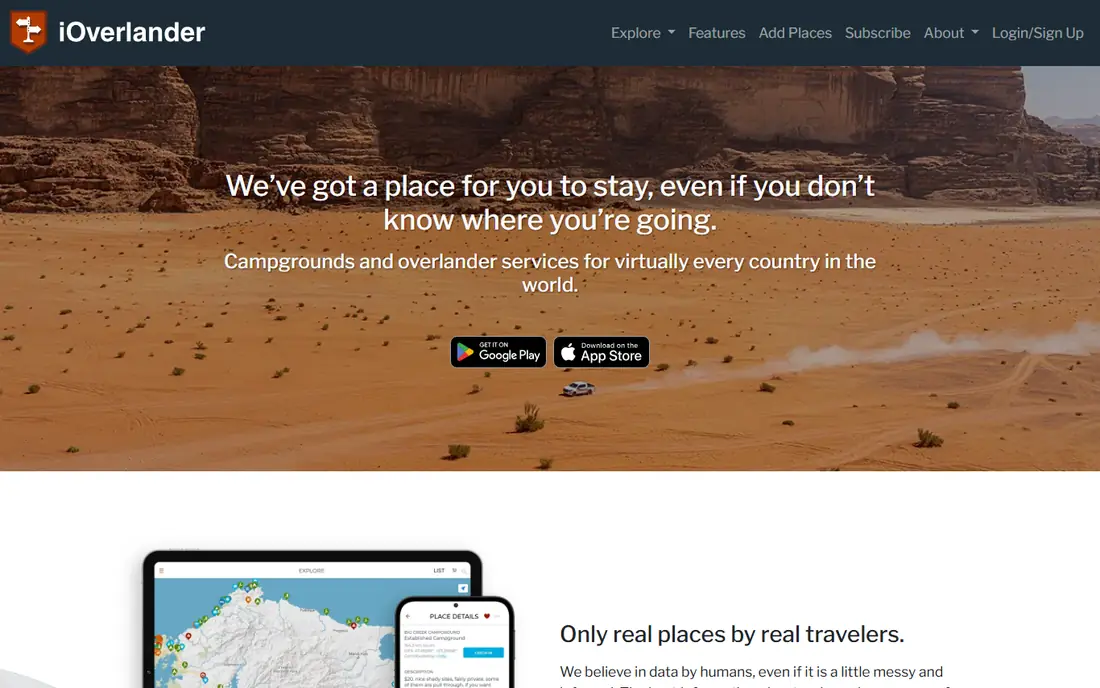
iOverlander is a community-driven database of camping places, including free and wild sites, paid campgrounds, water points, dump stations, and repair shops. It is especially popular with boondockers and overland travelers who want informal and free options beyond commercial parks.
Site quality varies, since listings come from travelers and are not verified or bookable in most cases. Always check recent reports, local rules, and access conditions before heading to a wild site. For free camping discovery, iOverlander is unmatched.
- Free community-sourced sites
- Boondocking and wild camping focus
- Global coverage
- Site quality varies
- No booking or verification for most listings
RV LIFE
Ideal for: RV-safe trip planning
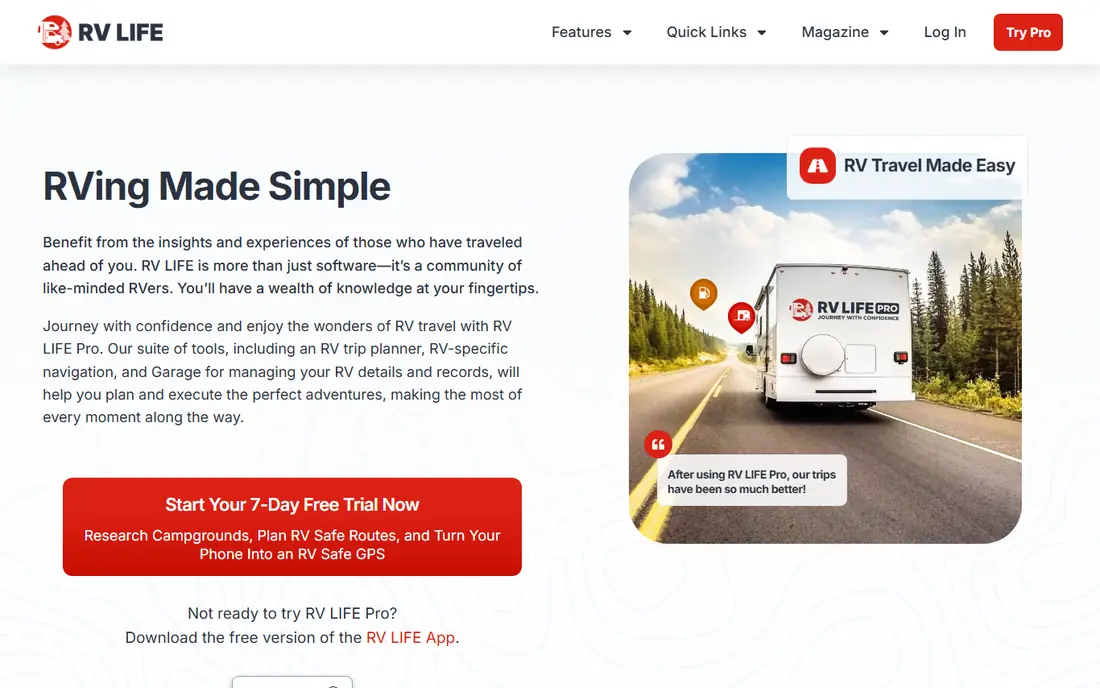
RV LIFE combines trip planning with RV-safe routing that accounts for your rig height, weight, and length, helping you avoid low bridges and tight roads. Its trip planner links routes to campgrounds, fuel stops, and points of interest, while maintenance tools track service for your RV.
The full feature set needs a subscription, and new users should expect a learning period for complex trips. For RVers who plan multi-stop journeys and want routing they can trust, RV LIFE is the strongest planning pick here.
- RV-safe routing with height and weight limits
- Trip planning with campgrounds
- Maintenance tools
- Subscription cost
- Learning curve for full trip features
GasBuddy
Ideal for: Fuel prices and stations
GasBuddy helps RVers find the cheapest fuel nearby and plan fuel stops along a route. Prices come from users and stations, with reviews covering amenities, diesel availability, and ease of access for larger vehicles. Trip cost estimates help budget long journeys.
Price freshness varies, since reports depend on users, so check timestamps before driving far for a deal. For cutting fuel costs, which dominate RV budgets, GasBuddy is an essential free app.
- Free fuel price finder
- Station reviews and amenities
- Trip cost estimates
- Prices vary by reporter freshness
- Diesel and RV-friendly station filters need checking
Roadtrippers
Ideal for: Road trip planning
Roadtrippers makes planning a road trip enjoyable, with a map-based planner that surfaces attractions, restaurants, campgrounds, and quirky stops along your route. Sharing trips with travel partners is easy, and the interface suits travelers who plan by discovery rather than strict logistics.
RV-specific routing, such as height and weight limits, is lighter than RV LIFE, so RVers should verify routes for rig constraints. For the fun side of trip planning, including where to stop and what to see, Roadtrippers is a great companion app.
- Fun road trip planning
- Attractions and stops along the route
- Easy sharing
- RV-specific routing is lighter than RV LIFE
- Some features need a paid plan
Allstays
Ideal for: Comprehensive campground data
Allstays is known for comprehensive data on campgrounds, RV parks, rest stops, dump stations, propane, and services, with detailed filters that help RVers find exactly what they need. Long-time RVers value its depth, especially for less popular regions and services that other apps miss.
The interface feels dated compared with Campendium and RV LIFE, and its apps are iOS-focused. For data depth over polish, Allstays remains a trusted resource for serious RVers.
- Very comprehensive campground and service data
- Filters for hookups, dump stations, and stores
- Interface feels dated
- IOS-focused with limited Android options
FreeRoam
Ideal for: Free camping discovery
FreeRoam helps travelers find free camping on public lands and other free sites, with filters for cell coverage, site details, and vehicle suitability. Community reports add recent conditions, which matter for dispersed camping where sites change with seasons and rules.
Its database is smaller than iOverlander, and some features need a paid plan. For RVers who prioritize free stays and want a modern app for finding them, FreeRoam is a strong companion to iOverlander.
- Free camping focus
- Filters for cell coverage and site details
- Community reports
- Smaller database than iOverlander
- Some features need a paid plan
How we picked these
We compared official feature pages, app store listings, and public reviews, and we checked that the homepages listed here belong to the products named. We favored apps that serve real RV needs, including campgrounds, routing, fuel, and free camping, with current data and mobile use. We left out generic map apps with no RV features, and we focused on apps available to US travelers.
We also weighed how each vendor treats new users, including trial length, onboarding help, and the quality of its public documentation. A tool with clear guides and responsive support earns trust faster than a tool with a thin help center, even when feature lists look similar. We gave extra weight to vendors that publish pricing openly and explain limits plainly, since hidden costs and surprise caps cause most buyer regret. Where pricing was only available on request, we said so rather than guessing, and we treated a missing free tier as a real drawback for small teams testing on a budget.
What to check before you travel
Start with your rig limits. Enter your height, weight, length, and tow setup into routing apps, and verify any tight or low-clearance segments against a second source. A routing mistake can strand a large rig or damage it, so never trust one app alone for tricky roads.
Next, verify campground details before booking. Check site length, hookups, cell coverage, and recent reviews, and call the campground for high-season or large-rig stays. Listings can go out of date on prices, closures, and site sizes.
Finally, plan fuel and connectivity. Use GasBuddy to plan diesel and gas stops with room for larger vehicles, and download offline maps for areas with weak signal. A little offline preparation prevents most roadside stress.
Look at total cost over two years rather than the first month alone. A low starting price can rise once you add team members, higher tiers, or the add-ons that hold the features you actually need, while a higher starting price sometimes includes everything and stays flat. List every seat, every add-on, and every usage limit for your real team size, then compare that full number across finalists. Also check contract terms, including minimums, renewal rules, and what happens to your data if you cancel. A tool that exports cleanly and charges fairly for extra seats is easier to live with than a cheaper tool that traps your work. Finally, weigh support quality alongside price, since fast help during setup and outages saves more money than a small monthly discount ever will.
Frequently asked questions
What is the best RV app for finding campgrounds?
Campendium is our pick for campground research, thanks to detailed reviews, site info, and cell coverage reports. iOverlander suits free and wild camping, while Allstays offers the most comprehensive campground and service data.
Is there a free RV app?
Yes. iOverlander and GasBuddy are free, and Campendium, RV LIFE, Roadtrippers, and FreeRoam offer free access or trials with paid features. Free tiers often limit advanced filters, offline tools, or trip features.
Which app is best for RV-safe navigation?
RV LIFE is the best pick here for RV-safe routing, since it accounts for rig height, weight, and length. Always verify tricky segments with a second source, and check bridge and road restrictions locally before driving.
Can these apps work offline?
Offline depth varies by app and plan. Download maps and campground data before entering areas with weak signal, and check each app offline features during a trial. Campendium, RV LIFE, and Allstays offer offline tools on some plans.
How do I find free camping for an RV?
iOverlander and FreeRoam specialize in free and dispersed camping, with community reports on access, cell coverage, and site suitability. Always check local rules, stay limits, and fire restrictions, and leave sites clean for the next traveler.
How long does it take to switch?
Most teams can pilot a new tool in two to four weeks, including setup, data import, and training for the people who will use it daily. A full migration takes longer when years of history, templates, or integrations must move, so plan a staged rollout rather than a single cutover day. Start with one team or one workflow, measure results, and only then move the rest. Keep the old tool running during the overlap so nothing is lost if the new setup needs fixes. Rushing a switch usually costs more time than a careful pilot, since broken workflows frustrate the very people you need to win over.