Best Saas Backup Software in 2026: 8 Options Compared

- Veeam and Druva lead for enterprises backing up many SaaS apps.
- Spanning and Backupify suit Google Workspace and Microsoft 365 backup.
- AvePoint and CloudAlly cover Microsoft 365 with admin friendly tools.
- Test restore speed, not just backup speed, before you rely on a tool.
Quick comparison
| Product | Ideal for | Price from | Free version | |
|---|---|---|---|---|
 Veeam | Enterprise backup across many SaaS apps | See website | No | Visit |
 Druva | Cloud native backup with compliance tools | See website | No | Visit |
 Spanning | Simple Microsoft 365 and Google Workspace backup | See website | No | Visit |
 Backupify | Automated backup for Google and Microsoft | See website | No | Visit |
 AvePoint | Microsoft 365 backup with admin tools | See website | No | Visit |
 CloudAlly | Backup across Microsoft, Google, and Salesforce | See website | No | Visit |
 Acronis Cyber Protect | Backup plus security in one platform | See website | No | Visit |
 OwnBackup | Salesforce focused backup and recovery | See website | No | Visit |
The best best saas backup software
SaaS backup software protects data in cloud apps such as Microsoft 365, Google Workspace, and Salesforce, where the provider does not guarantee full restore. The tools below cover different app mixes and company sizes.
Veeam
Ideal for: Enterprise backup across many SaaS apps
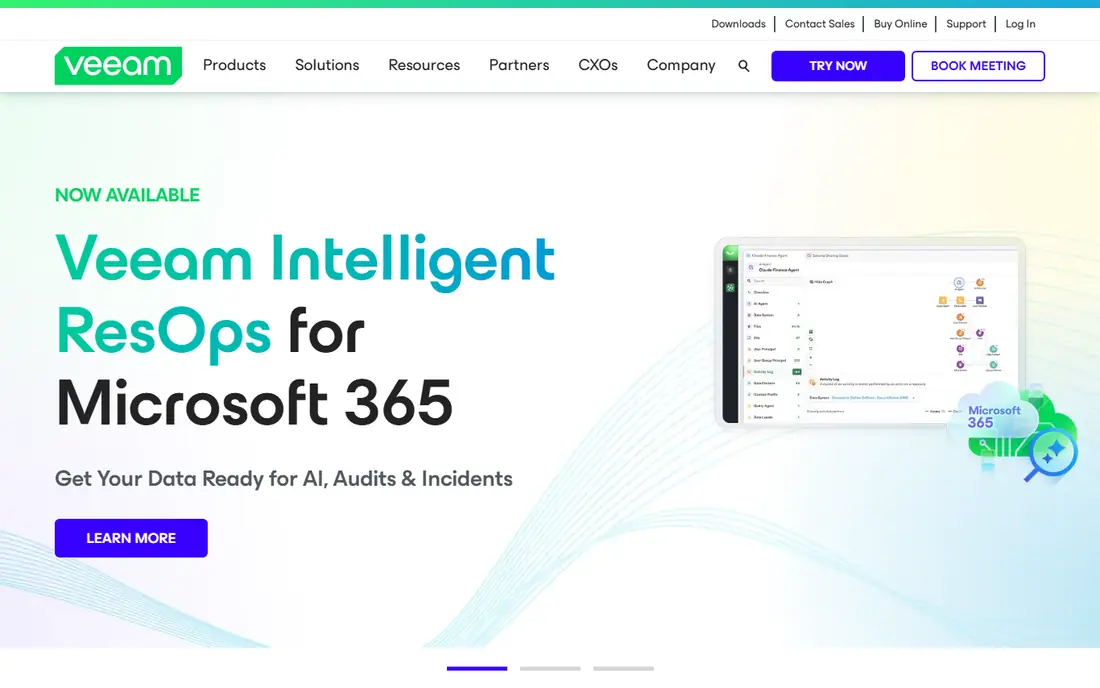
Veeam covers backup for Microsoft 365, Salesforce, and other SaaS apps plus on premises workloads, with strong restore options. It suits enterprises that want one backup platform. Its reputation in data protection is long standing.
Pricing is enterprise oriented and setup takes planning. For enterprise SaaS backup, Veeam is our pick.
- Broad app coverage
- Strong restore
- Enterprise features
- Enterprise pricing
- Setup takes planning
Druva
Ideal for: Cloud native backup with compliance tools
Druva offers cloud native backup for SaaS, endpoints, and cloud workloads, with compliance and eDiscovery features. It suits larger organizations with strict data rules. Management is centralized.
Pricing is enterprise level and complexity may overwhelm small teams. For compliance focused backup, Druva is strong.
- Cloud native design
- Compliance features
- Broad coverage
- Enterprise pricing
- Complexity for small teams
Spanning
Ideal for: Simple Microsoft 365 and Google Workspace backup
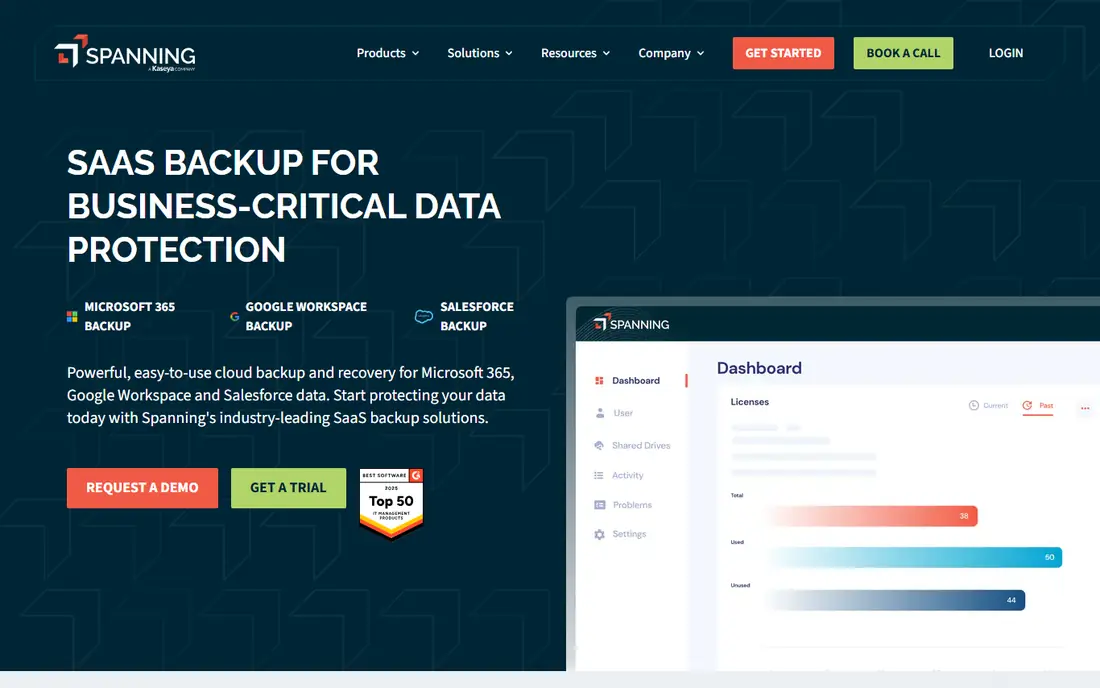
Spanning, now part of Kaseya, offers simple backup for Microsoft 365 and Google Workspace with granular restore. It suits small and mid sized teams that want backup without enterprise complexity. Setup is quick.
App coverage is narrower than enterprise platforms, and pricing is per user. For simple Workspace and 365 backup, Spanning is a good fit.
- Simple setup
- Granular restore
- Google and Microsoft coverage
- App coverage is narrower than Veeam
- Pricing is per user
Backupify
Ideal for: Automated backup for Google and Microsoft
Backupify, from Datto, automates daily backups for Google Workspace and Microsoft 365 with granular restore. It suits teams that want set and forget protection. Admin tools are straightforward.
Coverage focuses on Google and Microsoft, and enterprise features are thinner. For automated core backup, Backupify is reliable.
- Automated daily backups
- Granular restore
- Simple admin
- App coverage is focused
- Enterprise features are thinner
AvePoint
Ideal for: Microsoft 365 backup with admin tools
AvePoint offers deep Microsoft 365 backup with admin controls, compliance, and governance features. It suits organizations heavily invested in Microsoft. Its admin tools are detailed.
Pricing is custom and complexity may overwhelm small teams. For Microsoft focused backup, AvePoint is a strong choice.
- Deep Microsoft 365 coverage
- Admin controls
- Compliance features
- Pricing is custom
- Complexity for small teams
CloudAlly
Ideal for: Backup across Microsoft, Google, and Salesforce
CloudAlly backs up Microsoft 365, Google Workspace, Salesforce, and more, with daily backups and granular restore. It suits teams that use several SaaS apps and want one backup tool. Setup is simple.
It is a smaller vendor than Veeam or Druva, and pricing is per user. For multi app backup, CloudAlly is a practical option.
- Multi app coverage
- Daily backups
- Granular restore
- Smaller vendor than leaders
- Pricing is per user
Acronis Cyber Protect
Ideal for: Backup plus security in one platform
Acronis Cyber Protect combines backup with anti malware and endpoint protection, covering SaaS, endpoints, and servers. It suits teams that want protection plus security in one console. The cloud console centralizes management.
Pricing scales with features, and the interface is dense. For backup plus security, Acronis is a capable choice.
- Backup plus anti malware
- Broad workload coverage
- Cloud console
- Pricing scales with features
- Interface is dense
OwnBackup
Ideal for: Salesforce focused backup and recovery
OwnBackup, now Own, specializes in Salesforce backup, recovery, and sandbox seeding, with compliance tools for regulated data. It suits Salesforce heavy organizations. Restore granularity is strong.
Its Salesforce focus limits broader SaaS use, and pricing is enterprise oriented. For Salesforce backup, Own is the specialist pick.
- Deep Salesforce coverage
- Sandbox seeding
- Compliance tools
- Salesforce focus limits broader use
- Enterprise pricing
How we picked these
We compared official feature pages, pricing, and documentation for each tool, checking which apps are covered, retention options, and restore methods. We favored tools that explain retention, encryption, and restore granularity. We did not claim hands-on testing; our comparison rests on published features and public documentation.
We also checked whether each option is still offered and supported, and we left out products with unclear pricing, broken pages, or a poor fit for the topic. Where a price or free tier could not be confirmed from the vendor site, we wrote See website rather than guessing. Readers should still check the vendor page before buying, since prices and plans change.
How to choose SaaS backup software
List the SaaS apps that hold critical data. Email, drives, CRM, and collaboration tools all need coverage, but no single tool covers every app equally. Prioritize the apps whose loss would hurt most, then find a tool that covers them well.
Check restore granularity. A good tool restores a single email, file, or record without restoring a whole mailbox. Granular restore saves time during real incidents. Test a restore in a trial, since that is the feature you will actually use in a crisis.
Confirm retention and compliance options. Retention policies, legal hold, and data residency matter for regulated industries. Ask how long backups are kept, where they are stored, and whether you can export data if you leave.
Compare pricing per user and per app. Some tools charge per user across apps, while others charge per app. Calculate the total for your user count and app list, and check whether storage limits apply.
Before you pay, confirm the total cost for the first year, including any add ons, renewal prices, and fees that only appear at checkout. A low starting price can hide a higher renewal rate, and a free tier can limit the feature you need most. Write down the features you will use weekly, and pay only for those.
After you choose, give the option a fair trial with your real workload, not just a quick tour. Set a reminder to review it after two to four weeks, and note what worked, what annoyed you, and what you never used. That review tells you whether to keep, upgrade, or switch before a renewal locks you in.
If the option disappoints, switch sooner rather than later. Export your data first, check whether you can keep your account history or settings, and confirm any cancellation terms. A good provider makes leaving straightforward, and a difficult exit is itself useful information about the service.
Talk to people who already use the option before you commit, especially for a business purchase. A short conversation with a current user reveals support quality, setup effort, and daily friction that marketing pages omit. Ask what surprised them after the first month, since early impressions often differ from longer use.
Keep a simple record of why you chose the option, including the price you were quoted and the features that mattered. That note makes renewal talks easier and helps a colleague or future you understand the decision. If the price rises or a key feature changes, the note shows whether the original reasons still hold.
Finally, plan the first week of use before you pay. List the setup steps, the data you need to move, and the people who need access. A clear first week plan turns a promising choice into a working routine, and it exposes missing features while you can still change your mind.
Save the vendor support page and the cancellation instructions in the same place as your receipt. When something goes wrong, you will want support details at hand rather than searching for them under pressure. A tidy record saves time and keeps a small problem from becoming a long one.
Keep notes on the first month of use, including any issues and how support handled them. Those notes give you clear evidence if you need a refund, an upgrade, or a switch, and they help you advise a friend or colleague who asks about the same choice later.
Frequently asked questions
What is the best SaaS backup software?
Veeam is our pick for enterprises with many apps, while Spanning suits Google Workspace and Microsoft 365 users who want simple backup. Druva is strong for larger organizations with compliance needs. Your app mix decides the winner.
Does Microsoft 365 back up my data?
Microsoft protects its infrastructure and offers recycle bins and retention, but it does not guarantee full point in time restore for all data loss scenarios. A third party backup gives you independent restore points and longer retention.
How often should SaaS backups run?
Many tools back up daily or several times a day, with some offering more frequent runs for critical apps. Daily backups suit most teams, while high change environments may want more frequent runs. Check the tool schedule options.
Can I restore a single file or email?
Yes, good SaaS backup tools offer granular restore for single files, emails, or records. Test this in a trial, since restore granularity varies. Full mailbox restores are slower and less useful for single item loss.
How much does SaaS backup cost?
Pricing is usually per user per month, with variations by app coverage and retention. Small teams may pay a few dollars per user monthly, while enterprise plans cost more. Calculate the total for your users and apps.
How often should I review my choice?
Review it at least once a year, and sooner if your needs, budget, or team size change. Prices, features, and policies shift over time, and a better fit may appear. A short yearly check, comparing your current option with two alternatives, keeps you from paying for features you no longer use.