Best Safety Apps in 2026: 7 Apps Compared

- Life360 is our pick for families that want location sharing, driving reports and crash alerts in one app.
- Noonlight suits solo users who want a discreet button that can dispatch emergency help.
- bSafe is the best free SOS option for alerting chosen contacts with live audio and video.
- Citizen suits city dwellers who want live incident alerts, while Glympse suits temporary trip sharing.
- Safety apps help, but they do not replace calling emergency services, and location sharing deserves a family conversation first.
Quick comparison
| Product | Ideal for | Price from | Free version | |
|---|---|---|---|---|
 Life360 | Family location sharing | Free | Yes | Visit |
 Noonlight | Solo emergency dispatch | Free | Yes | Visit |
 bSafe | Free SOS alerts | Free | Yes | Visit |
 Citizen | Live incident alerts | Free | Yes | Visit |
 Glympse | Temporary trip sharing | Free | Yes | Visit |
 What3words | Precise location sharing | Free | Yes | Visit |
 Hollie Guard | Personal safety alarms | Free | Yes | Visit |
The best safety apps
Safety apps fall into three jobs: sharing your location with trusted people, getting help fast in an emergency, and staying aware of incidents nearby. No single app does all three perfectly, so the list below separates them by job. Before installing any of them, agree with your family who can see your location, and when that sharing stops.
Life360
Ideal for: Family location sharing

Life360 is our pick for families because it covers the everyday coordination job and the emergency job in one app. Circles show where family members are, place alerts announce arrivals and departures, and paid plans add crash detection, emergency dispatch and driving reports. For parents of teen drivers, the driving data alone often justifies the subscription.
Privacy is the honest trade-off. Always-on location sharing is powerful and sensitive, and Life360 has faced scrutiny over data practices in the past, so read the current privacy policy and set sharing rules with your family. For mixed iPhone and Android households that want one shared map, Life360 remains the most complete option.
- Real-time family map with place alerts
- Driving reports and crash detection on paid plans
- Works across iPhone and Android
- Always-on location sharing raises privacy questions
- Best safety features need a paid plan
Noonlight
Ideal for: Solo emergency dispatch
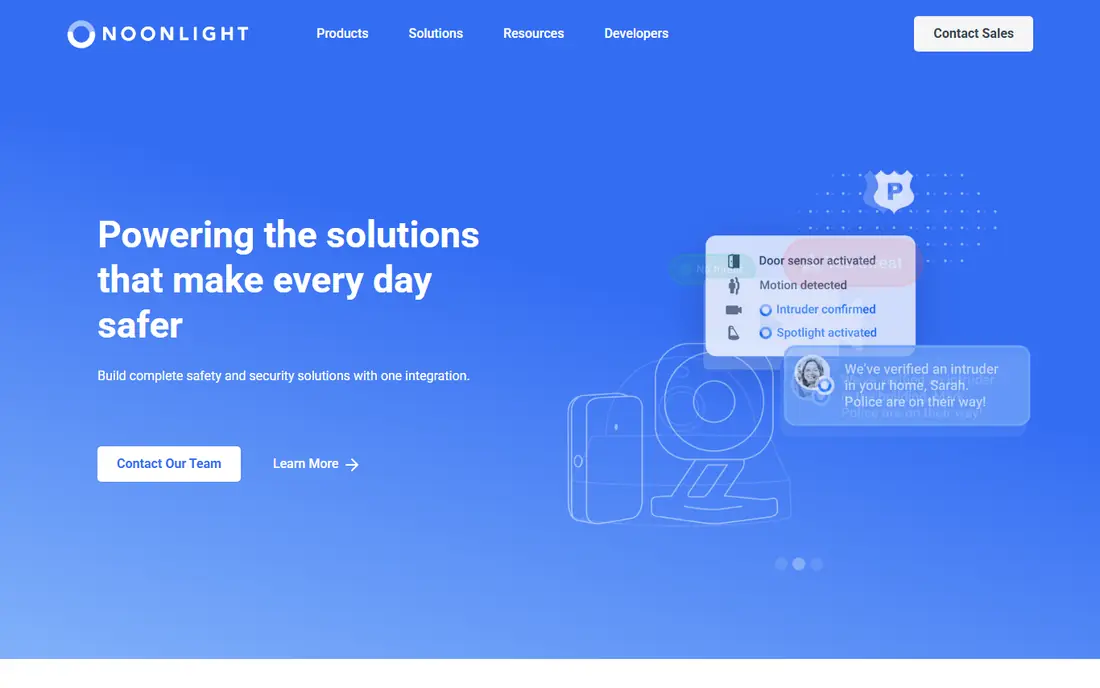
Noonlight is built for the moment you feel unsafe and need help without making a phone call. Hold the button while you feel at risk, release it and enter a PIN if you are safe, or let Noonlight dispatch emergency services with your location if you do not. Integrations with rideshare apps, smart speakers and wearables extend that protection beyond the phone screen.
The free tier covers the core button, while crash response and smart home features sit on paid plans. Some features are iPhone only, so Android users should check the current feature list. For solo walkers, runners and late-night commuters, Noonlight is the most direct emergency tool here.
- Hold-to-protect button can dispatch police with your location
- Works with rideshare and smart home integrations
- Free basic tier
- Full protection features need paid plans
- Some advanced features are iPhone only
bSafe
Ideal for: Free SOS alerts

bSafe is the best free SOS option for people who want trusted contacts alerted fast. One touch, or a voice command if you set it up, sends your location to chosen guardians and can stream live audio and video so they can see and hear what is happening. The app also supports scheduled check-ins and fake-call features for uncomfortable situations.
The limit is that alerts reach your contacts, not a professional dispatch center, so it complements rather than replaces emergency services. Test voice activation with consenting contacts before relying on it, since a feature you have never tried is not a safety plan. For a free, contact-based SOS tool, bSafe is hard to beat.
- One-touch or voice-activated SOS
- Live audio and video streaming to chosen contacts
- Free core features
- Alerts go to contacts, not professional dispatch
- Premium pricing varies by store and region
Citizen
Ideal for: Live incident alerts
Citizen suits city dwellers who want to know what is happening nearby in real time. The app shows live 911 incidents, safety alerts and user reports on a map, with notifications when something happens close to you. That awareness helps with route choices, neighborhood decisions and knowing when to avoid an area.
The feed has a downside. A constant stream of incidents can raise anxiety, and early reports are not always verified, so treat alerts as awareness, not as confirmed fact. The premium plan adds a personal safety agent, but the free feed is the core value. Use Citizen for awareness, and pair it with an SOS app for actual emergencies.
- Live local incident feed with location alerts
- 911 and emergency context in one place
- Free core app
- Incident feeds can raise anxiety and include unverified reports
- Premium protection plan costs $19.99 per month
Glympse
Ideal for: Temporary trip sharing
Glympse solves a narrower problem beautifully: let someone see where you are, for a limited time, and then stop. Send a trip share to a friend waiting for you, a family member tracking a drive home, or a colleague meeting you across town, and sharing ends automatically when the timer runs out. Viewers do not need an account, which removes friction.
It is not a family tracker or an emergency app, and it does not dispatch help. For temporary sharing, though, its time-limited design is more privacy-friendly than always-on tracking, and it avoids the awkward conversation about when to stop sharing. Keep Glympse for trips and meetups, and use Life360 or Noonlight for ongoing safety.
- Share location for a set time with no account needed for viewers
- Good for trips, meetups and deliveries
- Privacy-friendly by design
- No long-term family tracking or safety dispatch
- Temporary sharing only
What3words
Ideal for: Precise location sharing
What3words divides the world into 3-meter squares, each named by three words, so you can share an exact meeting point, trailhead or roadside location without a street address. That precision matters on hikes, at festivals, in rural areas and anywhere an address does not describe where you actually are. Some emergency services accept what3words locations, which can speed up help in remote places.
It does not track anyone or send alerts by itself, so pair it with a phone call or an SOS app in an emergency. As a free tool for precise location sharing, it earns a place on every hiker and traveler phone, and it costs nothing to keep installed.
- Pinpoints any 3-meter square with three words
- Works offline for sharing a location
- Used by some emergency services
- Not a tracker or SOS app on its own
- Both sides need the app or site to decode a location
Hollie Guard
Ideal for: Personal safety alarms
Hollie Guard is a straightforward personal safety app built around alarms and journey tracking. Shake your phone or tap to trigger an alert that sends your location and audio to emergency contacts, and journey mode lets contacts follow a trip until you arrive safely. The interface is simple, which matters when stress is high and fine motor control is low.
Like bSafe, alerts go to contacts rather than a dispatch center, so it is a contact-alert tool, not an emergency service replacement. Premium pricing varies by region, so check your local store listing. For users who want a simple, dedicated safety alarm without a complex feature set, Hollie Guard is a solid choice.
- Shake or tap SOS with location and audio alerts to contacts
- Journey tracking for trips
- Straightforward interface
- Premium features vary by region
- Contact-based alerts rather than professional dispatch
How we picked these
We compared official feature pages, pricing pages, app store listings and public reviews for safety apps available to US users in October 2026. We kept apps that cover distinct safety jobs, from family tracking to solo SOS and incident awareness, and we checked free tiers and paid features as vendors describe them. We favored apps with clear privacy policies and honest limits, and we excluded apps that no longer work or have been removed from app stores. We did not claim hands-on testing.
How to set up a safety app properly
Install the app before you need it, and test it with the people who will receive your alerts. An SOS button you have never pressed, a contact list that is out of date, or a location permission set to only-while-using will fail at the worst moment. Walk through a test alert with consenting contacts, check that location permissions allow always-on access where the app needs it, and confirm that alerts arrive.
Then agree on rules. Decide who can see your location, when sharing pauses, and what a contact should do when they receive an alert. For teens, that conversation matters as much as the app: tracking without trust creates conflict, while agreed sharing creates safety. Finally, remember that no app replaces calling emergency services directly when you can do so safely, and keep your phone charged on outings where safety matters.
Safety apps work best when the whole household agrees on how they will be used, including who can see location, when alerts go out, and what happens if a phone battery dies. Set those expectations before an emergency, and test the alert flow once with everyone involved, so nobody is confused by a real alarm. Also review location sharing permissions regularly, since phones update settings often, and a permission that quietly changed can leave a gap at the worst moment.
Frequently asked questions
What is the best safety app for families?
Life360 is the best all-round family safety app, with a shared map, place alerts, driving reports and crash detection. Apple Find My suits all-iPhone households for free, and Google Family Link suits supervised Android devices for younger children. Choose by your devices and by how much driving safety matters.
What is the best safety app for walking alone at night?
Noonlight, for its hold-to-protect button that can dispatch emergency services with your location. bSafe is the best free contact-alert alternative, sending live audio and video to chosen contacts. Test whichever app you choose before relying on it.
Are safety apps free?
Many have useful free tiers, including Life360, Noonlight, bSafe, Citizen, Glympse and What3words. Paid plans add crash detection, dispatch features, longer history or premium support, typically from a few dollars to about $20 per month. Start free and upgrade only for features you will actually use.
Do safety apps share my location with strangers?
They should not, if set up correctly, but always-on location sharing is sensitive. Check who is in your circle or contact list, review the app privacy policy, and remove access when relationships change. Time-limited sharing with Glympse avoids ongoing tracking for one-off trips.
Can a safety app replace calling 911?
No. Safety apps help by alerting contacts or dispatchers and sharing your location, but they do not replace a direct emergency call when you can make one safely. Treat apps as an extra layer, not as a substitute, and teach children to call emergency services in a real emergency.