Best Safety Audit and Inspection Platforms in the USA in 2026: 8 Options Compared

- 1
 SafetyCulturemobile inspections for field teamsVisit
- 2
 Coritylarge companies with broad safety programsVisit
- 3
 EHS Insightmid sized teams that want fast setupVisit
- 4
 Intelexenterprises with complex compliance needsVisit
- 5
 VelocityEHScompanies that also manage chemical safetyVisit
- SafetyCulture and EHS Insight are the most approachable starting points for field teams that want mobile checklists quickly.
- Cority and Intelex suit larger programs where audit trails and configurable workflows matter more than a low starting price.
- Benchmark Gensuite and Procore work best when inspections must roll up across sites or construction projects.
- Every option here needs a named owner for corrective actions, or findings will pile up even with good software.
Quick comparison
| Product | Ideal for | Price from | Free version | |
|---|---|---|---|---|
| SafetyCulture | mobile inspections for field teams | See website | Free trial | Visit |
| Cority | large companies with broad safety programs | See website | No | Visit |
| EHS Insight | mid sized teams that want fast setup | See website | Free trial | Visit |
| Intelex | enterprises with complex compliance needs | See website | No | Visit |
| VelocityEHS | companies that also manage chemical safety | See website | No | Visit |
 Benchmark Gensuite | multi site operations | See website | No | Visit |
 Evotix | teams focused on worker safety reporting | See website | Free trial | Visit |
 Procore | construction inspection workflows | See website | Free trial | Visit |
The best safety audit and inspection platforms in the usa
We compared official feature pages, pricing, app store listings, privacy policies and public reviews for this list. The options below cover different budgets and needs, so read the best for line first and then the full write up for the products that match your situation.
SafetyCulture
Ideal for: mobile inspections for field teams
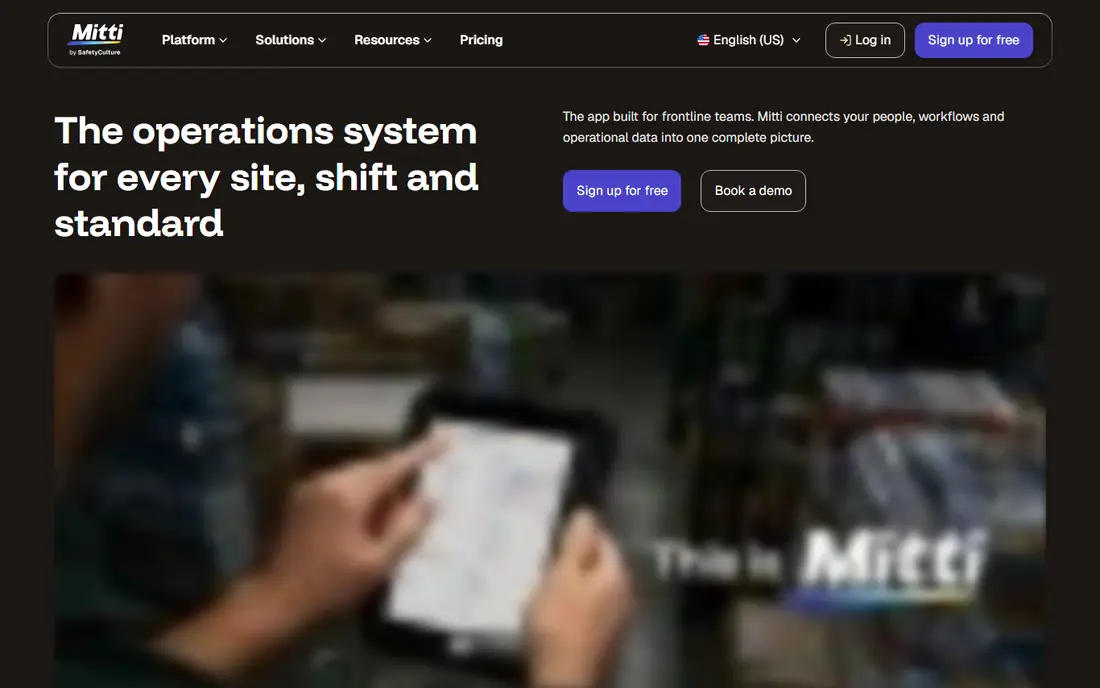
SafetyCulture fits mobile inspections for field teams. Its mobile app lets inspectors complete checklists, add photos and assign fixes from the site itself. The strengths we noted were mobile checklists that work offline; photo and note capture on site; dashboards for corrective actions. For many readers, that mix makes it worth a close look before deciding.
The honest catch is that teams with very large existing form libraries should budget time for migration and testing. Pricing is listed as See website, with a free plan status of Free trial. Before you commit, try the free tier or trial with your real work, and check the limits that matter for your use. That short test will tell you more than any feature list.
- Mobile checklists that work offline
- Photo and note capture on site
- Dashboards for corrective actions
- Setup takes time for large form libraries
- Some advanced reporting sits on higher plans
Cority
Ideal for: large companies with broad safety programs
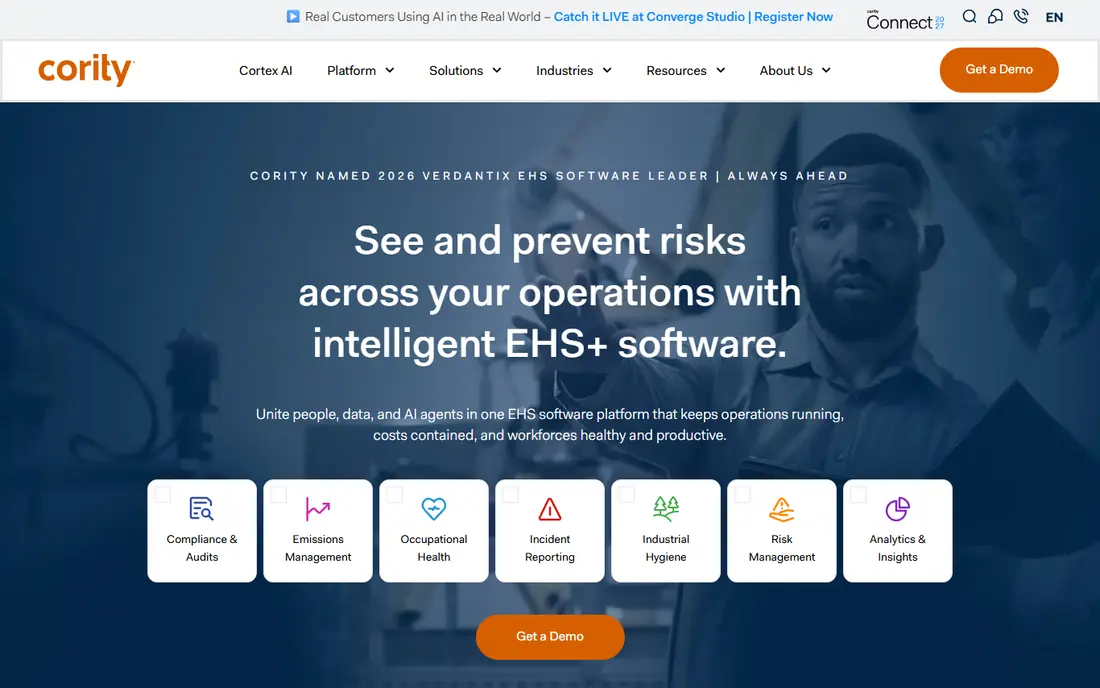
For large companies with broad safety programs, Cority is a natural first candidate. It brings audits, incidents and corrective actions into one system with a clear audit trail. In practice, that means broad environment, health and safety coverage in one place; configurable workflows; audit trail for compliance records. It is not perfect for everyone, but the fit is clear for this use.
On the downside, smaller teams may find the breadth and quoted pricing harder to justify. The starting price is See website, and the free plan status is No. We suggest testing it with a real task, checking support and export options, and confirming that the plan you need covers your team or household size.
- Broad environment, health and safety coverage in one place
- Configurable workflows
- Audit trail for compliance records
- Pricing is quoted rather than listed
- Smaller teams may find it more than they need
EHS Insight
Ideal for: mid sized teams that want fast setup
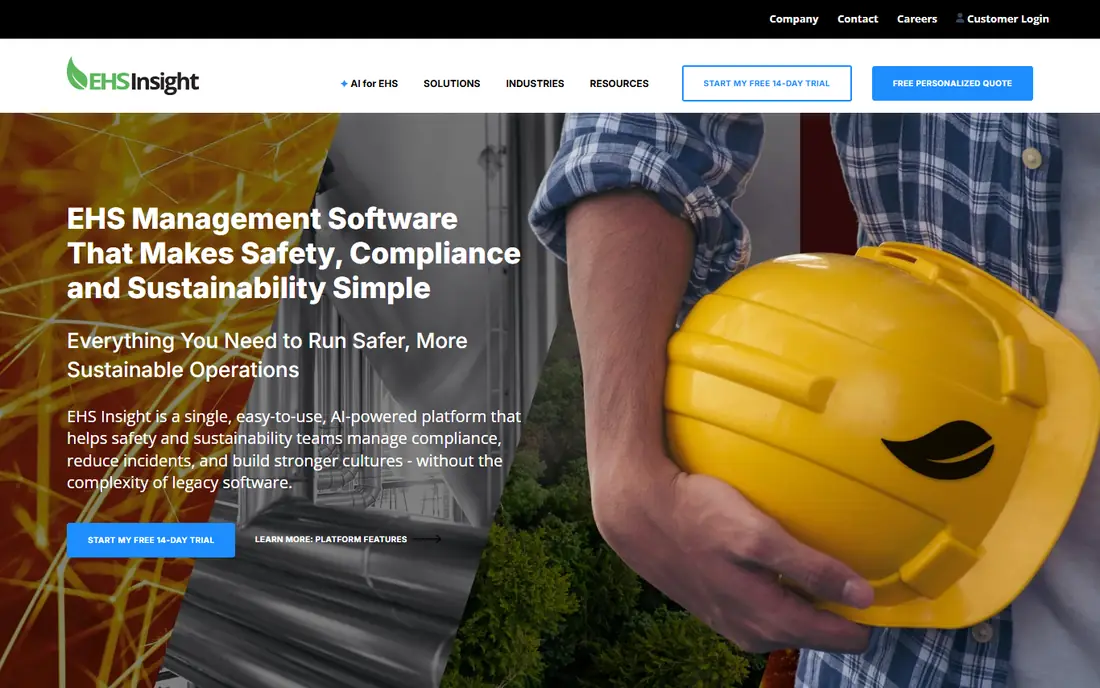
EHS Insight is aimed at mid sized teams that want fast setup, and the fit shows in daily use. It keeps audit creation and follow up simple, so teams can start inspecting without a long rollout. Readers who value straightforward audit and inspection forms; corrective action tracking; usable reporting without heavy setup will see the appeal quickly.
The trade off is that companies that need deep integrations should check the connector list before buying. Starting price is See website, with free plan status Free trial. A trial with your own data is the best next step, since it reveals setup time, limits and everyday friction that a sales page hides.
- Straightforward audit and inspection forms
- Corrective action tracking
- Usable reporting without heavy setup
- Integrations are narrower than larger suites
- Very large enterprises may need more depth
Intelex
Ideal for: enterprises with complex compliance needs
If you need a tool for enterprises with complex compliance needs, start with Intelex. It handles complex audit programs and links findings to risk and corrective action work. The result is a product that covers strong audit, incident and risk tools; configurable to industry rules; long track record with large clients without forcing a complex setup.
Keep in mind that buyers should expect a longer implementation and ask for a clear timeline up front. It lists a starting price of See website and a free plan status of No. Compare the total cost for your real use, including any add ons, before you settle on it.
- Strong audit, incident and risk tools
- Configurable to industry rules
- Long track record with large clients
- Implementation can be lengthy
- Pricing is not published
VelocityEHS
Ideal for: companies that also manage chemical safety
VelocityEHS fits companies that also manage chemical safety. It pairs inspections with related safety data, which helps when chemical handling is part of the job. The strengths we noted were audit and inspection tools alongside chemical management; mobile access; training and incident links. For many readers, that mix makes it worth a close look before deciding.
The honest catch is that teams that only need inspections may pay for breadth they do not use. Pricing is listed as See website, with a free plan status of No. Before you commit, try the free tier or trial with your real work, and check the limits that matter for your use. That short test will tell you more than any feature list.
- Audit and inspection tools alongside chemical management
- Mobile access
- Training and incident links
- Quoted pricing makes early comparison harder
- The suite can feel broad for a single use case
Benchmark Gensuite
Ideal for: multi site operations
For multi site operations, Benchmark Gensuite is a natural first candidate. It gives multi site teams one place to run audits and follow actions to closure. In practice, that means multi site audit programs; action tracking across locations; configurable dashboards. It is not perfect for everyone, but the fit is clear for this use.
On the downside, a named owner helps, since the platform rewards consistent setup across sites. The starting price is See website, and the free plan status is No. We suggest testing it with a real task, checking support and export options, and confirming that the plan you need covers your team or household size.
- Multi site audit programs
- Action tracking across locations
- Configurable dashboards
- Published pricing is limited
- Setup benefits from a dedicated owner
Evotix
Ideal for: teams focused on worker safety reporting
Evotix is aimed at teams focused on worker safety reporting, and the fit shows in daily use. It is built for frontline reporting, so workers can log issues quickly from a phone. Readers who value mobile incident and audit reporting; simple interface for frontline staff; action management will see the appeal quickly.
The trade off is that buyers should confirm local support hours and the integrations they rely on. Starting price is See website, with free plan status Free trial. A trial with your own data is the best next step, since it reveals setup time, limits and everyday friction that a sales page hides.
- Mobile incident and audit reporting
- Simple interface for frontline staff
- Action management
- Smaller market presence in the United States than some rivals
- Integrations vary
Procore
Ideal for: construction inspection workflows
If you need a tool for construction inspection workflows, start with Procore. It ties inspections to drawings, punch lists and project documents in one construction workspace. The result is a product that covers inspection and punch list tools tied to construction projects; document control; mobile field access without forcing a complex setup.
Keep in mind that non construction teams should weigh whether the project tools add value for them. It lists a starting price of See website and a free plan status of Free trial. Compare the total cost for your real use, including any add ons, before you settle on it.
- Inspection and punch list tools tied to construction projects
- Document control
- Mobile field access
- It is construction focused, so other industries may find parts less relevant
- Pricing is quoted
How we picked these
We compared official feature pages, pricing pages, app store listings, privacy policies and public reviews. We checked that each product exists and works today, that it truly fits the topic, and that its official homepage loads. We favoured products with clear pricing or a clear free tier, honest limits, and a distinct use case, rather than listing near duplicates.
We did not claim hands on testing that did not happen. Where pricing was quoted rather than listed, we wrote See website rather than guessing a number. Where a product had a known limit, such as a watermark on a free plan or a state limit on cover, we stated it plainly so readers can judge the trade off. Readers should also check the current plan details on the vendor site before buying, since prices and free tiers change over time.
How to choose a safety audit platform
Start with the inspection itself. If inspectors work without reliable signal, offline mobile access matters more than any dashboard. Test the actual checklist on a phone, including photos, signatures and failed items, before you judge the rest of the product.
Next, follow a finding to closure. A good platform turns a failed item into an assigned action with a due date and a record of the fix. Ask vendors to show that full loop, not just the form builder, and check how managers see overdue actions.
Finally, check reporting and exports. Safety leaders need trends by site, inspector and issue type, plus records that stand up in an audit. Confirm what exports are included on the plan you would actually buy, and whether pricing changes as sites or users grow.
Frequently asked questions
How much does safety audit software cost?
Most vendors in this list quote pricing based on users, sites and modules, so published prices are limited. Ask for a quote on your real user count and confirm what mobile access, reporting and integrations are included.
Do these platforms work offline?
Many mobile inspection apps do, including SafetyCulture, but offline limits vary by plan and feature. Test photo capture and checklist completion without signal before you roll the tool out to field teams.
Can I import my existing checklists?
Most platforms support form building and some offer import help or templates. Ask how long migration takes for your library, and whether the vendor helps with the first set of forms.
Is this software enough for OSHA compliance?
Software helps you record inspections and close actions, but it does not by itself guarantee compliance. Keep your safety procedures, training records and local rules in view alongside the tool.
What should a small team pick first?
A focused tool with mobile checklists and action tracking is usually enough to start. Add broader safety suite features later, once inspections and follow up are running smoothly.