Comparing 7 Sales Acceleration Software Options in 2026

- 1
 ApolloSmall teams wanting data plus outreach in one toolVisit
- 2
 WoodpeckerAgencies and teams centred on cold email deliverabilityVisit
- 3
 Reply.ioTeams wanting multichannel sequences with AI agentsVisit
- 4
 CloseSMBs wanting CRM plus calling and email in oneVisit
- 5
 OutreachEnterprise revenue teams running full-cycle engagementVisit
- Apollo takes the first slot, best suited to small teams wanting data plus outreach in one tool.
- No starting price is published for Woodpecker, Reply.io, Close and others; expect a quote.
- What to know about Reply.io first: central plan prices not published on the homepage.
- Klenty fits SDR teams doing high-volume calling cadences.
Direct answer
This list puts Apollo first for small teams wanting data plus outreach in one tool. Woodpecker fits agencies and teams concentrated on cold email deliverability; Reply.io fits teams wanting multichannel sequences with AI agents. The remaining 4 options are covered below with prices and limits.
Quick comparison
| Product | Ideal for | Price from | Free version | |
|---|---|---|---|---|
| Apollo | Small teams wanting data plus outreach in one tool | $0 (Free plan); $49/user/month (Basic, billed annually) | Yes | Visit |
| Woodpecker | Agencies and teams centred on cold email deliverability | See website | Free trial (14 days) | Visit |
| Reply.io | Teams wanting multichannel sequences with AI agents | See website | Free trial | Visit |
| Close | SMBs wanting CRM plus calling and email in one | See website | No | Visit |
| Outreach | Enterprise revenue teams running full-cycle engagement | See website (custom quote) | No | Visit |
 Mixmax | Teams living in Gmail who want sequences inside it | See website | Yes | Visit |
 Klenty | SDR teams doing high-volume calling cadences | See website | No | Visit |
Every option for sales acceleration software explained
If you are comparing sales acceleration software, this page covers 7 tools in one place: what each is best for, what it costs to start, whether it has a free plan, and the main limit to know about.
Apollo
Ideal for: Small teams wanting data plus outreach in one tool
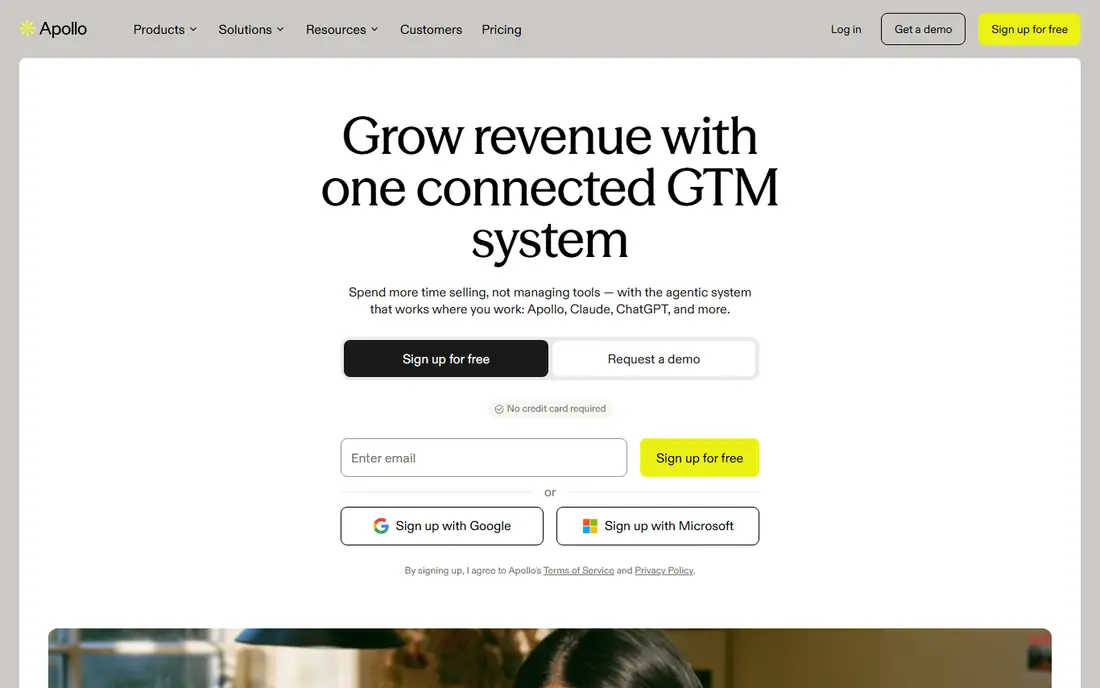
Pick Apollo if this describes you: small teams wanting data plus outreach in one tool. Credits for enrichment and higher sending limits sit on premium levels, and the per-seat price multiplies across the team.
Upsides: Contact database, sequences.
Entry price for Apollo: $0. Apollo includes a free tier.
Honest limits: Credits and sending limits gate the less expensive levels.
- 200+ integrations and CRM-friendly design
- Dialer and AI agents in one subscription
- Data accuracy varies by segment, as with any database
Woodpecker
Ideal for: Agencies and teams centred on cold email deliverability
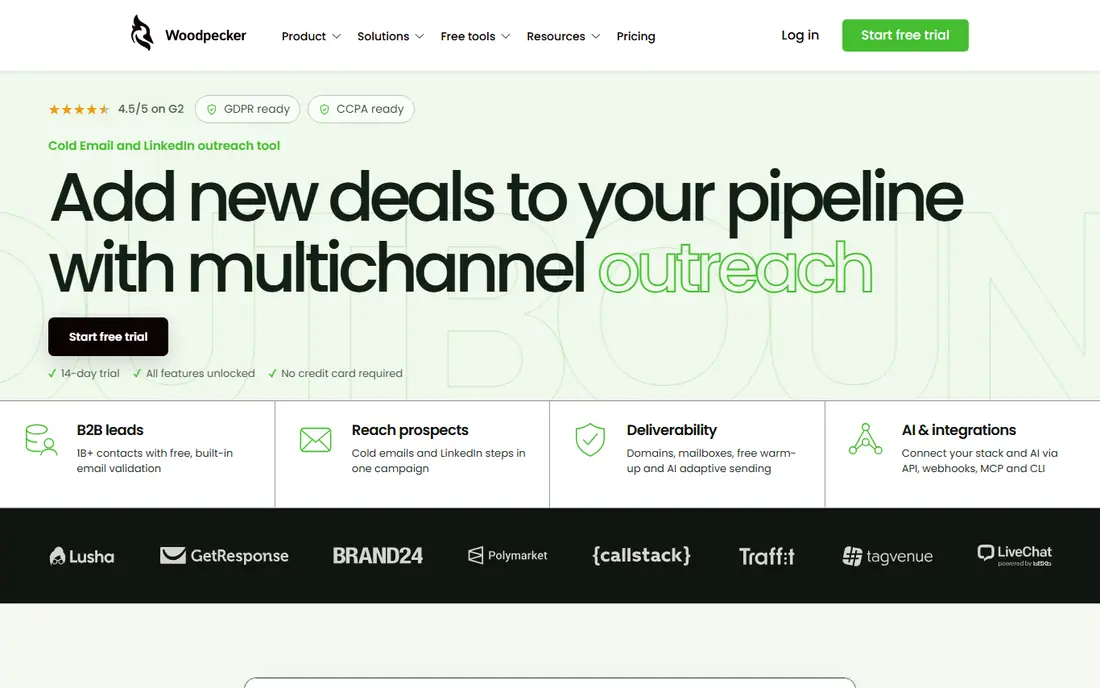
Choose Woodpecker for agencies and teams concentrated on cold email deliverability. Woodpecker is the deliverability-first cold email tool: campaigns, LinkedIn steps, email verification, warm-up, adaptive sending and domain checks in one outbound workflow. More specifically, the free trial runs 14 days or 100 cold emails, whichever comes first, per the vendor's own site.
Beyond that, plan prices sit behind the pricing page. Woodpecker's scope is narrower than the engagement products: no dialer, no forecasting. But for teams whose job is cold email done safely, that focus is the point. This comparison lists no price for Woodpecker; ask the vendor. Free options: Free trial (14 days).
Trade-offs to know: Aimed at outbound, not full-cycle sales. Where Woodpecker stands out: adaptive sending and domain checks built in.
- Deliverability-first: verification, warm-up
- Agency-friendly separate workspaces
- Narrower scope than engagement systems (no dialer, no forecasting)
Reply.io
Ideal for: Teams wanting multichannel sequences with AI agents
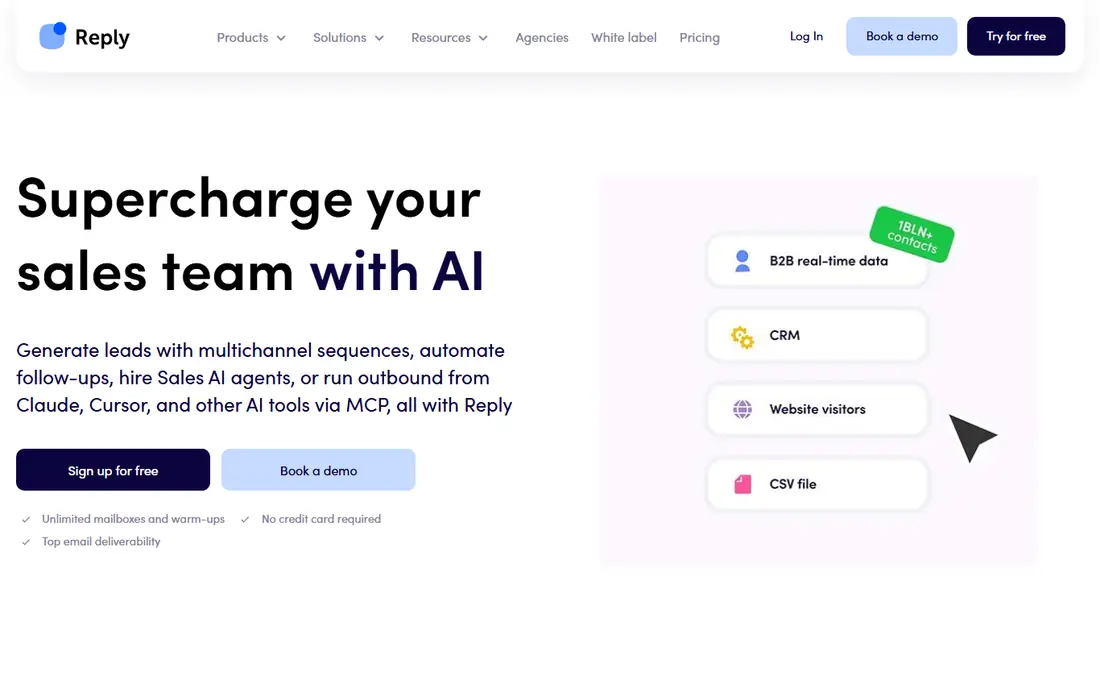
Choose Reply.io for teams wanting multichannel sequences with AI agents. Reply.io builds its case on multichannel execution: email, LinkedIn, WhatsApp, calls and SMS in one sequence, with AI writing personalized variants per prospect.
More specifically, the homepage presents add-on prices (LinkedIn automation, calls, email validation, additional mailboxes) but the core plan prices sit behind the pricing page, so get the full quote including extras before comparing. Beyond that, signup is free with no credit card required, which makes evaluation painless. This comparison lists no price for Reply.io; ask the vendor. Free options: Free trial.
Where it falls short: Newer AI agent features are still maturing.
- AI SDR agents for hands-off outbound
- Built-in mailbox warm-up and deliverability tooling
- Extras (LinkedIn, calls, validation, extra mailboxes) stack up
Close
Ideal for: SMBs wanting CRM plus calling and email in one
Think of Close for SMBs wanting CRM plus calling and email in one. Close is a CRM with sales engagement built in, not the other way around: pipeline management plus built-in calling, SMS, email sequences and a power dialer in one inbox.
Where it falls short: Pricing not verifiable on the vendor page at research time.
High-velocity inside sales teams run their entire workflow without leaving the app, and activity logging happens automatically rather than relying on reps to update records. No starting price is listed for Close here; confirm pricing on the vendor site. There is no free plan with Close.
Best features of Close: Aimed at high-velocity inside sales.
- CRM with built-in calling, SMS
- Email sequences and power dialer in one inbox
- It is a CRM first, so teams wanting a best-in-class standalone sequencer may prefer a specialist
Outreach
Ideal for: Enterprise revenue teams running full-cycle engagement
Outreach was built for enterprise revenue teams running full-cycle engagement. Outreach is the name most enterprise buyers start with, and for decent reason: it handles the full revenue cycle, from prospecting sequences through deal management, forecasting and coaching, now with AI agents positioned as teammates for every rep. Worth adding: the price of that depth is opacity and overhead.
For large revenue organizations, it is the standard. Beyond that, teams under twenty reps will pay enterprise prices for features they never open. Pricing for Outreach is not stated here, so ask the vendor for current figures. Outreach has no free plan.
Upsides: Handles prospecting.
The main drawbacks: Implementation needs sales ops support.
- Deep enterprise integrations and AI agents
- Deal management
- Custom pricing with an enterprise sales process
Mixmax
Ideal for: Teams living in Gmail who want sequences inside it
Mixmax was built for teams living in Gmail who want sequences inside it. Mixmax lives inside Gmail as a Chrome extension: sequences, follow-ups, open tracking, meeting scheduling and LinkedIn steps run from the inbox reps already use. The free plan needs no credit card, which makes evaluation painless.
Downsides: Less depth in CRM-native workflows and enterprise governance.
Setup is famously quick. No onboarding call, no IT ticket, and it works with or without a CRM. Worth adding: for founders and small teams doing founder-led sales, it is the pragmatic pick. In practice, the trade-off is scope: Gmail-centric teams love it, but firms needing deep CRM-native workflows or enterprise governance will outgrow it. Mixmax shows no starting price here, so confirm the cost on the vendor site. Mixmax has a free plan.
- Runs inside Gmail as a Chrome extension, so reps never leave the inbox
- Free plan with no credit card required
- Gmail-centric by design, so non-Gmail teams are out
Klenty
Ideal for: SDR teams doing high-volume calling cadences
Klenty works best for SDR teams doing high-volume calling cadences. AI call coaching scores reps against talk tracks, which matters to managers running calling floors. Klenty's differentiation is the calling stack, and teams that live on the phone should shortlist it.
The pitch is straightforward: maximize live conversations per hour, not activities logged. From a buyer's view, email-only teams will find less expensive choices that do the sequencing job just as well. No starting price is listed for Klenty here; confirm pricing on the vendor site. Klenty has no free tier.
Trade-offs to know: No published pricing on the homepage.
- Local-presence rotation and connect-rate infrastructure
- Multichannel cadences plus AI call coaching
- Calling-heavy focus means email-only teams overpay
How we compared the tools
The comparison looks at four things: starting price, free access, how well the feature set matches sales acceleration software, and the main limit of each tool. Figures are shown as the vendors publish them. Billing terms, seat minimums and add-ons can change the real cost. The ranking is editorial: typical fit first, then clear pricing, then free access. If your needs are unusual, read the profiles rather than relying on position.
Before you commit
- Confirm the entry price on the vendor page. For Woodpecker, Reply.io, Close and others that means a quote rather than a fixed price.
- Read the fine print on the free plans from Apollo and Mixmax; seat, project and feature caps differ.
- Take the trial from Woodpecker and Reply.io and push a live task through it before you pay.
- Read the limits listed for Apollo first: data accuracy varies by segment, as with any database.
- Get the contract term, renewal terms and any onboarding fees from Klenty in writing.
- Confirm the exact Woodpecker plan that includes your must-have features.
Frequently asked questions
Can I try these options before paying?
Often, yes. Apollo and Mixmax have a free plan and Woodpecker and Reply.io offer a free trial. Use your own data and a real task during the test, and check what the free tier or trial limits before you rely on it.
How are the tools for sales acceleration software ordered?
The order follows typical fit for sales acceleration software, with Apollo first and Klenty last, then price clarity and free access. It is editorial judgement, not a score, so another team could rank the tools differently.
What is sales acceleration software?
Software that speeds up the sales process by automating repetitive prospecting work: multichannel outreach sequences, follow-ups, lead prioritization, calling and meeting scheduling. It sits between the contact database and the CRM, making sure every prospect gets consistent touches whereas reps spend their time on live conversations.
Do these tools publish their prices?
Not all of them. Woodpecker, Reply.io, Close and others publish no starting price, so expect a quote request for those. The rest, Apollo included, show a starting price, though seats and billing terms still change the final cost.
Is Apollo the right pick for everyone comparing sales acceleration software?
No single tool suits every team. Apollo comes first because it fits small teams wanting data plus outreach in one tool, while Woodpecker suits agencies and teams focused on cold email deliverability and Reply.io suits teams wanting multichannel sequences with AI agents. Match the tool to your own size, budget and workflow before deciding.