Best sales analytics tools in 2026: 7 Options Compared

- 1
 Salesforce Sales Analyticsteams that already use SalesforceVisit
- 2
 HubSpot Sales Analyticsteams that want CRM plus analyticsVisit
- 3
 Clariteams that want forecasting accuracyVisit
- 4
 Gongteams that want conversation insightVisit
- 5
 InsightSquaredteams that want dedicated sales reportsVisit
- Salesforce and HubSpot suit teams that want analytics inside a CRM they already use.
- Clari and Gong suit teams that want forecasting and conversation insight.
- InsightSquared suits teams that want dedicated sales reporting and dashboards.
- Zoho Analytics and Pipedrive suit smaller teams that want clear, affordable reports.
Quick comparison
| Product | Ideal for | Price from | Free version | |
|---|---|---|---|---|
| Salesforce Sales Analytics | teams that already use Salesforce | See website | No | Visit |
| HubSpot Sales Analytics | teams that want CRM plus analytics | See website | Yes | Visit |
| Clari | teams that want forecasting accuracy | See website | No | Visit |
| Gong | teams that want conversation insight | See website | No | Visit |
| InsightSquared | teams that want dedicated sales reports | See website | No | Visit |
 Zoho Analytics | smaller teams that want affordable BI | See website | Free trial | Visit |
 Pipedrive | smaller teams that want simple pipeline reports | See website | Free trial | Visit |
The best sales analytics tools
Sales analytics tools turn CRM data, calls and pipeline stages into reports, forecasts and insights about what drives revenue. We compared official product pages, pricing pages and public reviews, focusing on reporting, forecasting, CRM integration, conversation insight and pricing model. Pricing is often per user or quote based, so we note the model rather than quoting a figure we could not confirm.
Salesforce Sales Analytics
Ideal for: teams that already use Salesforce
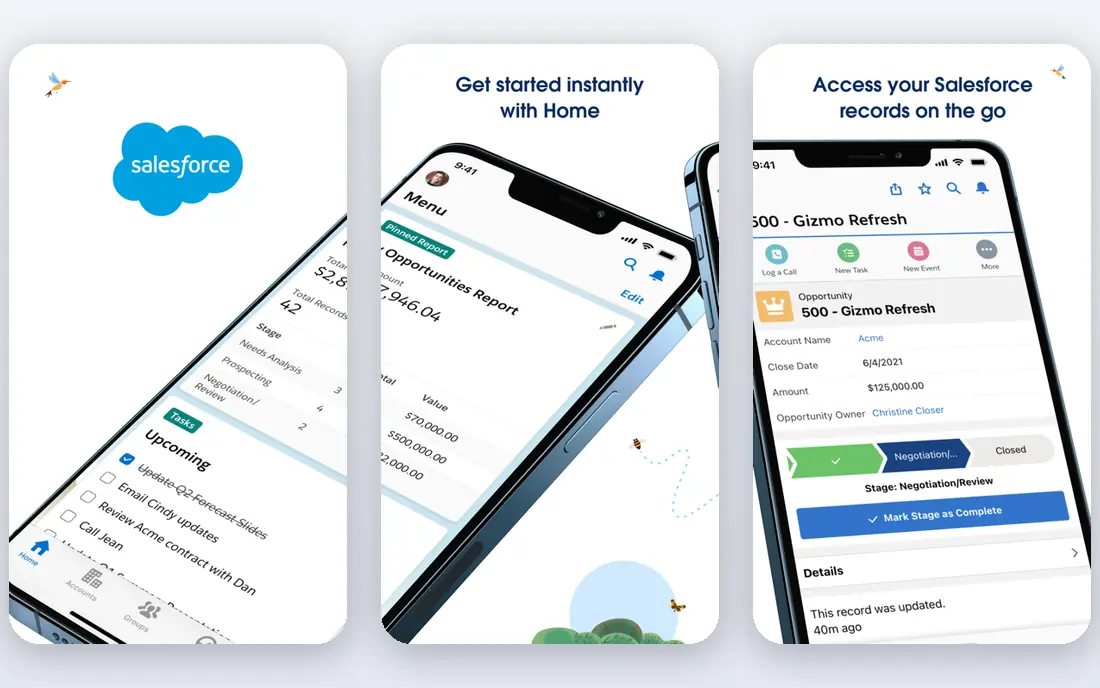
Salesforce Sales Analytics, including CRM Analytics and Sales Cloud reports, gives teams dashboards, pipeline reports and forecasting inside the CRM they already use. That native link means reports update from live sales data without a separate sync. Large sales teams benefit from custom objects, territories and approval flows.
Before you pay, check the limits that apply to your own use, including seats, storage, monthly usage and support hours. A plan that looks generous on the headline page can still cap the one feature you rely on most, so read the plan comparison page rather than the marketing summary. A trial or free tier is the safest way to test this, and it also shows whether support answers promptly when you need help.
Pricing is per user and setup needs admin skill, especially for custom reports and forecasting models. Start with a few core dashboards for pipeline, win rate and forecast, and add complexity only as managers use them.
- CRM native reports
- Dashboards
- Forecasting
- Pricing per user
- Setup needs admin skill
HubSpot Sales Analytics
Ideal for: teams that want CRM plus analytics
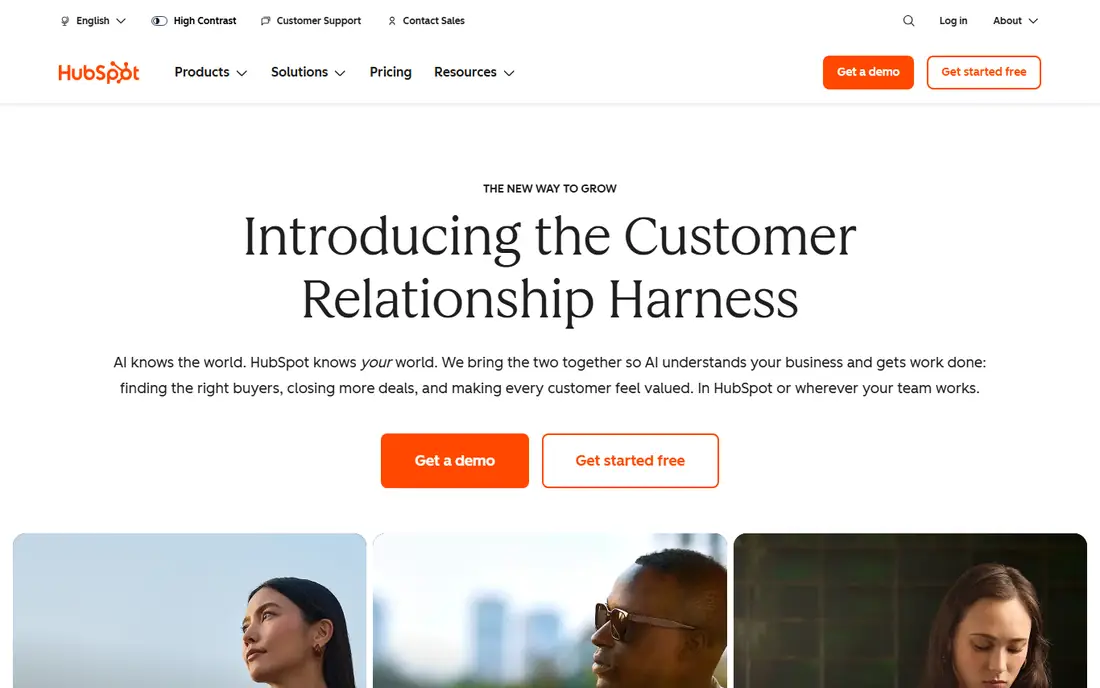
HubSpot combines CRM, sales and marketing analytics in one platform, with easy dashboards for pipeline, deals, activities and revenue. Small and mid sized teams benefit from that simplicity, since sales and marketing data sit together. Its free CRM tier covers basic tracking, while paid plans add custom reports.
The price on the headline page is only part of the cost, so check renewal pricing, per-seat charges and any paid add-ons before you commit. Free tiers help for light use, but they often cap the features that matter once work grows, and trials end on a fixed date whether you have finished testing or not. Set a reminder before a trial ends, and confirm cancellation steps in advance so you are not locked into a plan you no longer need.
Advanced reporting and forecasting sit on higher plans, and customisation is lighter than Salesforce. Check which reports your plan includes, and test forecasting on your real pipeline before committing.
- CRM plus reporting
- Easy dashboards
- Marketing links
- Advanced reporting needs higher plans
- Customisation limits
Clari
Ideal for: teams that want forecasting accuracy
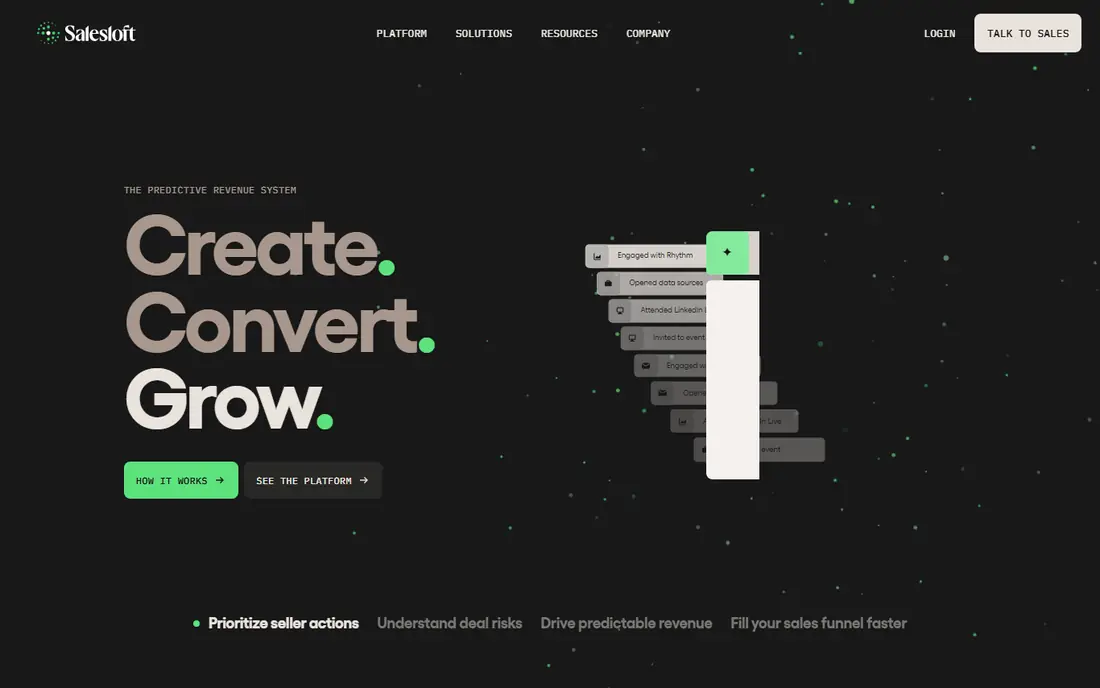
Clari focuses on revenue forecasting and pipeline inspection, using AI insights to flag deals at risk and forecast accuracy. Sales leaders can inspect pipeline by rep, stage and segment, and compare forecast against actuals. That focus suits teams where forecast accuracy drives hiring and spending decisions.
Pricing is where many readers get caught out, so look past the headline figure and check what the plan actually includes for your level of use. Seats, usage limits, add-ons and renewal terms can change the real monthly cost, and a cheaper plan that lacks one feature you need is not a saving. If a free tier or trial is offered, use it for real work before paying, and confirm how cancellation works while you still have time to change your mind.
Pricing is enterprise oriented, and Clari needs a clean CRM integration to work well. Fix CRM hygiene first, including stage definitions and close dates, or forecasts will reflect bad data.
- Revenue forecasting
- Pipeline inspection
- AI insights
- Enterprise pricing
- CRM integration needed
Gong
Ideal for: teams that want conversation insight
Gong analyses sales calls, emails and meetings to show what top performers say, where deals stall and which objections appear most. Managers can coach from real conversations rather than self reported notes. That insight suits teams that sell by phone or video and want to improve messaging.
Before you pay, check the limits that apply to your own use, including seats, storage, monthly usage and support hours. A plan that looks generous on the headline page can still cap the one feature you rely on most, so read the plan comparison page rather than the marketing summary. A trial or free tier is the safest way to test this, and it also shows whether support answers promptly when you need help.
Pricing is quoted, and recording conversations needs clear privacy and consent handling. Inform reps and customers as required, check recording laws for your regions, and use insights for coaching rather than surveillance.
- Call and email analysis
- Deal insight
- Coaching
- Pricing is quote based
- Privacy needs care
InsightSquared
Ideal for: teams that want dedicated sales reports
InsightSquared offers dedicated sales reporting, dashboards, forecasting and activity analytics, built for sales leaders who want clear visibility without building reports themselves. Its prebuilt dashboards cover pipeline, bookings, win rates and rep performance. That focus suits mid sized sales teams that need answers quickly.
The price on the headline page is only part of the cost, so check renewal pricing, per-seat charges and any paid add-ons before you commit. Free tiers help for light use, but they often cap the features that matter once work grows, and trials end on a fixed date whether you have finished testing or not. Set a reminder before a trial ends, and confirm cancellation steps in advance so you are not locked into a plan you no longer need.
It is a smaller brand than Salesforce or HubSpot, and report quality depends on CRM data hygiene. Check CRM integration for your system, and confirm which dashboards are included at your plan level.
- Sales dashboards
- Forecasting
- Activity analytics
- Smaller brand
- CRM data quality matters
Zoho Analytics
Ideal for: smaller teams that want affordable BI
Zoho Analytics is a business intelligence tool with many data sources, dashboards and reports, which smaller sales teams can use to analyse CRM, spreadsheet and app data together. Its affordable plans suit teams that want BI depth without enterprise pricing. Drag and drop reports help managers build views without code.
Pricing is where many readers get caught out, so look past the headline figure and check what the plan actually includes for your level of use. Seats, usage limits, add-ons and renewal terms can change the real monthly cost, and a cheaper plan that lacks one feature you need is not a saving. If a free tier or trial is offered, use it for real work before paying, and confirm how cancellation works while you still have time to change your mind.
It is a general BI tool rather than a sales only platform, so sales specific forecasting needs configuration. Test it on your CRM data, and check whether sales dashboards need custom building.
- Many data sources
- Dashboards
- Affordable plans
- Sales specific features are broader BI
- Setup takes time
Pipedrive
Ideal for: smaller teams that want simple pipeline reports
Pipedrive is a sales CRM with a visual pipeline and simple reporting, which suits smaller teams that want clear deal tracking without complexity. Its reports cover pipeline value, win rates, activities and forecasts at a basic level. That simplicity helps a small team adopt the CRM consistently.
Before you pay, check the limits that apply to your own use, including seats, storage, monthly usage and support hours. A plan that looks generous on the headline page can still cap the one feature you rely on most, so read the plan comparison page rather than the marketing summary. A trial or free tier is the safest way to test this, and it also shows whether support answers promptly when you need help.
Reporting depth is lighter than Clari or Salesforce, and advanced analytics may need add-ons or exports. Check whether its reports cover your manager needs, including forecast by rep and stage, before choosing it as your analytics tool.
- Visual pipeline
- Simple reports
- Easy to use
- Reporting depth is lighter
- Advanced analytics need add-ons
How we picked these
We compared official feature pages, pricing pages, app store listings, privacy policies and public reviews for each option in this guide. We kept only products that exist and work in October 2026 and that fit the topic directly, and we checked that each official homepage loads and belongs to the product named. Prices and free tiers are taken from the vendor site where we could verify them, and we wrote See website where a price could not be confirmed, rather than guessing. Our pick in each guide reflects fit for ordinary readers, not a claim of hands-on testing, and we note the honest limits of each option alongside its strengths.
How to choose a sales analytics tool
Start with the questions managers ask weekly: pipeline health, forecast accuracy, win rate and rep performance. A tool that answers those four from clean CRM data is more useful than a broad BI platform nobody opens. Fix CRM hygiene first, including stage definitions, close dates and activity logging, since analytics only reflect the data entered.
Compare pricing per user and check CRM integration, forecasting method and conversation recording consent where relevant. Trial the tool on your real pipeline for a full sales cycle, and ask managers to use the dashboards in a real forecast meeting. A tool that changes a forecast discussion is working; a tool that only produces charts is not.
Frequently asked questions
What is the best sales analytics tool?
Salesforce and HubSpot suit teams that want analytics inside a CRM, Clari suits forecasting, and Gong suits conversation insight. InsightSquared suits dedicated sales reports, while Zoho Analytics and Pipedrive suit smaller teams that want clear affordable reports.
What metrics should sales analytics track?
Track pipeline value, win rate, average deal size, sales cycle length, forecast accuracy and activity per rep. Add stage conversion rates to find where deals stall. Review these weekly, and act on one insight at a time rather than chasing every metric.
Do I need a separate analytics tool if I have a CRM?
Not always, since Salesforce and HubSpot include strong reporting, but dedicated tools such as Clari and Gong add forecasting accuracy and conversation insight. Start with CRM reports, and add a dedicated tool when forecast or coaching questions go unanswered.
How does AI help sales forecasting?
AI forecasting looks at historical win patterns, deal activity, stage age and rep behaviour to predict close likelihood and revenue. It improves accuracy only when CRM data is clean and consistent. Treat AI forecasts as a guide, and combine them with manager judgement.
Is recording sales calls legal?
Recording laws vary by region, with some requiring all party consent and others one party consent. Inform reps and customers, check local laws, and store recordings securely with clear retention rules. Use recordings for coaching and insight, not surveillance.