Copper is the first pick on this list for Google Workspace teams wanting built-in CRM. Listed starting prices: Copper from $23 per seat a month. Alternatives: ActiveCampaign for automation-led teams spanning marketing and sales, and Microsoft Dynamics 365 Sales for organizations standardized on Microsoft tools. The remaining 3 options are covered below with prices and limits.
If you are comparing sales automation tools for CRM integration, this page covers 6 tools in one place: what each is best for, what it costs to start, whether it has a free plan, and the main limit to know about.
Key takeaways
Number one here is Copper, a fit for Google Workspace teams wanting built-in CRM.
A fair warning about Copper: tied closely to Google Workspace.
Best for: Google Workspace teams wanting built-in CRM
Copper is aimed squarely at Google Workspace teams wanting built-in CRM. Copper's close tie to Google Workspace is an advantage for Google users but less relevant for organizations on other productivity suites.
Points against: Narrower automation scope.
Upsides: Familiar interface for Google users.
It suits service companies and sales teams that want CRM integration without switching between separate tools, especially when Gmail is the primary communication channel. Copper pricing: $23 per seat per month. As for free access: Free trial.
Best for: Automation-led teams spanning marketing and sales
ActiveCampaign serves automation-led teams spanning marketing and sales. ActiveCampaign is marketing-led, so dedicated sales pipeline management is less central than in sales-first CRMs. More specifically, choose it when campaign and channel automation is the priority and sales integration is a supporting need instead of the core requirement.
Teams needing deep deal-stage automation may prefer a sales-centric product. ActiveCampaign describes itself as an autonomous marketing system where AI agents deal with email, SMS, WhatsApp and more. Its automation strength lies in multi-channel customer journeys, which can feed sales teams with engaged contacts and trigger follow-ups. ActiveCampaign shows no starting price here, so confirm the cost on the vendor site. On free options: Free trial.
Limits to weigh: Sales pipeline depth is secondary.
Best for: Organizations standardized on Microsoft tools
Microsoft Dynamics 365 Sales was built for organizations standardized on Microsoft tools. Microsoft Dynamics 365 Sales is described as an agentic CRM that helps teams close deals quicker using insights, sales automation and collaboration tools. On top of that, consider a lighter CRM when you want quick adoption without deep configuration.
Automation links to sales processes, and the product leans on collaboration features that fit organizations already working in Microsoft environments. For everyday use, deployment and customization can be substantial, and the experience is smoothest for teams already invested in Microsoft systems. No starting price is listed for Microsoft Dynamics 365 Sales here; confirm pricing on the vendor site. Free options: Not stated.
Best for: Teams wanting automation on one CRM dataset
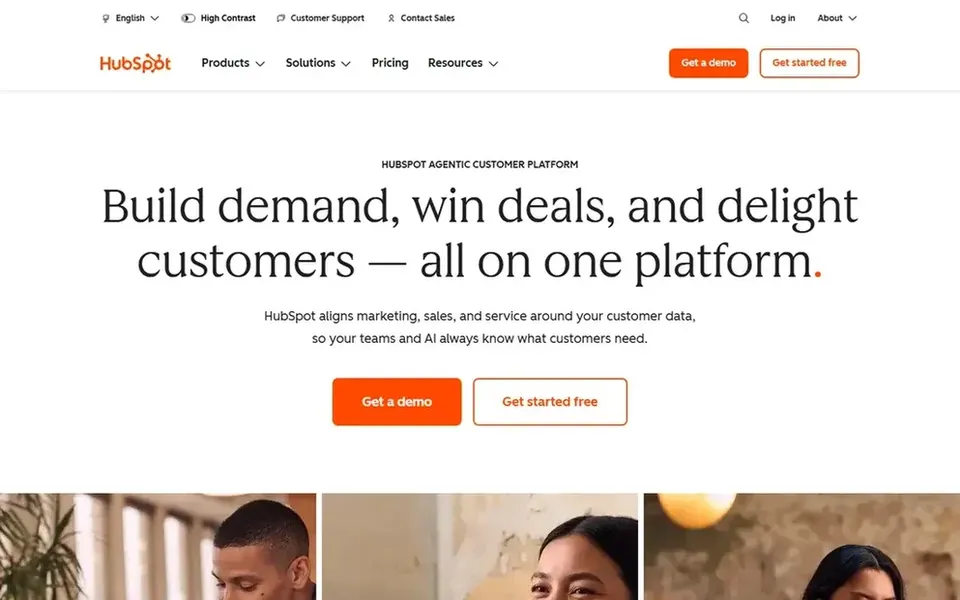
Where HubSpot Sales Hub fits: teams wanting automation on one CRM dataset. HubSpot Sales Hub is positioned as AI sales software that turns prospects into pipeline and conversations into closed deals.
In daily use, teams that only need entry-level deal tracking may find a lighter CRM sufficient. Pricing for HubSpot Sales Hub is not stated here, so ask the vendor for current figures. On free options: Not stated.
Drawbacks to consider: Deeper features can add complexity.
Best for: Pipeline-centric teams wanting straightforward automation
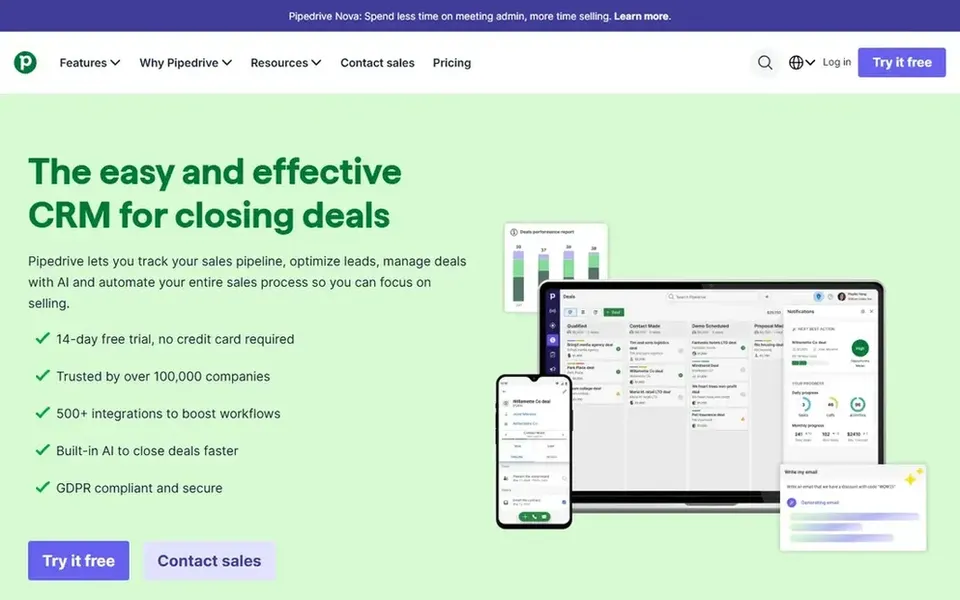
Choose Pipedrive for pipeline-centric teams wanting straightforward automation. Pipedrive presents itself as sales CRM and pipeline management software, with an emphasis on simplicity and turning leads into qualified opportunities.
Points against: Narrower scope than full products.
Customization depth is more restricted than bigger products. This comparison lists no price for Pipedrive; ask the vendor. Trial and free access: Not stated.
Best for: Companies wanting wide sales operations coverage
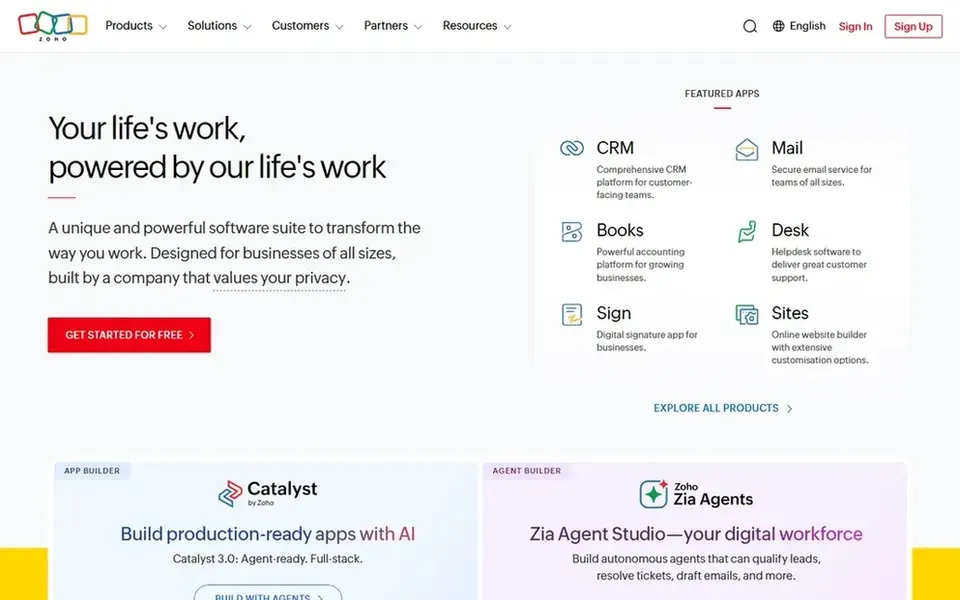
In short, Zoho CRM is for firms wanting wide sales operations coverage. Zoho CRM describes itself as an agentic CRM system that helps teams run sales operations and close more deals.
Drawbacks to consider: Ecosystem breadth can overwhelm new users.
If you prefer a minimal, single-purpose pipeline tool, a more straightforward choice may be easier to adopt. Zoho CRM does not show a starting price in this comparison, so check the vendor site for current pricing. Trial and free access: Not stated.
Get a written quote from ActiveCampaign, Microsoft Dynamics 365 Sales, HubSpot Sales Hub and others; the list shows no starting price for them.
Take the trial from Copper and ActiveCampaign and push a live task through it before you pay.
Before choosing Copper, weigh its main limit: tied closely to Google Workspace.
Compare total cost, not headline price: for Copper, add extra seats, add-ons and any usage-based charges.
Pick one real project and run it in HubSpot Sales Hub first; a small pilot shows fit faster than a checklist.
How we picked
Pricing pages, product documentation and feature lists were the main sources, and every entry carries at least one honest drawback. Prices and plan limits come from vendor pages and can change, so confirm them on the vendor site before you buy. We ordered the tools by general fit, then by how clearly pricing is shown, then by free access. A buyer with unusual needs may reorder them. Keep it in mind while reading the 6 sales automation tools for CRM integration profiles on this page.
Every price and plan detail on this page comes from the vendors’ own websites. We did not run hands-on tests unless the text says so, and we do not publish star ratings or review scores. See how we score and our disclosure.
Keep your shortlist in one place
Paste prices, trial dates and notes from this guide into Ainotely, our AI note app. It files them into a topic and pulls out tasks like “cancel trial by Friday”. Free 7-day trial, no card needed.
Is marketing automation the same as sales automation?
They overlap but differ in focus. Marketing automation, as with ActiveCampaign, centers on campaigns and multi-channel journeys, whereas sales automation concentrates on pipeline stages, follow-ups and deal progression. Plenty of teams use both and link them through shared CRM data.
Does any tool for sales automation tools for CRM integration here have a free plan?
A permanent free plan is not offered by Copper, Zoho CRM or the other tools here. Copper, ActiveCampaign offer a trial. Plan a short evaluation period instead.
How should I evaluate CRM integration before buying?
List the records and fields your automation must read or update, then check vendor documentation for those capabilities. Confirm how data syncs and who maintains the rules.
Can small teams use these tools without heavy setup?
Yes, several choices emphasize simplicity and fast pipeline adoption, like Pipedrive and Copper. Start with the automation you need now and expand later. Bigger products like Dynamics 365 Sales normally need more configuration planning.
Can I try these tools before paying?
Often, yes. Copper and ActiveCampaign offer a free trial. Use your own data and a real task during the test, and check what the free tier or trial limits before you rely on it.
Do these tools publish their prices?
Not all of them. ActiveCampaign, Microsoft Dynamics 365 Sales, HubSpot Sales Hub and others publish no starting price, so expect a quote request for those. The rest, Copper included, show a starting price, though seats and billing terms still change the final cost.