Best Sales Automation Tools in 2026: 7 Tools Compared

- 1
 HubSpot Sales HubCRM plus automation in one placeVisit
- 2
 Salesforce Sales CloudEnterprise automation and reportingVisit
- 3
 OutreachStructured sequences and coachingVisit
- 4
 SalesloftOutbound automation and cadencesVisit
- 5
 Apollo.ioProspecting data plus automationVisit
- HubSpot combines CRM and automation in one system, with a free tier to start.
- Outreach and Salesloft lead for structured sequences and coaching at larger teams.
- Apollo bundles prospecting data with automation, which suits smaller outbound teams.
- Pipedrive and Zoho add solid automation to affordable CRMs for growing teams.
Quick comparison
| Product | Ideal for | Price from | Free version | |
|---|---|---|---|---|
| HubSpot Sales Hub | CRM plus automation in one place | Free | Yes | Visit |
| Salesforce Sales Cloud | Enterprise automation and reporting | See website | Free trial | Visit |
| Outreach | Structured sequences and coaching | See website | No | Visit |
| Salesloft | Outbound automation and cadences | See website | No | Visit |
| Apollo.io | Prospecting data plus automation | Free | Yes | Visit |
 Pipedrive | Automation inside an affordable CRM | $14 per user per month | Free trial | Visit |
 Zoho CRM | Budget automation for growing teams | Free | Yes | Visit |
The best sales automation tools
Sales automation covers the repetitive middle of selling: finding leads, sending follow-ups, logging activity and moving deals. The tools below range from full CRMs with automation built in to specialist outreach platforms. We compared them on sequence quality, CRM integration, reporting and price, since automation that spams prospects hurts more than it helps.
HubSpot Sales Hub
Ideal for: CRM plus automation in one place
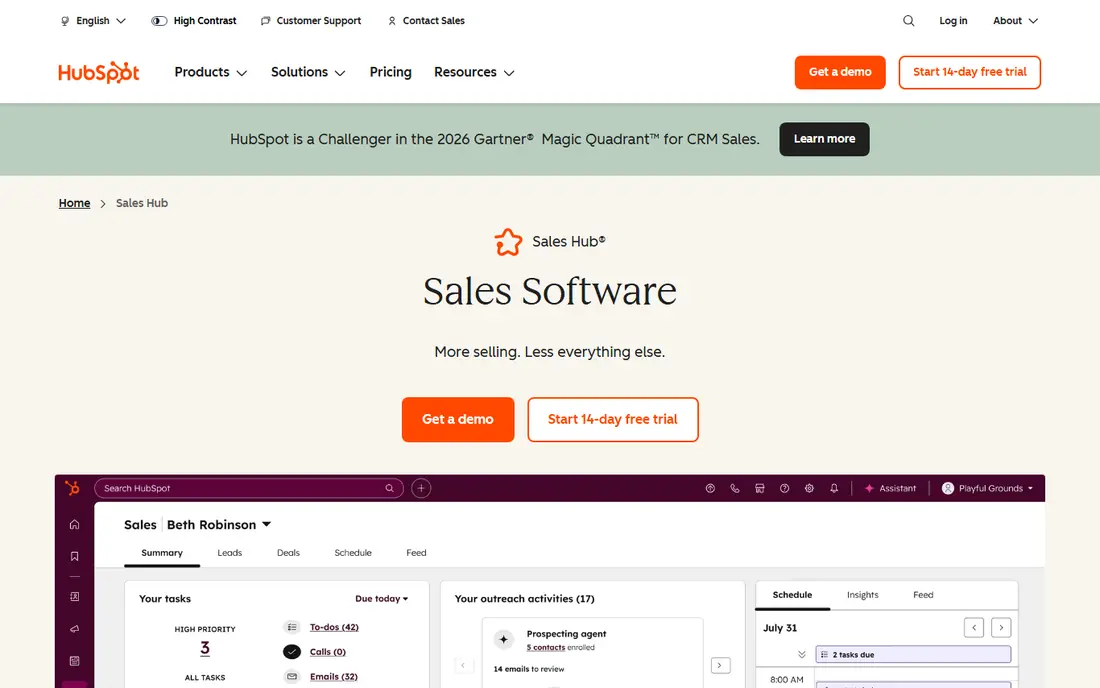
HubSpot pairs a free CRM with automation that grows with the team: workflows, lead rotation, meeting scheduling and, on paid tiers, sequences and forecasting. Because CRM and automation share one database, reports stay accurate and reps work in one place. Small teams can start free and add automation as volume grows.
Advanced automation sits in Professional at $90 per seat per month, with a one-time onboarding fee, so the full toolkit is not cheap. Teams that only need sequences may prefer a specialist. As an all-in-one system, though, HubSpot is the easiest automation path.
For readers focused on cRM plus automation in one place, HubSpot Sales Hub is worth a trial before deciding, since the free tier or trial shows its real feel fast. Check the current plan details on the vendor site, since prices and limits change, and confirm that the version you need works on your devices.
- Free CRM with workflows
- Sequences on paid tiers
- Strong reporting
- Advanced automation needs Professional
- Onboarding fees on higher tiers
Salesforce Sales Cloud
Ideal for: Enterprise automation and reporting
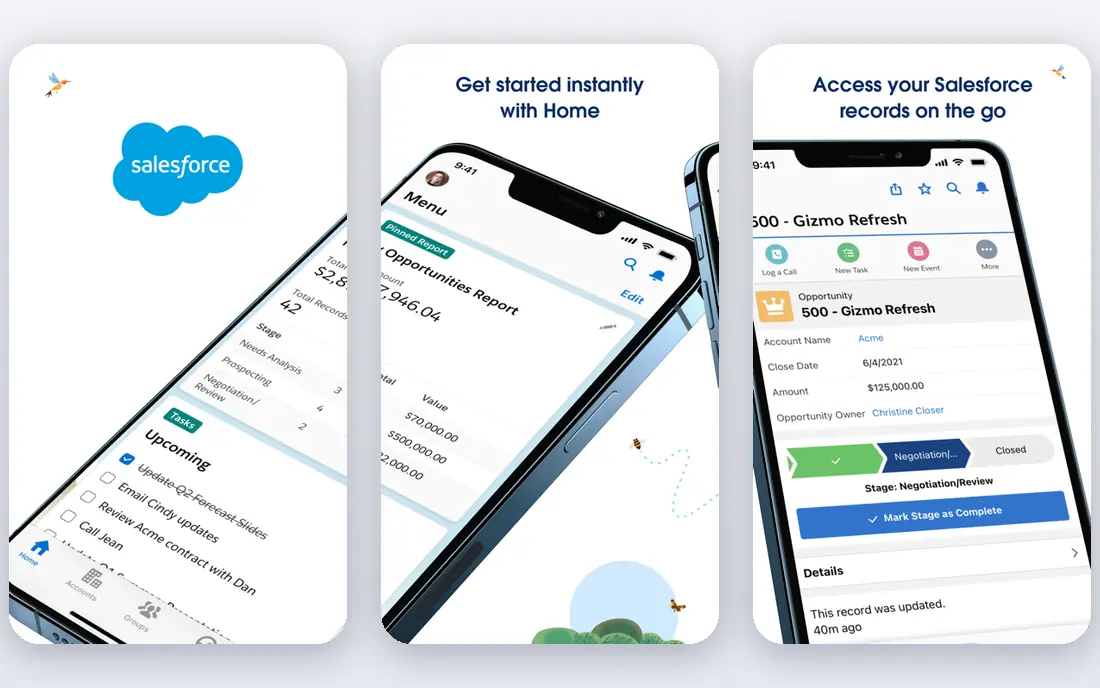
Salesforce offers the deepest sales automation for large organizations, with workflows, AI-assisted actions, territory management and reporting that smaller tools cannot match. Its ecosystem of apps extends automation into quoting, billing and service, and its controls suit regulated industries.
Setup is complex and usually needs an admin, and costs rise with tiers and add-ons. Small teams will find it heavy. For enterprises with defined processes and reporting needs, Salesforce automation is the benchmark.
We would shortlist Salesforce Sales Cloud for enterprise automation and reporting, and compare it directly with the two options nearest it in price before paying. Check the current plan details on the vendor site, since prices and limits change, and confirm that the version you need works on your devices.
- Deep workflow and AI automation
- Huge ecosystem
- Enterprise controls
- Complex setup
- Needs admin
- Costs rise with add-ons
Outreach
Ideal for: Structured sequences and coaching
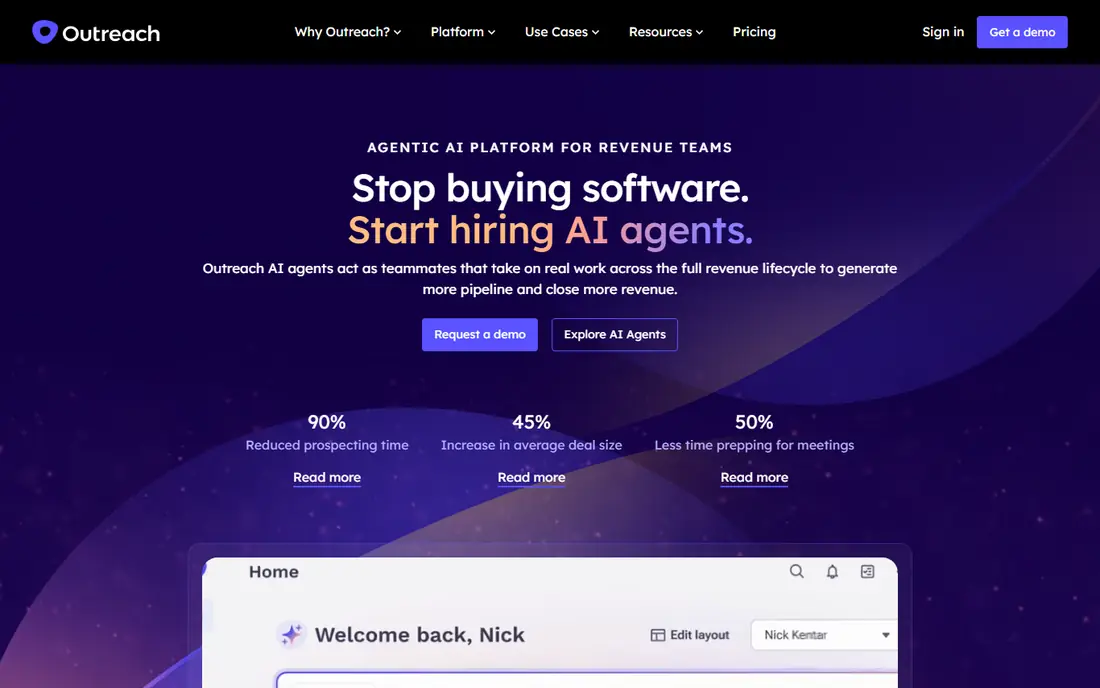
Outreach is the specialist for structured outbound automation, with sequences, analytics and coaching tools that show managers where deals stall. Its automation enforces consistent follow-up across reps, and its reporting ties activity to replies and meetings. Large outbound teams rely on it for discipline.
It is priced for larger teams and works beside a CRM rather than replacing one, so combined costs are real. Setup also takes effort. For teams with a defined outbound motion, Outreach delivers the most control.
If structured sequences and coaching is your main need, Outreach deserves a place on a shortlist, provided you test the catch described above first. Check the current plan details on the vendor site, since prices and limits change, and confirm that the version you need works on your devices.
- Strong sequencing
- Analytics and coaching
- Enterprise controls
- Priced for larger teams
- Needs a CRM beside it
Salesloft
Ideal for: Outbound automation and cadences
Salesloft, now part of a larger revenue platform, offers cadence automation, conversation intelligence and analytics for outbound teams. Its workflows help reps run multi-step, multi-channel outreach, and its call recording and analysis support coaching. It suits teams that sell by phone and email together.
Pricing is enterprise level, and it needs CRM integration to work best. Smaller teams may find it more than they need. For outbound teams that want cadence discipline plus conversation insight, Salesloft is a leading option.
Our view is that Salesloft earns its place here for outbound automation and cadences, even with the limits noted above. Check the current plan details on the vendor site, since prices and limits change, and confirm that the version you need works on your devices.
- Cadence automation
- Conversation intelligence
- Analytics
- Enterprise pricing
- Needs CRM integration
Apollo.io
Ideal for: Prospecting data plus automation
Apollo bundles a large contact database with sequences and automation, so a small team can find leads and run outreach from one tool. Its free tier covers basic prospecting and sequences, and its analytics show reply rates by sequence. That combination replaces two subscriptions for lean teams.
Contact data accuracy varies by industry, and higher volumes need paid tiers. Its automation is also less deep than Outreach or Salesloft. For small outbound teams that need leads and automation together, Apollo is practical.
For readers focused on prospecting data plus automation, Apollo.io is worth a trial before deciding, since the free tier or trial shows its real feel fast. Check the current plan details on the vendor site, since prices and limits change, and confirm that the version you need works on your devices.
- Contact database plus sequences
- Free tier
- Analytics
- Data accuracy varies
- Scale needs higher tiers
Pipedrive
Ideal for: Automation inside an affordable CRM
Pipedrive adds workflow automation to its clear visual pipeline, with email sync, activity reminders and automations that move deals and assign tasks. Its setup is fast, and its pricing from $14 per user per month keeps automation affordable for small teams. Sales-only teams get automation without enterprise complexity.
Automation depth grows with higher tiers, and there is no permanent free plan. Marketing automation needs add-ons. For teams that want pipeline plus automation at a fair price, Pipedrive is a strong choice.
We would shortlist Pipedrive for automation inside an affordable CRM, and compare it directly with the two options nearest it in price before paying. Check the current plan details on the vendor site, since prices and limits change, and confirm that the version you need works on your devices.
- Visual pipeline with workflow automation
- Email sync
- Simple setup
- Automation depth grows with tier
- No free plan
Zoho CRM
Ideal for: Budget automation for growing teams
Zoho CRM offers workflows, lead assignment and automation on its paid tiers, with a free tier for up to three users. Its breadth covers email, social and reporting, and it connects with the wider Zoho suite. Budget-conscious teams get real automation without enterprise pricing.
The interface can feel busy, and advanced automation sits behind higher tiers. Teams wanting the cleanest sequence tools may prefer a specialist. For growing teams on a budget, Zoho automation is good value.
If budget automation for growing teams is your main need, Zoho CRM deserves a place on a shortlist, provided you test the catch described above first. Check the current plan details on the vendor site, since prices and limits change, and confirm that the version you need works on your devices.
- Workflows and automation on paid tiers
- Free tier for small teams
- Wide integrations
- Interface can feel busy
- Advanced automation needs higher tiers
How we picked these
We compared official feature pages, pricing pages, app store listings, privacy policies and public reviews for each option below. We checked that each product is still available and that its stated plans match what the vendor publishes. We did not run hands-on tests, so our picks rest on documented features, pricing and the fit for the reader described in each section, not on lab results. Where a price could not be confirmed on the vendor site at the time of writing, we wrote See website rather than guessing. We also looked at how each option handles the everyday details that decide whether a tool gets used: setup time, device support, what happens when you cancel or downgrade, and whether help is available when something breaks. A product that looks strong on a feature list but is hard to set up, hard to leave, or poorly supported will cost more in time than it saves, so we weighed those practical points alongside price and features. Where reviewers or users reported a recurring problem, we noted it in the honest catch for that product, rather than leaving it out because the vendor page did not mention it.
How to automate sales without sounding like a robot
Automate timing and admin, not the message itself. Personalize the first line of every sequence from real research, and cap follow-ups so prospects get three useful touches, not ten generic ones. Log every touch in the CRM, so a rep who picks up the thread knows what was already said. Measure replies, not sends, and kill sequences that get opens but no answers. Finally, keep a human review step before any message that mentions pricing, competitors or a sensitive topic.
A final check before you commit
Run a short trial on a real task before you pay for a year or move a whole team. Use the free plan or trial to complete one full job, from setup to export or delivery, and note where you got stuck. Check the cancellation path too: can you leave and keep your data, or does leaving mean starting over? Read the pricing page for renewal rates, not just the first-year offer, and confirm what support you get on the plan you will actually buy. Finally, ask one current user about the worst part of the product, since that answer tells you more than any feature list. If the trial feels good on a real task and the exit path is clear, the choice is much safer.
Frequently asked questions
What is the best sales automation tool?
HubSpot is the best all-rounder, combining CRM and automation with a free tier. Outreach and Salesloft lead for dedicated sequences at larger teams, while Apollo suits smaller teams that need prospecting data too.
What can sales automation do?
It can send follow-up sequences, log emails and calls, assign leads, update deal stages, schedule meetings and alert reps to hot prospects. Good automation removes admin work while keeping messages personal and timely.
Is sales automation the same as a CRM?
No. A CRM stores customer and deal records, while automation acts on them, such as sending sequences or updating stages. Many CRMs include automation, and specialist tools add deeper sequencing on top of a CRM.
How much does sales automation cost?
Costs range from free for HubSpot CRM basics to per-user subscriptions for specialist tools. Larger platforms such as Outreach and Salesloft are priced for teams, so get a quote for your seat count.
Does automation hurt deliverability?
Poor automation can, if it sends high volumes of generic mail that recipients mark as spam. Personalized, paced sequences with verified contacts and clean lists protect deliverability far better than bulk blasts.