Best Sales Presentation Software in 2026: 6 Tools Compared

- 1
 Microsoft PowerPointEnterprise standardVisit
- 2
 VismeVisual content at scaleVisit
- 3
 Beautiful.aiAI-generated sales decksVisit
- 4
 GammaQuick AI storytellingVisit
- 5
 PreziInteractive live deliveryVisit
- Microsoft PowerPoint is the opening pick, best for enterprise standard.
- Pitch suits team pitch workflow.
- Visme has the lowest monthly starting price in this list: $12.25 per user/month.
- 4 of 6 tools offer a free plan: Visme, Gamma, Prezi, Pitch.
Direct answer
Start with Microsoft PowerPoint if you need enterprise standard. Alternatives: Visme for visual content at scale, and Beautiful.ai for AI-generated sales decks. All 6 tools are compared below on price, free plan and limits.
Quick comparison
| Product | Ideal for | Price from | Free version | |
|---|---|---|---|---|
| Microsoft PowerPoint | Enterprise standard | See website | No | Visit |
| Visme | Visual content at scale | $12.25 per user/month (billed yearly) | Yes | Visit |
| Beautiful.ai | AI-generated sales decks | See website | Free trial | Visit |
| Gamma | Quick AI storytelling | See website | Yes | Visit |
| Prezi | Interactive live delivery | See website | Yes | Visit |
 Pitch | Team pitch workflow | See website | Yes | Visit |
Our 6 picks for sales presentation software
If you are comparing sales presentation software, this page covers 6 tools in one place: what each is best for, what it costs to start, whether it has a free plan, and the main limit to know about.
Microsoft PowerPoint
Ideal for: Enterprise standard
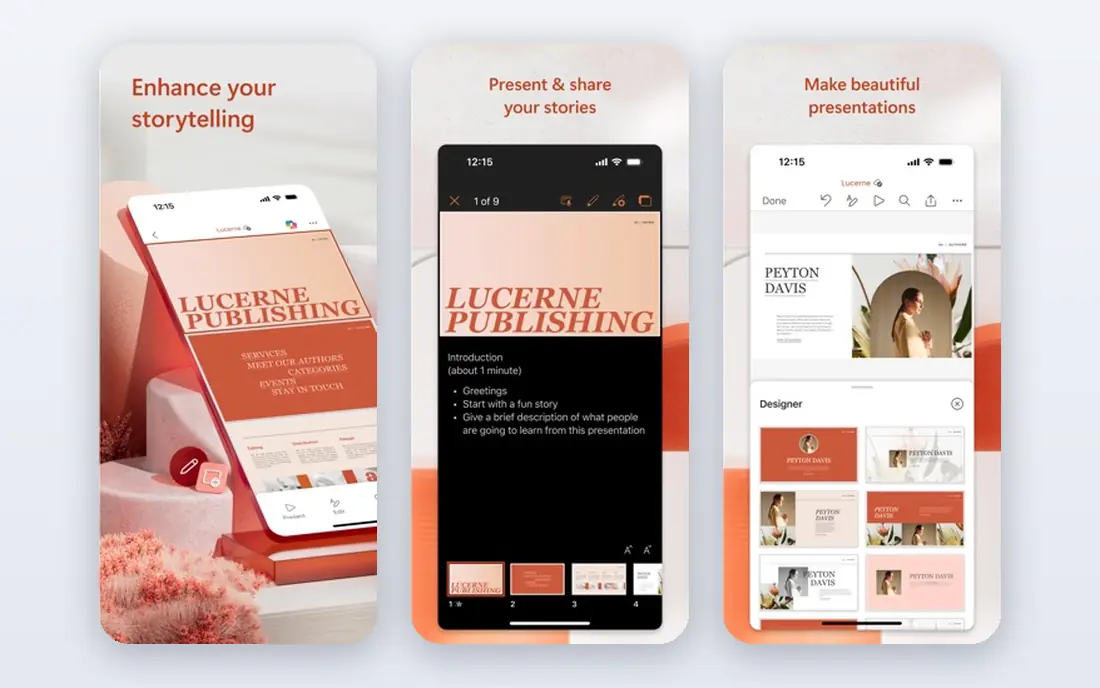
Pick Microsoft PowerPoint if this describes you: enterprise standard. PowerPoint is the standard everything else exports to. In practice, PowerPoint wins on compatibility and control; the AI-first tools win on speed.
Most sales teams end up using both. The honest catch is speed and access. Check the vendor site for Microsoft PowerPoint pricing; none is listed in this comparison. Microsoft PowerPoint has no permanent free option.
Trade-offs to know: Building beautiful decks from scratch is slow without a designer.
- Copilot and Microsoft 365 integration for enterprise teams
- The file format every client and enterprise expects
- No confirmed free level
Visme
Ideal for: Visual content at scale
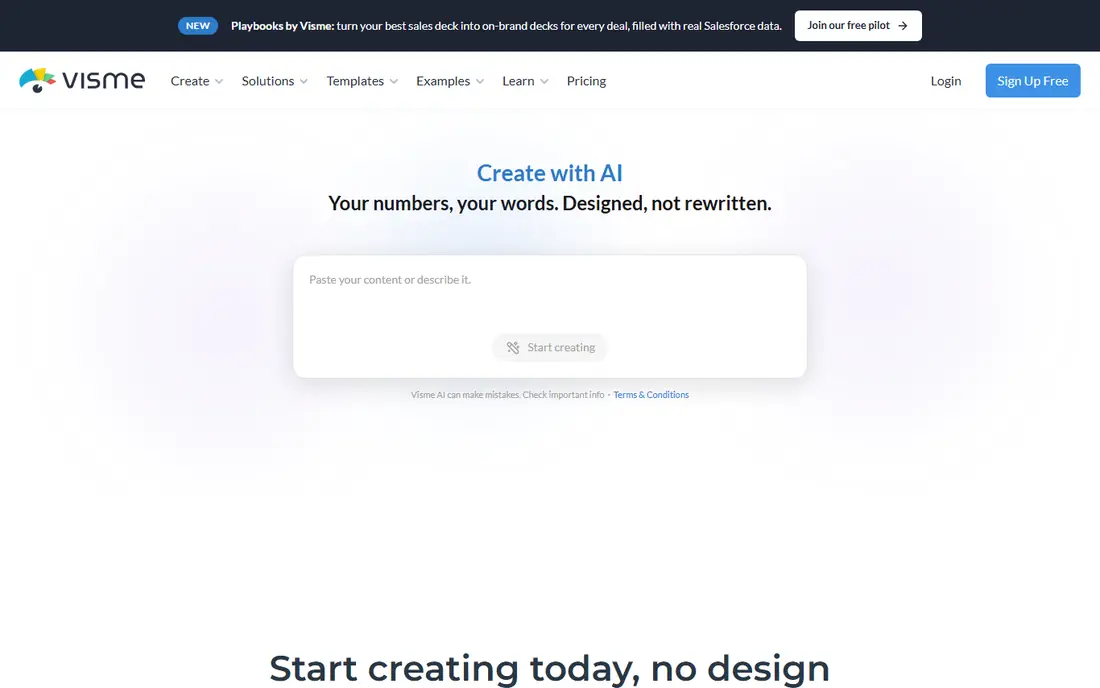
For visual content at scale, Visme is a natural candidate. Visme is an all-in-one visual content system that handles presentations, infographics, documents, reports, and videos. Worth adding: for teams producing varied visual content, the breadth is the value.
The honest catch is the free level's limits: the watermark and JPG/PNG/PDF-only downloads. In practice, the AI Designer turns a text prompt into a ready-to-use design. The Brand Wizard pulls fonts, colors, and logos from your website URL. For everyday use, premium plans start at $12.25 per user a month billed yearly and remove the watermark, add PPTX and video downloads, and add Brand Kit and analytics. What you pay to start with Visme: $12.25 per user/month. A free plan is available with Visme.
Watch-outs: Free plan layers on a Visme watermark and limits downloads.
- Free Basic plan with unlimited projects and most templates
- Premium plans from $12.25 per user a month billed yearly
- Best features need Pro
Beautiful.ai
Ideal for: AI-generated sales decks
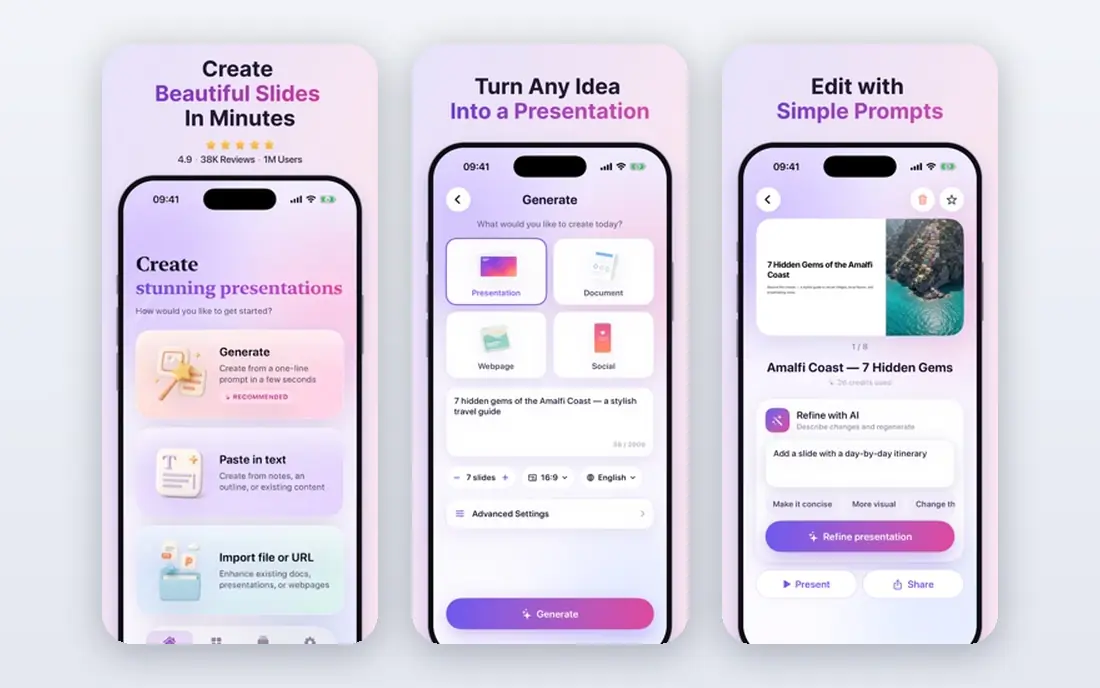
In short, Beautiful.ai is for AI-generated sales decks. Beautiful.ai is designed for sales teams that require refined decks quick.
Where it falls short: 14-day free trial instead of a free plan.
Voice-overs and recorded walkthroughs let the deck sell when you are not in the room. As for the details, the honest catch is access: a 14-day free trial, not a permanent free level, and designers who want pixel-level control will feel the guardrails. Check the vendor site for Beautiful.ai pricing; none is listed in this comparison. Free options: Free trial.
- Smart Slides auto-align and animate content
- Viewer analytics track engagement for follow-up
- Less freeform design control than PowerPoint
Gamma
Ideal for: Quick AI storytelling
Choose Gamma for quick AI storytelling. The AI orchestrates models for each part of the job: it starts with a conversation, drafts an outline you shape, designs with taste, and iterates in chat beside your deck.
Upsides: edits beside your deck.
What to check first: Less control for traditional slide designers.
The free plan contains AI credits to start, and import/export keeps formatting intact both ways. In practice, you can also edit freeform, drop in smart layouts, or link content from Slack, Notion, and Salesforce. Gamma shows no starting price here, so confirm the cost on the vendor site. Gamma includes a free tier.
- Free plan with AI credits
- Imports PowerPoint and PDF and exports back with high fidelity
- AI credit limits on the free plan
Prezi
Ideal for: Interactive live delivery
Prezi is a good fit for interactive live delivery. Import your existing deck or describe your topic and Prezi builds it, then run live polls, quizzes, and Q&A that the audience joins from any phone with no app and no login. More specifically, Prezi is the system aimed at what happens after you present.
Where it shines: Free AI presentation generation; Google Slides, Canva.
Drawbacks to consider: Analytics depth trails dedicated sales tools.
In daily use, for presenters who require the room engaged, nothing else does what Prezi does. Beyond that, the numbers are big: 170 million people, 500 million presentations, 195 countries. Check the vendor site for Prezi pricing; none is listed in this comparison. You can start on Prezi without paying.
- Word clouds the audience joins by QR code
- Live polls, quizzes, Q&A
- Zoomable canvas style is not for every brand
Pitch
Ideal for: Team pitch workflow
Pitch serves team pitch workflow. The free plan lets you produce unlimited presentations forever, and premium plans scale by seats. Worth adding: over 150 templates and a shared brand library keep every deck on-brand.
What to check first: Importing from other tools goes through PPTX.
On top of that, Pitch Agent creates on-brand slides, personalizes messaging, and enhances visuals, whereas pitch rooms package presentations and resources into custom deal rooms for each prospect. Viewer analytics tell you when to follow up based on who opened and interacted with your deck. From a buyer's view, the honest catch is pricing opacity: plan prices rely on seats and billing terms. Worth adding: Pitch is the presentation workspace for teams that sell. Pitch shows no starting price here, so confirm the cost on the vendor site. You can start on Pitch without paying.
- Free plan with unlimited presentations forever
- Pitch rooms and viewer analytics made for deal follow-up
- Pricing depends on seat count and is not published upfront
How these tools were picked
Ainotely used vendor pricing pages and product documentation as the base, then compared plans, free access and documented limits for 6 tools. Where a price is missing, the vendor does not list one publicly or ties it to a quote. Always confirm before budgeting. The sequence is a judgement call: typical use case first, then pricing transparency, then free access. Use the profiles to check fit.
Before you commit
- Confirm the entry price on the vendor page. For Microsoft PowerPoint, Beautiful.ai, Gamma and others that means a quote rather than a fixed price.
- Check what the free option really includes: Visme, Gamma, Prezi and Pitch offer a free plan, and usage caps differ.
- Use real work to test the free trial from Beautiful.ai, rather than a demo project.
- Before choosing Microsoft PowerPoint, weigh its main limit: no confirmed free level.
- Check whether the features you need in Prezi sit on the entry plan or only on higher tiers.
- Before rolling out Gamma, verify the integrations your workflow depends on.
Frequently asked questions
How are the tools for sales presentation software ordered?
The order follows typical fit for sales presentation software, with Microsoft PowerPoint first and Pitch last, then price clarity and free access. It is editorial judgement, not a score, so another team could rank the tools differently.
Can I try these options before paying?
Often, yes. Visme, Gamma, Prezi and Pitch have a free plan and Beautiful.ai offers a free trial. Use your own data and a real task during the test, and check what the free tier or trial limits before you rely on it.
Should I still use PowerPoint?
It is the format clients expect, it gives you the deepest design control, and every AI tool here exports to PPTX. Numerous teams draft in an AI tool and finalize in PowerPoint.
Can AI really build a decent sales deck?
AI builds a decent first draft quick, but the story is yours. Shape the outline before generating, replace generic claims with your proof points, and review every slide.
Do these tools publish their prices?
Not all of them. Microsoft PowerPoint, Beautiful.ai, Gamma and others publish no starting price, so expect a quote request for those. The rest, Visme included, show a starting price, though seats and billing terms still change the final cost.
Is Microsoft PowerPoint the right pick for everyone comparing sales presentation software?
No single tool suits every team. Microsoft PowerPoint comes first because it fits enterprise standard, while Visme suits visual content at scale and Beautiful.ai suits AI-generated sales decks. Match the tool to your own size, budget and workflow before deciding.