Sales Reporting Software: 7 Options Side by Side (2026)

- 1
 InsightSquaredSales leaders who want AI-driven pipeline analytics and forecastingVisit
- 2
 Salesforce Sales CloudMid-sized and bigger teams that require deep, configurable pipeline reportingVisit
- 3
 HubSpot Sales HubSmall sales teams that want CRM and reporting in one free-to-start packageVisit
- 4
 ChartMogulSaaS businesses that want subscription analytics plus CRM pipeline reportingVisit
- 5
 PipedriveSmall sales teams that want clear pipeline reporting without CRM complexityVisit
- InsightSquared sits first on this list: Sales leaders who want AI-driven pipeline analytics and forecasting.
- The main caution on InsightSquared: no published pricing means entering a sales process to compare.
- For the cheapest start, look at Pipedrive: $14 per seat per month.
- Salesforce Sales Cloud, HubSpot Sales Hub, ChartMogul, Databox: these are the 4 tools out of 7 that offer a free plan.
- Databox fits teams that want one dashboard pulling sales metrics from numerous tools.
Direct answer
InsightSquared comes first here, mainly for Sales leaders who want AI-driven pipeline analytics and forecasting. Alternatives: Salesforce Sales Cloud for mid-size and larger teams that require deep, configurable pipeline reporting, and HubSpot Sales Hub for small sales teams that want CRM and reporting in one free-to-start package. Details, prices and limits for the rest of the 7 tools are below.
Quick comparison
| Product | Ideal for | Price from | Free version | |
|---|---|---|---|---|
| InsightSquared | Sales leaders who want AI-driven pipeline analytics and forecasting | See website (no published prices) | No | Visit |
| Salesforce Sales Cloud | Mid-sized and bigger teams that require deep, configurable pipeline reporting | $25 per user a month (Starter Suite); Free Suite $0 | Yes | Visit |
| HubSpot Sales Hub | Small sales teams that want CRM and reporting in one free-to-start package | Free (up to 2 users); Starter from $15 per seat per month | Yes | Visit |
| ChartMogul | SaaS businesses that want subscription analytics plus CRM pipeline reporting | Free (up to $10K MRR); Starter from $57 per month (billed annually) | Yes | Visit |
| Pipedrive | Small sales teams that want clear pipeline reporting without CRM complexity | $14 per seat per month (Lite, billed annually) | Free trial (14 days) | Visit |
 Gong | Teams that want reporting on what actually happens in sales conversations | See website (custom quote) | No | Visit |
 Databox | Teams that want one dashboard pulling sales metrics from numerous tools | Free (1 user, 3 data sources); Agency plans from $99 a month | Yes | Visit |
Every option for sales reporting software explained
Choosing sales reporting software usually comes down to price, fit and limits. This Ainotely guide sets 7 tools side by side on those three points, with the facts kept short and checkable.
InsightSquared
Ideal for: Sales leaders who want AI-driven pipeline analytics and forecasting
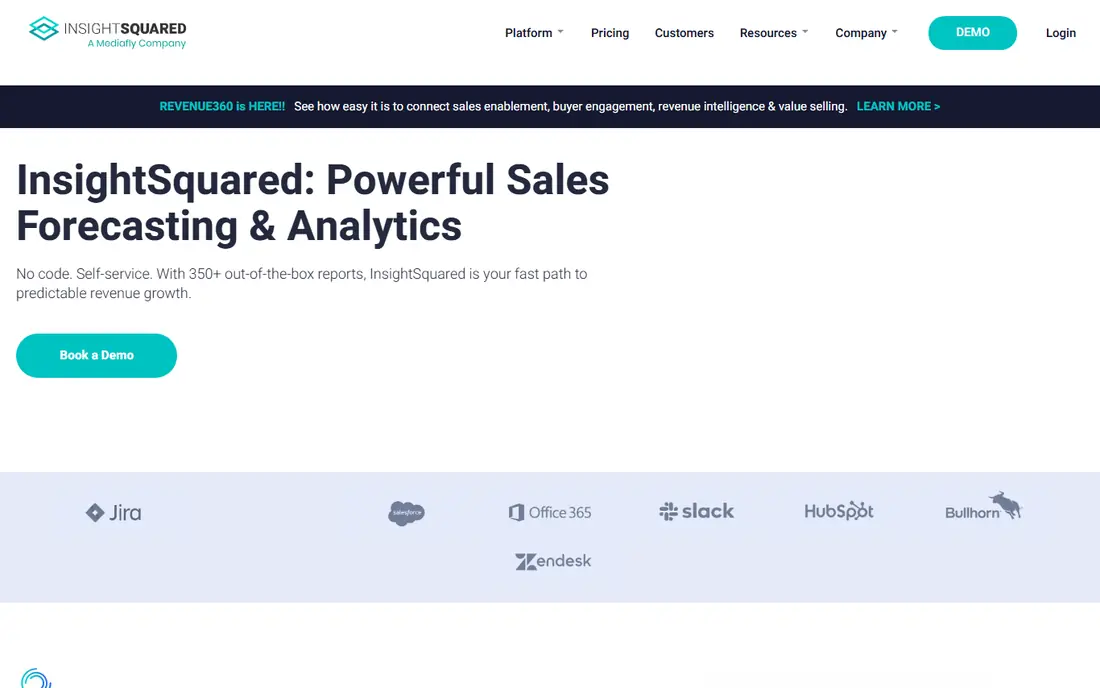
InsightSquared is a good fit for Sales leaders who want AI-driven pipeline analytics and forecasting. InsightSquared answers the forward-looking question: not what did we close, but what will we close, and which deals are at risk. It layers pipeline analytics, forecasting models, activity capture and rep coaching dashboards on top of your CRM data.
Highlights: Coaching and rep-level analytics included.
Honest limits: No published pricing means entering a sales process to compare.
More specifically, the product is aimed at sales leaders and RevOps teams who run by the forecast. The commercial reality is opacity: the site publishes no prices, so every comparison needs a sales call. It earns its place when your forecast accuracy is a real problem, not when your charts are merely ugly. Pricing for InsightSquared is not stated here, so ask the vendor for current figures. InsightSquared has no free plan.
- Purpose-built revenue intelligence: pipeline inspection
- HubSpot and others
- Fits best as a layer on top of a CRM you already pay
Salesforce Sales Cloud
Ideal for: Mid-sized and bigger teams that require deep, configurable pipeline reporting
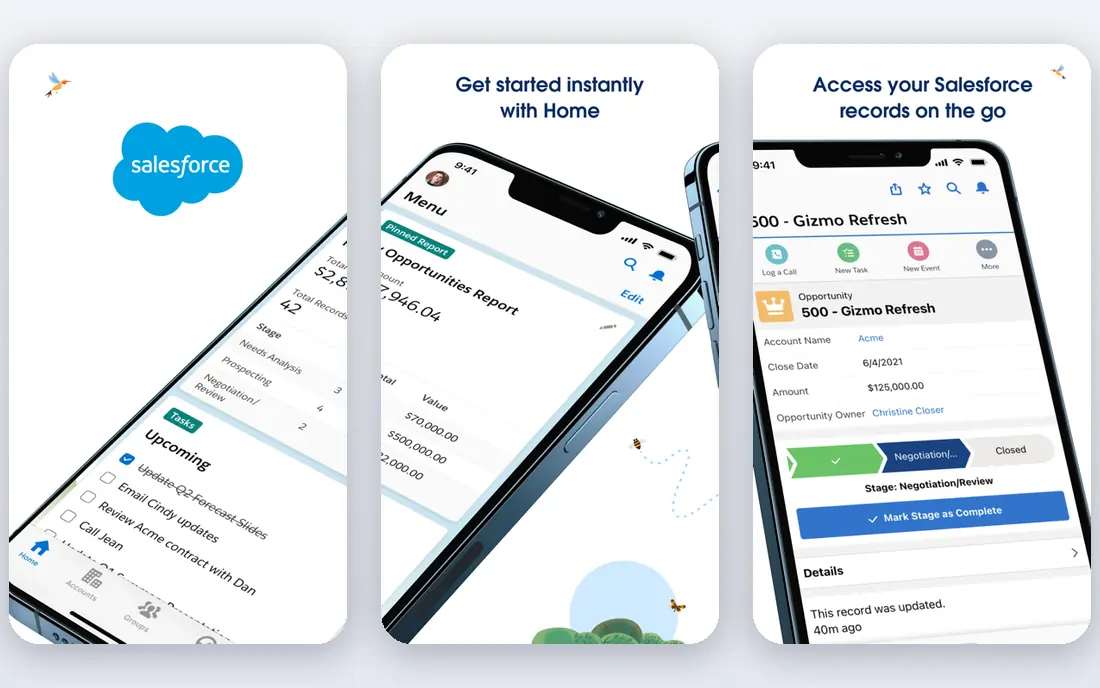
Salesforce Sales Cloud works best for mid-sized and bigger teams that require deep, configurable pipeline reporting. Starter Suite at $25 per user a month includes the basics. Pro Suite ($100) brings the real reporting; Core ($195) and above add Einstein AI forecasting, territory management and the full analytics stack.
Points against: Max $550 per user a month.
The AppExchange brings another 3,000-plus extensions. The main limit is total cost of ownership. In daily use, a Free Suite at $0 exists for very small teams. The starting price for Salesforce Sales Cloud: $25 per user per month. Salesforce Sales Cloud offers a free plan.
- The deepest native reporting in any CRM
- Einstein AI scoring and forecasting on higher levels
- Pricing climbs quick: Core $195, Advanced $395
HubSpot Sales Hub
Ideal for: Small sales teams that want CRM and reporting in one free-to-start package

HubSpot Sales Hub is designed for small sales teams that want CRM and reporting in one free-to-start package. HubSpot's reporting wins on a simple argument: the data is already there. The honest catch is the level ladder.
More specifically, if you need forecasting, price the Pro level for the entire team, not just the managers. More specifically, if your reporting needs are entry-level and your CRM is HubSpot, stay on the lower levels and export to a spreadsheet for the rest. The free level includes two users with genuinely handy reporting; Starter at $15 per seat a month monthly ($9 annually) brings more. Beyond that, out-of-the-box reports are fine for small teams. But the custom report builder and forecasting that bigger teams need sit on Pro at $90 to $100 per seat a month. On cost, HubSpot Sales Hub starts like this: Free. Free access exists with HubSpot Sales Hub.
The main drawbacks: Onboarding fees ($1,500 to $3,500) on those levels.
- Deep marketing and service integration as you grow
- Free CRM for 2 users with real reporting included
- Serious reporting depth (custom reports, forecasting) is gated to Pro ($90 to $100 per seat) and Enterprise ($150 per seat)
ChartMogul
Ideal for: SaaS businesses that want subscription analytics plus CRM pipeline reporting
For SaaS businesses that want subscription analytics plus CRM pipeline reporting, ChartMogul is a natural candidate. The free plan spans up to $10K MRR, which takes most startups through their first year. Also, a 14-day trial is available.
The differentiator is the pipeline connection. On top of that, enterprise opens at $19,900 a year. On cost, ChartMogul starts like this: Free. ChartMogul includes a free tier.
The main drawbacks: Enterprise from $19,900 a year is a big jump. Where it shines: Per-seat pricing is friendlier than revenue-based at scale.
- Ample for early startups
- Subscription metrics plus Salesforce/HubSpot pipeline integration
- Subscription metrics are less refined than Baremetrics for pure-play SaaS
Pipedrive
Ideal for: Small sales teams that want clear pipeline reporting without CRM complexity
Pipedrive serves small sales teams that want clear pipeline reporting without CRM complexity. Pipedrive's pitch is focus: it is a sales pipeline tool first, and its reporting reflects that. When forecasting gets complicated, teams normally graduate to HubSpot or Salesforce.
Points against: Shallower customization than Salesforce or HubSpot Pro.
From a buyer's view, pricing is straightforward: Lite at $14 per seat a month annually, Growth at $39, Premium at $59 and Ultimate at $79. In practice, for teams under 20 reps that sell a straightforward product, that ceiling is fine: the reports answer the weekly questions without an admin. From a buyer's view, the reporting ceiling is lower than the enterprise CRMs. Also, a 14-day trial spans all levels. Starting cost for Pipedrive: $14 per seat per month. Free access: Free trial (14 days).
- Visual dashboards and goal tracking built in
- Pipeline-first design makes deal reports easy-to-learn for reps
- Advanced reporting and AI features sit on Premium ($59) and Ultimate ($79)
Gong
Ideal for: Teams that want reporting on what actually happens in sales conversations
Gong is a good fit for teams that want reporting on what actually happens in sales conversations. Managers get coaching dashboards; leaders get visibility into why deals stall. It integrates with Salesforce, HubSpot and the rest, feeding conversation data back into the CRM.
Watch-outs: Custom-quoted pricing with no public numbers.
Best features of Gong: Capable coaching analytics for managers.
Gong does not replace pipeline reporting: it cannot tell you your coverage ratio or forecast the quarter. It tells you why the numbers look the way they do. For everyday use, pricing is custom-quoted with no public figures, so budget for an enterprise sales process. No starting price is listed for Gong here; confirm pricing on the vendor site. Gong has no free plan.
- Conversation intelligence turns calls into searchable
- Deal warnings surface risk from call patterns
- It examines conversations, not pipeline math, so you still need CRM reporting
Databox
Ideal for: Teams that want one dashboard pulling sales metrics from numerous tools
Databox is a good fit for teams that want one dashboard pulling sales metrics from plenty of tools. Databox solves the tab problem: your pipeline lives in the CRM, your ad spend in Google Ads, your targets in a spreadsheet, and nobody opens all three. As for the details, the Analyst level exists but the vendor does not publish its price.
But for the weekly sales meeting, one live dashboard beats five screenshots. The price math works when you count the hours your ops person currently spends building reports by hand. As for the details, agency plans start at $99 a month; Team Core is $249 and Scale $399 a month. Price to start with Databox: Free. Free access exists with Databox.
Watch-outs: Scale $399 a month.
- Scorecards and mobile alerts keep metrics visible
- Real free plan (1 user, 3 sources)
- It visualizes data instead of creating pipeline insight
Selection criteria
Each tool was reviewed on what its vendor publishes: price, plan limits, core features and stated drawbacks. We did not run hands-on tests. Prices and plan limits come from vendor pages and can change, so confirm them on the vendor site before you buy. Position on the page reflects fit for a typical buyer first, with price clarity and free access breaking ties. Treat it as a guide, not a ruling.
What to confirm before you sign up
- Ask InsightSquared and Gong for a written quote, since no starting price is shown.
- Read the fine print on the free plans from Salesforce Sales Cloud, HubSpot Sales Hub, ChartMogul and Databox; seat, project and feature caps differ.
- Use real work to test the free trial from Pipedrive, rather than a demo project.
- Read the limits listed for InsightSquared first: no published pricing means entering a sales process to compare.
- Compare total cost, not headline price: for InsightSquared, add extra seats, add-ons and any usage-based charges.
- Look at the help docs and support options for ChartMogul before you commit.
Frequently asked questions
Can I try these options before paying?
Often, yes. Salesforce Sales Cloud, HubSpot Sales Hub, ChartMogul and Databox have a free plan and Pipedrive offers a free trial. Use your own data and a real task during the test, and check what the free tier or trial limits before you rely on it.
How are the tools for sales reporting software ordered?
InsightSquared sits first and Databox last because the order follows typical fit for sales reporting software, then price clarity and free access. It is a judgement call, so read each profile for fit and limits.
Is InsightSquared the right pick for everyone comparing sales reporting software?
No single tool suits every team. InsightSquared comes first because it fits Sales leaders who want AI-driven pipeline analytics and forecasting, while Salesforce Sales Cloud suits mid-size and larger teams that need deep, customizable pipeline reporting and HubSpot Sales Hub suits small sales teams that want CRM and reporting in one free-to-start package. Match the tool to your own size, budget and workflow before deciding.
What is the difference between sales reporting and sales analytics?
Analytics tries to explain why and predict what happens next: win-rate patterns, forecast models, risk signals. CRM tools do reporting well; InsightSquared and Gong lean toward analytics.
Which options for sales reporting software have a free plan?
Salesforce Sales Cloud, HubSpot Sales Hub, ChartMogul and Databox offer a free plan in this list. Free plans usually cap users, projects or features, so check the limits on the vendor page. One other tool offers a trial instead.