How to Pick Sales Territory Mapping Software: 7 Tools Compared

- 1
 Salesforce MapsTerritory planning for Salesforce customersVisit
- 2
 MaptiveData-rich territory maps with demographics and routingVisit
- 3
 AlignMixDesigning balanced territories with drag-and-drop easeVisit
- 4
 BatchGeoFast shareable maps from a spreadsheetVisit
- 5
 eSpatialMapping plus full territory management levelsVisit
- Number one here is Salesforce Maps, a fit for territory planning for Salesforce customers.
- Scribble Maps is the one to check for drawing and annotating custom maps by hand.
- eSpatial is the lowest-priced starter here at $499 per user/year.
- What to know about AlignMix first: $2,400 per user a year layers on up for large sales teams.
Direct answer
This list puts Salesforce Maps first for territory planning for Salesforce customers. For a different need, Maptive covers data-rich territory maps with demographics and routing and AlignMix covers designing balanced territories with drag-and-drop ease. Details, prices and limits for the rest of the 7 tools are below.
Quick comparison
| Product | Ideal for | Price from | Free version | |
|---|---|---|---|---|
| Salesforce Maps | Territory planning for Salesforce customers | See website | No | Visit |
| Maptive | Data-rich territory maps with demographics and routing | $1,250 per year (Pro plan, 1 user) | Free trial | Visit |
| AlignMix | Designing balanced territories with drag-and-drop ease | $2,400 per user/year | No | Visit |
| BatchGeo | Fast shareable maps from a spreadsheet | See website | Yes | Visit |
| eSpatial | Mapping plus full territory management levels | $499 per user/year (Mapping Pro, minimum 3 users) | Free trial | Visit |
 Mapline | Quick territory setup for retail and field sales | See website | Yes | Visit |
 Scribble Maps | Drawing and annotating custom maps by hand | See website | Yes | Visit |
The full sales territory mapping software list
Choosing sales territory mapping software usually comes down to price, fit and limits. This Ainotely guide sets 7 tools side by side on those three points, with the facts kept short and checkable.
Salesforce Maps
Ideal for: Territory planning for Salesforce customers
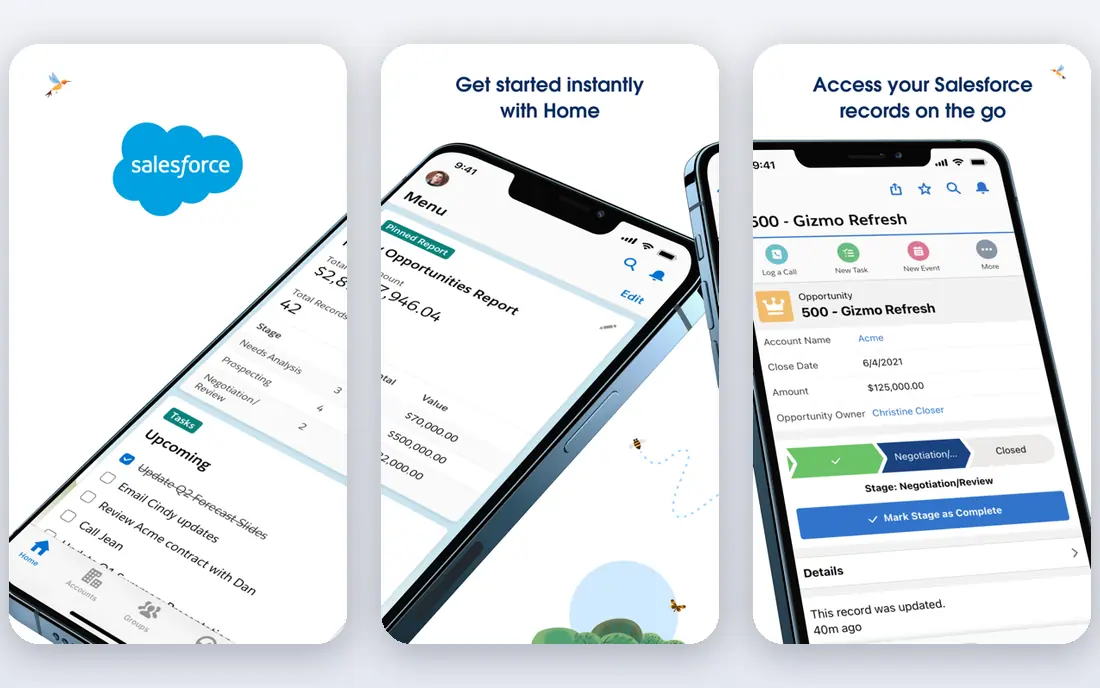
Salesforce Maps was built for territory planning for Salesforce customers. Salesforce Maps is what became of MapAnything and TerrAlign, both acquired into the Salesforce fold, and it displays in the depth of the territory planning. Everything about the pricing and fit assumes you are already a Salesforce customer.
Where it is weaker: Quote-only pricing that assumes a Salesforce budget.
It is quote-only, it is priced for the enterprise, and buying it without Salesforce makes no sense. Security and permissions inherit from Salesforce, which your IT team will appreciate. This comparison lists no price for Salesforce Maps; ask the vendor. Salesforce Maps has no free plan. Where it shines: The acquisition of MapAnything and TerrAlign brought real alignment expertise in-house.
- Permissions and sharing
- Native territory planning on your live Salesforce data
- Only makes sense inside the Salesforce ecosystem
Maptive
Ideal for: Data-rich territory maps with demographics and routing
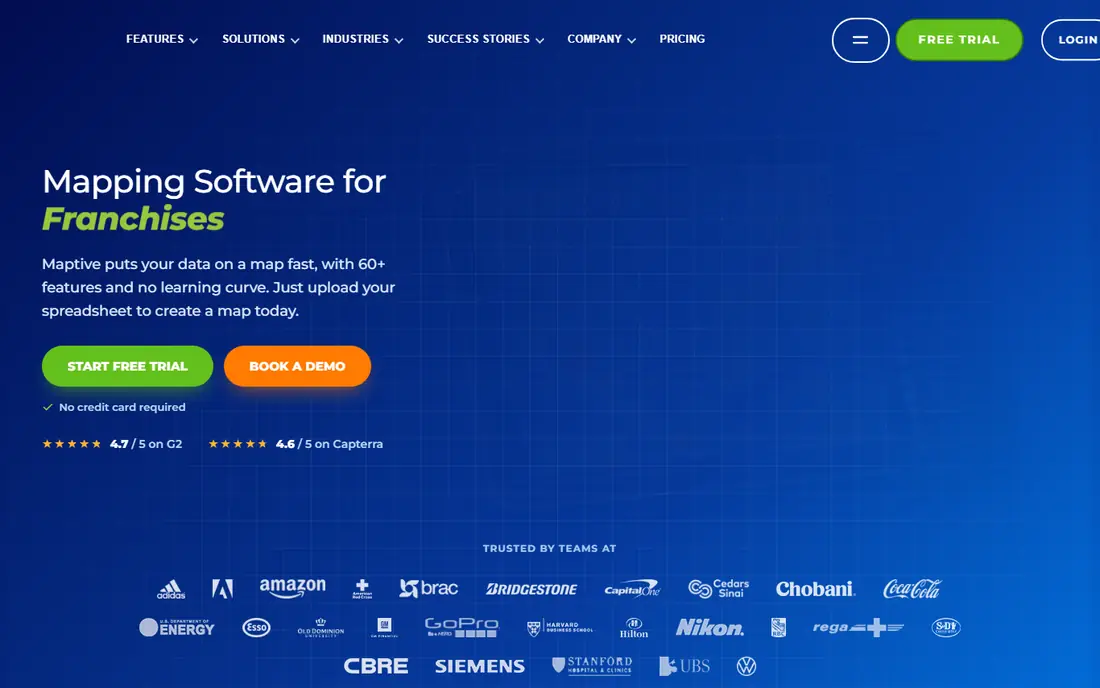
Maptive is built with data-rich territory maps with demographics and routing in mind. Maptive sits one level above straightforward map plotting. From a buyer's view, beyond drawing territories, you get demographic overlays to balance by population or income, drive-time polygons to sanity-check travel, heat maps for density, and AI-assisted route planning for the field team.
Drawbacks to consider: The breadth of features takes learning.
Beyond that, a 10-day trial lets you test with your own data before paying. Worth adding: the main limit is fit: if your job is importing a spreadsheet and assigning zip codes to reps, Maptive is more tool than you need at more price than you want. It earns its keep on complex, multi-region operations. Maptive starts at: $1,250 per year. On free options: Free trial.
- Published pricing with a 10-day trial on your own data
- Heat maps
- The 45-day project pass at $250 is a tease for continuing work
AlignMix
Ideal for: Designing balanced territories with drag-and-drop ease
AlignMix is designed for designing balanced territories with drag-and-drop ease. AlignMix exists for exactly that week.
Honest limits: $2,400 per user a year brings up for large sales teams.
Pricing is refreshingly public at $2,400 per user a year for full territory design and mapping, with an AI optimization level starting from $5,000 per user a year. The starting price for AlignMix: $2,400 per user/year. AlignMix has no free tier.
What users get: Buy online with published pricing rather than a sales process.
- Three hierarchy levels for territories
- Districts and regions
- Narrower feature set than full sales intelligence systems
BatchGeo
Ideal for: Fast shareable maps from a spreadsheet
BatchGeo is designed for fast shareable maps from a spreadsheet. The free level handles up to 250 locations, which manages most one-off needs, and premium plans scale up to 15,000 locations for teams that map on a regular basis. Also, for sales teams that require a shareable map of accounts this afternoon, BatchGeo is the fastest free answer.
Points against: Not a territory management tool for continuing planning.
Route optimization caps at 25 stops, so delivery teams should look elsewhere. There is no continuing territory management: no balancing, no hierarchy, no realignment workflow. On top of that, the limits define the use case. Pricing for BatchGeo is not stated here, so ask the vendor for current figures. A free plan is available with BatchGeo.
- Paste a spreadsheet and get a shareable map in minutes
- Running since 2006 with a genuinely handy free level
- Route optimization caps at 25 stops
eSpatial
Ideal for: Mapping plus full territory management levels
eSpatial is designed for mapping plus full territory management tiers. eSpatial structures its pricing as a ladder, which makes it simple to start small and grow. More specifically, the gap between "make maps" and "handle territories" is multiple thousand dollars, so budget for where you will be in year two, not just the entry level.
Where it is weaker: Full territory levels run $7,995 to $14,995 per year.
And the three-user minimum means a solo sales leader cannot buy a single seat of the cheapest plan. On top of that, mapping Pro turns spreadsheet data into interactive maps at $499 per user a year with a three-user minimum. The dedicated territory management levels above it add the alignment, optimization and continuing management features at $7,995 to $14,995 per year. What you pay to start with eSpatial: $499 per user/year. Free plan details: Free trial.
- Mapping Pro begins at $499 per user a year
- Clear level ladder from straightforward mapping to full territory management
- Minimum 3 users on the entry level
Mapline
Ideal for: Quick territory setup for retail and field sales
Mapline serves quick territory setup for retail and field sales. Mapline pitches speed: get territories designed and routes optimized without a lengthy implementation.
As for the details, auto-generated territory creation builds the first draft for you, then you refine it. The frustration is pricing opacity. Pricing for Mapline is not stated here, so ask the vendor for current figures. Mapline includes a free tier.
Limits to weigh: Fewer CRM integrations than the enterprise tools.
- Route optimization and scheduling built in
- Free account to start
- Advanced analytics and premium support need higher levels
Scribble Maps
Ideal for: Drawing and annotating custom maps by hand
Scribble Maps targets drawing and annotating custom maps by hand. Custom boundaries, routes, annotations and overlays, drawn freeform and shared or embedded.
Points against: The hand-drawn approach does not scale to data-driven alignment.
There is no optimization, no balancing, no CRM sync. Pricing for Scribble Maps is not stated here, so ask the vendor for current figures. Scribble Maps offers a free plan.
Upsides: Ample free entry-level service.
- Handy well beyond sales
- From logistics to event planning
- Pricing is not published plainly
Selection criteria
Pricing pages, product documentation and feature lists were the main sources, and every entry carries at least one honest drawback. Prices and plan limits come from vendor pages and can change, so confirm them on the vendor site before you buy. The sequence is a judgement call: typical use case first, then pricing transparency, then free access. Use the profiles to check fit.
Before you commit
- Confirm the entry price on the vendor page. For Salesforce Maps, BatchGeo, Mapline and Scribble Maps that means a quote rather than a fixed price.
- Check what the free option really includes: BatchGeo, Mapline and Scribble Maps offer a free plan, and usage caps differ.
- Run a trial of Maptive and eSpatial with real work before paying for a year; your own workflow is the best test.
- Read the limits listed for Salesforce Maps first: quote-only pricing that assumes a Salesforce budget.
- List the apps you already depend on and check that eSpatial supports each one on the plan you would buy.
- Check how data leaves AlignMix: formats, limits and whether exports are available on every plan.
Frequently asked questions
Which options for sales territory mapping software have a free plan?
On this list, BatchGeo, Mapline and Scribble Maps include a free plan. Caps on seats, usage or features are common, so test the free plan against your real workload. Several others offer a trial instead.
What is the cheapest option for sales territory mapping software in this list?
On published monthly entry prices, eSpatial is the lowest here at $499 per user/year. Entry price is only part of the cost, because seats, add-ons and billing terms can change the total.
Can I just use Google Maps or BatchGeo for territories?
For designing fair, balanced territories with workload math, no: you need a tool designed for alignment, like AlignMix or Maptive. The question is whether you are plotting or designing.
Do these tools publish their prices?
Not all of them. Salesforce Maps, BatchGeo, Mapline and Scribble Maps publish no starting price, so expect a quote request for those. The rest, Maptive included, show a starting price, though seats and billing terms still change the final cost.
Can I try these options before paying?
Often, yes. BatchGeo, Mapline and Scribble Maps have a free plan and Maptive and eSpatial offer a free trial. Use your own data and a real task during the test, and check what the free tier or trial limits before you rely on it.
What data do I need to start?
Clean account addresses for geocoding, current rep-to-account assignments, and an agreed measure of opportunity or workload per account. Without those three, the software produces pretty maps of bad assumptions.