Best Scalable Database Software Options in 2026: 8 Tools Compared

- 1
 PostgreSQLScalable relational appsVisit
- 2
 MongoDB AtlasManaged document scalingVisit
- 3
 CockroachDBDistributed SQL scalingVisit
- 4
 PlanetScaleManaged MySQL scalingVisit
- 5
 Amazon AuroraManaged cloud relational scaleVisit
- PostgreSQL and MongoDB Atlas suit apps that scale from small to large with managed options.
- CockroachDB and PlanetScale lead for distributed SQL with global scaling.
- Amazon Aurora and Google Cloud Spanner suit cloud teams that need managed scale.
- Snowflake and Cassandra fit analytics and high-write workloads at scale.
- Test scaling with real query patterns, since scale claims vary by workload.
Quick comparison
| Product | Ideal for | Price from | Free version | |
|---|---|---|---|---|
| PostgreSQL | Scalable relational apps | See website | Yes | Visit |
| MongoDB Atlas | Managed document scaling | See website | Yes | Visit |
| CockroachDB | Distributed SQL scaling | See website | Yes | Visit |
| PlanetScale | Managed MySQL scaling | See website | Yes | Visit |
| Amazon Aurora | Managed cloud relational scale | See website | Free trial | Visit |
 Google Cloud Spanner | Global relational scale | See website | Free trial | Visit |
 Snowflake | Analytics at scale | See website | Free trial | Visit |
 Apache Cassandra | High-write distributed scale | See website | Yes | Visit |
The best scalable database software options
We compared official feature pages, pricing pages, and public reviews for eight scalable databases. Scalability means handling more data, users, and writes without redesign, and the best choice depends on data model, cloud preference, and workload type.
PostgreSQL
Ideal for: Scalable relational apps
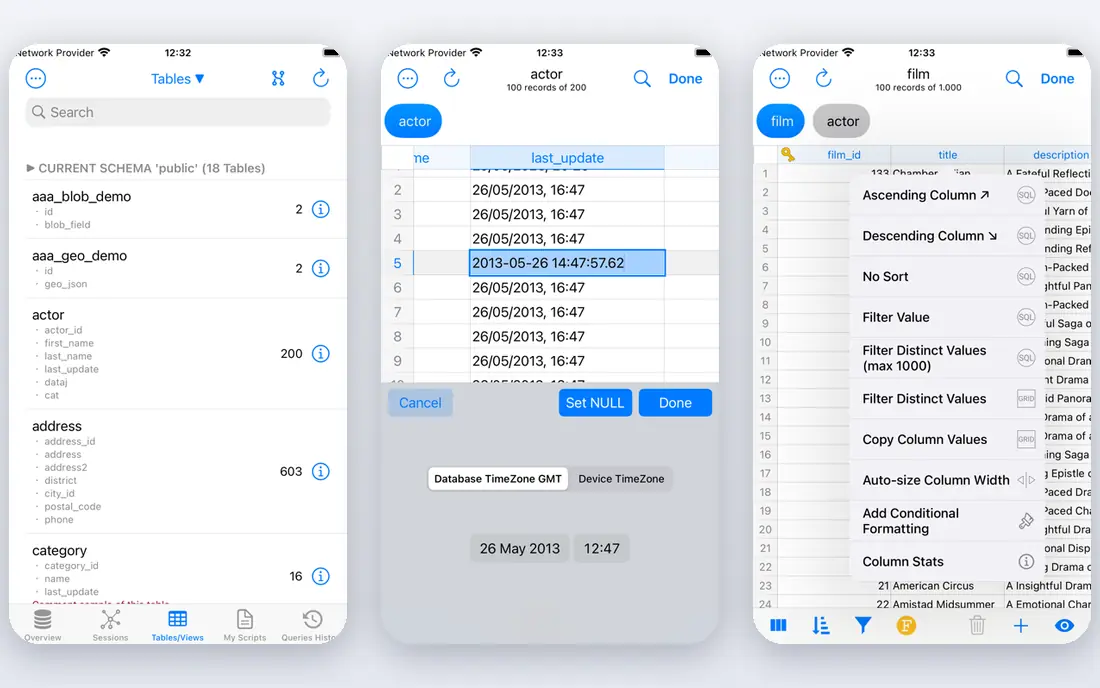
PostgreSQL scales well for many apps through read replicas, partitioning, connection pooling, and managed hosting. Teams can start small on one server, then add replicas and managed services as traffic grows. Extensions and managed options from cloud vendors ease scaling without changing databases.
Write-heavy scaling needs careful design, since single-primary writes can bottleneck, and sharding is manual without extensions such as Citus. For most relational apps, PostgreSQL offers a strong scaling path with low starting cost. Test read versus write balance for your workload.
- Free and extensible
- Read replicas and partitioning
- Broad managed options
- Write scaling needs design
- Sharding is manual without extensions
MongoDB Atlas
Ideal for: Managed document scaling
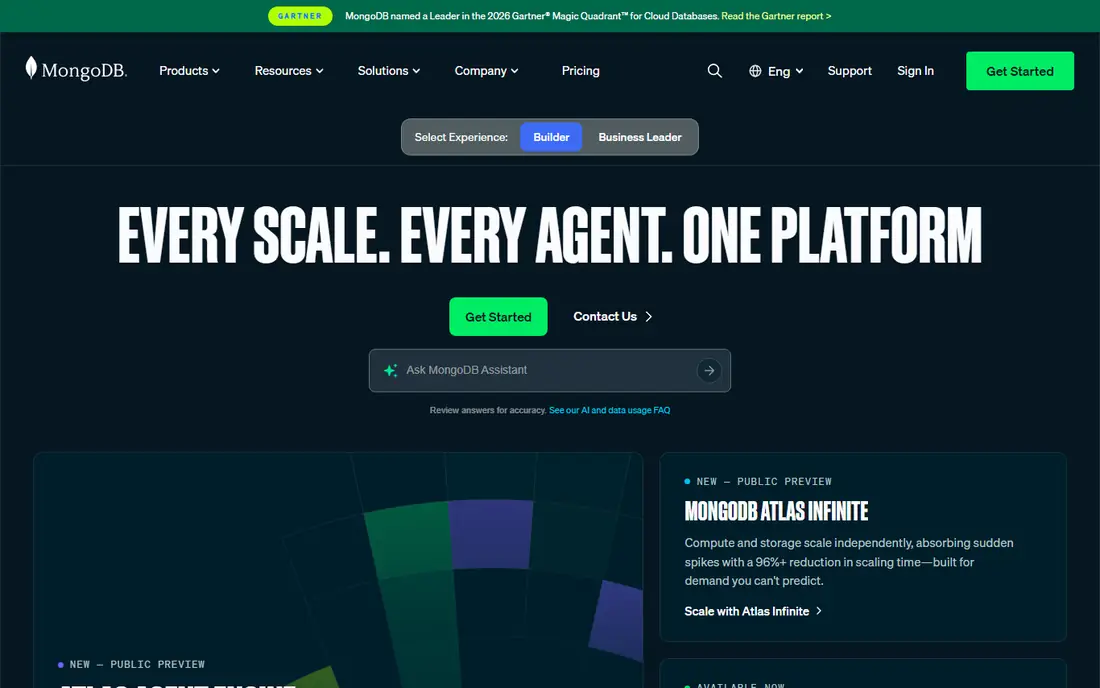
MongoDB Atlas is the managed cloud service for MongoDB, with automated scaling, sharding, and global clusters. Document data suits apps with flexible schemas, and Atlas handles backups, monitoring, and upgrades. Teams can start on a free tier and scale clusters as traffic grows.
Costs rise with scale and storage, and relational joins remain weaker than SQL. For a document-data app that expects growth, Atlas offers a clear managed scaling path. Monitor costs by cluster size and storage.
- Managed scaling and sharding
- Global clusters
- Flexible document model
- Costs rise with scale
- Relational joins are weaker
CockroachDB
Ideal for: Distributed SQL scaling
CockroachDB distributes SQL data across nodes and regions, scaling reads and writes while surviving node failures. PostgreSQL compatibility helps teams migrate relational apps, while automatic rebalancing handles growth. The design suits global apps that need consistency and resilience.
Operating distributed clusters takes expertise, and cross-region latency varies. For a relational app that must scale globally, CockroachDB offers a strong distributed path. Test latency for your user locations before committing.
- Distributed SQL
- Automatic scaling and resilience
- Postgres compatibility
- Operational complexity
- Latency varies by region
PlanetScale
Ideal for: Managed MySQL scaling
PlanetScale offers managed MySQL-compatible hosting built on Vitess, with horizontal scaling and branching for safe schema changes. Teams can scale reads and writes without managing sharding themselves, while testing schema changes in branches. The free tier suits small projects.
Some MySQL features differ, so check compatibility for your app. For a MySQL app that expects growth, PlanetScale offers managed scaling with modern workflows. Monitor costs by rows, reads, and writes.
- Managed MySQL scaling
- Branching for schema changes
- Vitess-based scaling
- Some MySQL features differ
- Costs rise with usage
Amazon Aurora
Ideal for: Managed cloud relational scale
Amazon Aurora is a managed relational database on AWS, compatible with MySQL and PostgreSQL, with automatic scaling, high availability, and fast recovery. Teams running on AWS value the integration with other AWS services and the managed backup and failover. Storage scales automatically with data growth.
Aurora runs only on AWS, so multi-cloud teams should consider other options. Costs rise with instances, storage, and I/O. For an AWS-centered app that needs managed relational scale, Aurora is a strong choice. Check instance and storage pricing for your workload.
- Managed MySQL and Postgres scaling
- High availability
- AWS integration
- AWS-only
- Costs rise with instances and storage
Google Cloud Spanner
Ideal for: Global relational scale
Google Cloud Spanner offers globally distributed relational data with strong consistency, managed by Google Cloud. Apps with users worldwide value low-latency reads and consistent writes across regions, without manual sharding. Managed operations reduce admin work for global apps.
Spanner runs only on Google Cloud, and costs can be high for small workloads, since nodes are provisioned. For a global relational app on Google Cloud, Spanner offers scale and consistency that single-region databases lack. Test costs at your expected scale.
- Global relational scaling
- Strong consistency
- Managed operations
- Google Cloud only
- Costs can be high at small scale
Snowflake
Ideal for: Analytics at scale
Snowflake scales analytics workloads by separating compute and storage, letting teams scale queries without scaling storage. Data warehouses can handle large datasets and many analysts, with integrations for BI and data tools. The cloud model suits firms with growing analytics needs.
Snowflake is not designed for transactional app workloads, so operational apps need another database. Costs rise with compute use, so query efficiency matters. For analytics at scale, Snowflake offers a flexible, managed path.
- Analytics scaling with separate compute and storage
- Easy scaling
- Broad integrations
- Not suited to transactional apps
- Costs rise with compute use
Apache Cassandra
Ideal for: High-write distributed scale
Apache Cassandra is a free, open-source distributed database built for high-write workloads across many nodes, with no single point of failure. Firms handling time-series, messaging, and large event data value its linear scaling and resilience. Managed options from vendors ease operations.
The query model is restrictive next to SQL, and operating clusters needs expertise. For a high-write distributed workload, Cassandra offers proven scale at low license cost. Test data modeling with your query patterns before committing.
- Free open-source distributed database
- High-write scaling
- No single point of failure
- Query model is restrictive
- Operational expertise needed
How we picked these
We compared official feature pages, pricing pages, and public reviews for scalable databases in October 2026. We favored databases with clear scaling paths, including replicas, sharding, distributed design, or managed scaling, and we mixed relational, document, analytics, and high-write options. We did not claim hands-on testing, and we list prices as shown on vendor sites, using See website where pricing varies.
What to check before you buy
Start with workload type. Transactional apps suit PostgreSQL, Aurora, CockroachDB, or Spanner, document apps suit MongoDB Atlas, analytics suits Snowflake, and high-write event data suits Cassandra. Then test scaling with realistic data volume and query patterns, since marketing scale claims vary by workload.
Next, check cost at scale, including instances, storage, reads, writes, and data transfer, since cloud database bills rise fast. Confirm backup, failover, and multi-region options, plus migration effort from your current database. Finally, run a load test at expected peak traffic, and measure latency and cost before committing to a scaling path.
A final check before you commit
Security and privacy checks should match the sensitivity of the data you will store, so review access controls, authentication options, and audit logs for each finalist. Ask who at the vendor can access your data, how incidents are reported, and where data is hosted, especially for regulated or client-confidential work. Smaller teams can keep this review short, but it should still be written down, since verbal assurances are hard to rely on later. If a vendor cannot answer plainly, treat that as a signal about transparency.
Implementation planning should start before purchase, with a named owner, a migration checklist, and a date for reviewing whether the tool still fits. Plan data import, user permissions, and training in that order, and keep the old system running in parallel for a short period where possible, so mistakes can be corrected without lost work. Set a review point after thirty and ninety days to check usage, costs, and complaints, and be willing to adjust seats or plans at that point. Tools that are reviewed regularly tend to stay useful, while tools bought and forgotten tend to drift from team needs.
Rollout works best in stages, so plan a pilot group, a feedback round, and a wider launch, rather than switching the whole team at once. The pilot group should include sceptical users as well as enthusiasts, since sceptics find real flaws that fans overlook, and their approval later helps wider adoption. Collect feedback on speed, clarity, and missing features after two weeks, fix what can be fixed through settings or training, and only then expand. A staged rollout takes a little longer, but it avoids the all-at-once disruption that turns teams against a tool before it has a fair chance.
Also check references from firms of similar size and in a similar line of work, since a vendor that serves large enterprises well may still struggle with small-team needs, and the reverse is true as well. Ask references about onboarding time, support responsiveness, and the one feature they wish worked better, since those answers reveal patterns that no demo will show. If a vendor hesitates to provide references, or only offers very large customers, treat that as useful information about fit for your size. Two short reference calls often save weeks of trial and error, and they give your team confidence that the choice rests on real user experience rather than polished sales material alone.
Frequently asked questions
What is the most scalable database?
It depends on workload. CockroachDB and Spanner scale relational data globally, MongoDB Atlas scales document data, Snowflake scales analytics, and Cassandra scales high-write data.
Can PostgreSQL scale to large apps?
Yes, with replicas, partitioning, pooling, and managed hosting, PostgreSQL serves many large apps. Very high-write global workloads may need CockroachDB, Spanner, or Cassandra instead.
Is managed database hosting worth the cost?
Often yes, for teams without database expertise, since managed services handle backups, failover, and scaling. Self-hosting saves money but costs admin time and risk.
How do I avoid high cloud database costs?
Monitor instance sizes, storage, queries, and data transfer, and right-size clusters regularly. Efficient queries and caching cut costs more than any pricing plan alone.
Should I choose SQL or NoSQL for scale?
Choose SQL for relational data with joins and transactions, and NoSQL for flexible document or high-write event data. Workload and query patterns matter more than scale claims alone.