Best Scheduler Software in 2026: 8 Tools Compared

- 1
 CalendlyMeeting schedulingVisit
- 2
 Cal.comOpen source schedulingVisit
- 3
 Acuity SchedulingAppointment bookingVisit
- 4
 DoodleGroup scheduling pollsVisit
- 5
 SimplyBook.meAppointment businessesVisit
- Calendly and Cal.com lead for meeting scheduling, with Calendly offering the most polished experience and Cal.com offering open source flexibility.
- Acuity Scheduling and SimplyBook suit appointment-based businesses such as salons, clinics, and studios that need client booking and payments.
- Doodle suits group scheduling where a poll finds a time, while SavvyCal and Appointlet suit individuals who want a clean booking page.
- Chili Piper suits sales teams that need instant routing from a form or ad to a booked meeting with the right rep.
Quick comparison
| Product | Ideal for | Price from | Free version | |
|---|---|---|---|---|
| Calendly | Meeting scheduling | Free | Yes | Visit |
| Cal.com | Open source scheduling | Free | Yes | Visit |
| Acuity Scheduling | Appointment booking | See website | Free trial | Visit |
| Doodle | Group scheduling polls | Free | Yes | Visit |
| SimplyBook.me | Appointment businesses | Free | Yes | Visit |
 Appointlet | Simple meeting booking | Free | Yes | Visit |
 SavvyCal | Personal booking pages | Free | Yes | Visit |
 Chili Piper | Sales meeting routing | See website | Free trial | Visit |
The best scheduler software
Scheduler software removes the back-and-forth of finding a meeting time by letting people book from your availability, with calendar sync, reminders, and time zone handling built in. The best tool depends on whether you schedule meetings, client appointments, group events, or sales calls. We compared official feature pages, pricing pages, and public reviews, focusing on booking flow, calendar integration, reminders, and team features.
Calendly
Ideal for: Meeting scheduling
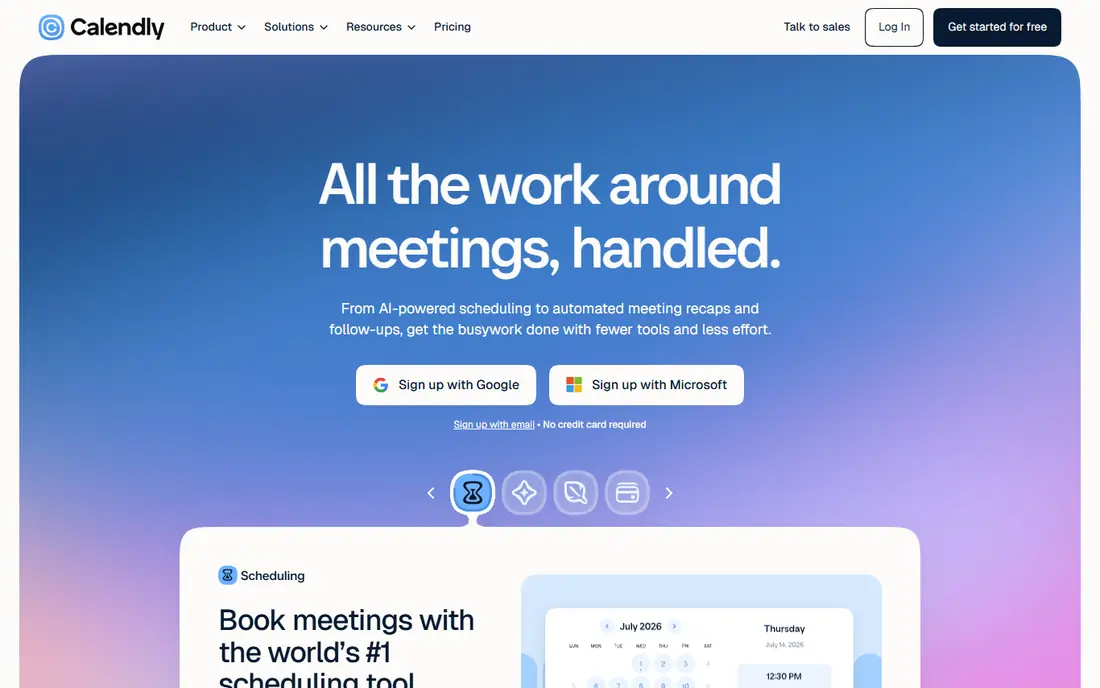
Calendly is the best-known meeting scheduler, and its polish shows: booking pages are clean, event types cover one-to-ones, group meetings, and round-robin team scheduling, and calendar sync with Google and Outlook prevents double bookings. Integrations with Zoom, Teams, CRMs, and payment tools cover most professional workflows. For individuals and teams that schedule meetings daily, Calendly is a reliable default.
Advanced features such as routing, workflows, and team analytics need paid plans, and team costs are per user. For most meeting scheduling, though, Calendly is our pick, and its free plan is enough to test the core experience.
- Polished booking pages and event types
- Strong calendar and video integrations
- Team scheduling options
- Advanced routing and automation need paid plans
- Per-user pricing for teams
Cal.com
Ideal for: Open source scheduling
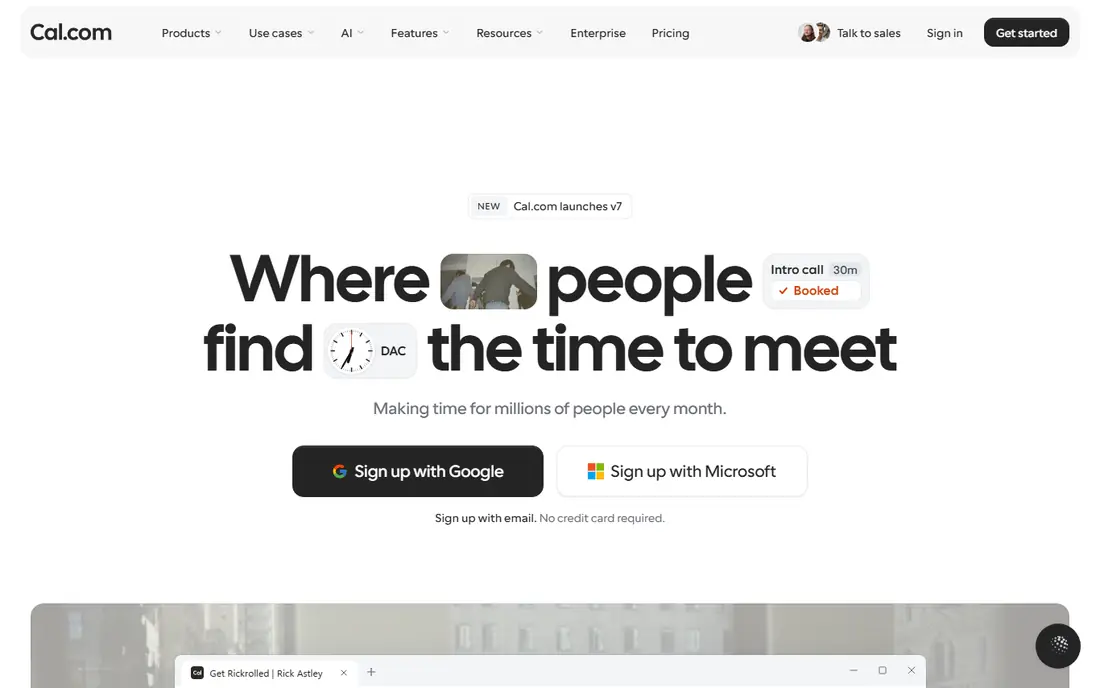
Cal.com is an open source scheduling platform that offers a generous free hosted plan plus self-hosting for teams that want control over data and branding. It covers event types, team scheduling, round robin, calendar sync, and video integrations, with a clean booking experience. For privacy-conscious teams and open source fans, Cal.com is a compelling alternative to Calendly.
The interface is simpler than Calendly's, and self-hosting needs technical work, though the hosted plan avoids that. For open source scheduling with a strong free tier, Cal.com is an excellent choice.
- Open source and self-hostable
- Generous free hosted plan
- Good team and routing features
- Interface is simpler than Calendly
- Self-hosting needs technical setup
Acuity Scheduling
Ideal for: Appointment booking

Acuity Scheduling, part of Squarespace, is built for appointment-based businesses that need client booking, intake forms, payments, deposits, and reminders. Clients can book services, choose staff, and pay at booking, which suits salons, clinics, coaches, and studios. Squarespace integration helps businesses that already use Squarespace for their website.
There is no permanent free plan, only a trial, and the interface feels busier than Calendly for simple one-to-one meetings. For appointment businesses, Acuity is a strong and proven choice.
- Strong client booking, intake forms, and payments
- Good for salons, clinics, and studios
- Squarespace integration
- No permanent free plan
- Interface feels busier than Calendly for simple meetings
Doodle
Ideal for: Group scheduling polls
Doodle solves a specific problem well: finding a time that works for a group. Create a poll with time options, invite participants to vote, and pick the winning slot, without endless email threads. A free plan covers basic polls, and paid plans add booking pages and branding. For one-off group meetings, Doodle is fast and familiar.
Doodle is not a full booking system with event types, payments, and team routing, so regular appointment businesses need another tool. For group polls, Doodle remains the simplest choice.
- Easy group polls to find a time
- Free basic use
- Good for one-off group meetings
- Not a full booking system
- Fewer automation features than Calendly
SimplyBook.me
Ideal for: Appointment businesses
SimplyBook.me gives appointment businesses a booking website, client management, payments, reminders, and staff scheduling, with features for salons, clinics, fitness studios, and service businesses. Custom features can be added for specific niches, such as memberships or classes. That breadth suits businesses that need more than a simple booking link.
The feature range can feel busy at first, and the free plan limits bookings per month. For appointment businesses that want a full booking system, SimplyBook.me is a versatile option.
- Booking website and client management
- Payments and reminders
- Many business features
- Feature range can feel busy
- Free plan limits bookings
Appointlet
Ideal for: Simple meeting booking
Appointlet offers simple, clean booking pages with calendar integration, event types, and reminders, at an affordable price. It suits individuals and small teams who want Calendly-style scheduling without Calendly's price for advanced features. Setup is quick, and the booking experience is straightforward for invitees.
Advanced routing, workflows, and integrations are fewer than in Calendly or Chili Piper. For simple meeting booking on a budget, Appointlet is a solid pick.
- Simple booking pages
- Good calendar integration
- Affordable paid plans
- Fewer advanced features than Calendly
- Smaller integration range
SavvyCal
Ideal for: Personal booking pages
SavvyCal focuses on personal booking pages that feel thoughtful: invitees can overlay their calendar on yours to find a time, and booking pages can be personalized with branding and availability preferences. That experience suits consultants, coaches, and freelancers who book many one-to-one meetings and care about presentation.
Team scheduling and enterprise features are lighter than Calendly's, and integrations are fewer. For individuals who want a beautiful booking page, SavvyCal is a lovely choice.
- Clean, personalized booking pages
- Overlay calendar view
- Good for individuals
- Team features are lighter than Calendly
- Smaller integration range
Chili Piper
Ideal for: Sales meeting routing
Chili Piper routes inbound leads instantly to a meeting with the right sales rep, based on rules such as territory, company size, or availability, and it integrates with forms, ads, and CRMs such as Salesforce and HubSpot. That speed matters in sales, where a lead booked in minutes converts better than one followed up days later. Reporting shows routing performance and meeting outcomes.
Pricing is sales-focused and higher than personal schedulers, and it is overkill for simple meeting booking. For sales teams that live on inbound meetings, Chili Piper is a powerful and proven tool.
- Instant lead routing to the right rep
- Form and ad integration
- Strong CRM reporting
- Sales-focused pricing
- Overkill for simple personal scheduling
How we picked these
We compared official feature pages, pricing pages, and public reviews for software that schedules meetings, appointments, or group events, not general calendar apps without booking features. We looked at booking flow, calendar sync, time zone handling, reminders, payments where relevant, and team features. Tools that had shut down were left out.
What to check before you choose scheduler software
Start with who books and why. Meeting schedulers need clean event types and calendar sync, appointment businesses need intake forms and payments, group organizers need polls, and sales teams need routing. A tool built for one use case will frustrate another, so match the tool to the booking job first.
Next, test the booking flow as an invitee on mobile and desktop, since a confusing booking page loses meetings. Check time zone handling, buffer times, cancellation and rescheduling policies, and reminder settings. Finally, confirm calendar and video integrations, since a scheduler that does not sync reliably with your calendar will create double bookings, which defeats its purpose.
Also check how the tool handles rescheduling, cancellations, and no-shows, since those edge cases cause most scheduling frustration. Confirm whether invitees can reschedule without emailing you, whether reminders reduce no-shows, and whether cancelled slots reopen automatically. For appointment businesses, check deposit and cancellation policy support, since those settings protect revenue when clients cancel late or fail to show up at all.
One more practical check is availability rules. Good schedulers let you set working hours, buffers between meetings, daily booking limits, and advance notice requirements, so your calendar stays manageable. Without those controls, back-to-back bookings and last-minute meetings can overwhelm a day. Test these settings during a trial, since they determine whether scheduling software saves time or simply fills every gap in your week.
Finally, check reporting for the business side, not just scheduling. A good scheduler should show booking volume, no-show rates, and popular times, so you can adjust hours and staffing. For appointment businesses, that data helps decide when to open extra slots or add staff, turning a booking tool into a small planning tool as well.
Frequently asked questions
What is the best scheduler software?
Calendly is the best default for meeting scheduling, Cal.com is the best open source option, and Acuity Scheduling suits appointment businesses. Doodle suits group polls, while Chili Piper suits sales teams that need instant lead routing.
Is Calendly free?
Yes, Calendly offers a free basic plan for individuals, with paid plans for team scheduling, routing, workflows, and analytics. Check the current pricing page for limits on event types and integrations.
What is the best free scheduling tool?
Cal.com offers a generous free hosted plan, Calendly offers a free basic plan, and Doodle offers free group polls. The best free tool depends on whether you need meeting booking, open source hosting, or group polls.
Do scheduler tools handle time zones?
Yes, major schedulers detect the invitee's time zone and show availability accordingly, with calendar sync preventing double bookings. Test time zone display during a trial, especially for international meetings.
Can scheduler software take payments?
Yes, Acuity Scheduling, SimplyBook.me, and Calendly on paid plans support payments or deposits at booking, which suits appointment businesses. Confirm payment provider support and fees before relying on paid bookings.