Best Scheduling App for Coaches in 2026: 8 Apps Compared

- 1
 CalendlySimple booking links for callsVisit
- 2
 Acuity SchedulingPackages, forms, and paymentsVisit
- 3
 SimplyBook.meFull booking system with paymentsVisit
- 4
 AppointyLow cost booking with a free planVisit
- 5
 SetmoreFree booking pages for solo coachesVisit
- Calendly is the simplest choice for coaches who mainly need clients to book calls, with strong calendar control and reminders.
- Acuity Scheduling and SimplyBook.me suit coaches who sell packages, take payments, and want intake forms with each booking.
- Paperbell and CoachAccountable go further, combining scheduling with client management, packages, and progress tracking.
- Setmore and Appointy are the best free starting points, with free plans that cover core booking for solo coaches.
- The right tool depends on how you sell. A link-based scheduler fits discovery calls, while a coaching platform fits paid programs with ongoing clients.
Quick comparison
| Product | Ideal for | Price from | Free version | |
|---|---|---|---|---|
| Calendly | Simple booking links for calls | Free | Yes | Visit |
| Acuity Scheduling | Packages, forms, and payments | See website | Free trial | Visit |
| SimplyBook.me | Full booking system with payments | Free | Yes | Visit |
| Appointy | Low cost booking with a free plan | Free | Yes | Visit |
| Setmore | Free booking pages for solo coaches | Free | Yes | Visit |
 Book Like A Boss | Branded booking and sales pages | See website | Free trial | Visit |
 Paperbell | Coaching website plus scheduling | Free | Yes | Visit |
 CoachAccountable | Coaching platform with scheduling | See website | Free trial (30 days) | Visit |
The best scheduling apps for coaches
We compared official feature pages, pricing pages, app store listings, and public reviews for the apps below. Our pick for most coaches is Acuity Scheduling, because it handles booking, intake forms, packages, payments, and reminders in one tool that clients find easy to use.
Calendly
Ideal for: Simple booking links for calls
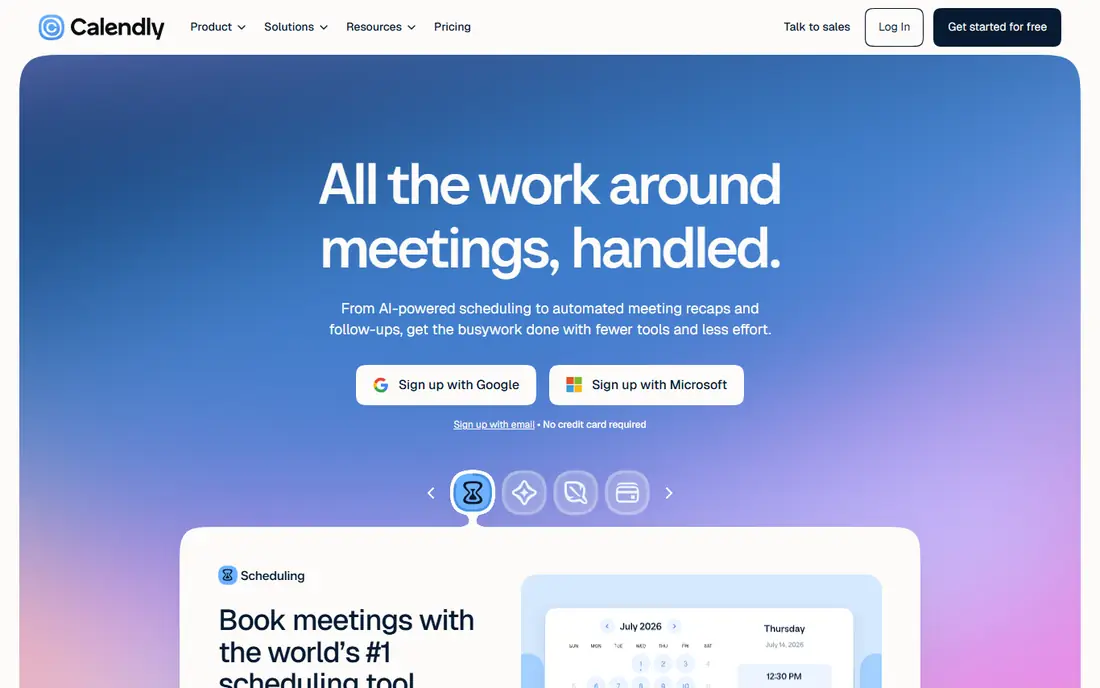
Calendly is the default scheduling link for a reason. You connect your calendar, set your hours and event types, and share a link that lets clients pick a time without email back and forth. Reminders cut no-shows, and clients can reschedule on their own when plans change.
The limits matter for coaches who sell programs rather than single calls. Calendly does not manage coaching packages, client progress, or session history, so you will pair it with another tool for those jobs. For discovery calls, check-ins, and one-off sessions, it is the fastest setup on this list.
- Easiest booking links to share
- Strong calendar control and availability rules
- Automated reminders and rescheduling
- Coaching packages and client management need other tools
- Advanced features sit on paid plans
- Less suited to selling programs
Acuity Scheduling
Ideal for: Packages, forms, and payments
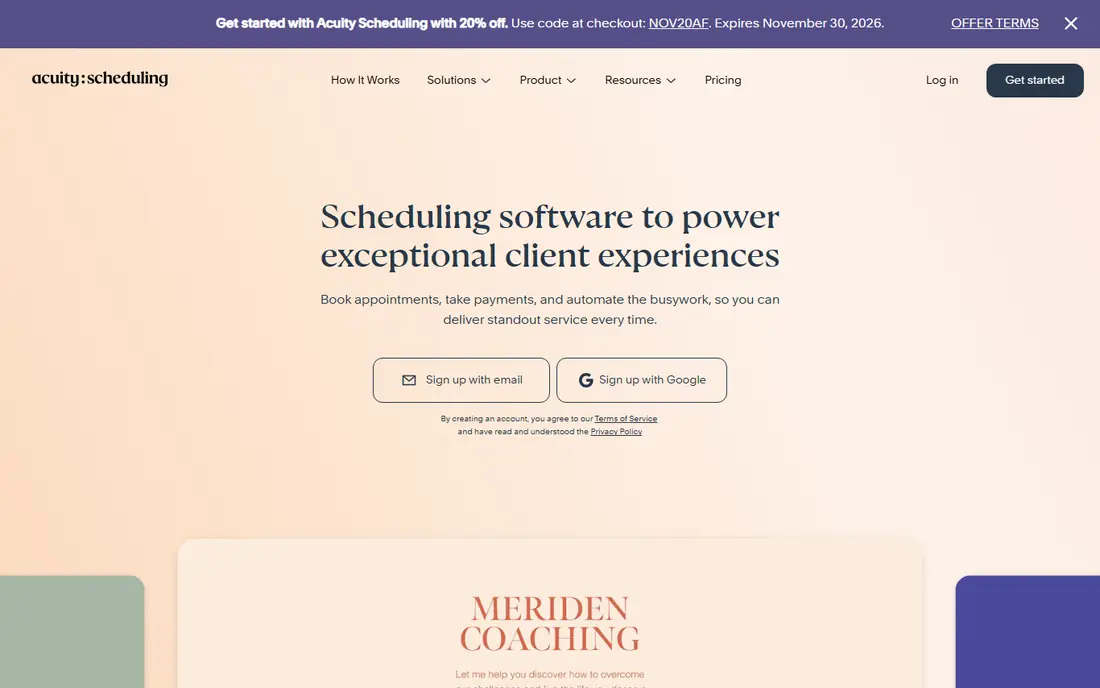
Acuity Scheduling, now part of Squarespace, is built for service businesses that sell time. Clients can book, answer intake questions, buy a package or subscription, and pay at booking, while calendar sync prevents double bookings. Reminders, deposits, and cancellation policies help cut no-shows, which Acuity says most of its businesses reduce.
The trade-off is that Acuity is a scheduler, not a coaching platform. It will not track client goals or homework between sessions. For coaches who want booking plus payments in one polished tool, it is our pick, and the free trial is long enough to test it with real clients.
- Packages, subscriptions, and gift certificates
- Custom intake forms
- Payments through Stripe, Square, and PayPal
- No permanent free plan
- Part of Squarespace, so pricing and plans can change
- Deeper coaching features need another tool
SimplyBook.me
Ideal for: Full booking system with payments
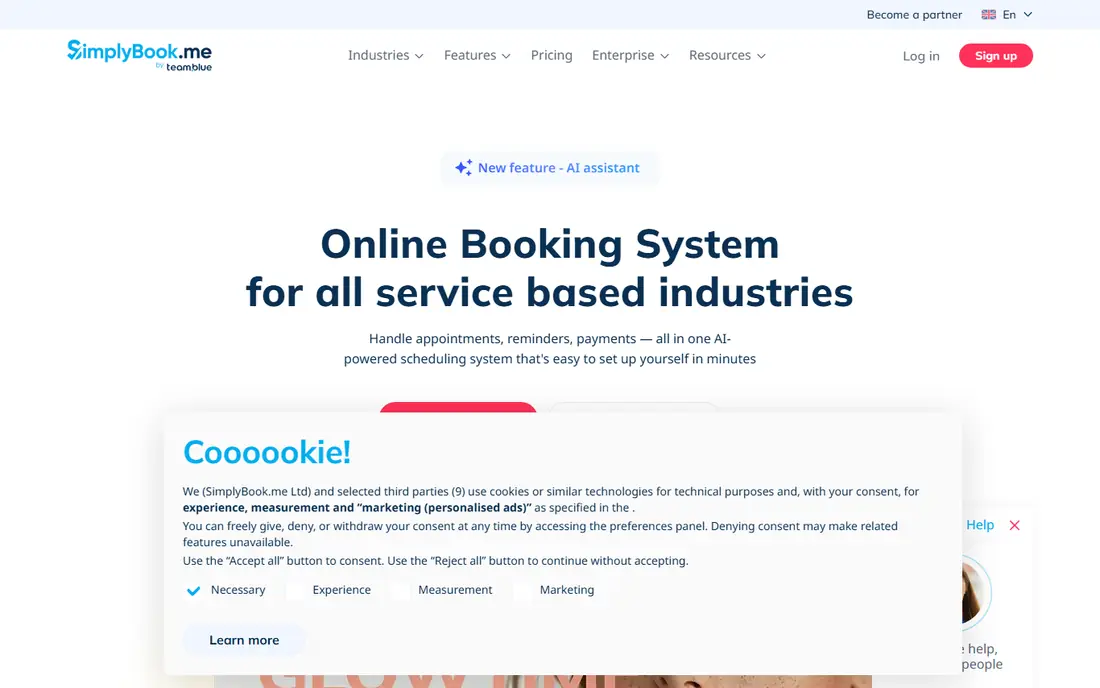
SimplyBook.me is an all-in-one booking system for service businesses, with online booking, WhatsApp, SMS, and email reminders, payments, coupons, and gift cards. Booking pages can be customized to match your brand, and integrations cover Google Calendar, Zoom, Stripe, PayPal, and more.
The breadth can feel like a lot for a solo coach who only needs a booking link, and the best features sit on paid tiers. But if you run group sessions, sell packages, or want a full booking website rather than a link, SimplyBook.me gives you room to grow without switching tools.
- Free plan to start
- Bookings, reminders, and payments in one system
- Customizable booking pages and widgets
- Feature list can feel large for solo coaches
- Some advanced tools need paid plans
- Design setup takes time to polish
Appointy
Ideal for: Low cost booking with a free plan
Appointy keeps scheduling simple and low cost. A 14-day trial opens the full featured version with no card required, and it drops to a free plan if you do not upgrade. There are no contracts or cancellation fees, and you own your data and can export it whenever you like.
It lacks the polish and integration depth of larger rivals, and it does not offer coaching program management. For a new coach who wants a dependable free scheduler and the freedom to leave at any time, Appointy is a fair, low risk choice.
- Free plan after a 14-day full-feature trial
- No contracts or cancellation fees
- You can export your data any time
- Smaller integration catalog than Calendly or Acuity
- Interface feels dated in places
- Coaching-specific features are limited
Setmore
Ideal for: Free booking pages for solo coaches
Setmore gives solo coaches a free booking page that works as a mini website, showing services, availability, and prices, with a QR code for business cards and social profiles. Clients can self-book at any hour, pay in advance, and get email reminders, while video links for Zoom or Google Meet can be added to appointments.
The free plan covers unlimited appointments for up to four users, which is generous. SMS reminders, two-way calendar sync, and branding removal sit on the Pro plan, which the site lists from $12 per user per month with additional users at $5. For a free start with room to upgrade, Setmore is hard to beat.
- Free plan for up to 4 users with unlimited appointments
- Branded booking page with QR code
- Payments through Stripe, Square, and PayPal
- SMS reminders and two-way calendar sync need Pro
- Free plan has Setmore branding
- Team tools are stronger on paid plans
Book Like A Boss
Ideal for: Branded booking and sales pages
Book Like A Boss builds booking pages that sell, not just schedule. You can add descriptions, pictures, video, testimonials, and FAQs to a page, then sell services, digital or physical products, and memberships from the same place. Payments run through Stripe, Square, or PayPal, with coupon codes and offline payment options.
That sales focus means it is heavier than a simple link tool, and there is no free tier beyond a trial. For coaches whose booking page is also their sales page, especially those selling programs and products together, the extra customization is worth it.
- Highly customizable booking pages with testimonials and video
- Sells services, products, and memberships
- Payments and coupon codes built in
- No permanent free plan
- More of a sales page builder than a pure scheduler
- Learning curve for full customization
Paperbell
Ideal for: Coaching website plus scheduling
Paperbell gives coaches a ready-made website with scheduling, payments, contracts, messaging, and intake forms built in, so you do not need to stitch several tools together. You can sell packages of appointments, group coaching, subscriptions, payment plans, and digital downloads, and clients get a portal to book, buy, and access materials.
A free account lets you test it, and the paid plan costs $97 per month with two months free on the annual plan. Paperbell adds no transaction fee on top of your Stripe or PayPal fees. For coaches who want a simple all-in-one home for their practice, it is the most coach-specific option here.
- Coaching website with scheduling, payments, and messaging built in
- Sells packages, group coaching, and downloads
- No extra transaction fee
- Paid plan costs $97 per month
- Less flexible than a full website builder
- Client management is lighter than CoachAccountable
CoachAccountable
Ideal for: Coaching platform with scheduling
CoachAccountable is the only tool here that treats scheduling as one part of coaching. Alongside booking, it manages client actions, metrics, session notes, worksheets, courses, and files, so progress between sessions stays visible. Coaches can brand the client experience, and billing is based on the number of active clients, with automatic downgrades when that number falls.
The depth comes with a denser interface, and the UI is English only, which matters for some practices. A 30-day trial gives time to test it properly. For established coaches who want scheduling plus real client accountability in one system, CoachAccountable is the strongest platform on this list.
- Full coaching platform with actions, metrics, session notes, and worksheets
- Scheduling plus client progress tracking
- White-label options
- Interface is denser than simple schedulers
- Pricing depends on active client count
- English-only interface
How we picked these
We compared official feature pages, pricing pages, app store listings, and public reviews for each app, and we opened every homepage to confirm it loads and belongs to the product named. We dropped one coaching tool whose site announced it shut down in November 2025, and replaced it with Paperbell. We favored tools still operating in October 2026 that let clients book without email back and forth and that fit how coaches actually sell.
Setting up scheduling that clients actually use
Start with the booking flow your clients will see, not the feature list. A client should be able to pick a service, choose a time, answer intake questions, and pay in under two minutes. Test that flow yourself on a phone before you share the link anywhere, since most clients will book from mobile.
Set availability rules that protect your time. Add buffers between sessions, set a booking cutoff so clients cannot book five minutes before a call, and block personal time in your calendar so it syncs. Turn on reminders by both email and text if your plan allows it, and write a clear cancellation policy so rescheduling is easy but not free-form.
Frequently asked questions
What is the best scheduling app for coaches?
Acuity Scheduling is our pick for most coaches, because it covers booking, intake forms, packages, and payments in one easy tool. Calendly suits coaches who only need booking links, while Paperbell and CoachAccountable suit coaches who want a full practice platform.
Is there a free scheduling app for coaches?
Yes. Setmore and Appointy both have free plans, and Calendly and Paperbell offer free tiers as well. Free plans cover core booking, but SMS reminders, advanced payments, and branding removal usually need a paid plan.
Should coaches use Calendly or Acuity?
Use Calendly if you mainly book discovery calls and one-off sessions and want the simplest setup. Use Acuity if you sell packages, need intake forms, and want clients to pay when they book.
Can clients pay when they book a coaching session?
Yes, on most tools here. Acuity, SimplyBook.me, Setmore, Book Like A Boss, and Paperbell all support payment at booking through providers like Stripe, Square, or PayPal, which also reduces no-shows.
What scheduling tool works best for group coaching?
SimplyBook.me and Paperbell both handle group sessions well, with package and group booking options. CoachAccountable adds group program management with shared actions and metrics for ongoing group work.