7 Best Scheduling Software for Cleaning Business Options for 2026

- 1
 Housecall ProDispatch and customer communicationVisit
- 2
 ConnecteamFree scheduling for small crewsVisit
- 3
 ServiceM8Job dispatch with offline accessVisit
- 4
 ZenMaidRecurring maid service schedulingVisit
- 5
 JobberAll-in-one scheduling plus invoicingVisit
- Top of the list is Housecall Pro, which targets dispatch and customer communication.
- MaidCentral fits scaling maid operations with financials.
- ZenMaid has the lowest monthly starting price in this list: $19 per month + $4 per cleaner.
- Before buying ZenMaid, weigh this: per-cleaner fees scale quick.
- Just one of the 7 tools, Connecteam, has a free plan.
Direct answer
Our first pick is Housecall Pro, best for dispatch and customer communication. For a different need, Connecteam covers free scheduling for small crews and ServiceM8 covers job dispatch with offline access. Prices, free plans and limits for all 7 tools follow.
Quick comparison
| Product | Ideal for | Price from | Free version | |
|---|---|---|---|---|
| Housecall Pro | Dispatch and customer communication | $59 per month (billed annually) | Free trial | Visit |
| Connecteam | Free scheduling for small crews | $29 a month (billed yearly) | Yes | Visit |
| ServiceM8 | Job dispatch with offline access | See website | Free trial | Visit |
| ZenMaid | Recurring maid service scheduling | $19 a month + $4 per cleaner | Free trial | Visit |
| Jobber | All-in-one scheduling plus invoicing | $49 per month | Free trial (14 days) | Visit |
 Workiz | Scheduling and dispatch for service teams | See website | Free trial (7 days) | Visit |
 MaidCentral | Scaling maid operations with financials | $450 a month | No | Visit |
Every option for scheduling software for cleaning business explained
Ainotely compared 7 tools for scheduling software for cleaning business. The goal is a practical shortlist: published prices, free plan facts, best-fit use cases and honest limits for every entry.
Housecall Pro
Ideal for: Dispatch and customer communication

In short, Housecall Pro is for dispatch and customer communication. Basic at $59 per month billed yearly spans one user. Essentials at $149 includes five with QuickBooks sync and GPS tracking; MAX at $299 includes eight with route optimization and the sales proposal tool.
In practice, a free trial is available. Also, decent fit for cleaning operations where the customer experience, not just the calendar, is the priority. Housecall Pro's scheduling centers on the dispatch board: drag-and-drop job assignment, live crew tracking and automatic customer updates with ETAs. Housecall Pro pricing: $59 per month. Free access: Free trial.
Where it is weaker: Add-ons priced separately.
- Automatic customer communication
- Excellent dispatch board
- QuickBooks sync only on Essentials and up
Connecteam
Ideal for: Free scheduling for small crews
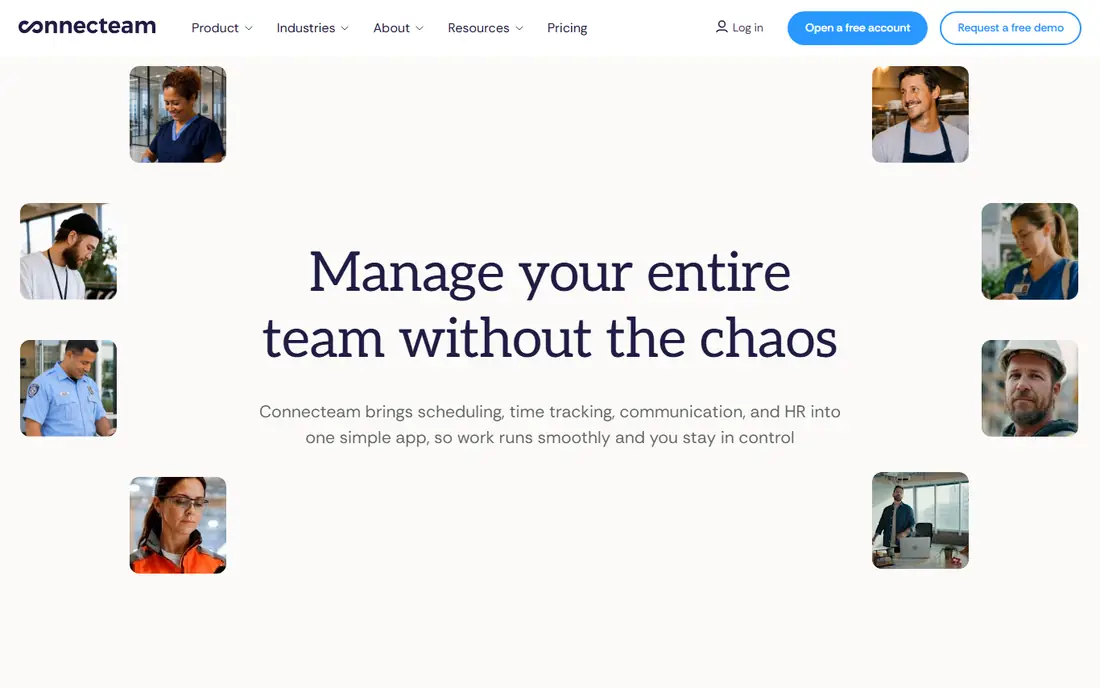
Connecteam is aimed squarely at free scheduling for small crews. The Operations, Communications and HR hubs are priced separately, so the full stack is three subscriptions. On top of that, Connecteam's scheduling is part of a broader workforce app.
But the scheduling alone is worth the look: drag-and-drop shift planning, recurring shifts, GPS time clock and team chat in one mobile app. Entry-level at $29 per month billed yearly handles up to 30 users. Entry price for Connecteam: $29 per month. A free plan is available with Connecteam.
Trade-offs to know: No native payroll.
- Solid mobile app for frontline staff
- Free forever for up to 10 users
- Scheduling less cleaning-specific
ServiceM8
Ideal for: Job dispatch with offline access
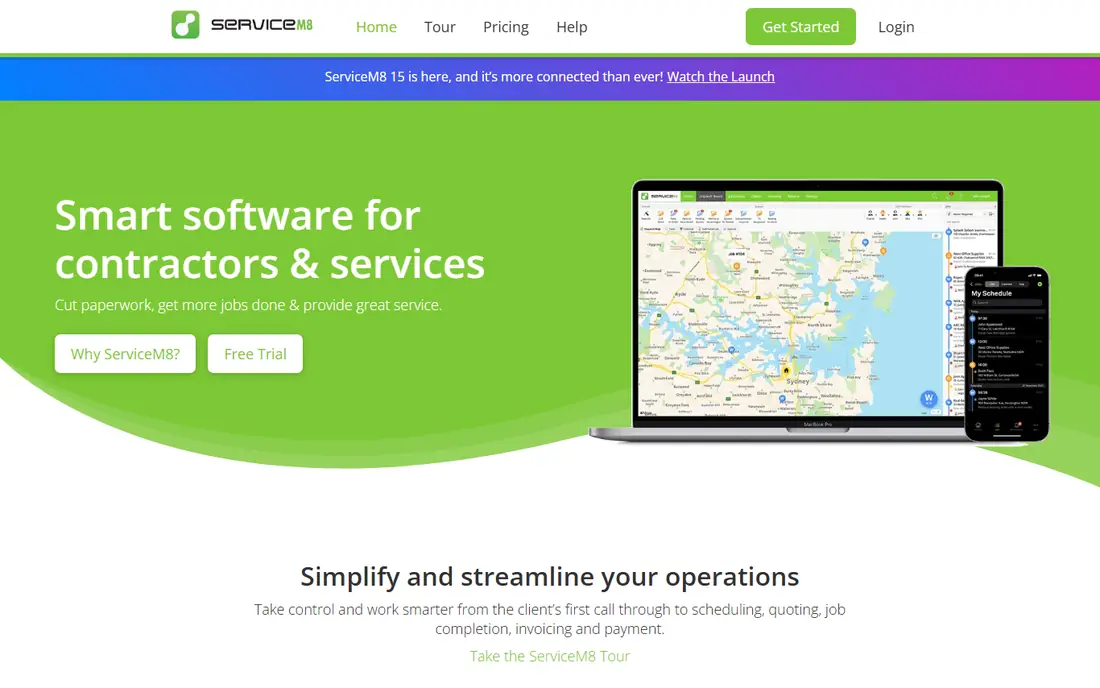
ServiceM8 was built for job dispatch with offline access. ServiceM8 is a job management system with scheduling and dispatch at its core. Dispatching, quoting and invoicing include the standard workflow with a clean, straightforward interface.
Watch-outs: Pricing not published as a straightforward rate card.
Worth adding: a free trial is available. On top of that, ServiceM8 is less cleaning-specific than the specialists. But its offline capability and straightforward pricing make it worth a look for small service teams that work in low-signal environments. On top of that, the standout feature is offline access: field staff can view jobs, capture signatures and process payments without a signal, which matters for cleaners working in basements and dead zones. Pricing for ServiceM8 is not stated here, so ask the vendor for current figures. Trial and free access: Free trial.
- Offline access for field staff
- Straightforward dispatching and quoting
- Cleaning-specific features are entry-level
ZenMaid
Ideal for: Recurring maid service scheduling
ZenMaid is a good fit for recurring maid service scheduling. The calendar takes care of recurring appointments naturally, online booking forms let new clients self-schedule, and the dispatch view displays who is where. Starter at $19 plus $4 per cleaner caps at 40 appointments per month.
So most working businesses land on Pro at $39 plus $14 per cleaner or Pro Max at $49 plus $24. Also, Spotfinder on Pro helps fill gaps by finding available cleaners. The pricing is two-part: a base fee plus a per-cleaner charge. For a residential maid service, this is the scheduling standard to beat. As for the details, five cleaners on Pro costs $109 per month. Starting cost for ZenMaid: $19 per month + $4 per cleaner. Trial and free access: Free trial.
What to check first: No annual discount.
- GPS time clock on Pro
- Online booking forms included
- SMS reminders cost additional
Jobber
Ideal for: All-in-one scheduling plus invoicing
Jobber is aimed squarely at all-in-one scheduling plus invoicing. Jobber handles the full job lifecycle, and scheduling is where it starts: the calendar and dispatch views deal with recurring jobs, the online booking lets clients self-schedule, and quotes convert into scheduled jobs with one click.
Where Jobber stands out: quoting and invoicing in one.
The main drawbacks: Most cleaning features need Connect or Grow.
On cost, Jobber starts like this: $49 per month. Free plan details: Free trial (14 days).
- Transparent pricing page
- Capable mobile app
- Per-user pricing brings up with crews
Workiz
Ideal for: Scheduling and dispatch for service teams
In short, Workiz is for scheduling and dispatch for service teams. Automated scheduling rules, job assignment and dispatch workflows cut the office admin load, and the built-in phone system ties calls to jobs.
Trade-offs to know: Higher entry price than budget picks.
Workiz does not show a starting price in this comparison, so check the vendor site for current pricing. Free plan details: Free trial (7 days).
- Phone system integration
- Solid scheduling and dispatch automation
- Pricing not published just
MaidCentral
Ideal for: Scaling maid operations with financials
Pick MaidCentral if this describes you: scaling maid operations with financials. The pricing model is unusual and fair: $450 per month contains up to 100 jobs, then $1.20 per completed job up to 500 and $1.00 beyond that, with $250 per extra branch. More specifically, integrations include QuickBooks, Stripe and Twilio.
Limits to weigh: No free trial.
As for the details, your cost scales with completed revenue-generating work, not with headcount. There is no free trial, so buy on the strength of the demo. MaidCentral pricing: $450 per month. No free plan comes with MaidCentral.
- Scales with revenue
- Made for multi-branch growth
- Overkill for solo operators
What went into this list
Pricing pages, product documentation and feature lists were the main sources, and every entry carries at least one honest drawback. Treat prices as a snapshot: vendors change plans often, so check the vendor site for the figure that applies today. Order on the page follows fit for the typical buyer first, then price transparency and free access. Your own requirements should decide the final pick.
A buyer's checklist
- Ask ServiceM8 and Workiz for a written quote, since no starting price is shown.
- Look at the free plan from Connecteam closely: its caps decide whether it is usable for real work.
- Take the trial from Housecall Pro, ServiceM8, ZenMaid and others and push a live task through it before you pay.
- Read the limits listed for Housecall Pro first: QuickBooks sync only on Essentials and up.
- Ask Housecall Pro about contract length, onboarding fees and user minimums before you sign.
- Look at which plan of MaidCentral unlocks the features you need; entry tiers are often cut down.
Frequently asked questions
What about payroll integration?
Most tools a minimum of export hours. If payroll is a priority, confirm whether the vendor means native payroll processing or just a timesheet export.
How is cleaning scheduling software different from generic scheduling tools?
Cleaning schedulers deal with recurring appointments, cleaner assignment, route and zone planning, GPS clock-ins, checklists per job, and customer self-booking. Generic tools like Calendly handle none of the crew or recurring-service complexity. The industry-specific workflow is the entire point.
What is the cheapest option for scheduling software for cleaning business in this list?
On published monthly entry prices, ZenMaid is the lowest here at $19 per month + $4 per cleaner. Entry price is only part of the cost, because seats, add-ons and billing terms can change the total.
Is Housecall Pro the right pick for everyone comparing scheduling software for cleaning business?
No single tool suits every team. Housecall Pro comes first because it fits dispatch and customer communication, while Connecteam suits free scheduling for small crews and ServiceM8 suits job dispatch with offline access. Match the tool to your own size, budget and workflow before deciding.
Do these tools publish their prices?
Not all of them. ServiceM8 and Workiz publish no starting price, so expect a quote request for those. The rest, Housecall Pro included, show a starting price, though seats and billing terms still change the final cost.
Which options for scheduling software for cleaning business have a free plan?
Connecteam is the only tool in this list with a free plan. Free plans usually cap users, projects or features, so check the limits on the vendor page. Several others offer a trial instead.