Our first pick is Procore, best for construction scheduling and site coordination. Listed starting prices: Smartsheet from $12 per Member/month. Unanet is the stronger choice for connecting projects, people and financials, while Smartsheet suits adaptable collaborative scheduling and governance. All 6 tools are compared below on price, free plan and limits.
This Ainotely guide covers 6 scheduling software for government contractors. Each profile lists a starting price, free plan details, strengths and drawbacks, so you can drop poor fits quickly.
Key takeaways
Number one here is Procore, a fit for construction scheduling and site coordination.
Microsoft Project suits in-depth project scheduling and resource tracking.
One limit worth knowing about Deltek Costpoint: wide ERP scope may overwhelm small teams.
Procore, Microsoft Project and the 4 others all need a premium plan or a trial, since no free plan is listed.
The cheapest monthly starting price in the list is $12 per Member/month, offered by Smartsheet.
Best for: Construction scheduling and site coordination
Procore is aimed squarely at construction scheduling and site coordination. It suits contractors whose work centers on construction scheduling and field coordination.
Where it is weaker: Not a contract cost ERP.
In daily use, choose it when field coordination drives your schedule, and add a cost system if compliance reporting is required. This comparison lists no price for Procore; ask the vendor. Free plan details: Not stated.
Best for: Connecting projects, people and financials
Unanet serves connecting projects, people and financials. Since it is a broad business system, scheduling may not be as deep as a dedicated project tool for highly complicated timelines.
This comparison lists no price for Unanet; ask the vendor. Free access: Not stated.
The main drawbacks: Scheduling depth varies by setup.
Best for: Adaptable collaborative scheduling and governance
Smartsheet is designed for flexible collaborative scheduling and governance. Smartsheet is an execution hub where people and AI get work done together, with the governance and visibility enterprises need. Contractors can build timeline and tracking views that suit their workflows, which helps when schedules span several teams.
Downsides: Complicated schedules need careful setup.
It is not made for government contract cost accounting or audit reporting, so compliance work may need another system. In practice, pick it for adaptable collaboration, and look to a project ERP when contract compliance is the priority. Entry price for Smartsheet: $12 per Member/month. Free options: Not stated.
Best for: Government contract cost and compliance tracking
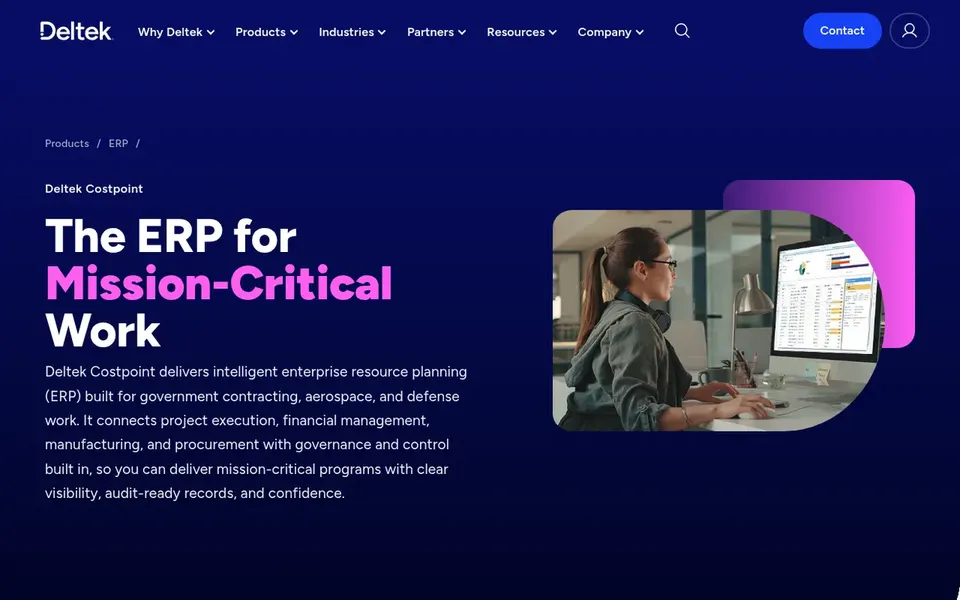
Deltek Costpoint works best for government contract cost and compliance tracking. Deltek Costpoint is intelligent ERP built for government contractors, with tools to track costs, run contracts and stay audit-ready through built-in governance and control. From a buyer's view, teams with federal or defense work frequently value having project and financial data in one governed system.
Honest limits: Implementation effort is significant.
It is best when compliance and cost tracking are core requirements. From a buyer's view, if you primarily need timelines, a dedicated scheduling tool may be a lighter fit. Check the vendor site for Deltek Costpoint pricing; none is listed in this comparison. Free access: Not stated.
Oracle Primavera P6 is aimed squarely at large, complicated project portfolios. Government contractors with complicated capital or infrastructure work frequently find its depth handy for coordinating plenty of projects at once.
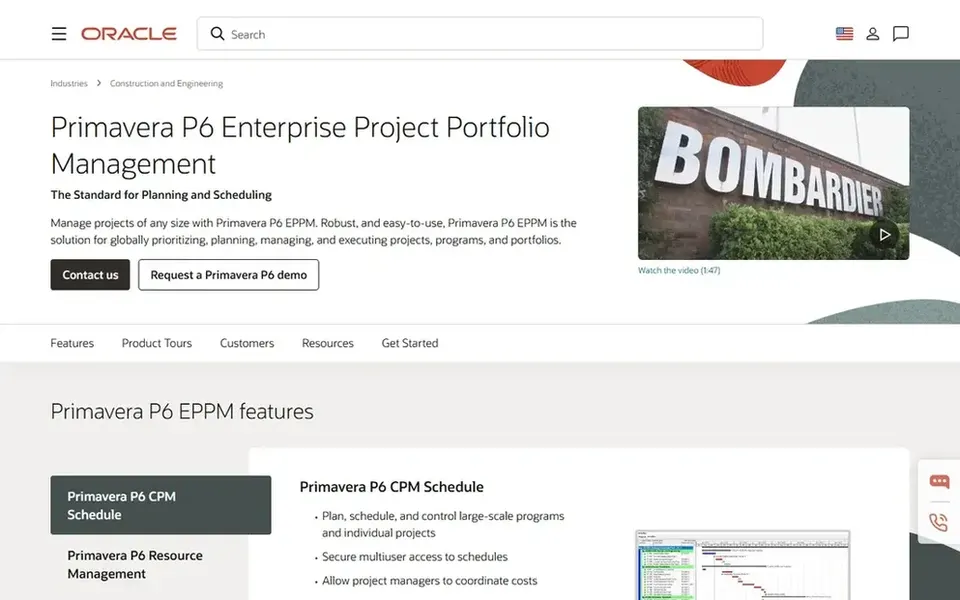
Its power includes complexity, and smaller teams may find it slower to adopt than lighter schedulers. As for the details, Oracle Primavera P6 is enterprise project portfolio management software built to run construction and engineering projects of any size. Pricing for Oracle Primavera P6 is not stated here, so ask the vendor for current figures. As for free access: Not stated.
Honest limits: Heavier setup than more straightforward tools.
Best for: In-depth project scheduling and resource tracking
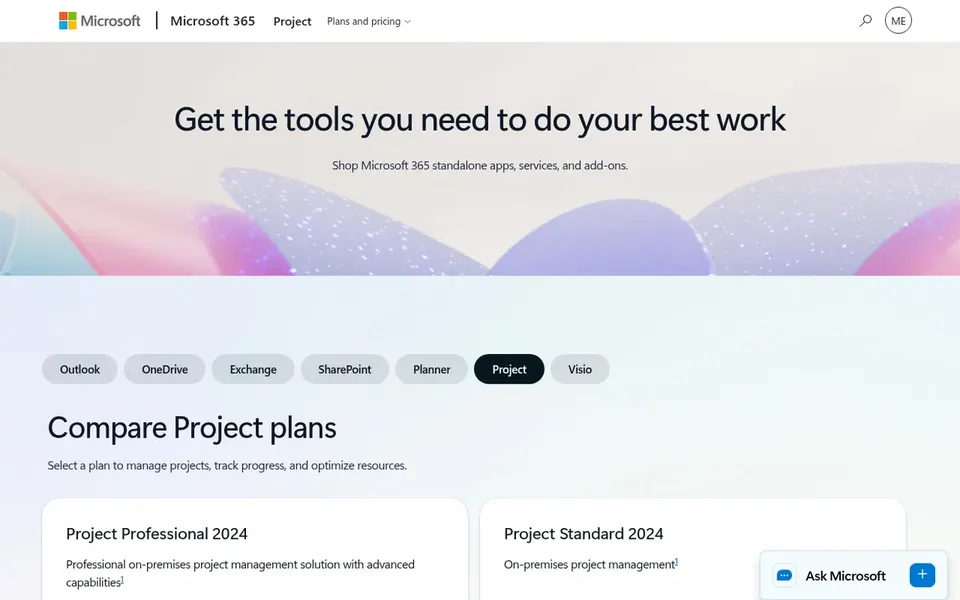
Microsoft Project works best for in-depth project scheduling and resource tracking. It fits teams that already work inside Microsoft 365 and need granular task dependencies and timeline control.
From a buyer's view, the product is not designed as a contract cost accounting system, so audit-ready cost tracking typically lives in separate ERP software. Pricing for Microsoft Project is not stated here, so ask the vendor for current figures. As for free access: Not stated.
Confirm the entry price on the vendor page. For Procore, Unanet, Deltek Costpoint and others that means a quote rather than a fixed price.
Read the limits listed for Procore first: concentrated on construction, not general contracting.
List the apps you already depend on and check that Procore supports each one on the plan you would buy.
Check whether Oracle Primavera P6 bills monthly or annually, and what cancelling early costs.
Before you load data into Microsoft Project, check what an export looks like and who can run it.
How we picked
Ainotely used vendor pricing pages and product documentation as the base, then compared plans, free access and documented limits for 6 tools. Plan names, prices and limits change often. Treat the figures here as a starting point and verify them with the vendor. Order on the page follows fit for the typical buyer first, then price transparency and free access. Your own requirements should decide the final pick. That approach shaped the order of the 6 scheduling software for government contractors tools listed here.
Every price and plan detail on this page comes from the vendors’ own websites. We did not run hands-on tests unless the text says so, and we do not publish star ratings or review scores. See how we score and our disclosure.
Keep your shortlist in one place
Paste prices, trial dates and notes from this guide into Ainotely, our AI note app. It files them into a topic and pulls out tasks like “cancel trial by Friday”. Free 7-day trial, no card needed.
How are the tools for scheduling software for government contractors ordered?
The order follows typical fit for scheduling software for government contractors, with Procore first and Microsoft Project last, then price clarity and free access. It is editorial judgement, not a score, so another team could rank the tools differently.
What is the cheapest option for scheduling software for government contractors in this list?
On published monthly entry prices, Smartsheet is the lowest here at $12 per Member/month. Entry price is only part of the cost, because seats, add-ons and billing terms can change the total. Pricing, free plan details and limits for all 6 tools in this scheduling software for government contractors roundup sit on the individual cards above.
Do these tools publish their prices?
Not all of them. Procore, Unanet, Deltek Costpoint and others publish no starting price, so expect a quote request for those. The rest, Smartsheet included, show a starting price, though seats and billing terms still change the final cost.
Is Procore the right pick for everyone comparing scheduling software for government contractors?
No single tool suits every team. Procore comes first because it fits construction scheduling and site coordination, while Unanet suits connecting projects, people and financials and Smartsheet suits flexible collaborative scheduling and governance. Match the tool to your own size, budget and workflow before deciding.
Can a general scheduler manage government contract compliance?
Typically not on its own. Tools like Microsoft Project and Smartsheet are capable for planning but are not made for contract cost accounting.