Best SCM Software in 2026: 8 Options Compared

- 1
 SAP SCMEnterprise supply chain suiteVisit
- 2
 Oracle SCMSupply chain suite for Oracle usersVisit
- 3
 KinaxisPlanning with concurrent scenario modelingVisit
- 4
 o9 SolutionsAI powered planning platformVisit
- 5
 Blue YonderRetail and logistics focused SCMVisit
- SAP SCM and Oracle SCM lead for large enterprises with complex supply chains.
- Kinaxis and o9 suit companies that want planning with AI and scenario modeling.
- Blue Yonder and Manhattan serve retail and logistics focused operations.
- Check planning, execution, and visibility coverage before choosing, since SCM spans all three.
Quick comparison
| Product | Ideal for | Price from | Free version | |
|---|---|---|---|---|
| SAP SCM | Enterprise supply chain suite | See website | No | Visit |
| Oracle SCM | Supply chain suite for Oracle users | See website | No | Visit |
| Kinaxis | Planning with concurrent scenario modeling | See website | No | Visit |
| o9 Solutions | AI powered planning platform | See website | No | Visit |
| Blue Yonder | Retail and logistics focused SCM | See website | No | Visit |
 Manhattan Associates | Warehouse and omnichannel supply chain | See website | No | Visit |
 Infor SCM | Supply chain for manufacturing and distribution | See website | No | Visit |
 E2open | Network based supply chain platform | See website | No | Visit |
The best best scm software
Supply chain management software covers planning, sourcing, manufacturing, warehousing, and logistics. The tools below range from enterprise suites to planning specialists, so match the tool to your supply chain complexity.
SAP SCM
Ideal for: Enterprise supply chain suite
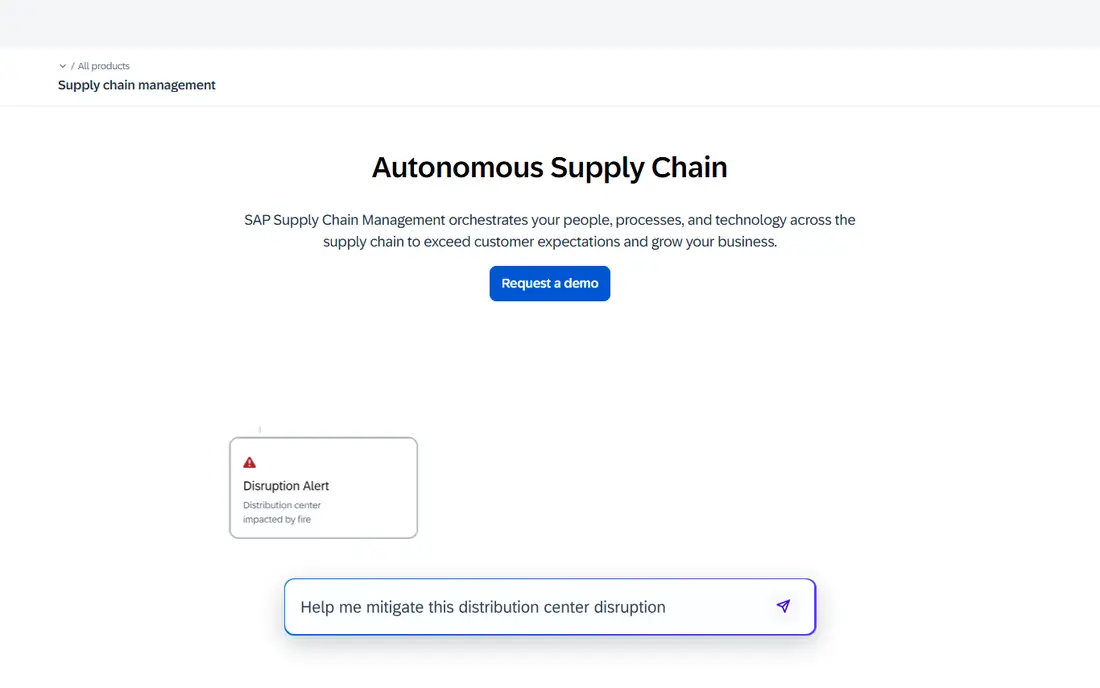
SAP SCM, including Integrated Business Planning, covers demand, supply, manufacturing, and logistics at global scale, with deep SAP ERP integration. It suits large enterprises with complex supply chains. The suite depth is unmatched for SAP users.
Pricing and implementation are enterprise scale. For large SAP centered supply chains, SAP SCM is our pick.
- Broad suite coverage
- Global scale
- Deep ERP integration
- Enterprise pricing
- Implementation is large
Oracle SCM
Ideal for: Supply chain suite for Oracle users
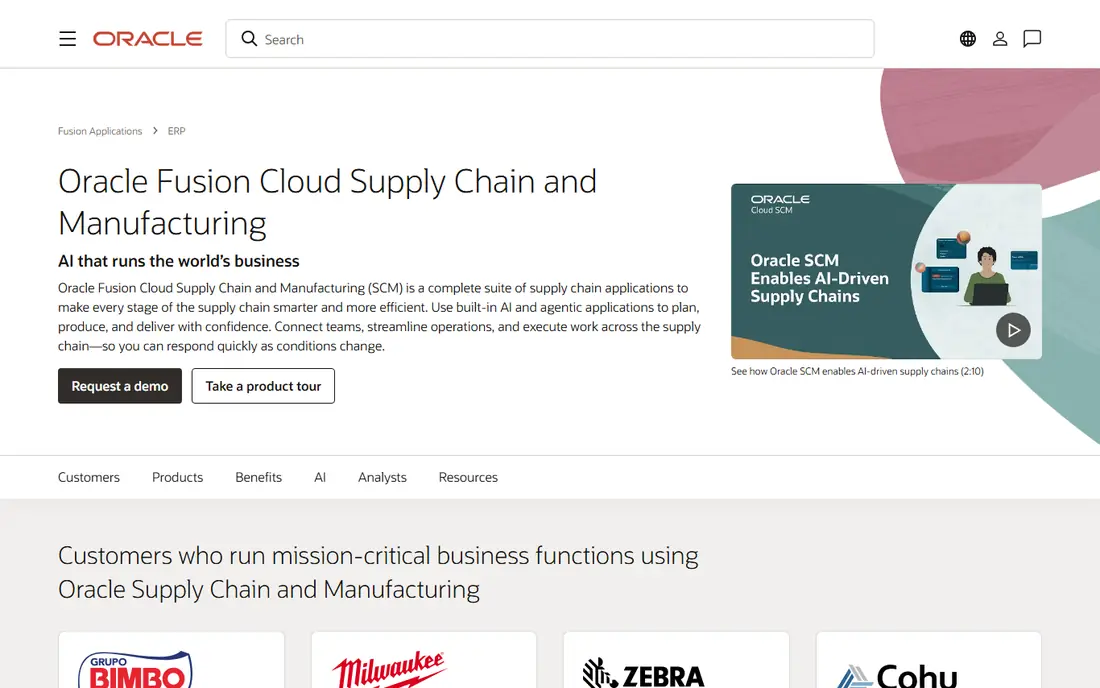
Oracle SCM offers a cloud native suite covering planning, manufacturing, logistics, and procurement, with native Oracle ERP integration. It suits Oracle centered enterprises. The cloud model speeds updates.
Pricing is enterprise level and it is best for Oracle customers. For Oracle supply chains, it is a strong choice.
- Broad suite
- Cloud native
- Oracle ERP integration
- Enterprise pricing
- Best for Oracle customers
Kinaxis
Ideal for: Planning with concurrent scenario modeling
Kinaxis offers concurrent planning with fast scenario modeling, letting teams test demand and supply changes in real time. It suits companies that need agile planning. The what if speed is a strength.
Pricing is enterprise oriented, and execution features are thinner than full suites. For planning agility, Kinaxis is excellent.
- Concurrent planning
- Scenario modeling
- Fast what if analysis
- Enterprise pricing
- Planning focus over execution
o9 Solutions
Ideal for: AI powered planning platform
o9 Solutions provides an AI powered planning platform covering demand, supply, and integrated business planning. It suits enterprises that want AI assisted forecasts and scenarios. The platform is modern.
Pricing is enterprise level and implementation takes time. For AI planning, o9 is a strong contender.
- AI planning
- Integrated business planning
- Scenario tools
- Enterprise pricing
- Implementation takes time
Blue Yonder
Ideal for: Retail and logistics focused SCM
Blue Yonder, formerly JDA, serves retail and logistics with planning, warehouse, and transport management plus AI forecasting. It suits retailers and distributors with complex networks. The depth is proven.
Pricing is enterprise level and complexity may overwhelm smaller firms. For retail supply chains, Blue Yonder is a leader.
- Retail planning strength
- Warehouse and transport
- AI forecasting
- Enterprise pricing
- Complexity for smaller firms
Manhattan Associates
Ideal for: Warehouse and omnichannel supply chain
Manhattan Associates leads in warehouse management and omnichannel fulfillment, with order management that unifies stores and online. It suits retailers and distributors with complex fulfillment. The warehouse depth is strong.
Pricing and implementation are enterprise scale. For warehouse led supply chains, Manhattan is a top pick.
- Warehouse strength
- Omnichannel fulfillment
- Order management
- Enterprise pricing
- Implementation is significant
Infor SCM
Ideal for: Supply chain for manufacturing and distribution
Infor SCM serves manufacturing and distribution with planning, warehouse, and transport tools, integrated with Infor ERP. It suits Infor centered companies. Industry specific features are a plus.
Pricing is enterprise level and it is best for Infor customers. For Infor supply chains, it is a natural fit.
- Manufacturing focus
- Distribution strength
- Infor ERP integration
- Enterprise pricing
- Best for Infor customers
E2open
Ideal for: Network based supply chain platform
E2open offers a network based platform connecting suppliers, partners, and logistics providers, with visibility plus planning and logistics. It suits companies that need partner collaboration. The network effect is valuable.
Pricing is enterprise level and network onboarding takes time. For network supply chains, E2open is a credible choice.
- Multi enterprise network
- Visibility
- Planning and logistics
- Enterprise pricing
- Network onboarding takes time
How we picked these
We compared official feature pages, pricing, and documentation for each tool, checking demand planning, inventory, logistics, and visibility features. We favored tools that explain their planning approach and integration options. We did not claim hands-on testing; our comparison rests on published features and public documentation.
We also checked whether each option is still offered and supported, and we left out products with unclear pricing, broken pages, or a poor fit for the topic. Where a price or free tier could not be confirmed from the vendor site, we wrote See website rather than guessing. Readers should still check the vendor page before buying, since prices and plans change.
How to choose SCM software
Map your supply chain before comparing tools. A manufacturer needs production planning, while a retailer needs assortment and replenishment. A distributor needs warehouse and transport management. List your top pain points, then find tools that solve those first.
Check integration with your ERP and warehouse systems. Supply chain tools need clean data from orders, inventory, and shipments. Poor integration creates manual work and stale plans. Ask vendors for reference customers with a similar ERP.
Test planning scenarios, not just dashboards. Good planning tools let you model demand changes, supplier delays, and capacity limits, then show the impact. A pretty dashboard without scenario tools will not help when disruptions hit.
Plan implementation in phases. Full supply chain suites take time to deploy, so start with the highest value module, prove results, then expand. Measure forecast accuracy, inventory turns, and service levels during the pilot.
Before you pay, confirm the total cost for the first year, including any add ons, renewal prices, and fees that only appear at checkout. A low starting price can hide a higher renewal rate, and a free tier can limit the feature you need most. Write down the features you will use weekly, and pay only for those.
After you choose, give the option a fair trial with your real workload, not just a quick tour. Set a reminder to review it after two to four weeks, and note what worked, what annoyed you, and what you never used. That review tells you whether to keep, upgrade, or switch before a renewal locks you in.
If the option disappoints, switch sooner rather than later. Export your data first, check whether you can keep your account history or settings, and confirm any cancellation terms. A good provider makes leaving straightforward, and a difficult exit is itself useful information about the service.
Talk to people who already use the option before you commit, especially for a business purchase. A short conversation with a current user reveals support quality, setup effort, and daily friction that marketing pages omit. Ask what surprised them after the first month, since early impressions often differ from longer use.
Keep a simple record of why you chose the option, including the price you were quoted and the features that mattered. That note makes renewal talks easier and helps a colleague or future you understand the decision. If the price rises or a key feature changes, the note shows whether the original reasons still hold.
Finally, plan the first week of use before you pay. List the setup steps, the data you need to move, and the people who need access. A clear first week plan turns a promising choice into a working routine, and it exposes missing features while you can still change your mind.
Save the vendor support page and the cancellation instructions in the same place as your receipt. When something goes wrong, you will want support details at hand rather than searching for them under pressure. A tidy record saves time and keeps a small problem from becoming a long one.
Keep notes on the first month of use, including any issues and how support handled them. Those notes give you clear evidence if you need a refund, an upgrade, or a switch, and they help you advise a friend or colleague who asks about the same choice later.
Frequently asked questions
What is the best SCM software?
SAP SCM is our pick for large enterprises with complex global supply chains, while Oracle SCM suits Oracle centered companies. Kinaxis is strong for planning with scenario modeling. Your ERP and supply chain complexity decide the winner.
What does SCM software do?
It plans and manages the flow of goods, from demand forecasting and sourcing through manufacturing, warehousing, and delivery. It helps companies balance service levels with inventory costs and respond to disruptions.
How is SCM different from ERP?
ERP manages core business processes such as finance, orders, and inventory records. SCM focuses on planning and optimizing the supply chain across suppliers, plants, and logistics. Many companies use both, with SCM planning feeding ERP execution.
How much does SCM software cost?
Enterprise suites are priced by module and user count, often with significant implementation costs. Planning specialists may charge by user or by supply chain size. Ask for total cost including implementation, integration, and training.
Do small businesses need SCM software?
Small businesses often manage with ERP plus spreadsheets until complexity grows. As supplier counts, warehouses, and sales channels increase, dedicated planning and visibility tools become valuable. Start with the module that solves your biggest pain.
How often should I review my choice?
Review it at least once a year, and sooner if your needs, budget, or team size change. Prices, features, and policies shift over time, and a better fit may appear. A short yearly check, comparing your current option with two alternatives, keeps you from paying for features you no longer use.