Best Screenwriting Software in 2026: 7 Tools Compared

- 1
 Final DraftIndustry-standard screenwritingVisit
- 2
 Fade InBest value professional formattingVisit
- 3
 CeltxWriting plus pre-productionVisit
- 4
 WriterSoloFree browser screenwritingVisit
- 5
 Highland 2Plain-text screenwriting on MacVisit
- Final Draft remains the industry standard, and its files are the safest bet for professional submissions.
- Fade In offers most of the same formatting power for a much lower one-time price.
- WriterSolo is the best free option, running in a browser with no install.
- Arc Studio Pro and Celtx suit writers who want collaboration and outlining built in.
Quick comparison
| Product | Ideal for | Price from | Free version | |
|---|---|---|---|---|
| Final Draft | Industry-standard screenwriting | See website | Free trial | Visit |
| Fade In | Best value professional formatting | See website | Free trial | Visit |
| Celtx | Writing plus pre-production | See website | Free trial | Visit |
| WriterSolo | Free browser screenwriting | Free | Yes | Visit |
| Highland 2 | Plain-text screenwriting on Mac | See website | Free trial | Visit |
 Scrivener | Long-form writing and outlining | See website | Free trial | Visit |
 Arc Studio Pro | Modern collaborative screenwriting | See website | Free trial | Visit |
The best screenwriting software
Screenwriting software does one job well: it formats a script to industry standards while you type, so scene headings, action and dialogue land in the right place without manual spacing. The tools below differ in price, collaboration and extra features such as outlining and production tools. We compared them on formatting accuracy, ease of use and cost.
Final Draft
Ideal for: Industry-standard screenwriting
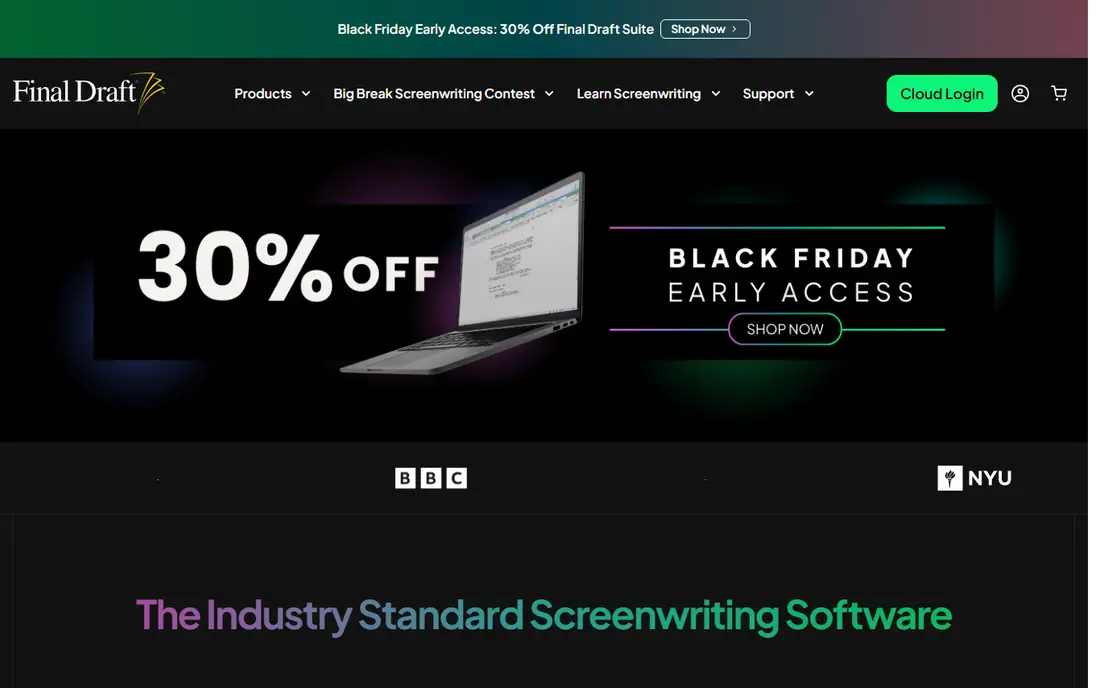
Final Draft has been the industry standard for decades, and its files are accepted everywhere scripts are read. Its formatting is precise, its production features cover revisions and reports, and its support and training resources are deep. For writers aiming at professional work, it removes doubt about compatibility.
It is the most expensive option here, upgrades are paid, and its interface can feel dense to beginners. Writers on a budget get most formatting power cheaper elsewhere. For professional submissions, though, Final Draft remains the safest choice.
For readers focused on industry-standard screenwriting, Final Draft is worth a trial before deciding, since the free tier or trial shows its real feel fast. Check the current plan details on the vendor site, since prices and limits change, and confirm that the version you need works on your devices.
- Industry-standard formatting and files
- Production features
- Strong support
- Highest price here
- Upgrades are paid
- Interface is dense
Fade In
Ideal for: Best value professional formatting
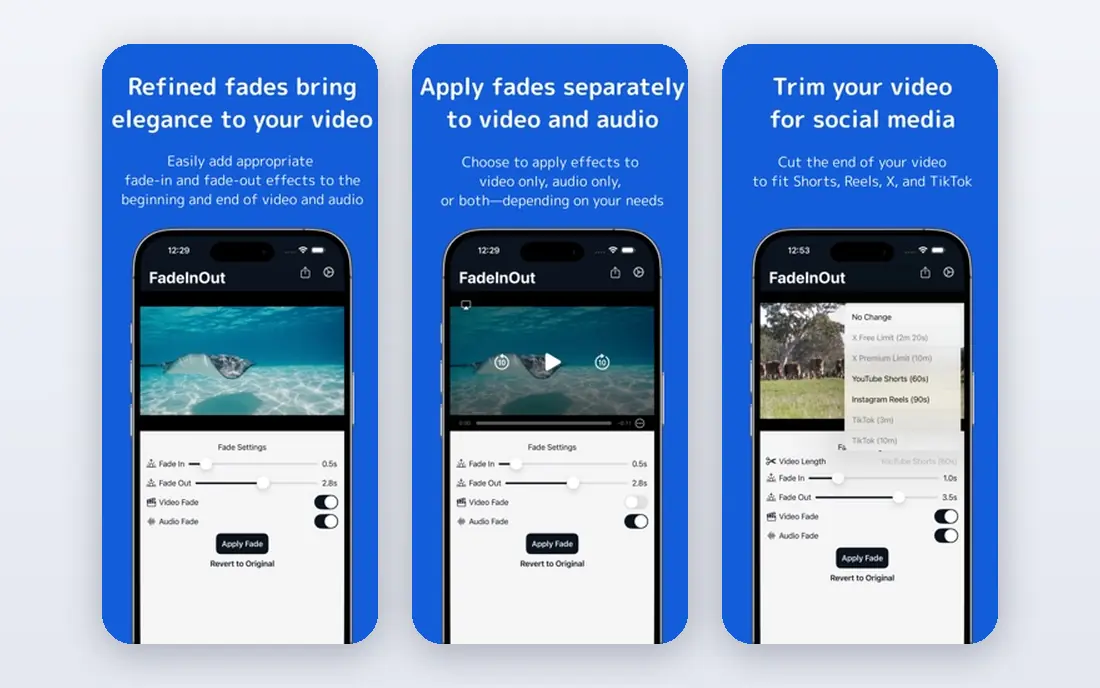
Fade In offers professional screenplay formatting for a one-time price far below Final Draft. It handles scene headings, dialogue and revisions cleanly, imports and exports Final Draft files, and runs on Windows, Mac and Linux. Writers who want pro formatting without a subscription will like it.
Its community and tutorials are smaller, and its production extras are lighter than Final Draft or Celtx. Collaboration features are also more basic. For solo writers focused on the script itself, Fade In is excellent value.
We would shortlist Fade In for best value professional formatting, and compare it directly with the two options nearest it in price before paying. Check the current plan details on the vendor site, since prices and limits change, and confirm that the version you need works on your devices.
- One-time purchase
- Strong formatting
- Imports and exports Final Draft files
- Smaller community
- Fewer production extras than Final Draft
Celtx
Ideal for: Writing plus pre-production
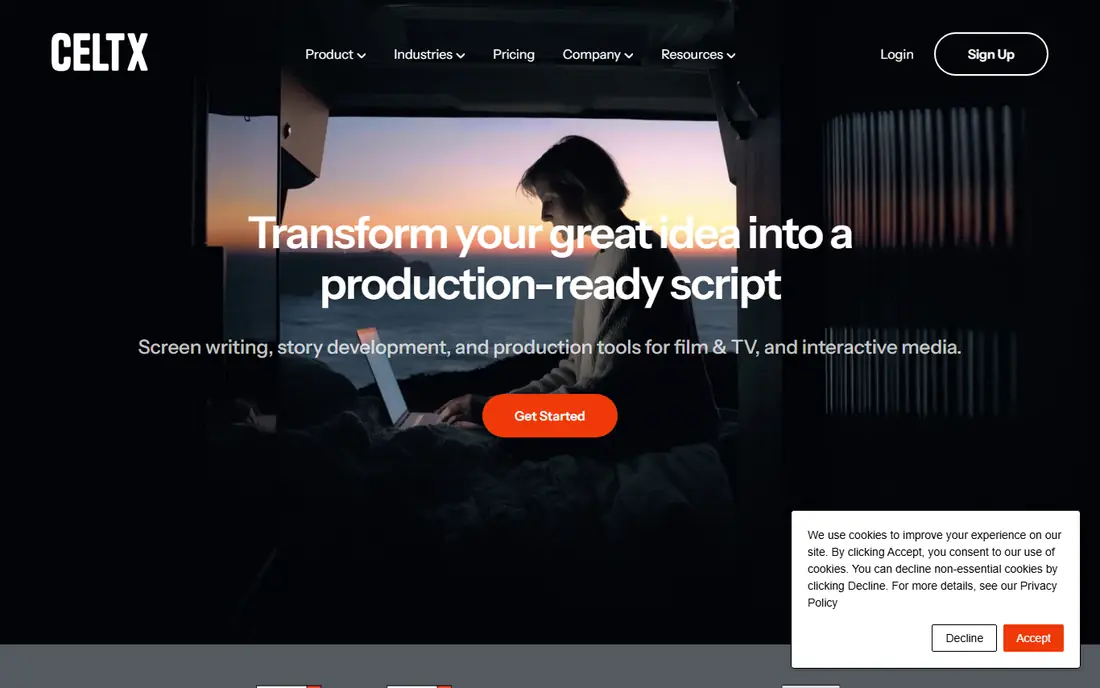
Celtx combines screenwriting with pre-production tools such as breakdowns, scheduling and shot lists, which suits writers who also produce. Its cloud access lets teams collaborate on scripts and production documents in one place, and its templates cover film, TV and advertising.
The subscription adds up, and some production features need higher tiers. Pure writers who do not need scheduling may prefer a simpler tool. For writer-producers, the combined workflow is a real time saver.
If writing plus pre-production is your main need, Celtx deserves a place on a shortlist, provided you test the catch described above first. Check the current plan details on the vendor site, since prices and limits change, and confirm that the version you need works on your devices.
- Script writing with breakdowns and scheduling
- Collaboration
- Cloud access
- Subscription cost
- Some features need higher tiers
WriterSolo
Ideal for: Free browser screenwriting
WriterSolo is a free screenwriting app that runs in a browser, with standard formatting, Fountain support and a clean interface. It suits writers on a budget, students and anyone who wants to start a script without installing software or paying. Your scripts stay accessible from any computer.
It lacks the depth of desktop apps and its collaboration features are limited. Long-term users should export backups regularly. As a free starting point, though, it covers the essential job well.
Our view is that WriterSolo earns its place here for free browser screenwriting, even with the limits noted above. Check the current plan details on the vendor site, since prices and limits change, and confirm that the version you need works on your devices.
- Free and browser based
- Standard formatting
- Fountain support
- No desktop app depth
- Collaboration is limited
Highland 2
Ideal for: Plain-text screenwriting on Mac
Highland 2 is a Mac screenwriting app built around plain text and the Fountain format. Its writing view is clean and distraction-free, its revision tools handle rewrites well, and scripts remain simple text files that are easy to back up and move. Writers who like minimal tools will enjoy it.
It is Mac only, and its production features are lighter than Celtx or Final Draft. Writers who need Windows or deep collaboration should look elsewhere. For Mac writers who value clean writing and open files, it is a refined choice.
For readers focused on plain-text screenwriting on Mac, Highland 2 is worth a trial before deciding, since the free tier or trial shows its real feel fast. Check the current plan details on the vendor site, since prices and limits change, and confirm that the version you need works on your devices.
- Clean plain-text writing
- Fountain native
- Good revision tools
- Mac only
- Fewer production features than rivals
Scrivener
Ideal for: Long-form writing and outlining
Scrivener is a long-form writing tool with script templates, outlining and research features that suit writers who plan deeply. Its corkboard and binder help structure a feature or series, and its one-time purchase avoids subscriptions. Novelists who also write scripts often already own it.
Its screenplay formatting needs setup and is less automatic than dedicated tools, so writers must check exports carefully. It is also not built for production workflows. For writers who outline heavily and value research tools, it is a strong companion to a dedicated formatter.
We would shortlist Scrivener for long-form writing and outlining, and compare it directly with the two options nearest it in price before paying. Check the current plan details on the vendor site, since prices and limits change, and confirm that the version you need works on your devices.
- Powerful outlining and research tools
- Script templates
- One-time purchase
- Formatting needs setup
- Not a dedicated screenplay app
Arc Studio Pro
Ideal for: Modern collaborative screenwriting
Arc Studio Pro is a modern, browser-based screenwriting tool with real-time collaboration, outlining and beat boards. Its interface feels current, its collaboration suits writing teams, and its structure tools help TV writers plan episodes. It is a fresh alternative to older desktop apps.
The subscription adds up, and its ecosystem of templates and integrations is smaller than Final Draft. Long-term file compatibility should also be checked before committing a large catalog. For teams who want modern collaboration, it is an appealing option.
If modern collaborative screenwriting is your main need, Arc Studio Pro deserves a place on a shortlist, provided you test the catch described above first. Check the current plan details on the vendor site, since prices and limits change, and confirm that the version you need works on your devices.
- Clean modern interface
- Real-time collaboration
- Outlining and beat boards
- Subscription cost
- Newer tool with smaller ecosystem
How we picked these
We compared official feature pages, pricing pages, app store listings, privacy policies and public reviews for each option below. We checked that each product is still available and that its stated plans match what the vendor publishes. We did not run hands-on tests, so our picks rest on documented features, pricing and the fit for the reader described in each section, not on lab results. Where a price could not be confirmed on the vendor site at the time of writing, we wrote See website rather than guessing. We also looked at how each option handles the everyday details that decide whether a tool gets used: setup time, device support, what happens when you cancel or downgrade, and whether help is available when something breaks. A product that looks strong on a feature list but is hard to set up, hard to leave, or poorly supported will cost more in time than it saves, so we weighed those practical points alongside price and features. Where reviewers or users reported a recurring problem, we noted it in the honest catch for that product, rather than leaving it out because the vendor page did not mention it.
How to choose screenwriting software
Start with formatting, not extras. A script that does not follow standard layout will be judged before it is read, so test exports to PDF and Final Draft format before committing. Decide whether you need collaboration, since co-writing and notes change the choice, and check mobile access if you write away from a desk. Price matters less than habit: the best software is the one you open every day. Finally, keep backups in an open format, because a decade of scripts should not depend on one app staying in business.
A final check before you commit
Run a short trial on a real task before you pay for a year or move a whole team. Use the free plan or trial to complete one full job, from setup to export or delivery, and note where you got stuck. Check the cancellation path too: can you leave and keep your data, or does leaving mean starting over? Read the pricing page for renewal rates, not just the first-year offer, and confirm what support you get on the plan you will actually buy. Finally, ask one current user about the worst part of the product, since that answer tells you more than any feature list. If the trial feels good on a real task and the exit path is clear, the choice is much safer.
Frequently asked questions
What is the best screenwriting software?
Final Draft is the industry standard and the safest choice for professional submissions. Fade In is the best value alternative with a one-time price, while WriterSolo is the best free option for writers on a budget.
Is there free screenwriting software?
Yes. WriterSolo is free and runs in a browser, and several paid tools offer free trials or limited free tiers. Free tools cover standard formatting, though they may lack collaboration and production features.
Do I need Final Draft to sell a script?
No, but it helps. Agents and producers accept scripts in standard formats such as PDF and Fountain, and tools like Fade In export compatible files. Final Draft remains the most widely recognized, which removes one possible friction.
What is the Fountain format?
Fountain is a plain-text markup format for screenplays that many apps can read and write. It lets writers keep scripts as simple text files, which are easy to back up, version and move between tools.
Can screenwriting software help with TV writing?
Yes. Most tools include TV templates for sitcoms, dramas and limited series, plus outlining and beat boards for episode structure. Celtx and Arc Studio Pro add production features for shoots.