Best Secret Detection Tools in 2026: 8 Tools Compared

- 1
 GitGuardianBroad secret detection and remediationVisit
- 2
 TruffleHogDeep open source secret scanningVisit
- 3
 GitleaksFast open source git scanningVisit
- 4
 SpectralCode security with secret scanningVisit
- 5
 NightfallData and secret detection across SaaSVisit
- Gitleaks and TruffleHog are the best free starting points for scanning repos and catching leaked keys before they ship.
- GitGuardian suits teams that need broad coverage across code, chat tools, and documents, plus help rotating exposed secrets.
- Nightfall and Cycode fit organizations that want secret detection as part of wider data and application security programs.
- No scanner replaces good habits, so pair any tool here with a secrets manager and a clear rotation plan.
Quick comparison
| Product | Ideal for | Price from | Free version | |
|---|---|---|---|---|
| GitGuardian | Broad secret detection and remediation | See website | Free trial | Visit |
| TruffleHog | Deep open source secret scanning | Free | Yes | Visit |
| Gitleaks | Fast open source git scanning | Free | Yes | Visit |
| Spectral | Code security with secret scanning | See website | No | Visit |
| Nightfall | Data and secret detection across SaaS | See website | No | Visit |
 Aikido Security | All-in-one app security with secrets | See website | Yes | Visit |
 Snyk | Developer security platform | See website | Yes | Visit |
 Cycode | Agentic development security | See website | No | Visit |
The best secret detection tools
We compared official feature pages, documentation, and pricing pages to find tools that genuinely find leaked secrets, not just scan for a few patterns. Every homepage below was checked to confirm it belongs to the product named.
GitGuardian
Ideal for: Broad secret detection and remediation
GitGuardian has grown from a GitHub secret scanner into a wider platform that watches code, collaboration tools, and documents for leaked credentials. Each finding carries context such as who owns it and whether the secret still works, which helps teams fix the real risks first. Remediation guidance walks developers through revoking and replacing exposed keys.
The main drawback is pricing, which is quoted rather than published, so small teams should request a quote early. For organizations with many repos and many places secrets can leak, GitGuardian is our pick for the broadest coverage.
- Scans code, chat, and documents
- Adds ownership and validity context
- Guides rotation
- Pricing is quoted
- Full platform may be more than small teams need
TruffleHog
Ideal for: Deep open source secret scanning
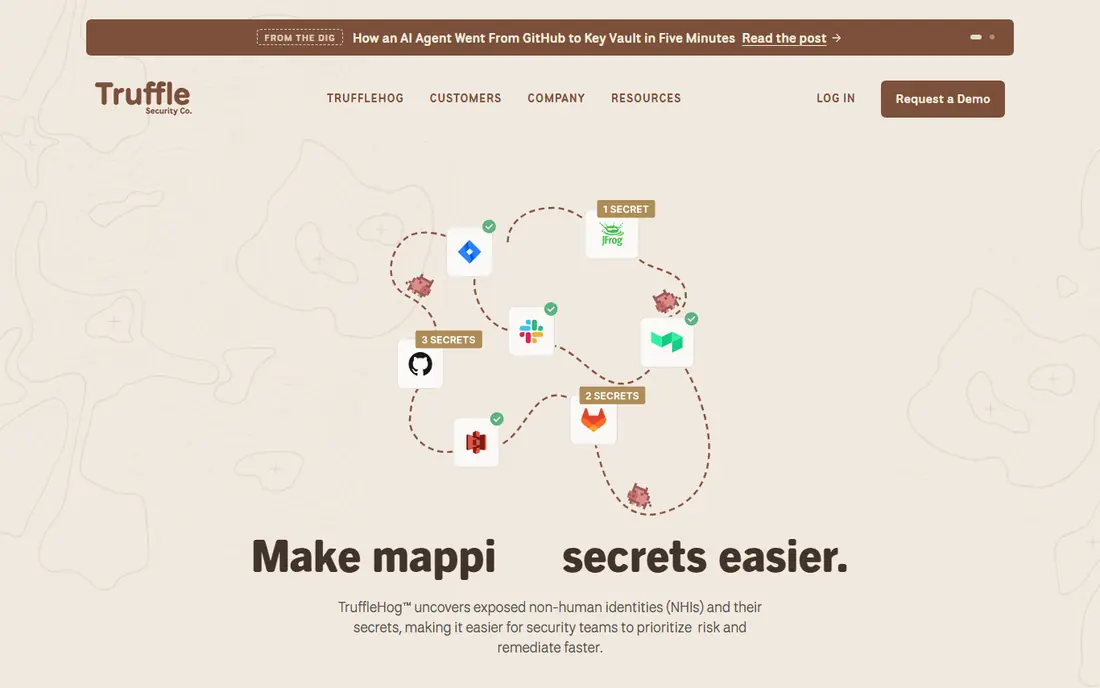
TruffleHog is the open source scanner many security teams trust for deep scans. It looks past current files into git history, deleted code, and hidden content, and it verifies many secret types to cut false alarms. A paid enterprise version adds visibility and collaboration for larger teams.
Running it well takes some setup, and teams must wire it into CI themselves. For developers who want a free, thorough scanner they control, TruffleHog is hard to beat, and its daily use across the industry speaks to its reliability.
- Open source engine
- Scans history and hidden content
- Verifies many secret types
- Needs setup and tuning
- Enterprise features are paid
Gitleaks
Ideal for: Fast open source git scanning
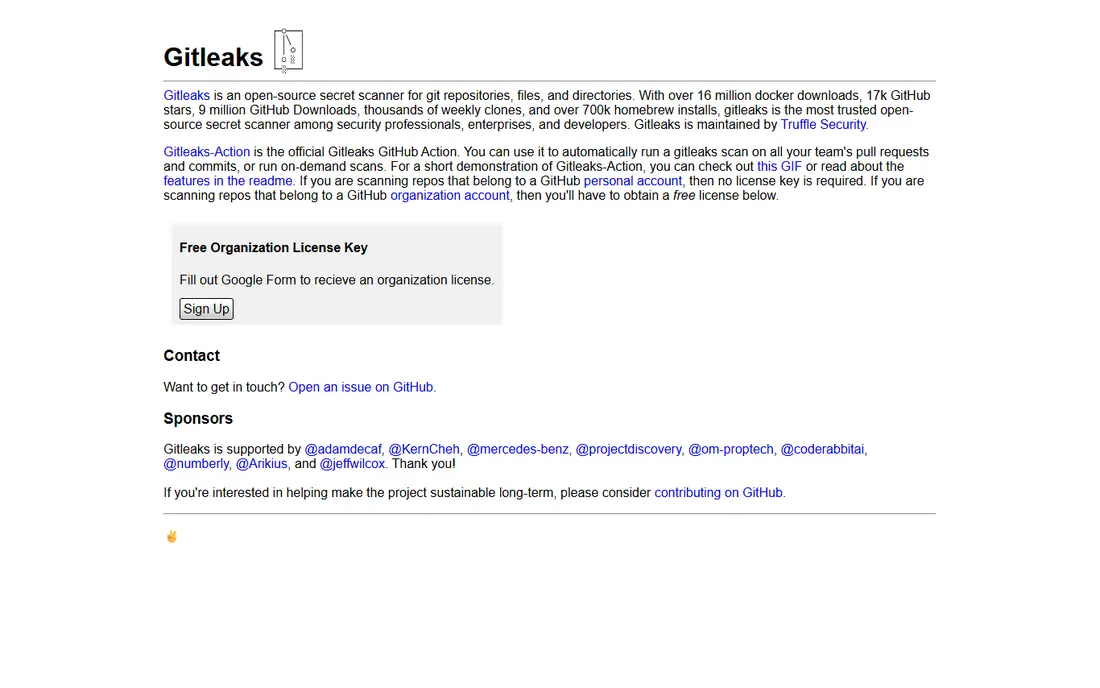
Gitleaks is a lightweight open source scanner for git repos, files, and directories. It runs fast in CI, which makes it easy to check every pull request without slowing developers down. An official GitHub Action covers pull request and commit scanning, and personal account scanning needs no license key.
Its scope is narrower than platform tools, since it focuses on git rather than chat or documents. As a first line of defense, though, Gitleaks is an excellent free pick, and it pairs well with a broader platform later.
- Free and open source
- Fast scans
- Official GitHub Action
- Git-focused, so non-git sources need other tools
- Organization licenses need a form
Spectral
Ideal for: Code security with secret scanning
Spectral scans code for secrets and other risks, giving developers context to prioritize fixes. As part of Check Point, it sits inside a larger cloud security story, which suits teams already using that ecosystem. Its developer-first design aims to surface actionable findings rather than raw pattern matches.
Teams that want a dedicated secret detection platform may find Spectral broader than they need, and pricing is quoted. If you want secret scanning bundled with wider code security, Spectral is worth a look.
- Secret scanning inside wider code security
- Now part of Check Point
- Developer-focused
- Pricing is quoted
- Secret detection is one feature among many
Nightfall
Ideal for: Data and secret detection across SaaS
Nightfall focuses on stopping sensitive data, including secrets, from leaving through SaaS apps, endpoints, email, and AI tools. Its detectors come pre-trained, so teams do not need to write rules from scratch, and it can block risky sends in real time. That coverage matters now that secrets leak through chat and AI prompts as well as code.
Pricing is enterprise-level and quoted, which puts it out of reach for small teams. For organizations worried about data movement beyond the repo, Nightfall is a strong platform choice.
- Pre-trained detectors for secrets and PII
- Covers SaaS, endpoints, and AI tools
- Real-time blocking
- Enterprise pricing
- Setup suits larger security teams
Aikido Security
Ideal for: All-in-one app security with secrets
Aikido bundles secret detection with vulnerability scanning, cloud checks, and automated fixes in one platform. Teams connect a repo and get findings quickly, with triage that filters out unreachable issues. The free tier lets small teams start without a sales call.
The trade-off is focus. A dedicated secret tool may go deeper on secret-specific workflows, while Aikido spreads across many security jobs. For teams that want one platform instead of five point tools, Aikido is a practical pick.
- Secrets plus vulnerabilities in one platform
- Fast onboarding
- Free starting tier
- Broad scope may dilute secret-specific depth
- Some features need paid plans
Snyk
Ideal for: Developer security platform
Snyk is best known for finding vulnerabilities in code and open source dependencies, and its platform now covers AI-generated code and agent-built apps as well. Secret scanning fits inside that wider developer security story, with integrations for IDEs, CI pipelines, and coding assistants. A free tier helps small teams get started.
Teams buying purely for secret detection should check that Snyk's secret coverage matches their sources, since its strength is breadth. For development teams that already use Snyk for dependencies, adding secret scanning in the same workflow is convenient.
- Wide developer integrations
- Free tier
- Covers code, dependencies, and AI-generated code
- Secret detection sits inside a large platform
- Advanced features are paid
Cycode
Ideal for: Agentic development security
Cycode secures the full software factory, including AI-assisted development, with scanning that links secrets, misconfigurations, and code risks into one picture. Its agents check whether an issue is actually exploitable and draft fixes, which helps small security teams prioritize. That matters as more code comes from AI tools and more people beyond developers create software.
Cycode is aimed at larger organizations, and pricing is quoted. For enterprises modernizing application security around AI development, it is a credible platform pick.
- Covers AI-assisted development risks
- Exploitability checks
- Remediation guidance
- Enterprise focus
- Pricing is quoted
How we picked these
We compared official feature pages, documentation, and pricing pages, and we checked that every homepage loads and belongs to the product named. We favored tools with real secret detection depth, verification or context to cut false alarms, and coverage across the places secrets actually leak. We did not claim hands-on testing, and we left prices as "See website" where the vendor does not publish a clear starting price.
What to check before you choose
Start with where your secrets live. A team that only worries about git repos can start free with Gitleaks or TruffleHog, while a team with leaks in chat, tickets, and documents needs a platform like GitGuardian or Nightfall. Mapping your sources first avoids buying coverage you do not need.
Next, check how findings get fixed. A scanner that only lists leaks leaves the hard work undone. Look for ownership assignment, validity checks, and rotation guidance, since those features decide whether alerts turn into closed incidents.
Finally, plan for the leak that already happened. Every tool here finds secrets, but your team still needs a rotation runbook, a secrets manager, and a habit of never committing credentials. The tool is one part of the fix, not the whole fix.
Before you commit to one option, spend a short trial period with your top two choices from this list. Use each one for a real task from your own work or daily routine, not just a demo, and note where you get stuck, what feels slow, and which features you actually open twice. Check the official pricing page again at that point, since free plans and paid tiers change, and confirm that the plan you need covers the users, projects, or devices you will use. Read the privacy and support pages too, especially for tools that hold personal or work data, and confirm how to export your work if you later switch. A tool that fits your routine in a two-week trial is a far better choice than a more powerful option you avoid opening, so let daily use, not a feature list alone, decide your final pick for best secret detection tools.
Frequently asked questions
What is the best free secret detection tool?
Gitleaks and TruffleHog are the best free options, since both are open source and scan git history thoroughly. Gitleaks is faster to set up in CI, while TruffleHog digs deeper into hidden and deleted content.
How do secret detection tools work?
They scan code, history, and connected sources for patterns that look like API keys, tokens, and passwords, then verify or add context to cut false alarms. Strong tools also assign owners and guide rotation of exposed secrets.
Should secret scanning run in CI or only on repos?
Both help, but CI scanning catches leaks before they merge, which is far cheaper than cleaning up after a public leak. Pair CI checks with regular scans of full history and connected tools.
What should I do when a secret is found?
Revoke and replace the secret right away, even if the leak looks private, then remove it from history where possible. Treat any exposed credential as compromised until it is rotated.
Can these tools find secrets in Slack or documents?
Some can. GitGuardian and Nightfall cover collaboration tools and documents, while git-focused scanners like Gitleaks do not. Check coverage for each source you use before buying.
How do I pick between the free and paid plans in this list?
Start with the free plan or trial for any best secret detection tools option that offers one, and use it for at least two weeks on real tasks. Upgrade only when you hit a clear limit, such as a missing feature, a user cap, or a storage limit, rather than paying on day one for features you may never use. Compare the paid tier against the next option in this list as well, since a different tool's free plan may already cover what the first tool charges for.