Best secure email service in 2026: 8 Options Compared

- End-to-end encryption only protects mail between users of the same service, or with password-protected messages.
- Free tiers from Proton, Tuta and Mailfence are genuinely useful for personal mail.
- Jurisdiction, open-source apps and IMAP support separate these services more than marketing claims.
Quick comparison
| Product | Ideal for | Price from | Free version | |
|---|---|---|---|---|
 Proton Mail | most people wanting encrypted email | See website | Yes | Visit |
 Tuta | privacy fans wanting encrypted subjects too | See website | Yes | Visit |
 Mailfence | users wanting OpenPGP with standard mail apps | See website | Yes | Visit |
 StartMail | users wanting simple PGP email | See website | Free trial | Visit |
 Posteo | budget users wanting private mail for 1 euro | See website | No | Visit |
 Hushmail | users needing secure forms and email | See website | No | Visit |
 Zoho Mail | small businesses wanting private ad-free mail | See website | Yes | Visit |
 Fastmail | users wanting fast reliable mail with good apps | See website | Free trial | Visit |
The best best secure email service
We compared official feature pages, pricing, app store listings, privacy policies and public reviews to build this list of best secure email service. Our pick for most people is listed first in each section below, but the right choice depends on your budget, team size and must-have features, so read the strengths and limits for each option before you decide.
Proton Mail
Ideal for: most people wanting encrypted email
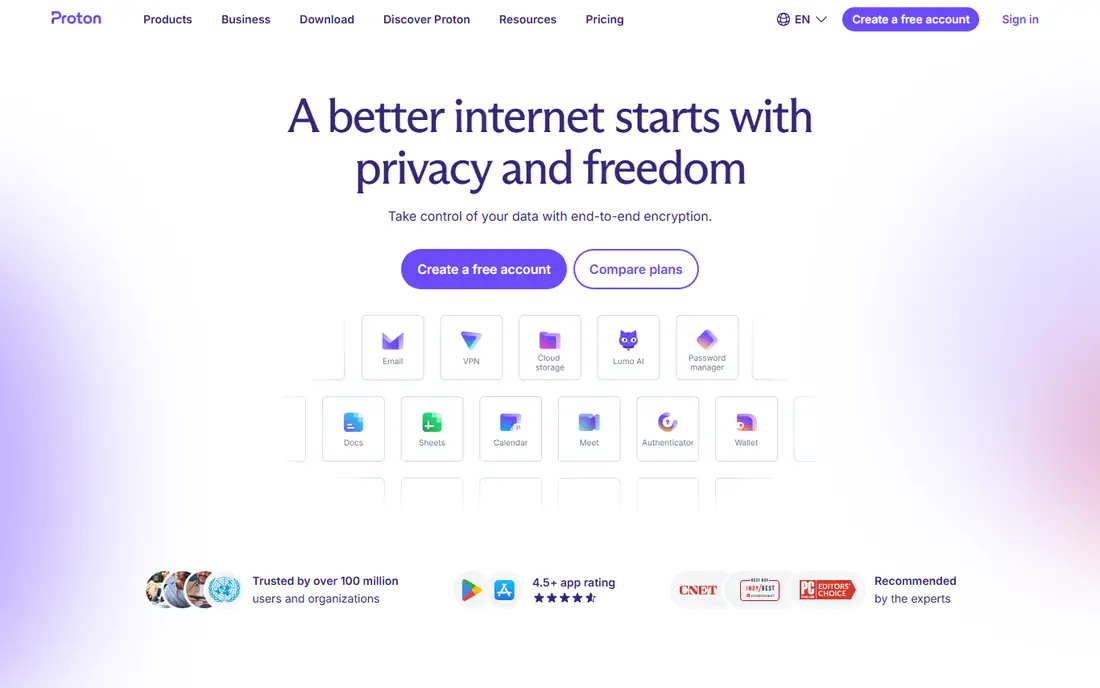
For readers weighing this option, the story starts with fit. Proton Mail is our pick for most people, with encrypted mail, calendar and storage in one account under Swiss privacy law. In practice, that means you should judge it on the job you need done most, not on the longest feature list, since a tool that fits your daily work beats a broader tool you rarely open. We also weighed pricing honesty, support options and how the product handles your data, because those factors shape the experience long after the first week.
The catch is IMAP, since desktop mail app access needs a paid Bridge, which free users do not get. That trade-off is normal, since every product on this list gives up something to excel at its main job. Before you commit, use the free plan or trial with a real task from your own work, check the export and cancellation terms, and confirm the plan you need includes the features described here, since vendors move features between tiers from time to time.
- End-to-end encryption between Proton users
- Open-source apps
- Swiss jurisdiction
- No IMAP without paid Bridge
- Free tier storage is limited
Tuta
Ideal for: privacy fans wanting encrypted subjects too
This one earns its place for a clear reason. Tuta goes further than most rivals by encrypting subjects, contacts and calendars, not just message bodies. In practice, that means you should judge it on the job you need done most, not on the longest feature list, since a tool that fits your daily work beats a broader tool you rarely open. We also weighed pricing honesty, support options and how the product handles your data, because those factors shape the experience long after the first week.
The catch is compatibility, since there is no IMAP, so you must use Tuta apps. That trade-off is normal, since every product on this list gives up something to excel at its main job. Before you commit, use the free plan or trial with a real task from your own work, check the export and cancellation terms, and confirm the plan you need includes the features described here, since vendors move features between tiers from time to time.
- Encrypts subjects and calendars as well as bodies
- Open-source apps
- German jurisdiction
- No IMAP support
- Free accounts close after long inactivity
Mailfence
Ideal for: users wanting OpenPGP with standard mail apps
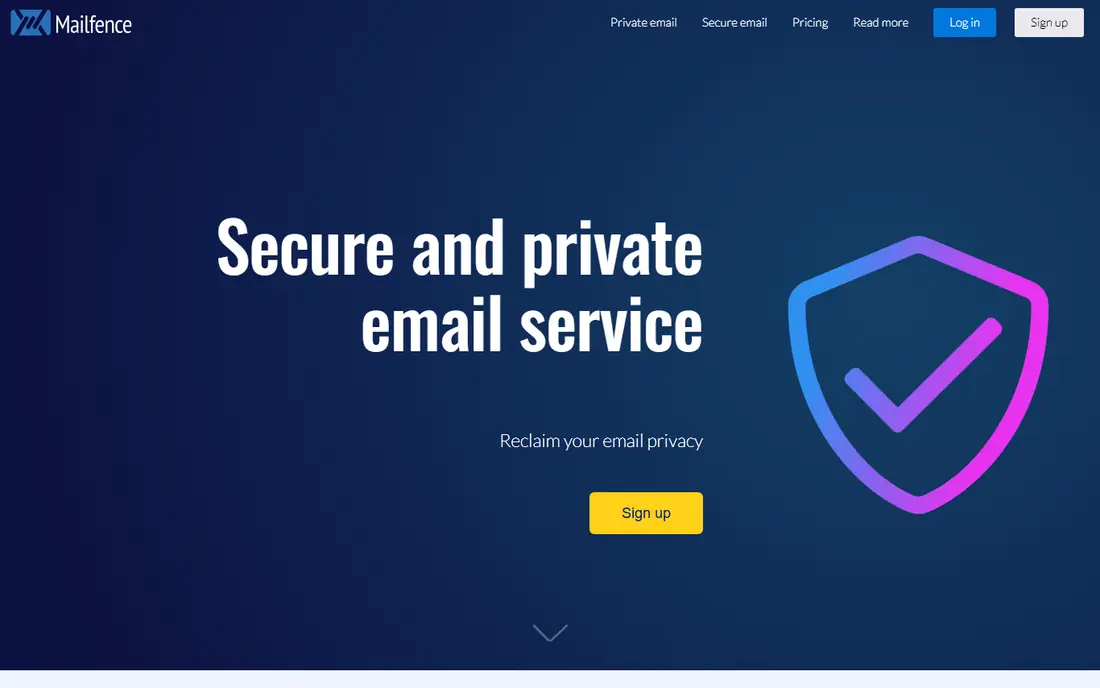
Here is where this option stands out from the rest of the list. Mailfence suits users who want OpenPGP encryption while still using standard mail apps over IMAP. In practice, that means you should judge it on the job you need done most, not on the longest feature list, since a tool that fits your daily work beats a broader tool you rarely open. We also weighed pricing honesty, support options and how the product handles your data, because those factors shape the experience long after the first week.
The catch is the free tier, since 500 MB fills fast if you receive many attachments. That trade-off is normal, since every product on this list gives up something to excel at its main job. Before you commit, use the free plan or trial with a real task from your own work, check the export and cancellation terms, and confirm the plan you need includes the features described here, since vendors move features between tiers from time to time.
- OpenPGP encryption
- IMAP support
- Documents and calendar included
- Free tier storage is small
- Interface feels less modern
StartMail
Ideal for: users wanting simple PGP email
Consider this option if its strengths match your main need. StartMail keeps PGP email simple, with unlimited aliases and a straightforward interface for personal use. In practice, that means you should judge it on the job you need done most, not on the longest feature list, since a tool that fits your daily work beats a broader tool you rarely open. We also weighed pricing honesty, support options and how the product handles your data, because those factors shape the experience long after the first week.
The catch is the lack of a free plan, since you must pay after a short trial. That trade-off is normal, since every product on this list gives up something to excel at its main job. Before you commit, use the free plan or trial with a real task from your own work, check the export and cancellation terms, and confirm the plan you need includes the features described here, since vendors move features between tiers from time to time.
- PGP encryption
- Unlimited aliases
- Netherlands jurisdiction
- No free plan
- Trial is short
Posteo
Ideal for: budget users wanting private mail for 1 euro
This entry suits a narrower audience, and that focus is its strength. Posteo is the budget pick, offering private mail with encrypted storage for about 1 euro a month and no personal details at sign-up. In practice, that means you should judge it on the job you need done most, not on the longest feature list, since a tool that fits your daily work beats a broader tool you rarely open. We also weighed pricing honesty, support options and how the product handles your data, because those factors shape the experience long after the first week.
The catch is domains, since custom domains are not supported, so it suits personal mail best. That trade-off is normal, since every product on this list gives up something to excel at its main job. Before you commit, use the free plan or trial with a real task from your own work, check the export and cancellation terms, and confirm the plan you need includes the features described here, since vendors move features between tiers from time to time.
- Low monthly price
- Encrypted mailbox storage
- IMAP support
- No custom domains
- No free plan
Hushmail
Ideal for: users needing secure forms and email
On value alone, this option deserves a close look. Hushmail suits users who need secure forms as well as email, with healthcare plans for regulated use. In practice, that means you should judge it on the job you need done most, not on the longest feature list, since a tool that fits your daily work beats a broader tool you rarely open. We also weighed pricing honesty, support options and how the product handles your data, because those factors shape the experience long after the first week.
The catch is apps, since it has no apps of its own and relies on web and IMAP access. That trade-off is normal, since every product on this list gives up something to excel at its main job. Before you commit, use the free plan or trial with a real task from your own work, check the export and cancellation terms, and confirm the plan you need includes the features described here, since vendors move features between tiers from time to time.
- Encrypted email
- Secure web forms
- Healthcare plans
- No free plan
- No apps of its own
Zoho Mail
Ideal for: small businesses wanting private ad-free mail
If you want a dependable choice, start here. Zoho Mail is a solid business pick, with ad-free mail and custom domains at low prices inside the Zoho suite. In practice, that means you should judge it on the job you need done most, not on the longest feature list, since a tool that fits your daily work beats a broader tool you rarely open. We also weighed pricing honesty, support options and how the product handles your data, because those factors shape the experience long after the first week.
The catch is encryption, since it is not end-to-end encrypted in the way Proton and Tuta are. That trade-off is normal, since every product on this list gives up something to excel at its main job. Before you commit, use the free plan or trial with a real task from your own work, check the export and cancellation terms, and confirm the plan you need includes the features described here, since vendors move features between tiers from time to time.
- Ad-free mail
- Custom domains on paid plans
- Office suite integration
- Not end-to-end encrypted by default
- Privacy depends on settings
Fastmail
Ideal for: users wanting fast reliable mail with good apps
The final entry rounds out the list with a different angle. Fastmail wins on speed and reliability, with excellent apps and custom domain support for personal and business mail. In practice, that means you should judge it on the job you need done most, not on the longest feature list, since a tool that fits your daily work beats a broader tool you rarely open. We also weighed pricing honesty, support options and how the product handles your data, because those factors shape the experience long after the first week.
The catch is encryption, since mail is encrypted in transit and at rest by Fastmail, not end-to-end in its own apps. That trade-off is normal, since every product on this list gives up something to excel at its main job. Before you commit, use the free plan or trial with a real task from your own work, check the export and cancellation terms, and confirm the plan you need includes the features described here, since vendors move features between tiers from time to time.
- Fast search and apps
- Custom domains
- Strong standards support
- No end-to-end encryption
- No free plan
How we picked these
We compared official feature pages, pricing pages, app store listings, privacy policies and public reviews for each product on this list, and we checked that each product exists and works today. We favoured products that fit the topic directly, offered clear pricing or a usable free tier, and showed an honest balance of strengths and limits. We did not claim hands-on testing we did not do, and where a price could not be verified we wrote See website rather than guessing.
We also mixed well-known leaders with strong smaller options, so the list is useful whether you want the safest default or a more specialised pick. If a product changed its pricing or features after our check, the vendor website is the final word, and we recommend confirming the plan details before you buy.
How to choose the right best secure email service
Match the service to your threat model, not to marketing. If you email mostly other Proton or Tuta users, end-to-end encryption delivers real value. If you email Gmail and Outlook users daily, remember those messages are only protected in transit, so a password-protected message or a different channel may be safer for sensitive content. Check IMAP needs before you pay, since Tuta has none and Proton needs a paid Bridge, and keep a backup of important mail outside any single provider.
Use the checklist below with your own shortlist, since it catches the problems that cause most regret after purchase.
- Fit first: does it solve your main job, or does it only look impressive in a demo.
- True cost: add up seats, add-ons, taxes and renewal prices, not just the headline monthly figure.
- Exit route: can you export your data and cancel without a long process or penalty.
- Support and privacy: check support hours, data handling and security practices before you rely on it daily.
Run a trial with real work, not sample data, and involve the people who will use the product every day. Their verdict after a week of real tasks tells you more than any feature table, including ours.
Frequently asked questions
What is the best secure email service?
Proton Mail suits most people, Tuta suits privacy fans who want subjects encrypted too, and Mailfence suits OpenPGP users who want IMAP. Posteo is the budget pick, while Fastmail leads on speed without end-to-end encryption.
Is there a free secure email service?
Yes. Proton Mail, Tuta and Mailfence all offer free encrypted plans, and Zoho Mail has a free tier. Free plans limit storage and addresses, so they suit personal mail better than heavy business use.
Is Proton Mail really private?
Proton Mail encrypts mail between Proton users so Proton cannot read message content, and it is based in Switzerland. Metadata such as sender, recipient and timing is still visible, and mail to outside providers is not end-to-end encrypted.
What is the difference between Proton Mail and Tuta?
Both offer end-to-end encryption, but Tuta also encrypts subjects and calendars, while Proton offers a wider ecosystem and paid IMAP via Bridge. Tuta has no IMAP, so Proton suits users who want desktop mail apps.
Can I use my own domain with secure email?
Proton Mail, Tuta, Mailfence, StartMail, Zoho Mail and Fastmail all support custom domains on paid plans. Posteo does not, so it suits personal addresses rather than branded business mail.