Best Security Guard Scheduling Software Solutions in 2026: 7 Tools Compared

- 1
 TrackTikSecurity firms, all-in-oneVisit
- 2
 SilvertracPatrol and schedulingVisit
- 3
 ConnecteamMobile workforce schedulingVisit
- 4
 DeputyShift scheduling and time trackingVisit
- 5
 When I WorkSimple team schedulingVisit
- TrackTik and Silvertrac suit security firms that need scheduling plus patrol tracking and reporting in one system.
- Connecteam and Deputy suit firms that want simple shift scheduling, time tracking, and mobile apps for guards.
- When I Work and Homebase suit smaller firms that need affordable scheduling with easy shift swaps.
- ScheduleFlex suits firms with complex, multi-site schedules that need strong rule and overtime controls.
- Mobile access, GPS check-ins, and payroll exports matter more than extra features for most guard firms.
Quick comparison
| Product | Ideal for | Price from | Free version | |
|---|---|---|---|---|
| TrackTik | Security firms, all-in-one | See website | No | Visit |
| Silvertrac | Patrol and scheduling | See website | No | Visit |
| Connecteam | Mobile workforce scheduling | See website | Yes | Visit |
| Deputy | Shift scheduling and time tracking | See website | Free trial | Visit |
| When I Work | Simple team scheduling | See website | Free trial | Visit |
 Homebase | Small business scheduling | Free | Yes | Visit |
 ScheduleFlex | Complex multi-site schedules | See website | No | Visit |
The best security guard scheduling software
We compared official feature pages, pricing pages, and public reviews for seven scheduling tools. Our pick for most security firms is TrackTik for its security-specific features, with Connecteam close behind for firms that want a simpler, mobile-first tool.
TrackTik
Ideal for: Security firms, all-in-one
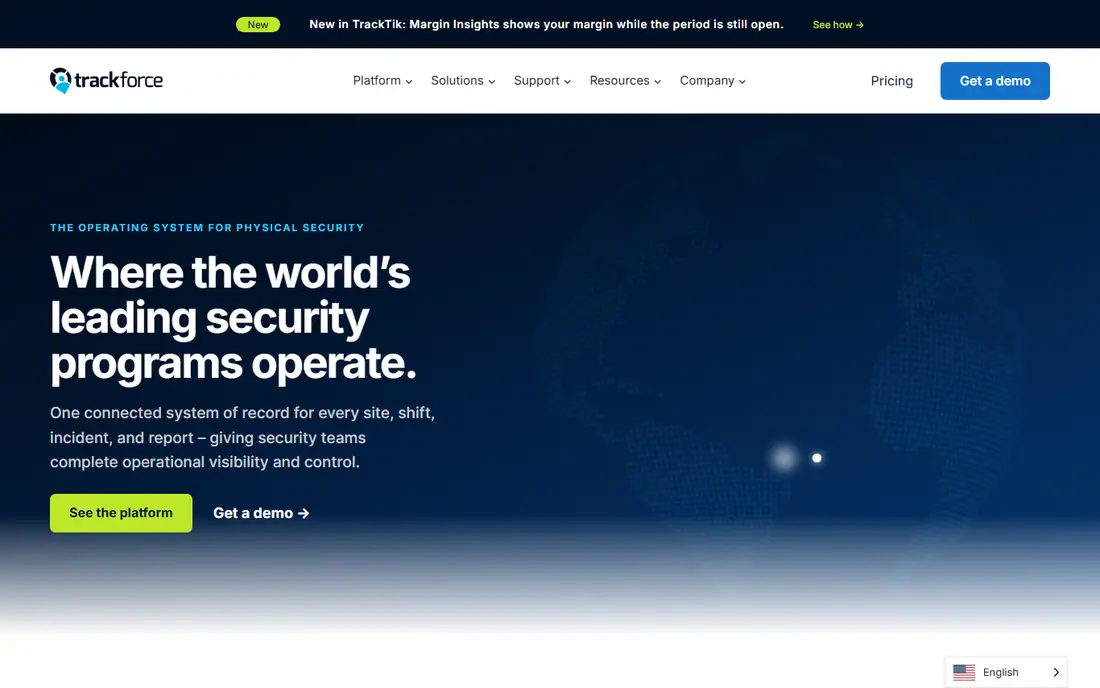
TrackTik is built for security guard companies, combining scheduling, patrol tracking, incident reporting, and billing in one system. Managers can build shifts by site and post, guards can check in from the mobile app, and supervisors can see coverage gaps in real time. That security focus matters, since generic scheduling tools often lack patrol checkpoints, incident forms, and site-specific rules.
Pricing is quoted, and implementation takes planning for firms with many sites. Smaller firms may find Connecteam or Homebase simpler and cheaper. For established security companies that need operations, reporting, and scheduling together, TrackTik is the most complete option here.
- Built for security operations
- Scheduling, patrol, and reporting
- Guard mobile app
- Quoted pricing
- Setup takes time for large firms
Silvertrac
Ideal for: Patrol and scheduling
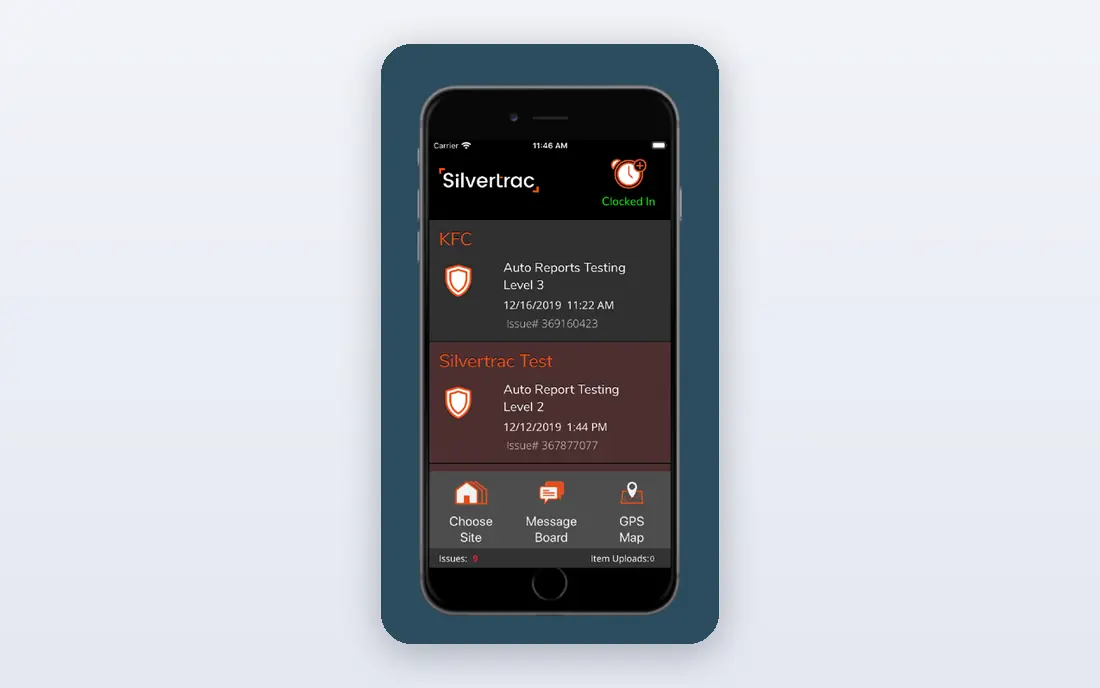
Silvertrac combines guard scheduling with patrol monitoring, issue tracking, and client reports. Guards scan checkpoints on patrol, log issues with photos, and managers see patrol completion in real time. Scheduling tools assign guards to posts and shifts, while reports give clients proof of coverage. That mix suits firms whose clients ask for detailed patrol evidence.
The platform is narrower than TrackTik in back-office features, and pricing is quoted. Firms that need billing and HR tools alongside scheduling may need another system. For patrol-led security firms, Silvertrac gives strong field control and clear client reporting.
- Patrol checkpoints and issue tracking
- Scheduling tools
- Client reporting
- Quoted pricing
- Smaller ecosystem than TrackTik
Connecteam
Ideal for: Mobile workforce scheduling
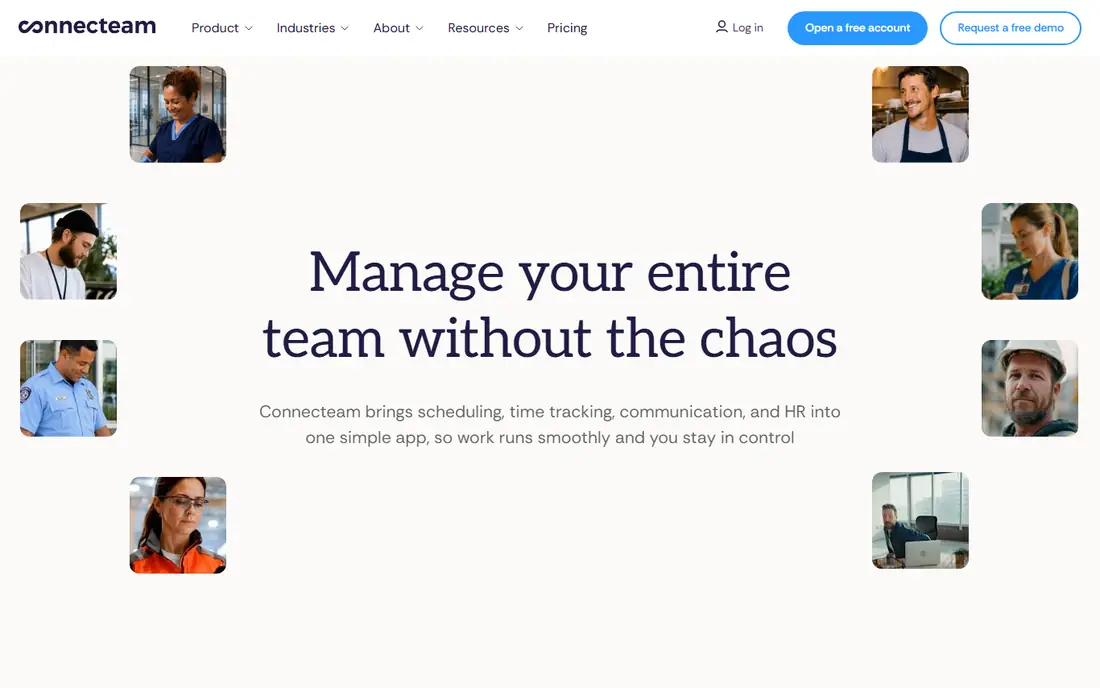
Connecteam is a mobile-first workforce app with scheduling, time clock, GPS check-ins, forms, and team chat. Guards can view shifts, clock in from site, swap shifts with approval, and complete incident forms from their phones. Managers get a clear view of who is on duty and where, without a complex system. The free plan covers small teams, which helps firms test before paying.
Connecteam lacks some security-specific tools like patrol checkpoint workflows, though forms and GPS cover much of the need. Larger firms with complex billing may still want TrackTik. For small and mid-size guard firms that want a simple, mobile tool their guards will actually use, Connecteam is an excellent fit.
- Mobile-first scheduling
- Time clock with GPS
- Forms and chat
- Less security-specific than TrackTik
- Advanced features need paid plans
Deputy
Ideal for: Shift scheduling and time tracking
Deputy handles shift scheduling, time tracking, and leave management with a clean interface for managers and staff. Guards can claim open shifts, swap with approval, and clock in from mobile, while managers see labor costs and coverage at a glance. Payroll integrations reduce manual entry, which matters for firms with many part-time guards.
Patrol tracking is not a Deputy strength, so firms that need checkpoint proof should pair it with a patrol tool or choose TrackTik. Pricing also rises as you add features. For firms whose main pain is scheduling and time tracking, Deputy is a polished and reliable choice.
- Smart scheduling and shift swaps
- Time and attendance
- Payroll integrations
- Less patrol tracking
- Pricing rises with features
When I Work
Ideal for: Simple team scheduling
When I Work focuses on simple scheduling: build shifts, publish them, let staff swap or claim open shifts, and message the team. The interface is easy for managers and guards alike, which helps adoption in firms with high turnover. Time tracking and basic labor reports cover common needs without complexity.
Security-specific features like patrols and incident reporting are missing, and reporting is lighter than in TrackTik. For small firms that mainly need reliable schedules and easy swaps, that simplicity is a strength. When I Work suits firms that want scheduling done fast, not a full operations platform.
- Easy shift scheduling
- Team messaging
- Shift swap requests
- Fewer security features
- Limited advanced reporting
Homebase
Ideal for: Small business scheduling
Homebase offers scheduling, time clock, messaging, and hiring tools, with a free plan for small teams. Guards can view schedules, request swaps, and clock in from mobile, while managers control labor costs and availability. The free tier makes it attractive for small firms and startups that need basic scheduling without a contract.
Homebase is a general small business tool, not a security platform, so patrol, incident, and site-specific features are limited. Firms with complex sites or client reporting needs will outgrow it. For a small guard firm getting organized on a budget, Homebase is a practical starting point.
- Free scheduling for small teams
- Time clock and messaging
- Hiring tools
- Not built for security
- Fewer patrol and site controls
ScheduleFlex
Ideal for: Complex multi-site schedules
ScheduleFlex is built for complex scheduling with rules for skills, certifications, overtime, and site coverage. Managers can build schedules across many sites, see gaps and conflicts, and control labor costs before publishing. That rule depth suits large firms, hospitals, and sites with strict staffing rules where a simple calendar is not enough.
The interface is more technical than rivals, and pricing is quoted. Small firms may find it heavy for simple shift lists. For operations managers who juggle certifications, overtime limits, and multi-site coverage, ScheduleFlex gives the control that simpler tools lack.
- Rule-based scheduling
- Overtime controls
- Multi-site coverage views
- Quoted pricing
- Interface is more technical
How we picked these
We compared official feature pages, pricing pages, and public reviews for each tool, and we favored tools that still work in October 2026 and cover real guard scheduling needs: shifts, swaps, check-ins, and reporting. We did not claim hands-on testing, and we weighed mobile access, security-specific features, payroll links, and price. Where pricing was quoted rather than listed we wrote "See website" rather than guessing.
What to check before you choose
Start with your sites and posts. A firm with one site and ten guards needs a different tool than a firm with fifty sites and varied post rules. Test the guard mobile app with real guards, since adoption fails if check-ins are slow or confusing. Check GPS and time clock rules, and confirm they fit your state labor rules and client contracts.
Next, check payroll and billing links. Scheduling data should flow to payroll without retyping, and client reports should show coverage clearly. Ask about support hours, since scheduling problems often appear on nights and weekends. Finally, run a trial on one site before rolling out to all sites, so problems show up small.
Also test how the tool handles the messy realities of guard work. Guards call in sick, sites change hours, and clients add posts at short notice, so a schedule that cannot be rebuilt fast will fail in practice. Check how managers handle last-minute swaps, overtime warnings, and coverage gaps, and whether guards get instant mobile alerts when a shift changes. Time clock rules matter too: GPS check-ins, late arrivals, and missed check-outs should be visible without digging through reports. Payroll accuracy depends on clean time data, so confirm how the tool handles breaks, overnight shifts, and holiday rates for your region. Client reporting is the other daily test: a client who asks for proof of coverage should get a clear report without manual spreadsheet work.
Implementation planning saves many firms from a failed rollout. Start with one site and a small group of guards, train managers first, then guards, and keep the old schedule running in parallel for two weeks. Gather guard feedback early, since guards who find check-ins slow or confusing will stop using the app, and no manager dashboard can fix that. Check support hours carefully, since scheduling problems peak on nights and weekends when many vendors run reduced support. Also confirm data export and contract terms, so your schedules, time records, and client reports remain accessible if you switch vendors later. A tool that fits guard reality, not just manager demos, is the one that lasts.
Frequently asked questions
What is the best security guard scheduling software?
TrackTik is our pick for security firms that need scheduling plus patrol and reporting, while Connecteam suits smaller firms that want simple mobile scheduling. Deputy and When I Work suit firms focused on shifts and time tracking. Match the tool to your site count and patrol needs.
Can guards swap shifts in these apps?
Yes, most tools here support shift swaps with manager approval, and some let guards claim open shifts directly. Approval controls matter, since a swap must respect site rules, certifications, and overtime limits. Check swap rules in a trial before rollout.
Do these tools track guard patrols?
TrackTik and Silvertrac include patrol tracking with checkpoints and issue reports, while general tools like Connecteam cover GPS check-ins and forms. If clients need patrol proof, choose a security-specific tool rather than a generic scheduler.
Is there free security guard scheduling software?
Homebase and Connecteam offer free plans for small teams, which cover basic scheduling and time clock needs. Free plans limit users or features, so larger firms will need paid plans. Start free to test adoption, then pay for the features your sites need.
How do I choose between TrackTik and Connecteam?
Choose TrackTik if you need patrols, incident reporting, and client reports in one security system. Choose Connecteam if you need simple mobile scheduling, time clock, and forms at a lower price. Trial both with one site and compare guard adoption and manager time saved.