Best Security Testing Tools for Web Application in 2026: 8 Tools Compared

- 1
 Burp SuiteProfessional manual testingVisit
- 2
 OWASP ZAPFree open source testingVisit
- 3
 AcunetixAutomated deep web scanningVisit
- 4
 InvictiLow false positive scanningVisit
- 5
 Qualys WASEnterprise web scanningVisit
- Burp Suite and OWASP ZAP lead for hands-on web application testing, with Burp suiting professionals and ZAP suiting free, open source testing.
- Acunetix and Invicti suit teams that want automated deep scanning with low false positives and clear reports.
- Qualys WAS and Rapid7 InsightAppSec suit enterprises that need web scanning inside a wider security platform.
- Checkmarx and Veracode cover application security testing across code and running apps for large development organizations.
- Automated scanning finds many issues, but manual testing still catches logic flaws and chained attacks. Use both for serious applications.
Quick comparison
| Product | Ideal for | Price from | Free version | |
|---|---|---|---|---|
| Burp Suite | Professional manual testing | See website | Free | Visit |
| OWASP ZAP | Free open source testing | Free | Yes | Visit |
| Acunetix | Automated deep web scanning | See website | Free trial | Visit |
| Invicti | Low false positive scanning | See website | Free trial | Visit |
| Qualys WAS | Enterprise web scanning | See website | Free trial | Visit |
 InsightAppSec | Enterprise app scanning | See website | Free trial | Visit |
 Checkmarx | Code plus app security testing | See website | Free trial | Visit |
 Veracode | Enterprise application security | See website | Free trial | Visit |
The best security testing tools for web application
We compared official feature pages, documentation, pricing pages, and public reviews for the tools below. Our pick for most security teams is Burp Suite Professional, because it combines a powerful proxy, scanner, repeater, and intruder tools that professionals rely on for serious web testing.
Burp Suite
Ideal for: Professional manual testing
Burp Suite, from PortSwigger, is the standard tool for manual web application testing. Its proxy intercepts traffic, the scanner finds vulnerabilities, Repeater lets testers modify requests by hand, and Intruder automates custom attacks. Extensions add even more capability.
The free Community edition covers core proxy work, while Professional adds the scanner and advanced tools. For professional testers and serious security teams, Burp Suite is the essential toolkit.
- Powerful proxy, scanner, repeater, and intruder
- Huge extension ecosystem
- Trusted by professional testers
- Learning curve is steep
- Professional edition is paid
- Best value needs skilled testers
OWASP ZAP
Ideal for: Free open source testing
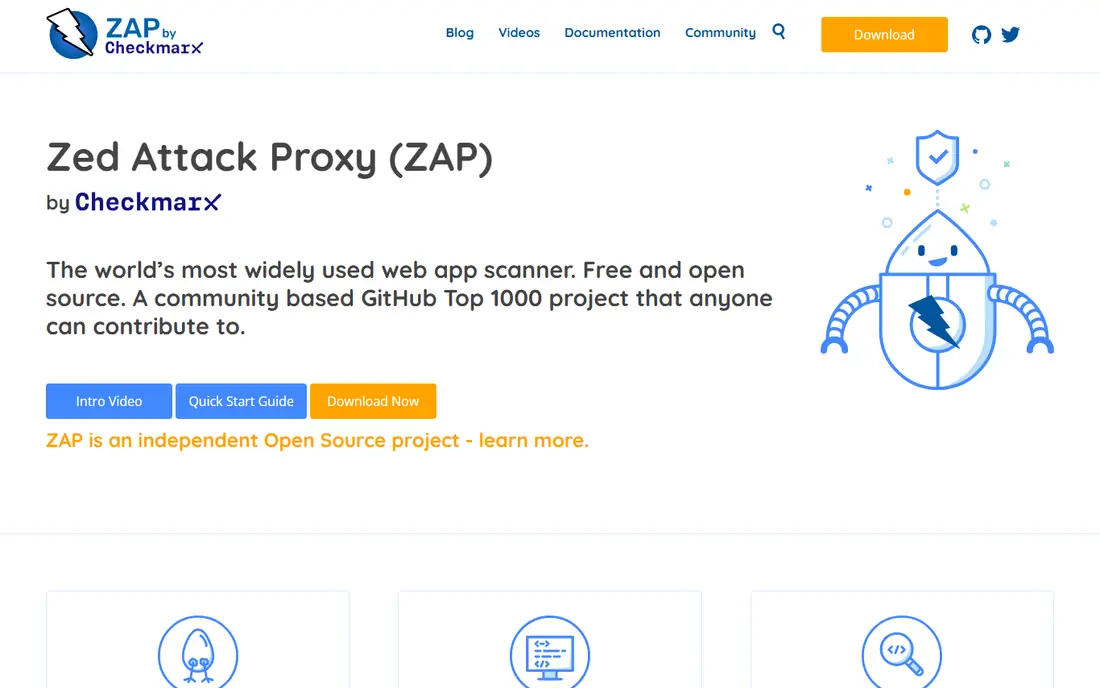
OWASP ZAP, the Zed Attack Proxy, is the free, open source alternative to Burp Suite. It offers automated scanning, a manual proxy, fuzzing, and API testing, maintained by the OWASP community. For students, small teams, and CI pipelines on a budget, it is remarkably capable.
Paid tools scan deeper and report more cleanly, and ZAP needs tuning for large applications. For free web testing with a strong community behind it, ZAP is our pick.
- Free and open source with active development
- Automated scanning plus manual proxy tools
- Great for learning
- Scanner depth trails paid tools
- Interface is less polished
- Needs tuning for large apps
Acunetix
Ideal for: Automated deep web scanning
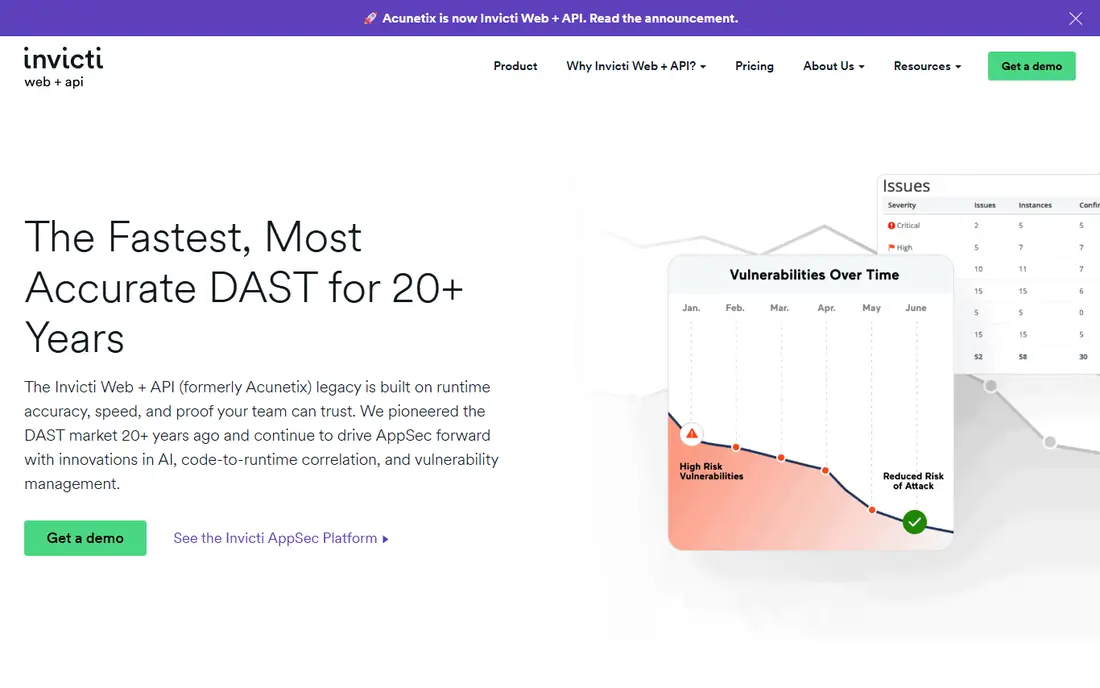
Acunetix, part of Invicti, automates deep scanning of websites, web applications, and APIs, finding SQL injection, cross-site scripting, and many other flaws with low false positive rates. Reports explain each issue with fix guidance developers can use.
Pricing runs per target, so large estates cost more, and manual testing tools are lighter than Burp Suite. For teams that want reliable automated scanning with clean reports, Acunetix is a strong choice.
- Deep automated scanning for web apps and APIs
- Low false positives
- Clear reports with fix guidance
- Pricing is per target and adds up
- Manual testing features are lighter
- Setup needs scan tuning
Invicti
Ideal for: Low false positive scanning
Invicti, formerly Netsparker, uses proof-based scanning to confirm that reported vulnerabilities are actually exploitable, which cuts false positives sharply. It covers web applications and APIs, with enterprise reporting and integrations for development pipelines.
Pricing is enterprise-oriented, and manual testing is not its focus. For organizations that need automated scans they can trust without manual triage of every finding, Invicti is a leading option.
- Proof-based scanning that confirms exploitable issues
- Web app and API coverage
- Enterprise reporting
- Enterprise pricing
- Setup needs tuning
- Manual testing is not the focus
Qualys WAS
Ideal for: Enterprise web scanning
Qualys Web Application Scanning sits inside the Qualys cloud platform, alongside vulnerability management, compliance, and asset inventory. It scans web apps for flaws, malware, and misconfigurations, with reporting that fits enterprise compliance needs.
The deepest value comes to teams already using Qualys, and manual testing is limited. For enterprises that want web scanning unified with their wider security platform, Qualys WAS is a solid choice.
- Web scanning inside the Qualys cloud platform
- Malware and misconfiguration checks
- Strong compliance reporting
- Best value inside the Qualys ecosystem
- Pricing is quote-based
- Manual testing features are limited
InsightAppSec
Ideal for: Enterprise app scanning
Rapid7 InsightAppSec provides dynamic application security testing, crawling and attacking running web applications to find real vulnerabilities. Attack replay lets teams confirm issues, and cloud or on-prem deployment suits different enterprise needs.
Pricing is enterprise-oriented, and manual testing depth trails Burp Suite. For enterprises that want dynamic scanning inside the Rapid7 platform, InsightAppSec is a strong option.
- Dynamic app scanning with attack replay
- Cloud and on-prem deployment
- Integrates with Rapid7 platform
- Enterprise pricing
- Setup needs tuning
- Manual testing features are lighter than Burp Suite
Checkmarx
Ideal for: Code plus app security testing
Checkmarx covers application security testing broadly, from static code analysis to dynamic testing of running apps and API security. Enterprises get centralized policy, reporting, and pipeline integrations across many applications.
The breadth takes time to adopt, and tuning is needed to control false positives. For large development organizations that want code and app testing in one platform, Checkmarx is a leading choice.
- Static and dynamic testing across code and running apps
- API security
- Enterprise policy and reporting
- Platform breadth takes time to adopt
- Enterprise pricing
- False positives need tuning
Veracode
Ideal for: Enterprise application security
Veracode offers cloud-based application security testing, including static analysis, dynamic scanning, and software composition analysis for open source components. Onboarding is fast since analysis runs in the cloud, and reporting suits enterprise governance.
Pricing is enterprise-oriented, and manual penetration testing is a separate service. For large organizations that want comprehensive, cloud-based app security testing, Veracode is a proven platform.
- Static, dynamic, and software composition analysis
- Cloud-based with fast onboarding
- Strong enterprise reporting
- Enterprise pricing
- Some analyses take time on large codebases
- Manual testing is not included
How we picked these
We compared official feature pages, documentation, pricing pages, and public reviews for each tool, and we favored products still operating in October 2026 that test running web applications or their code for real vulnerabilities. We left out network-only scanners and bug bounty platforms with no testing tools. Note that homepage checks for this article were limited by a browser rate-limit error during our work, so readers should confirm current pricing and features on each vendor site.
Testing web apps properly
Scan early and often, but do not stop at scanning. Run automated scans on every release, fix high and critical issues before deployment, and schedule manual testing for major releases and sensitive features like login, payments, and data access.
Only test systems you own or have permission to test. Unauthorized testing is illegal in many places and can disrupt live services. Get written permission, define scope, and use staging environments for aggressive tests whenever possible.
Combining test types gives the fullest picture of web application risk. Static testing reads code for known weakness patterns before anything runs, while dynamic testing probes a running app the way an attacker would, including login flows, forms, and APIs. Interactive testing adds runtime insight, showing which code paths actually execute during a test. No single type catches everything, so teams that combine them find more real issues and fewer false alarms, and they can prioritize fixes by what is actually reachable in production.
Fitting testing into delivery pipelines is the practical challenge. Scans should run on pull requests for fast feedback, nightly for depth, and before major releases for assurance, with results routed to the developers who own the code. False positives waste the most time, so tune rules, mark accepted risks with reasons, and track which rules produce noise. Review trends monthly: if the same weakness class keeps appearing, the fix is usually training or a shared library, not another round of individual fixes. Security testing works best when developers see it as a tool that helps them ship safely, not a gate that blocks them. API testing deserves as much attention as web pages, since modern apps expose much of their logic through APIs. Test authentication, authorization, and input handling on every endpoint, including ones the user interface never shows, because attackers find hidden endpoints quickly. Check that users cannot access other users' data by changing identifiers, that rate limits hold under load, and that error messages do not leak internal details. Automated API scans should run against a staging environment that mirrors production data shapes without real personal data, so tests are realistic but safe.
Third-party components add risk that code review alone misses. Libraries, frameworks, and plugins carry known vulnerabilities, so scan dependencies regularly and update them on a schedule, prioritizing internet-facing components. A software bill of materials, listing what your app depends on, speeds up response when a new vulnerability is announced, since you can check exposure in minutes rather than days. Combine dependency scanning with your web testing program, and review results together, since an app can be secure in its own code yet exposed through an outdated library it trusts.
Frequently asked questions
What is the best security testing tool for web applications?
Burp Suite Professional is our pick for serious manual testing, while Acunetix and Invicti lead for automated scanning. OWASP ZAP is the best free option.
Is OWASP ZAP as good as Burp Suite?
ZAP is excellent for free testing and learning, but Burp Suite Professional scans deeper and offers more advanced manual tools. Many testers use both.
What is the difference between static and dynamic testing?
Static testing analyzes code without running it, while dynamic testing attacks a running application. Both matter: static finds code flaws early, and dynamic finds runtime issues.
How often should web apps be security tested?
Automated scans should run on every release, with manual testing for major releases and at least once a year for important applications. High-risk apps deserve more frequent testing.
Can automated scanners replace penetration testers?
No. Scanners find known vulnerability patterns at scale, while testers find logic flaws, chained attacks, and business-specific risks that scanners miss.