Best Self Storage Software in 2026: 8 Platforms Compared

- Our pick for most people is Storable, because it balances price, features and ease of use for the widest group of readers.
- Free plans and trials are real here, but the limits matter: check what SiteLink and QuikStor actually include before you commit.
- Prices in this guide come from vendor pricing pages and current comparisons checked in October 2026, and they can change, so confirm the plan on the vendor site before you buy.
- The best choice depends on your budget, your experience level and how much support you want, not on which brand is most famous.
- If you are short on time, start with Storable and Self Storage Manager, then compare one specialist option before deciding.
Quick comparison
| Product | Ideal for | Price from | Free version | |
|---|---|---|---|---|
 Storable | Self storage operators of all sizes | See website | Free trial | Visit |
 SiteLink | Operators wanting a proven core system | See website | Free trial | Visit |
 QuikStor | Small and mid-size facilities | See website | Free trial | Visit |
 Self Storage Manager | Operators needing flexible deployment | See website | Free trial | Visit |
 6Storage | Modern online rental experience | See website | Free trial | Visit |
 Easy Storage Solutions | Operators wanting simple management | See website | Free trial | Visit |
 Storage Commander | Multi-site and growing operators | See website | Free trial | Visit |
 Yardi Breeze | Operators wanting a broad property platform | See website | Free trial | Visit |
The best Self Storage Software in 2026
We compared official feature pages, pricing pages, app store listings, privacy policies and public reviews to build this list for best self storage software. Every option below exists and works today, and each one earns its place for a different kind of reader.
Storable
Ideal for: Self storage operators of all sizes
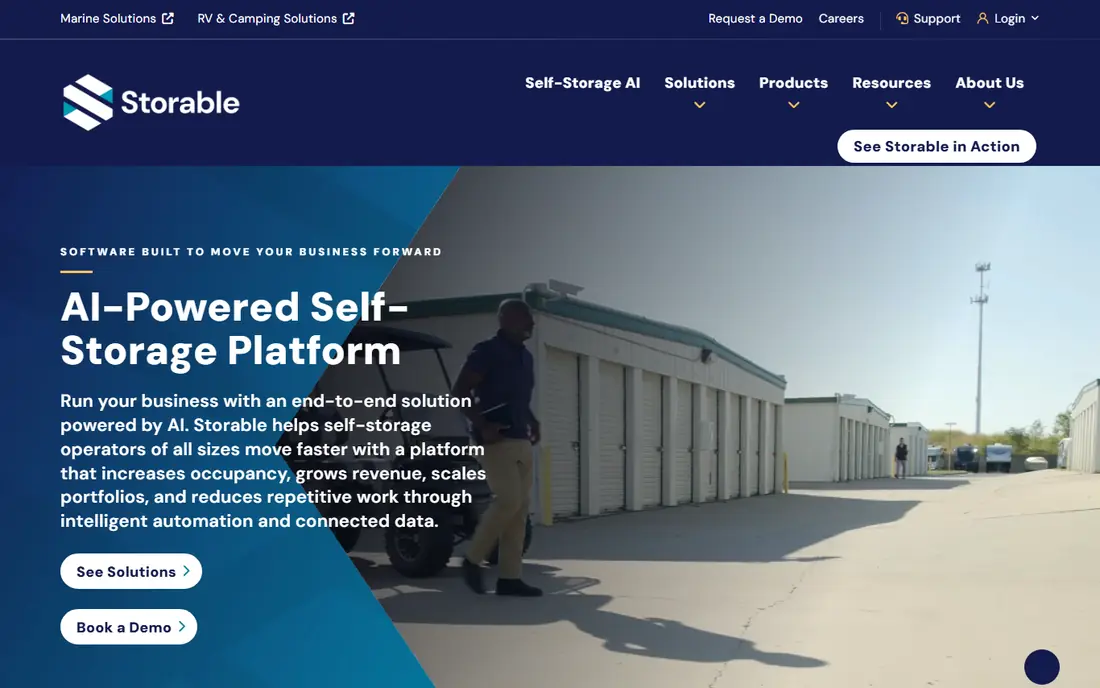
Here is the short version. Storable is the platform many mid-size and larger operators know first, because it combines facility management, online rentals, payments and marketing tools in one place. Its reporting helps managers spot occupancy trends and delinquency early, which matters when margins depend on keeping units full. It fits readers who want self storage operators of all sizes, and its published feature set matches that promise rather than trying to cover every possible use case at once. When we weighed it against the rest of this list, the balance of price, scope and support stood out for that group. The price picture is see website, with a free plan status of free trial. The catch is scope and cost: a full suite can feel heavy for a single small site, and quote-based pricing makes direct comparison harder. Ask for a full price breakdown before you commit. Before you sign up, check the current plan limits on the official site, because caps on users, usage or features are where most buyers get surprised after the first month.
- Facility management plus payments and marketing in one suite
- Widely used across the industry
- Strong reporting
- Pricing is quote based
- Smaller operators may find the suite larger than they need
SiteLink
Ideal for: Operators wanting a proven core system
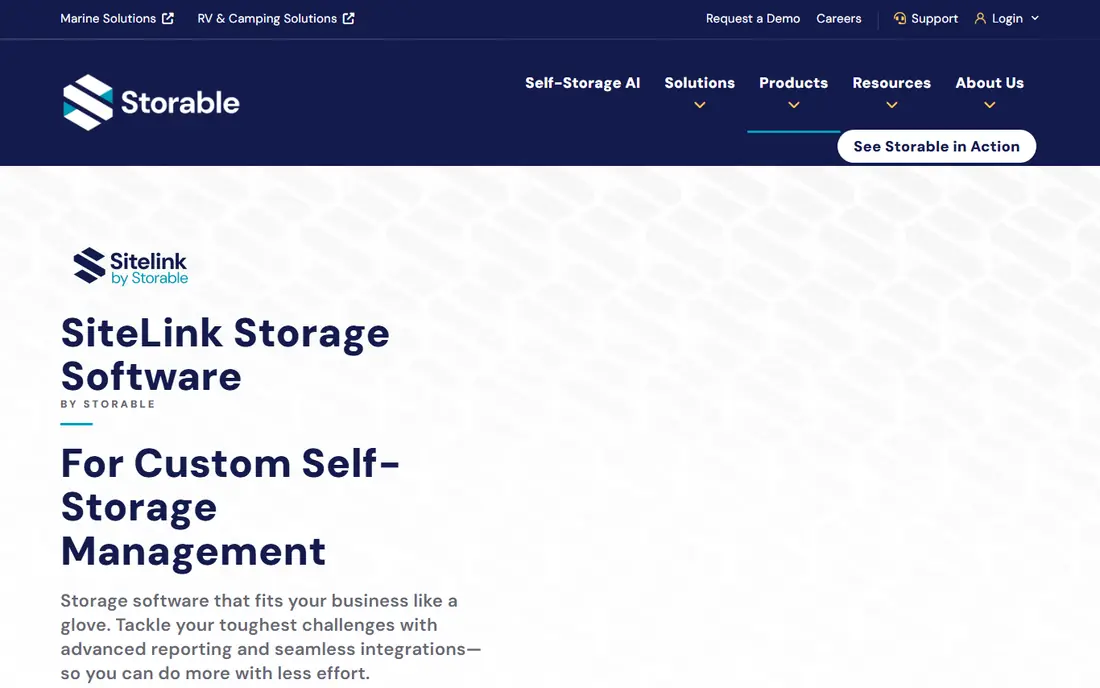
Start here if you want the safe default. SiteLink has served self storage operators for years, and that history shows in its core workflows for tenants, units, leases and payments. It handles the daily work of a facility without forcing operators into a wider marketing suite they may not want. It fits readers who want operators wanting a proven core system, and its published feature set matches that promise rather than trying to cover every possible use case at once. When we weighed it against the rest of this list, the balance of price, scope and support stood out for that group. The price picture is see website, with a free plan status of free trial. The trade-off is presentation: the interface looks older than newer cloud rivals, and some managers will want a fresher tenant-facing experience. Weigh core reliability against design when you compare it with Storable. Before you sign up, check the current plan limits on the official site, because caps on users, usage or features are where most buyers get surprised after the first month.
- Long track record in self storage
- Strong unit, tenant and payment management
- Integrates with common tools
- Interface feels dated to some users
- Pricing requires a sales conversation
QuikStor
Ideal for: Small and mid-size facilities

This one suits a specific kind of reader. QuikStor suits operators who want the essentials done well without a long implementation project. Rentals, billing, gate and tenant records sit in one system, and smaller teams can usually learn it quickly. It fits readers who want small and mid-size facilities, and its published feature set matches that promise rather than trying to cover every possible use case at once. When we weighed it against the rest of this list, the balance of price, scope and support stood out for that group. The price picture is see website, with a free plan status of free trial. The honest limit is depth: large portfolios that need advanced revenue management or broad marketing automation may outgrow it. For one site or a handful of sites, that simplicity is a strength rather than a gap. Before you sign up, check the current plan limits on the official site, because caps on users, usage or features are where most buyers get surprised after the first month.
- Straightforward setup for smaller teams
- Solid rental, billing and reporting tools
- US-based support
- Fewer advanced marketing features than larger suites
- Scalability limits for big portfolios
Self Storage Manager
Ideal for: Operators needing flexible deployment
Consider this if the top picks do not fit. Self Storage Manager gives operators a choice between cloud and on-site deployment, which matters for facilities with weak internet or strict IT rules. Its accounting and reporting cover the financial side well, from rent rolls to delinquency tracking. It fits readers who want operators needing flexible deployment, and its published feature set matches that promise rather than trying to cover every possible use case at once. When we weighed it against the rest of this list, the balance of price, scope and support stood out for that group. The price picture is see website, with a free plan status of free trial. The catch is choice itself: deployment decisions affect updates and support, so confirm which option your quote covers. Also check integrations for payments and gate systems before you sign. Before you sign up, check the current plan limits on the official site, because caps on users, usage or features are where most buyers get surprised after the first month.
- Cloud and on-site options
- Strong accounting and reporting
- Works for single and multi-site operators
- Smaller partner ecosystem than the biggest suites
- Setup varies by deployment choice
6Storage
Ideal for: Modern online rental experience
A strong option for a narrower need. 6Storage is built around the modern renter journey, with online move-ins and automated payments that reduce front-desk work. Its interface feels current, and automation helps small teams run more units with fewer staff hours. It fits readers who want modern online rental experience, and its published feature set matches that promise rather than trying to cover every possible use case at once. When we weighed it against the rest of this list, the balance of price, scope and support stood out for that group. The price picture is see website, with a free plan status of free trial. The trade-off is maturity: it does not yet match the deepest feature lists of legacy platforms, and some operators may miss specific reports. Test its move-in flow yourself during a trial before switching. Before you sign up, check the current plan limits on the official site, because caps on users, usage or features are where most buyers get surprised after the first month.
- Clean online move-in flow
- Automation for rentals and payments
- Modern interface
- Younger company than legacy rivals
- Some advanced features still maturing
Easy Storage Solutions
Ideal for: Operators wanting simple management
Worth a close look before you decide. Easy Storage Solutions lives up to its name for operators who want a system they can run without a dedicated IT person. Rentals, payments and gate access are covered, and pricing is usually approachable for smaller facilities. It fits readers who want operators wanting simple management, and its published feature set matches that promise rather than trying to cover every possible use case at once. When we weighed it against the rest of this list, the balance of price, scope and support stood out for that group. The price picture is see website, with a free plan status of free trial. The limit is scale: operators with many sites or complex revenue goals may need a deeper platform. For a small facility, though, its simplicity keeps daily work fast and errors low. Before you sign up, check the current plan limits on the official site, because caps on users, usage or features are where most buyers get surprised after the first month.
- Simple, approachable system
- Good value for smaller operators
- Covers rentals, payments and gate control
- Less suited to very large portfolios
- Marketing tools are basic
Storage Commander
Ideal for: Multi-site and growing operators
This belongs on the shortlist for a reason. Storage Commander is a practical choice for operators running several sites who need consolidated reporting and tenant records. It handles multi-site work without pushing operators into an enterprise price bracket. It fits readers who want multi-site and growing operators, and its published feature set matches that promise rather than trying to cover every possible use case at once. When we weighed it against the rest of this list, the balance of price, scope and support stood out for that group. The price picture is see website, with a free plan status of free trial. New staff may need training to use its deeper reports well, and the design prioritises function over style. If your team values clear numbers over a pretty dashboard, that trade is worth making. Before you sign up, check the current plan limits on the official site, because caps on users, usage or features are where most buyers get surprised after the first month.
- Multi-site management
- Strong reporting
- Flexible pricing options
- Learning curve for new staff
- Interface is functional rather than flashy
Yardi Breeze
Ideal for: Operators wanting a broad property platform
Do not overlook this one. Yardi Breeze suits operators who also manage other property types, because storage sits inside a broader property platform with strong accounting. That breadth helps mixed portfolios keep one system of record. It fits readers who want operators wanting a broad property platform, and its published feature set matches that promise rather than trying to cover every possible use case at once. When we weighed it against the rest of this list, the balance of price, scope and support stood out for that group. The price picture is see website, with a free plan status of free trial. The catch is focus: pure storage operators may find features they never use, and quote-based pricing needs a careful read. Compare it closely with storage-only platforms if storage is your only business. Before you sign up, check the current plan limits on the official site, because caps on users, usage or features are where most buyers get surprised after the first month.
- Part of the wider Yardi platform
- Strong accounting
- Good for mixed property portfolios
- Self storage is one part of a larger system
- Pricing is quote based
How we picked these
We started from official feature pages and pricing pages, then checked app store listings, privacy policies and public reviews to confirm each product still works and still fits the topic. Products that could not be verified, or that only partly matched the topic, were left out, even when they were well known. We favoured a mix of established leaders and strong smaller options, and we weighted price transparency, a usable free tier or trial, and honest limits more heavily than marketing claims. No product on this list paid for its place, and our pick for most people is the one we would suggest to a friend with ordinary needs and an ordinary budget.
What to check before you choose storage software
Start with the renter journey, not the feature list. Can a customer find a unit, reserve it, sign and pay online without calling you, and does the system talk to your gate hardware. Then check billing: late fees, prorating, refunds and delinquency workflows all need to match how your facility actually runs. A system that handles those details saves more staff time than a long list of extras you never open. Next, confirm the total cost, including payment processing, texting, website tools and support, since headline software prices rarely tell the whole story. Ask about data migration from your current system, training for your team and what happens to your tenant data if you cancel. A short trial with real unit data will reveal problems faster than any sales demo.
Frequently asked questions
What is the best self storage software?
There is no single best system, because a single-site facility and a 20-site portfolio have different needs. Storable and SiteLink suit larger or established operators, while QuikStor and Easy Storage Solutions suit smaller teams. Compare the renter journey, billing and total cost before choosing.
How much does self storage software cost?
Most leading platforms price by quote, based on unit count, sites and add-ons, so published prices are rare. Expect payment processing and extras such as texting or website tools to sit on top of the base fee. Get an all-in quote from at least two vendors.
Can tenants rent and pay online?
Yes, most modern platforms support online reservations, e-sign leases and online payments, though the exact flow varies. Test the move-in process as a customer during your trial, including on a phone, since many renters book from mobile.
Does storage software work with gate systems?
Many platforms integrate with common gate and access control hardware, but compatibility varies by vendor. Confirm your exact gate model with the vendor before you buy, and ask who supports the integration if it breaks.
How hard is it to switch storage software?
Switching takes planning, because tenant records, balances and unit histories must migrate cleanly. Ask vendors about migration help, timeline and training, and run old and new systems in parallel for a short period if you can.