8 Best Selling Apps for Clothes, Tech, and More

- 1
 eBaySellers who want the largest buyer pool across categoriesVisit
- 2
 MercariSellers who want fast, simple listings across categoriesVisit
- 3
 PoshmarkFashion sellers who want a social marketplaceVisit
- 4
 DepopVintage, streetwear, and unique fashion sellersVisit
- 5
 OfferUpLocal sellers who want to sell without shippingVisit
- eBay is the best all-round selling app, with the widest buyer pool for nearly any category.
- Poshmark, Depop, and Vinted lead for fashion resale, each with a different audience and fee model.
- Mercari suits fast, simple listings across categories, while OfferUp suits local sales without shipping.
- Etsy is the pick for handmade, vintage, and custom goods, where buyers expect unique items.
- Swappa is the safest-feeling choice for used tech, with verified listings and direct payments.
- Fees, shipping, and buyer protection differ sharply, so check the fee page before you list, not after you sell.
- For local meetups, meet in a public place in daylight and use in-app payment where offered.
Quick comparison
| Product | Ideal for | Price from | Free version | |
|---|---|---|---|---|
| eBay | Sellers who want the largest buyer pool across categories | Free to list | Yes | Visit |
| Mercari | Sellers who want fast, simple listings across categories | Free to list | Yes | Visit |
| Poshmark | Fashion sellers who want a social marketplace | Free to list | Yes | Visit |
| Depop | Vintage, streetwear, and unique fashion sellers | Free to list | Yes | Visit |
| OfferUp | Local sellers who want to sell without shipping | Free to list | Yes | Visit |
 Etsy | Makers selling handmade, vintage, and custom goods | Free to list | Yes | Visit |
 Vinted | Fashion sellers who want to keep more of each sale | Free to list | Yes | Visit |
 Swappa | Sellers of used phones, laptops, and tech | Free to list | Yes | Visit |
The best selling apps
eBay
Ideal for: Sellers who want the largest buyer pool across categories

eBay remains the default place to sell almost anything, from electronics and cars to fashion and collectibles. You can list at a fixed price or run an auction, and the buyer pool is far larger than any niche app. Its price guide helps sellers check what similar trading cards and collectibles have sold for.
Listing is free, but final value fees apply when items sell, so check the fee schedule for your category before pricing. For rare, collectible, or high-demand items, eBay's audience usually justifies the fee.
- Huge buyer audience, auctions and fixed-price listings, seller protections, price guide for collectibles
- Final value fees on sales, competition is intense, returns can eat into margins
Mercari
Ideal for: Sellers who want fast, simple listings across categories
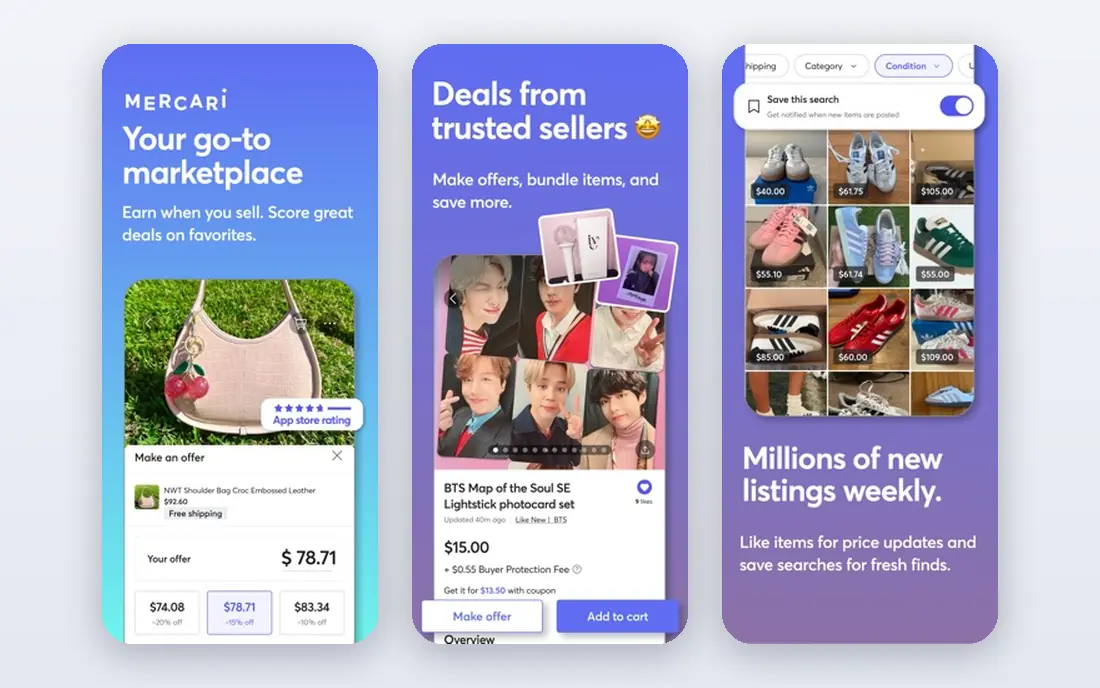
Mercari pitches itself simply: sell or buy almost anything. Listing takes minutes from your phone, and the marketplace covers clothing, electronics, home goods, toys, and more. That simplicity makes it a good first app for clearing out a home.
Mercari charges fees on completed sales, so factor them into your price. It is less social than Poshmark and less fashion-focused than Depop, but for general decluttering it is one of the easiest apps to use.
- Very easy listing flow, sells almost anything, app-first experience, buyer and seller protections
- Fees on sales, smaller fashion community than Poshmark, shipping handled through the app
Poshmark
Ideal for: Fashion sellers who want a social marketplace
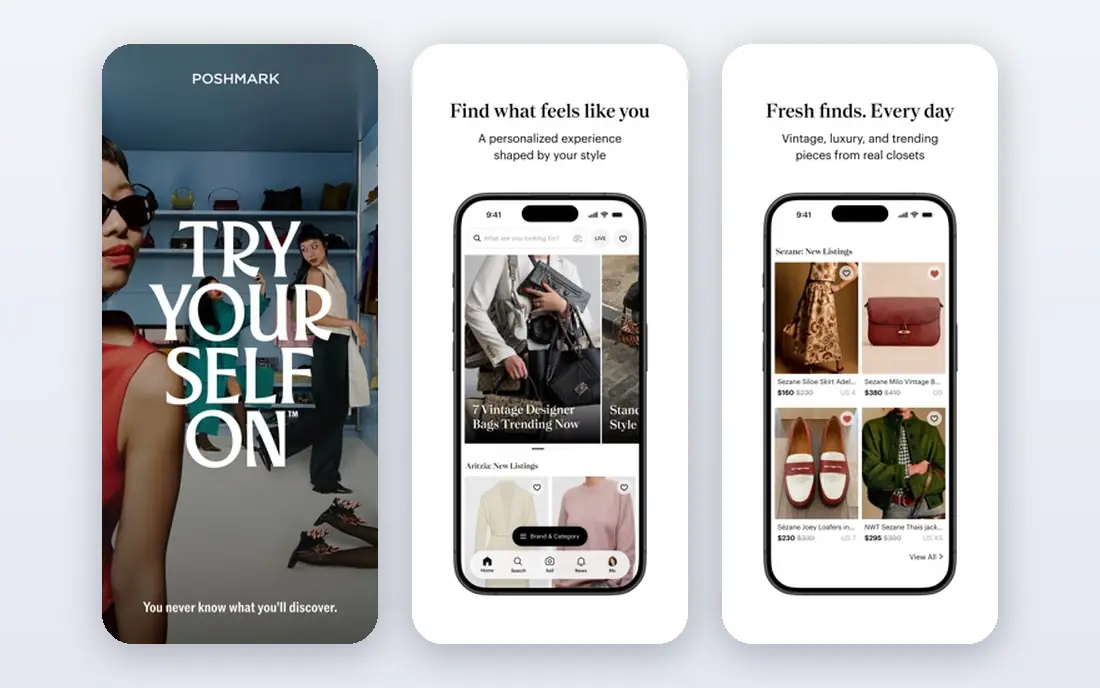
Poshmark is a social marketplace for fashion, home decor, and beauty. Listing is fast: snap a photo, set a price, and post from your phone. Sharing listings to your network drives discovery, and orders ship with a prepaid label, with payment released when the item arrives.
Poshmark takes a commission on sales, and success rewards sellers who share regularly. For closet cleanouts and fashion resellers, its community and shipping simplicity make it a top pick.
- List in under 60 seconds, prepaid shipping label, social sharing boosts discovery, free authentication on luxury items
- Commission on sales, US-focused audience, sharing takes ongoing effort
Depop
Ideal for: Vintage, streetwear, and unique fashion sellers
Depop is built around preloved and unique fashion, with a feed-led experience that rewards good photos and distinctive style. Its audience leans young and style-conscious, which makes it the best place for vintage finds, streetwear, and one-of-a-kind pieces that would get lost on a general marketplace.
Depop charges fees on sales, so price with that in mind. If your items are fashion-forward or vintage, Depop's audience will usually pay more than a general app's buyers.
- Strong vintage and streetwear audience, discovery-led feed, global buyer pool, easy mobile listing
- Fees on sales, style-driven audience, competition in popular categories
OfferUp
Ideal for: Local sellers who want to sell without shipping
OfferUp is built for buying and selling locally. Listings span furniture, electronics, vehicles, clothing, and household goods, and most deals happen face to face, which means no packing or shipping. That makes it ideal for bulky items like couches, dressers, and bikes.
Local reach depends on your city, so rural sellers may see fewer buyers. For safety, meet in a public place in daylight, bring someone if you can, and prefer in-app payment where offered rather than cash or wire transfers.
- Strong local buyer pool, no shipping needed for local deals, broad categories, business tools for local sellers
- Local reach depends on your area, meetup safety is on you, fees on shipped sales
Etsy
Ideal for: Makers selling handmade, vintage, and custom goods
Etsy is a global marketplace where people make, sell, buy, and collect unique items. It suits makers, vintage sellers, and custom-goods shops far better than general marketplaces, because its buyers arrive looking for something special rather than the cheapest option.
Etsy charges listing and transaction fees, and standing out takes good photos, clear titles, and strong reviews. For handmade and vintage sellers, no other app matches its buyer intent.
- Huge audience for unique goods, shop branding tools, global reach, strong search for handmade and vintage
- Listing and transaction fees, competition is intense, handmade and vintage rules limit what you can sell
Vinted
Ideal for: Fashion sellers who want to keep more of each sale
Vinted lets people sell and buy clothes, shoes, and accessories, and its model differs from most rivals: sellers generally pay no selling fee, while buyers pay a protection fee shown at checkout. That makes it attractive for casual sellers clearing out wardrobes.
Vinted is fashion-only, so it will not help with electronics or furniture. For clothes and accessories, though, keeping the full sale price is a real advantage over commission-based apps.
- No seller fees in many markets, simple listing, buyer covers a protection fee, large fashion audience
- Fashion-focused only, buyer fee can deter some buyers, availability varies by country
Swappa
Ideal for: Sellers of used phones, laptops, and tech
Swappa is a marketplace for used tech, covering phones, laptops, tablets, watches, gaming, cameras, and more. Every listing is verified by staff against strict requirements, payments go directly from buyer to seller, and fees are 3% per party, which is lower than many rivals.
Swappa's verification and direct payments make it feel safer than general marketplaces for expensive tech. If you are selling a phone or laptop, Swappa is the app we would check first.
- Listings verified by staff, direct buyer-to-seller payments, fair 3% fee per party, strong tech categories
- Tech only, stricter listing requirements, smaller audience than eBay
How we picked these
We compared official homepages, fee pages, and public reviews for selling apps live in October 2026. We favored apps with a working listing flow, buyer and seller protections, and a real audience in their category. We kept only apps whose official homepages we could load and confirm. Facebook Marketplace was dropped because its page returned an access-denied error during our check and could not be confirmed, and it was replaced with Swappa. Pricing is listed as free to list where the app states that, and selling fees vary by app and category, so check the fee page before listing. We did not claim hands-on testing of sales, and we treated vendor audience claims as claims, not verified results.
What to look for in a selling app
Start with what you are selling. Fashion goes to Poshmark, Depop, or Vinted. Tech goes to Swappa or eBay. Handmade and vintage go to Etsy. Bulky local items go to OfferUp. General decluttering goes to Mercari or eBay. The right audience matters more than the app's overall size.
Next, work out your true take-home pay. Compare selling fees, payment processing fees, and shipping costs across apps, since a higher sale price can still mean less money after fees. Vinted's no-seller-fee model and Swappa's 3% fee are worth comparing against commission-based apps for your price range.
Then check protection and shipping. Prepaid labels, verified listings, and buyer protections reduce disputes, while local sales need your own safety plan. Finally, invest in photos and honest descriptions: clear photos, accurate condition notes, and fair prices sell faster on every app, whatever the fees.
Frequently asked questions
What is the best selling app for beginners?
Mercari is the easiest starting point for general items, with a fast listing flow and broad categories. For clothes, Poshmark is similarly simple, with prepaid labels included.
What is the best app to sell clothes?
Poshmark, Depop, and Vinted all lead for fashion, with different strengths. Poshmark suits social sellers, Depop suits vintage and streetwear, and Vinted suits sellers who want no selling fee.
What is the best app to sell used phones?
Swappa is our pick for used tech, with staff-verified listings, direct payments, and a 3% fee per party. eBay is the alternative when you want the largest buyer pool.
How much do selling apps charge?
Fees vary by app and category. Most apps let you list for free and charge a commission or transaction fee when items sell, plus payment processing. Vinted generally charges sellers no fee, while Swappa charges 3% per party. Always check the fee page before listing.
Is it safe to sell on these apps?
Selling through apps with buyer and seller protections is safer than direct payment deals. For local sales on OfferUp, meet in a public place in daylight, avoid wire transfers and gift cards, and use in-app payment where offered.
Can I sell on more than one app at once?
Yes, many sellers cross-list, but you must remove an item from other apps the moment it sells to avoid double-selling. Keep a simple list of where each item is posted and update it daily.