SEO Blog Platform: 6 Options Side by Side (2026)

- 1
 FramerDesign-heavy blogs with standout visualsVisit
- 2
 WixBeginners who want blogging plus business toolsVisit
- 3
 WebflowDesign-led marketing sites with clean codeVisit
- 4
 HubSpot Content HubTeams already running on HubSpot CRMVisit
- 5
 WordPress.orgMaximum SEO control and plugin adaptabilityVisit
- Top of the list is Framer, which targets design-heavy blogs with standout visuals.
- Framer is the lowest-priced starter here at $15 per month.
- A fair warning about Wix: switching templates later means rebuilding the site.
- Ghost is the one to check for publishing-first blogs and newsletters.
- 5 of 6 tools offer a free plan: Framer, Wix, Webflow, HubSpot Content Hub, WordPress.org.
Direct answer
This list puts Framer first for design-heavy blogs with standout visuals. Wix is the stronger choice for beginners who want blogging plus business tools, while Webflow suits design-led marketing sites with clean code. Details, prices and limits for the rest of the 6 tools are below.
Quick comparison
| Product | Ideal for | Price from | Free version | |
|---|---|---|---|---|
| Framer | Design-heavy blogs with standout visuals | $15 per month (billed yearly) | Yes | Visit |
| Wix | Beginners who want blogging plus business tools | $17 a month (billed yearly) | Yes | Visit |
| Webflow | Design-led marketing sites with clean code | $25 per month (billed annually) | Yes | Visit |
| HubSpot Content Hub | Teams already running on HubSpot CRM | Free | Yes | Visit |
| WordPress.org | Maximum SEO control and plugin adaptability | Free (hosting extra) | Yes | Visit |
 Ghost | Publishing-first blogs and newsletters | $18 a month (billed yearly) | Free trial (14 days) | Visit |
SEO Blog Platform, one by one
Ainotely compared 6 tools for SEO blog platform. The goal is a practical shortlist: published prices, free plan facts, best-fit use cases and honest limits for every entry.
Framer
Ideal for: Design-heavy blogs with standout visuals
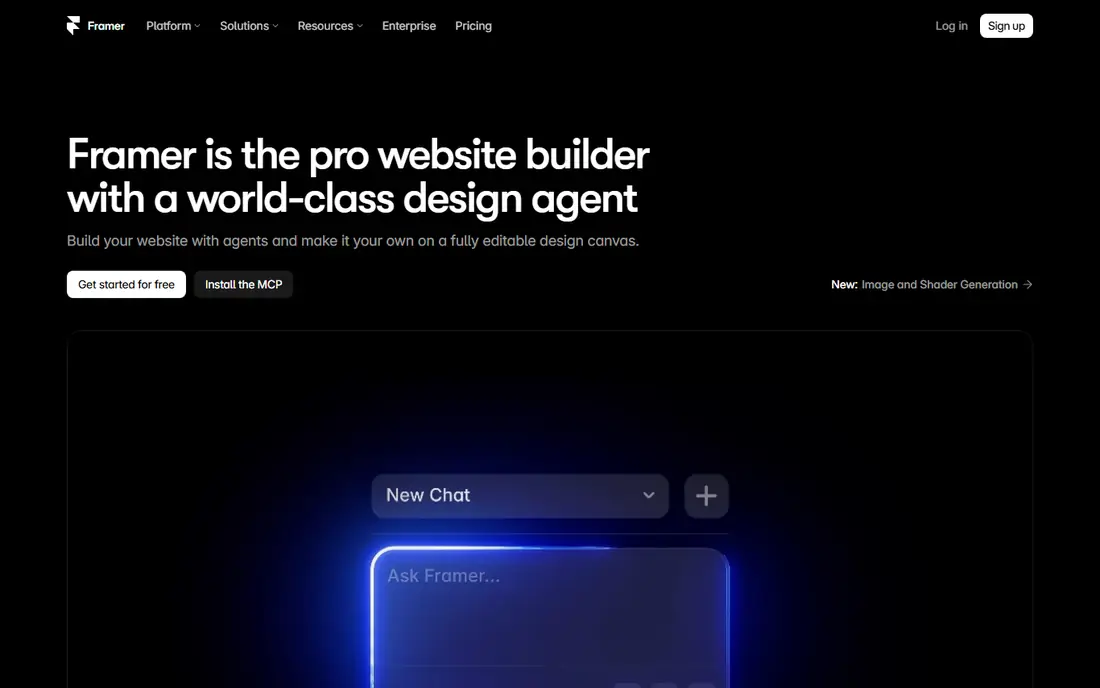
Think of Framer for design-heavy blogs with standout visuals. For a blog-first content program, be aware that Framer's publishing workflow is younger than WordPress's or Ghost's. Framer started as a design tool and grew into a website builder, which presents in both its strengths and its gaps.
Points against: Custom domains need a premium plan.
The free plan is ample for testing, but you will need a minimum of the Basic plan at $15 a month billed yearly for a serious blog with a custom domain. Beyond that, the built-in CMS deals with blog collections, and SEO settings for titles, descriptions, and social previews are straightforward. On cost, Framer starts like this: $15 per month. Framer has a free plan.
- Ample free plan for experimenting
- Very quick sites with strong Core Web Vitals scores
- Blogging and CMS features are less mature than rivals
Wix
Ideal for: Beginners who want blogging plus business tools
Wix targets beginners who want blogging plus business tools. The Light plan at $17 a month billed yearly removes ads and links your domain, which is the minimum for a business blog.
The system now contains an SEO assistant that walks you through titles, descriptions, indexing settings, and structured data, plus solid mobile performance and quick default hosting. Wix pricing: $17 per month. Wix includes a free tier.
Watch-outs: Advanced SEO controls are less granular than WordPress or Webflow.
- Ecommerce in one dashboard
- Blog, bookings
- Switching templates later means rebuilding the site
Webflow
Ideal for: Design-led marketing sites with clean code
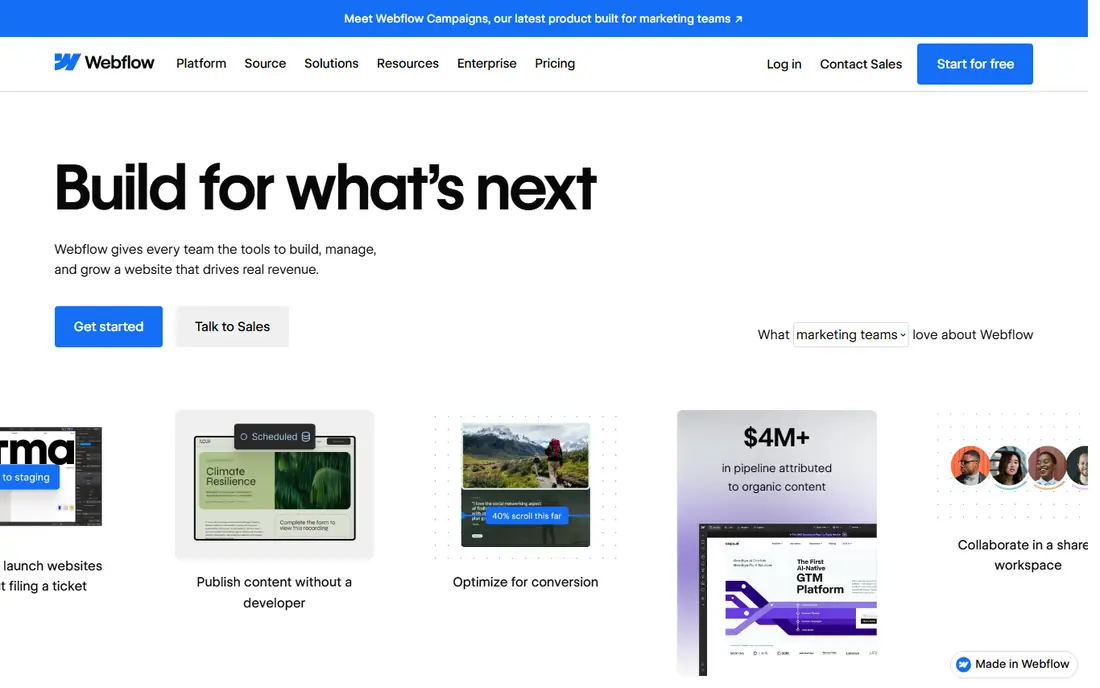
Webflow is a good fit for design-led marketing sites with clean code. Its visual builder outputs clean code instead of the bloated markup some builders produce, and you get direct control over the SEO details that matter: titles, descriptions, Open Graph tags, canonical URLs, 301 redirects, and XML sitemaps. For a content program you want Premium at $25 a month billed yearly.
Drawbacks to consider: Steeper ramp-up time than drag-and-drop builders.
That is still reasonable for a business site, but factor in that each extra site needs its own plan. The free Starter plan is fine for learning, and the $15 Basic plan spans straightforward sites, but neither hands you a blog CMS. Webflow starts at: $25 per month. Webflow offers a free plan.
- Clean
- Quick managed hosting with solid Core Web Vitals
- Costs are per site, so several blogs add up
HubSpot Content Hub
Ideal for: Teams already running on HubSpot CRM
In short, HubSpot Content Hub is for teams already running on HubSpot CRM. The free CMS tools let you build pages and publish posts on premium cloud hosting with a custom domain.
Where it falls short: Advanced features need premium Content Hub levels.
Every post can tie into forms, live chat, and contact records automatically. In daily use, for a team already living in HubSpot, that integration removes an entire category of busywork. HubSpot Content Hub cost at the entry level: Free. You can start on HubSpot Content Hub without paying.
- Free CMS tools with hosting, SSL
- Email in the CRM
- Costs can climb as contacts and features grow
WordPress.org
Ideal for: Maximum SEO control and plugin adaptability
WordPress.org works best for maximum SEO control and plugin adaptability. Plugins extend it further, handling everything from on-page analysis to image compression. On top of that, you need hosting, a domain, and someone willing to run updates and watch security.
A neglected WordPress site with 40 outdated plugins is slower and more vulnerable than any hosted builder. More specifically, if you can imagine an SEO task, someone has built a WordPress plugin for it. That freedom includes responsibility. WordPress.org cost at the entry level: Free. You can start on WordPress.org without paying.
Drawbacks to consider: You deal with hosting, updates, backups, security yourself.
- From URL structure to schema
- Complete control over technical SEO
- Less beginner-friendly than hosted builders
Ghost
Ideal for: Publishing-first blogs and newsletters
Think of Ghost for publishing-first blogs and newsletters. Ghost was designed for one job: publishing.
For everyday use, either way, expect a smaller theme and integration marketplace than WordPress. The editor stays out of your way, pages load quick since the codebase is lean, and technical SEO basics like sitemaps, canonical tags, and structured data are handled without extras. Starting cost for Ghost: $18 per month. Free plan details: Free trial (14 days).
Trade-offs to know: Official hosting begins at $18 per month.
- Built-in newsletters and premium memberships with no plugins
- Light and quick from day one, which helps page speed
- Design adaptability is narrower than page builders
Our selection method
Ainotely used vendor pricing pages and product documentation as the base, then compared plans, free access and documented limits for 6 tools. Seat minimums, billing terms and add-ons can move the real cost, so the starting prices here are a guide and not a quote. Tools are placed by general fit for SEO blog platform, with price clarity and free access as tie-breakers. A different team can reasonably rank them differently.
What to check before you buy
- Check the vendor page for the current price: Framer starts at $15 per month here, and seats or billing terms can move it.
- Read the fine print on the free plans from Framer, Wix, Webflow and others; seat, project and feature caps differ.
- Use real work to test the free trial from Ghost, rather than a demo project.
- Read the limits listed for Framer first: Blogging and CMS features are less mature than rivals.
- Ask the daily users to test Framer on a live task before you roll it out to everyone.
- Find out what support Webflow includes on your plan, and whether onboarding help costs extra.
Frequently asked questions
Which blog system is a good match for SEO overall?
The first pick on this list is Framer, because it suits design-heavy blogs with standout visuals. Wix is better for beginners who want blogging plus business tools, and Webflow for design-led marketing sites with clean code. Check price and limits against your own needs before choosing.
How are the tools for SEO blog platform ordered?
The order follows typical fit for SEO blog platform, with Framer first and Ghost last, then price clarity and free access. It is editorial judgement, not a score, so another team could rank the tools differently.
What is the cheapest option for SEO blog platform in this list?
On published monthly entry prices, Framer is the lowest here at $15 per month. Entry price is only part of the cost, because seats, add-ons and billing terms can change the total.
Is WordPress.org really free?
The software itself is free and open source, and you can use it without paying WordPress anything. Budget for hosting as the real cost.
Is Framer the right pick for everyone comparing SEO blog platform?
No single tool suits every team. Framer comes first because it fits design-heavy blogs with standout visuals, while Wix suits beginners who want blogging plus business tools and Webflow suits design-led marketing sites with clean code. Match the tool to your own size, budget and workflow before deciding.
Which options for SEO blog platform have a free plan?
On this list, Framer, Wix, Webflow, HubSpot Content Hub and WordPress.org include a free plan. Caps on seats, usage or features are common, so test the free plan against your real workload. One other tool offers a trial instead.