Best Server-Side Tracking Tools in 2026: 8 Options Compared

- 1
 Google Tag ManagerTeams that want server-side tagging inside Google toolsVisit
- 2
 SegmentCompanies that want one event stream to many toolsVisit
- 3
 TealiumEnterprises that want tag and data governanceVisit
- 4
 RudderStackTeams that want open source-friendly event pipelinesVisit
- 5
 StapeBusinesses that want hosted server-side Tag ManagerVisit
- Our pick for most people is Google Tag Manager, thanks to its balance of features, ease of use and value for teams that want server-side tagging inside google tools.
- Segment is the strongest alternative when companies that want one event stream to many tools matters more than a general all-round fit.
- Free and trial options exist, including Tealium, so you can test the core experience before paying.
- We compared server container support, event routing, privacy controls, data quality tools, integrations and pricing.
- Check pricing, free plan terms and the exact features you need on the official site before you subscribe, since plans change.
Quick comparison
| Product | Ideal for | Price from | Free version | |
|---|---|---|---|---|
| Google Tag Manager | Teams that want server-side tagging inside Google tools | See website | Yes | Visit |
| Segment | Companies that want one event stream to many tools | See website | Free trial | Visit |
| Tealium | Enterprises that want tag and data governance | See website | No | Visit |
| RudderStack | Teams that want open source-friendly event pipelines | See website | Yes | Visit |
| Stape | Businesses that want hosted server-side Tag Manager | See website | Free trial | Visit |
 JENTIS | European businesses that want privacy-first server tracking | See website | No | Visit |
 Meta Conversions API | Advertisers who want server events for Meta ads | See website | No | Visit |
 Snowplow | Data teams that want full control of behavioural events | See website | Yes | Visit |
The best server-side tracking tools
Server-side tracking moves data collection from the browser to a server, which improves accuracy, privacy control and resilience against ad blockers. The tools below range from tag managers with server containers to customer data platforms that route events to many destinations.
Google Tag Manager
Ideal for: Teams that want server-side tagging inside Google tools
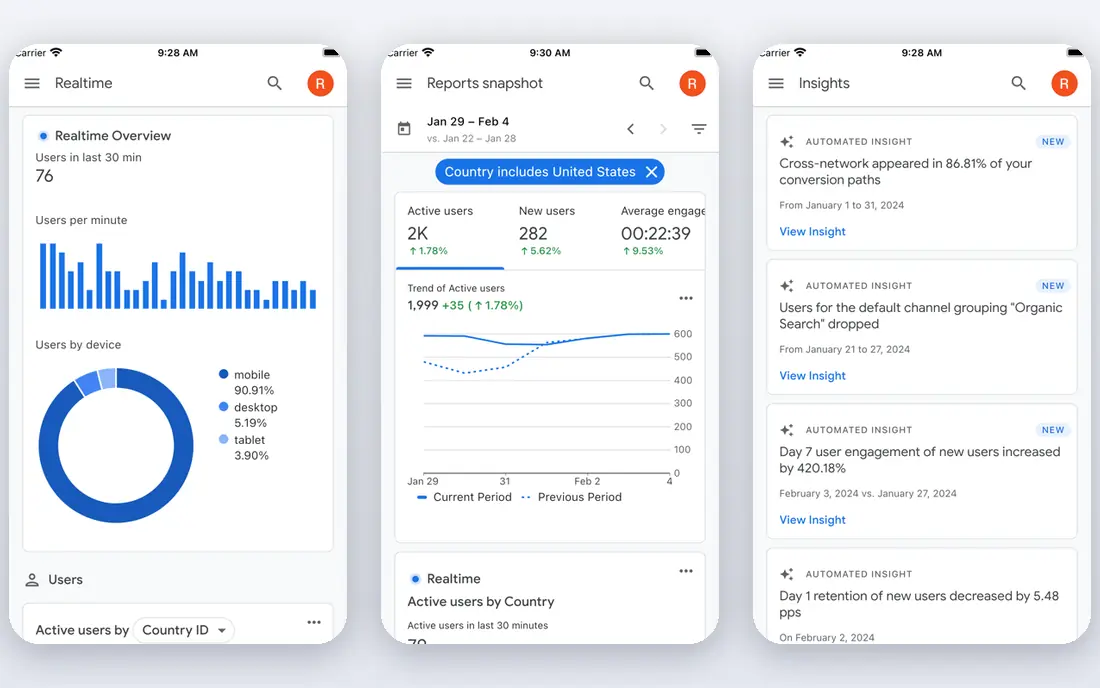
Google Tag Manager with a server container lets teams move Google tags server-side, improving data control and resilience. It suits businesses already using Google Analytics and Ads, since server-side tags integrate naturally with those tools. Its flexibility for custom event routing is a major strength.
The trade-offs are technical setup skill and hosting costs for the server container. For a Google-centred business willing to invest in setup, server-side Tag Manager is a powerful and cost-effective tracking foundation.
For readers who want teams that want server-side tagging inside google tools, Google Tag Manager is a sensible shortlist pick, provided the limits above feel acceptable. Compare its pricing page and trial terms before you commit, and check that it covers the exact workflow you need on day one.
- Server containers
- Google tags
- Flexible event routing
- Setup needs technical skill
- Hosting costs apply
Segment
Ideal for: Companies that want one event stream to many tools
Segment is a customer data platform that collects events once and routes them to analytics, marketing and warehouse tools. It suits companies that want consistent event data across many destinations without building custom integrations for each one. Its protocols and governance tools help keep event naming clean.
The limits are volume-based pricing and data planning effort, since good Segment data needs thoughtful event design. For a company with many downstream tools, Segment saves significant integration work.
For readers who want companies that want one event stream to many tools, Segment is a sensible shortlist pick, provided the limits above feel acceptable. Compare its pricing page and trial terms before you commit, and check that it covers the exact workflow you need on day one.
- Customer data platform
- Event routing
- Protocols and governance
- Pricing rises with event volume
- Setup needs data planning
Tealium
Ideal for: Enterprises that want tag and data governance
Tealium provides tag management and a customer data hub with strong consent and governance tools, which suits enterprises with complex privacy and data needs. Its platform helps large organisations manage tags, consent and data flows consistently across sites and apps. For a regulated enterprise, that governance matters.
The trade-offs are enterprise pricing and implementation expertise, since Tealium needs proper setup. Smaller businesses may find it heavier than they need, but for an enterprise with strict data governance, Tealium is a leading choice.
For readers who want enterprises that want tag and data governance, Tealium is a sensible shortlist pick, provided the limits above feel acceptable. Compare its pricing page and trial terms before you commit, and check that it covers the exact workflow you need on day one.
- Tag management
- Customer data hub
- Consent and governance
- Enterprise pricing
- Implementation needs expertise
RudderStack
Ideal for: Teams that want open source-friendly event pipelines
RudderStack provides event pipelines with a warehouse-first design and an open source core, which suits engineering-led teams that want control over their data infrastructure. It routes events to warehouses, analytics and marketing tools, and its open source option appeals to teams that value transparency. For a data-led company, its architecture is attractive.
The limits are technical setup skill and volume-based pricing. For a team comfortable with data infrastructure, RudderStack gives flexibility and control that closed platforms may not match.
For readers who want teams that want open source-friendly event pipelines, RudderStack is a sensible shortlist pick, provided the limits above feel acceptable. Compare its pricing page and trial terms before you commit, and check that it covers the exact workflow you need on day one.
- Event pipelines
- Warehouse-first design
- Open source core
- Setup needs technical skill
- Pricing rises with volume
Stape
Ideal for: Businesses that want hosted server-side Tag Manager
Stape provides hosted server-side Tag Manager containers, which suits businesses that want server-side tracking without managing their own servers. Its setup is easier than self-hosting, and custom domains help with first-party tracking. For a small or midsize business, Stape lowers the barrier to server-side tagging.
The trade-offs are hosting costs that scale with traffic and a Google-focused toolset. For a Google Analytics and Ads user who wants hosted server-side tagging, Stape is a practical and popular choice.
For readers who want businesses that want hosted server-side tag manager, Stape is a sensible shortlist pick, provided the limits above feel acceptable. Compare its pricing page and trial terms before you commit, and check that it covers the exact workflow you need on day one.
- Hosted server containers
- Easy setup
- Custom domains
- Hosting costs scale with traffic
- Google-focused
JENTIS
Ideal for: European businesses that want privacy-first server tracking
JENTIS provides server-side tracking with a strong privacy focus, including consent controls and EU hosting, which suits European businesses with strict privacy requirements. Its platform helps companies collect first-party data while respecting consent and data protection rules. For a privacy-conscious European business, that focus is valuable.
The limits are quote based pricing and setup expertise. For a business outside Europe with simpler privacy needs, a lighter tool may suffice, but for EU-focused tracking JENTIS is a strong specialist.
For readers who want european businesses that want privacy-first server tracking, JENTIS is a sensible shortlist pick, provided the limits above feel acceptable. Compare its pricing page and trial terms before you commit, and check that it covers the exact workflow you need on day one.
- Server-side tracking
- Consent and privacy controls
- EU hosting
- Pricing is quote based
- Setup needs expertise
Meta Conversions API
Ideal for: Advertisers who want server events for Meta ads
Meta Conversions API lets advertisers send server-side events to Meta, improving ad optimisation when browser tracking is limited. It suits businesses advertising on Facebook and Instagram that want more reliable conversion data. Its offline conversion support also helps businesses with phone or in-store sales.
The trade-off is scope, since it covers Meta only, and setup needs developer or partner help. For a Meta advertiser, though, Conversions API is an essential complement to the Meta pixel, especially as browser tracking becomes less reliable.
For readers who want advertisers who want server events for meta ads, Meta Conversions API is a sensible shortlist pick, provided the limits above feel acceptable. Compare its pricing page and trial terms before you commit, and check that it covers the exact workflow you need on day one.
- Server events for Meta
- Improved ad optimisation
- Offline conversions
- Meta only
- Setup needs developer or partner help
Snowplow
Ideal for: Data teams that want full control of behavioural events
Snowplow provides behavioural event tracking with full data ownership, sending rich events to a warehouse you control. It suits data teams that want detailed, custom event data without vendor lock-in on the raw data. Its data quality and schema tools help keep events consistent at scale.
The limits are data engineering effort and volume-based pricing. For a team with data skills that wants complete control, Snowplow is a powerful server-side and behavioural tracking platform.
For readers who want data teams that want full control of behavioural events, Snowplow is a sensible shortlist pick, provided the limits above feel acceptable. Compare its pricing page and trial terms before you commit, and check that it covers the exact workflow you need on day one.
- Behavioural event tracking
- Warehouse ownership
- Data quality tools
- Setup needs data engineering
- Pricing rises with volume
How we picked these
We compared official feature pages, pricing pages, app store listings, privacy policies and public reviews for each option, and we focused on products that exist and work in October 2026 and truly fit the topic. We looked for a mix of well-known leaders and strong smaller options, rather than a list of near-identical tools. We compared server container support, event routing, privacy controls, data quality tools, integrations and pricing. We did not claim hands-on testing that did not happen, and where a price or free tier could not be verified from the vendor site, we wrote See website rather than guessing a number.
Choosing the right option for you
Start with what breaks in your current browser tracking, such as ad blocker losses, cookie limits or slow page loads, because server-side tracking should solve a specific problem. A clear problem statement will guide which tool and setup you need.
Check privacy and consent handling carefully, since server-side tracking does not remove consent duties. You still need a lawful basis, clear consent where required, and data minimisation, and your tool should support those controls.
Test event accuracy after setup by comparing server events with orders, signups or other business records. A small mismatch is normal, but a large gap means the setup needs fixing before you rely on the data for decisions.
Before you decide, make a short list of three must-have features and one deal-breaker, then test only the two or three options that meet that list. A focused trial will tell you more than a week of comparing feature tables, and it keeps the decision tied to your real work rather than to marketing claims.
Frequently asked questions
What are the best best server-side tracking tools?
The best choice depends on your needs, but Google Tag Manager suits most people, while Segment is stronger for companies that want one event stream to many tools. Start with your must-have features, then trial the top two options before paying.
Is there a free option for best server-side tracking tools?
Yes, several options here offer a free plan or a free trial, including Tealium. Free plans usually limit advanced features, so check which tools you actually need before judging a free tier.
How much do best server-side tracking tools cost?
Costs vary widely, and many vendors use quote-based pricing, so the pricing page is the reliable source. Where we could not verify a current price, we wrote See website rather than guessing, and you should get a written quote for team plans.
Which option is best for beginners?
Google Tag Manager is the easiest starting point for most beginners, thanks to its clear setup and guidance. If you want the simplest possible tool, look at the free or trial options first and choose the one whose interface feels clearest to you.
How should I choose between these options?
List your top three needs, check integrations and pricing for those needs, and run a short trial with real work. The option that handles your daily tasks smoothly, with support you can reach, is usually the right pick, even if a rival has a longer feature list.