Best Serverless Cloud Platforms in 2026: 8 Platforms Compared

- 1
 AWS LambdaBroadest serverless platformVisit
- 2
 Azure FunctionsMicrosoft serverlessVisit
- 3
 Google Cloud FunctionsGoogle Cloud serverlessVisit
- 4
 Cloudflare WorkersEdge serverlessVisit
- 5
 Vercel FunctionsFrontend serverless APIsVisit
- Serverless platforms run code without managing servers, billing by execution time or requests, which suits variable and event-driven workloads.
- AWS Lambda leads on breadth and ecosystem, while Cloudflare Workers leads on edge performance and low-latency global execution.
- Vercel and Netlify Functions suit frontend teams that want serverless APIs alongside their sites.
- Cold starts, execution limits, and vendor lock-in are the main trade-offs to check before committing to a serverless platform.
- Our pick for most teams is AWS Lambda for breadth, with Cloudflare Workers as the pick for edge and latency-sensitive workloads.
Quick comparison
| Product | Ideal for | Price from | Free version | |
|---|---|---|---|---|
| AWS Lambda | Broadest serverless platform | See website | Free trial | Visit |
| Azure Functions | Microsoft serverless | See website | Free trial | Visit |
| Google Cloud Functions | Google Cloud serverless | See website | Free trial | Visit |
| Cloudflare Workers | Edge serverless | See website | Yes | Visit |
| Vercel Functions | Frontend serverless APIs | See website | Yes | Visit |
 Netlify Functions | Simple site serverless | See website | Yes | Visit |
 Supabase Edge Functions | Database-linked serverless | See website | Yes | Visit |
 Deno Deploy | JavaScript edge hosting | See website | Yes | Visit |
The best serverless cloud platforms
Serverless computing lets developers deploy functions that run in response to events, such as a web request, a file upload, or a database change, without provisioning or managing servers. The platforms below were compared on execution model, latency, limits, ecosystem, and how well each one fits different kinds of applications.
AWS Lambda
Ideal for: Broadest serverless platform

AWS Lambda is the most established serverless platform, running code in response to events from across AWS, from API requests to database changes and file uploads. Its ecosystem is unmatched: hundreds of AWS services can trigger functions, and its tooling for deployment, monitoring, and debugging is mature. Teams building event-driven applications on AWS will find Lambda the natural core.
Cold starts, the delay when a function runs after being idle, can affect latency-sensitive workloads, though provisioned concurrency and runtime choices reduce the impact. Complexity is also real for beginners. For breadth and production maturity, Lambda remains the serverless standard.
- Largest ecosystem and integrations
- Mature tooling
- Flexible triggers across AWS services
- Cold starts on some runtimes
- Complexity for beginners
Azure Functions
Ideal for: Microsoft serverless
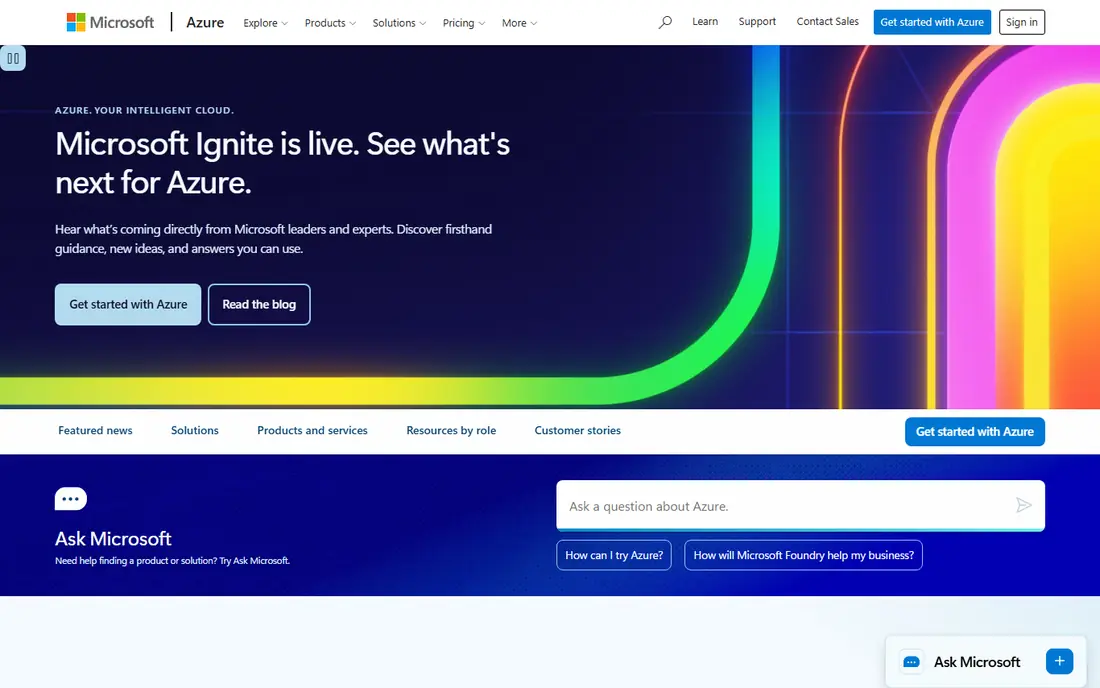
Azure Functions provides serverless compute inside Microsoft's cloud, with triggers from Azure services, HTTP, timers, and message queues. Its flexible hosting plans, including consumption and premium options, let teams balance cost against cold-start performance. Integration with Microsoft identity, databases, and enterprise tools suits organizations already on Azure.
Teams outside the Microsoft ecosystem get less advantage here, and the platform takes learning. For Microsoft-centric applications that need event-driven compute, Azure Functions is the logical serverless choice.
- Strong Microsoft integration
- Flexible hosting plans
- Good enterprise features
- Best inside Azure
- Learning curve for non-Microsoft teams
Google Cloud Functions
Ideal for: Google Cloud serverless
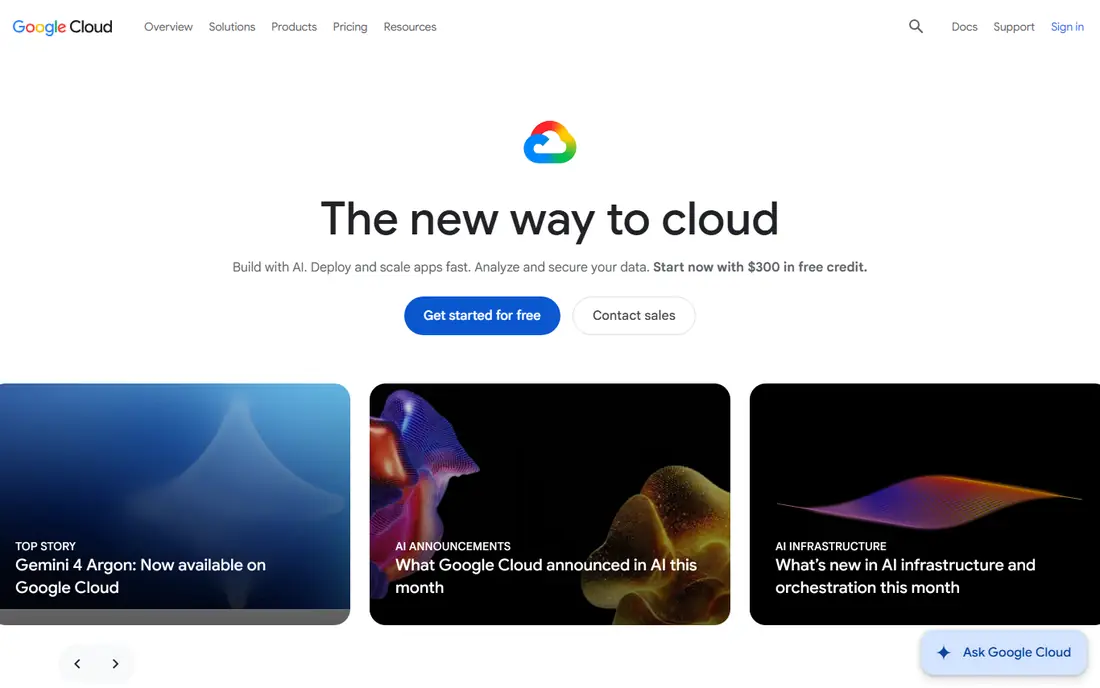
Google Cloud Functions offers event-driven serverless compute with straightforward deployment and integration across Google Cloud services, including Firebase, Pub/Sub, and Cloud Storage. Its second-generation runtime improved concurrency and networking, making it more capable for production workloads. Teams already on Google Cloud find it a natural fit for APIs, webhooks, and background jobs.
Its ecosystem is smaller than Lambda, and pricing details vary between generations, so teams should check current terms. For Google Cloud applications that need simple, reliable serverless functions, it is a solid option.
- Simple event-driven functions
- Good Google Cloud integration
- Second-generation runtime improvements
- Smaller ecosystem than Lambda
- Pricing varies by generation
Cloudflare Workers
Ideal for: Edge serverless
Cloudflare Workers runs JavaScript and WebAssembly code at the edge, close to users, across Cloudflare's global network. That placement gives very low latency for APIs, personalization, and request handling, and its free tier is generous enough for many projects. Workers also integrate with Cloudflare storage and database products for fuller applications.
The runtime is not full Node.js, so some libraries need adjustment, and execution limits suit short tasks rather than long-running jobs. For latency-sensitive APIs and edge logic, Workers is one of the best serverless platforms available.
- Runs at the edge in many locations
- Very low latency
- Generous free tier
- Runtime limits differ from Node.js
- Not suited to long-running jobs
Vercel Functions
Ideal for: Frontend serverless APIs
Vercel Functions lets frontend teams add serverless APIs to their sites without managing a separate backend, deploying functions to a global edge network alongside the frontend. The developer experience, with preview deployments and instant rollbacks, is excellent, and the model suits APIs, form handling, and personalization. Teams using modern JavaScript frameworks benefit most.
Execution limits and the frontend focus mean heavy background jobs or long-running processes need another platform. For the API layer behind a website or web app, Vercel Functions is a smooth and productive choice.
- Serverless APIs alongside frontend deployments
- Excellent developer experience
- Global edge network
- Frontend-focused
- Execution limits suit APIs, not heavy background work
Netlify Functions
Ideal for: Simple site serverless
Netlify Functions brings serverless APIs to static and Jamstack sites, letting developers add form handling, authentication helpers, and small APIs without a separate server. Deployment from Git is simple, and the free tier covers many small projects. For agencies and small teams building content sites with a touch of dynamic behavior, it is an easy win.
Its power and limits suit small APIs rather than complex backends, so larger applications need a fuller platform. For simple site APIs, though, Netlify Functions keeps the stack unified and the workflow fast.
- Simple serverless for static and Jamstack sites
- Easy deployment from Git
- Good free tier
- Less powerful than Lambda for complex backends
- Limits suit small APIs
Supabase Edge Functions
Ideal for: Database-linked serverless
Supabase Edge Functions runs serverless code close to a Supabase Postgres database, which suits applications built on Supabase for auth, storage, and data. Its open-source platform appeals to teams that want portability and transparency, and its free tier covers development and small projects well. Functions can handle webhooks, scheduled jobs, and API logic tied to database events.
As a newer product, its ecosystem is smaller than Lambda or Workers, and teams should check current limits. For Supabase-based applications, though, Edge Functions keeps serverless logic close to the data it serves.
- Serverless functions close to a Postgres database
- Open-source platform
- Generous free tier
- Newer edge product
- Ecosystem smaller than big-cloud serverless
Deno Deploy
Ideal for: JavaScript edge hosting
Deno Deploy hosts JavaScript and TypeScript applications at the edge, with a security-first runtime and simple deployment from Git. It suits developers who like Deno's modern tooling, built-in TypeScript support, and permission-based security model. Small APIs, edge logic, and full-stack Deno apps run well on it.
Its ecosystem is smaller than Node.js-based platforms, and it is a newer service with evolving features. For teams already using Deno, or for edge JavaScript projects that value security defaults, Deno Deploy is a compelling option.
- Edge hosting for JavaScript and TypeScript
- Simple deployment
- Strong security defaults
- Smaller ecosystem than Node.js platforms
- Newer platform with evolving features
How we picked these
We compared official documentation, pricing pages, and product pages for serverless platforms, focusing on execution model, latency, limits, ecosystem, and fit for different application types. We favored platforms with real production use and included both big-cloud functions and edge or frontend-focused options.
What to check before you commit
Check execution limits first: maximum runtime, memory, and payload size decide whether your workload fits serverless at all. Long-running jobs, large file processing, and stateful work often suit containers or servers better. Also test cold starts for your runtime and traffic pattern, since idle functions can add latency to the first request.
Watch for vendor lock-in: triggers, storage, and proprietary APIs make migration harder, so keep business logic portable where possible. Finally, model costs at real traffic, since serverless bills scale with requests and execution time, which is cheap for spiky workloads but can grow for constant high traffic.
It also pays to think about total cost, not just the headline price. Many services charge extra for additional users, higher usage, premium support, or features that turn out to be essential once you start using the product seriously. Add those extras to your comparison before deciding, and check whether discounts for annual billing are worth the commitment. A second cost is time: the hours your team spends learning, configuring, and maintaining a tool are real, even when they do not appear on an invoice. A slightly more expensive option that saves ten hours a month is often the cheaper choice in practice. Weigh both kinds of cost together, and pick the option whose full price, in money and time, you are comfortable paying for at least a year.
It is also worth checking recent reviews and community discussion before you commit, since products and services change faster than any single guide can track. Look for patterns rather than single complaints: repeated mentions of billing surprises, poor support, or declining quality are more telling than one angry review. At the same time, remember that every popular service attracts some negative feedback, so weigh the overall picture, including how the company responds to criticism. A vendor that answers problems openly and fixes them promptly is usually a safer bet than one that stays silent. Use that broader picture, together with your trial experience, to make a final decision you can feel good about.
Frequently asked questions
What is serverless computing?
It is a model where a cloud provider runs your code on demand without you managing servers. You deploy functions that execute in response to events, and you pay for the compute used during execution rather than for idle servers.
When is serverless a bad choice?
Serverless suits variable, event-driven workloads poorly when jobs run long, need large memory, or run constantly at high volume. In those cases, containers or dedicated servers are often cheaper and simpler.
Which serverless platform is best for beginners?
Netlify Functions and Vercel Functions are easiest for frontend developers, thanks to Git-based deployment and generous free tiers. Cloudflare Workers is also approachable for edge APIs.
Do serverless platforms have cold starts?
Yes, most do: a function that has been idle may take extra time to start on the first request. Keeping functions warm, choosing faster runtimes, or using provisioned options reduces the effect.
Can I move serverless functions between providers?
It is possible but takes work, since triggers and integrations differ. Keeping core logic in portable code and avoiding deep proprietary integrations makes migration easier.
How do I avoid picking the wrong option for best serverless cloud platform?
Avoid deciding on price or popularity alone, since the cheapest option can cost more in workarounds and the most popular option may be built for a different kind of user. Instead, test your top choices against your real workload, check the total cost including add-ons, and read recent user reviews for complaints that keep repeating. A pattern of complaints about support, billing, or reliability is a warning worth taking seriously before you commit.