Best Shift Scheduling Software in 2026: 7 Tools Compared

- Homebase is the best free starting point for a single location with up to 10 employees.
- Deputy suits multi-location teams that need demand forecasting and compliance tools.
- 7shifts is the best restaurant-specific option, with tip and labor tools built in.
- Per-location pricing wins for large part-time teams, while per-user pricing suits small core teams.
Quick comparison
| Product | Ideal for | Price from | Free version | |
|---|---|---|---|---|
 Deputy | Multi-location hourly teams | $5 per user per month | Free trial | Visit |
 Homebase | Small single-location teams | Free | Yes | Visit |
 When I Work | Hourly teams wanting simplicity | See website | Free trial | Visit |
 7shifts | Restaurants and bars | Free | Yes | Visit |
 Sling | Free scheduling for small teams | Free | Yes | Visit |
 Connecteam | Deskless teams needing more than schedules | $29 per month | Free trial | Visit |
 Shiftboard | Large and complex scheduling operations | See website | No | Visit |
The best shift scheduling software
Shift scheduling software replaces the spreadsheet rota with drag-and-drop schedules, availability tracking, shift swaps and a time clock. The tools below differ in pricing model: some charge per user, others per location, which changes the bill a lot for large part-time teams. We compared them on scheduling ease, time tracking and payroll links.
Deputy
Ideal for: Multi-location hourly teams
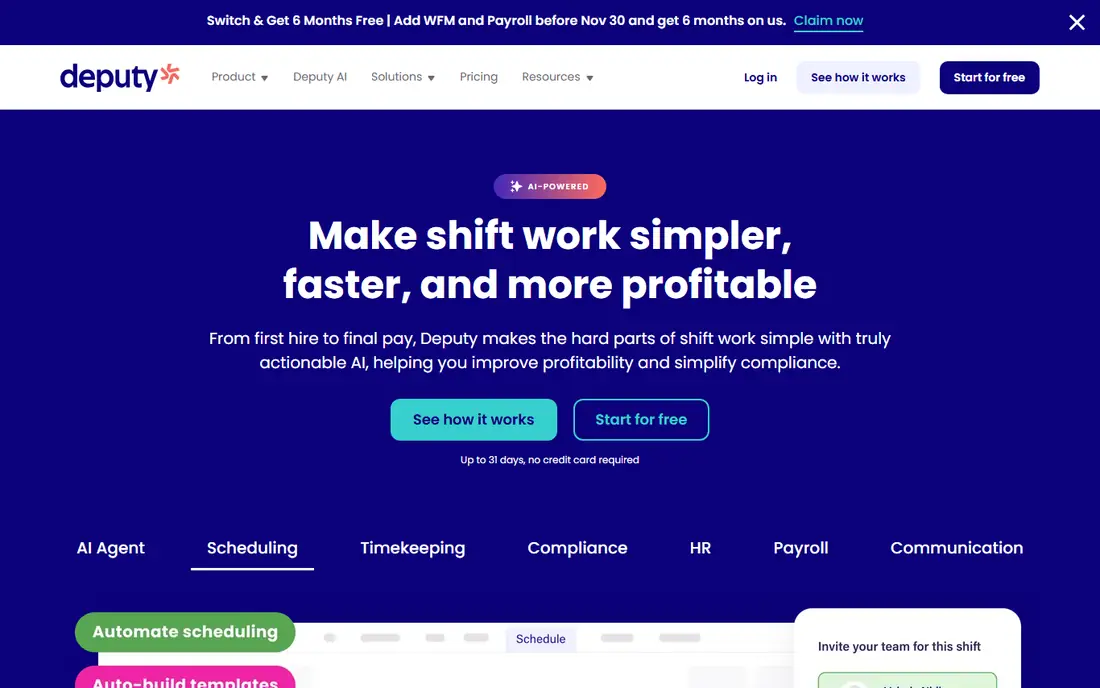
Deputy suits operations with several sites and mixed teams. Its scheduling, time clock and compliance tools handle labor rules, its Core plan adds demand forecasting from sales data, and its payroll integrations keep hours flowing to pay runs. Managers get a clear view across locations.
There is no free plan, only a trial, and per-user pricing from $5 per month grows fast with many part-timers, plus a monthly minimum. Small single-site teams may do better on Homebase. For growing multi-site operations, Deputy is a strong system.
For readers focused on multi-location hourly teams, Deputy is worth a trial before deciding, since the free tier or trial shows its real feel fast. Check the current plan details on the vendor site, since prices and limits change, and confirm that the version you need works on your devices.
- Demand forecasting and auto-scheduling
- Compliance tools
- Payroll integrations
- No free plan
- Per-user cost grows with large part-time teams
Homebase
Ideal for: Small single-location teams
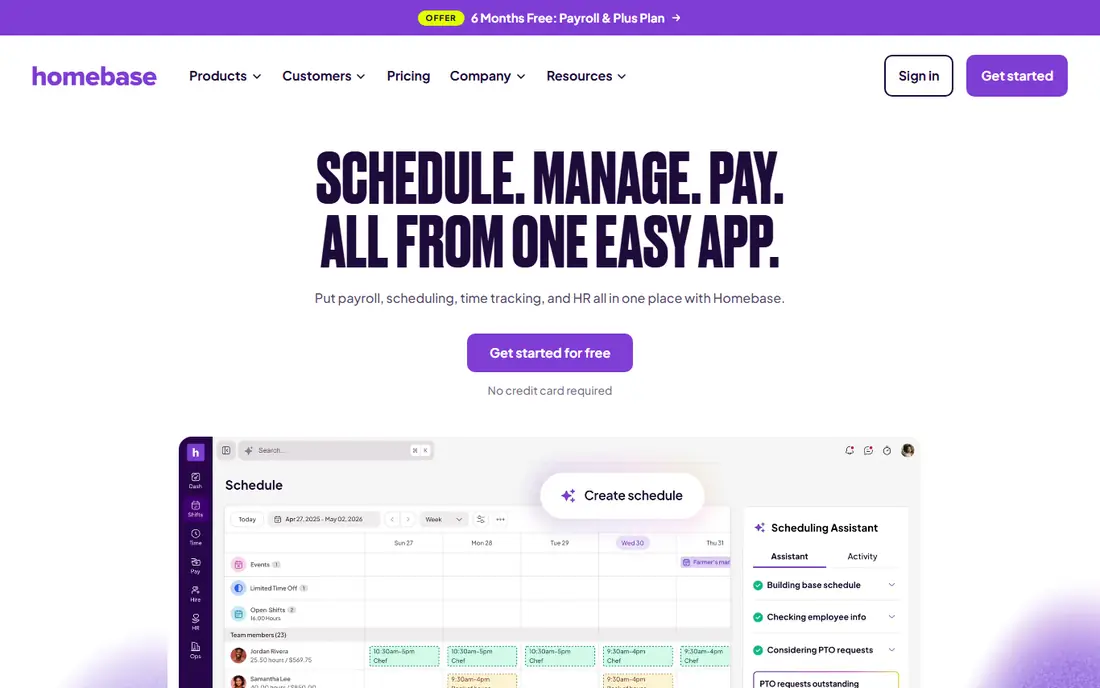
Homebase is the easiest free start for a small business: its Basic plan covers one location with up to 10 employees, including scheduling, time tracking and team messaging. Paid plans charge per location, not per person, so adding staff does not raise the bill, and hiring and payroll options cover the wider employee lifecycle.
Payroll is a separate add-on, and its focus is mainly US businesses, which limits international use. Larger multi-location teams may also want deeper forecasting. For a single busy shop, cafe or salon, Homebase is excellent value.
We would shortlist Homebase for small single-location teams, and compare it directly with the two options nearest it in price before paying. Check the current plan details on the vendor site, since prices and limits change, and confirm that the version you need works on your devices.
- Free Basic plan
- Per-location pricing
- Hiring and payroll options
- Payroll is an add-on
- US focus limits international use
When I Work
Ideal for: Hourly teams wanting simplicity
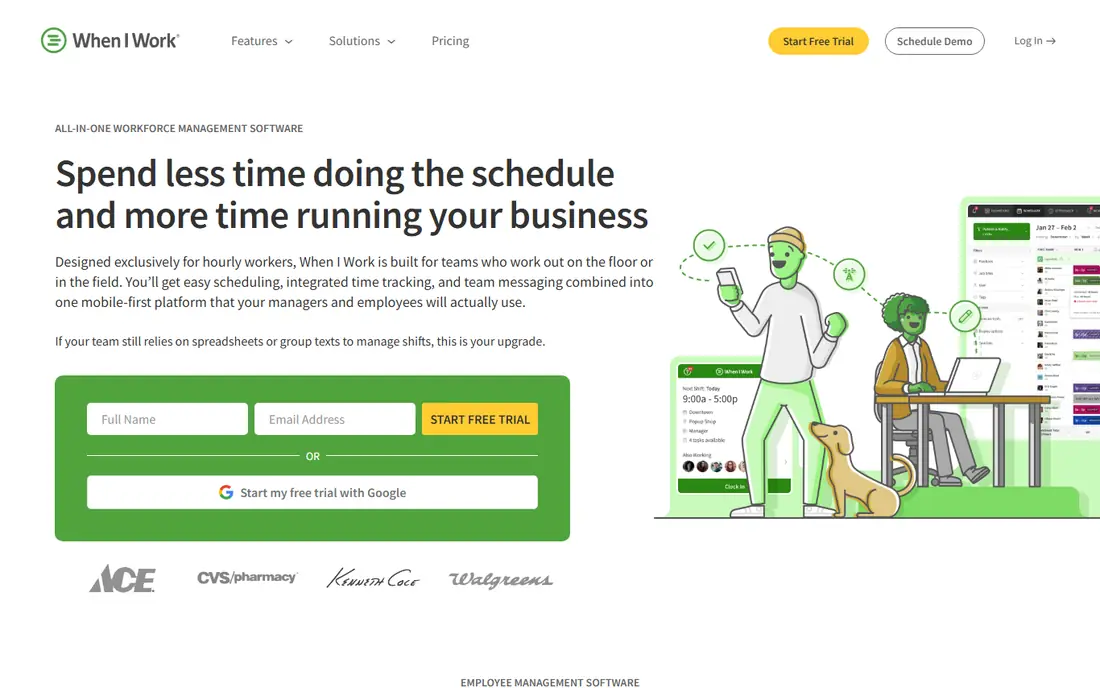
When I Work is a straightforward scheduling tool for hourly teams, with drag-and-drop schedules, a time clock, team messaging and shift swaps. Its simplicity helps managers who want a rota done fast without learning a complex system, and staff pick up the mobile app quickly.
Pricing varies by plan, and its forecasting is lighter than Deputy. Larger operations with complex labor rules may need more. For small to mid-size hourly teams that value simplicity, it is a reliable choice.
If hourly teams wanting simplicity is your main need, When I Work deserves a place on a shortlist, provided you test the catch described above first. Check the current plan details on the vendor site, since prices and limits change, and confirm that the version you need works on your devices.
- Simple scheduling and time clock
- Team messaging
- Shift swaps
- Pricing varies
- Advanced forecasting is lighter than Deputy
7shifts
Ideal for: Restaurants and bars
7shifts is built only for restaurants, and that focus shows in tip pooling, labor-cost tools and compliance features for food service. Its free Comp plan covers a single location, and paid plans add forecasting, payroll integrations and deeper reporting. Restaurant managers get tools general schedulers lack.
Its restaurant focus limits use for retail or healthcare teams, and payroll runs through partners rather than natively. For restaurants and bars, though, it is the most tailored scheduler here.
Our view is that 7shifts earns its place here for restaurants and bars, even with the limits noted above. Check the current plan details on the vendor site, since prices and limits change, and confirm that the version you need works on your devices.
- Restaurant-specific scheduling
- Tip and labor tools
- Free plan for one location
- Restaurant focus limits other industries
- Payroll is via partners
Sling
Ideal for: Free scheduling for small teams
Sling offers free scheduling, team messaging and shift swaps for small teams, with a simple time clock included. Its free tier covers the core rota job without a trial deadline, which suits cafes, shops and small venues that need a basic schedule done well.
Advanced features such as labor-cost tracking and deeper integrations need paid plans, and its integration set is smaller than rivals. Larger teams may outgrow it. As a free scheduler for a small team, Sling is a good find.
For readers focused on free scheduling for small teams, Sling is worth a trial before deciding, since the free tier or trial shows its real feel fast. Check the current plan details on the vendor site, since prices and limits change, and confirm that the version you need works on your devices.
- Free scheduling and messaging
- Shift swaps
- Simple time clock
- Advanced features need paid plans
- Smaller integration set
Connecteam
Ideal for: Deskless teams needing more than schedules
Connecteam is an all-in-one app for deskless teams, combining scheduling with forms, training, chat and time tracking. Its mobile app suits staff without desks, and its free tier covers small teams. Businesses that want one app for many daily operations, not just rotas, will like the breadth.
Its scheduling depth is less than Deputy or 7shifts, and pricing steps up as user counts grow. Teams that only need scheduling may find it broader than necessary. For deskless teams wanting one hub, it is a strong option.
We would shortlist Connecteam for deskless teams needing more than schedules, and compare it directly with the two options nearest it in price before paying. Check the current plan details on the vendor site, since prices and limits change, and confirm that the version you need works on your devices.
- Scheduling plus forms, training and chat
- App for deskless staff
- Free small-team tier
- Scheduling depth is less than specialists
- Pricing steps up with users
Shiftboard
Ideal for: Large and complex scheduling operations
Shiftboard handles large, complex scheduling operations with rules for credentials, availability, overtime and compliance across many workers. Its reporting and integrations suit healthcare, manufacturing and event staffing, where schedules follow strict rules rather than simple rotas.
Pricing is enterprise level, and setup is heavier than small-team tools. Small businesses will find it more than they need. For large operations with complex scheduling rules, Shiftboard is built for the job.
If large and complex scheduling operations is your main need, Shiftboard deserves a place on a shortlist, provided you test the catch described above first. Check the current plan details on the vendor site, since prices and limits change, and confirm that the version you need works on your devices.
- Handles complex rules and large workforces
- Compliance and reporting
- Integrations
- Enterprise pricing
- Setup is heavier than small-team tools
How we picked these
We compared official feature pages, pricing pages, app store listings, privacy policies and public reviews for each option below. We checked that each product is still available and that its stated plans match what the vendor publishes. We did not run hands-on tests, so our picks rest on documented features, pricing and the fit for the reader described in each section, not on lab results. Where a price could not be confirmed on the vendor site at the time of writing, we wrote See website rather than guessing. We also looked at how each option handles the everyday details that decide whether a tool gets used: setup time, device support, what happens when you cancel or downgrade, and whether help is available when something breaks. A product that looks strong on a feature list but is hard to set up, hard to leave, or poorly supported will cost more in time than it saves, so we weighed those practical points alongside price and features. Where reviewers or users reported a recurring problem, we noted it in the honest catch for that product, rather than leaving it out because the vendor page did not mention it.
How to choose scheduling software for hourly teams
Count your staff and locations before comparing prices, because per-user and per-location models flip the winner. List your must-haves: availability, shift swaps, time clock, overtime alerts and payroll integration, then test the schedule builder with a real week. Check the mobile app, since staff will use it more than managers will, and confirm labor-law alerts for your state or country. Finally, run a parallel week with the old rota, because a schedule tool that confuses staff will cost more in no-shows than it saves in admin.
A final check before you commit
Run a short trial on a real task before you pay for a year or move a whole team. Use the free plan or trial to complete one full job, from setup to export or delivery, and note where you got stuck. Check the cancellation path too: can you leave and keep your data, or does leaving mean starting over? Read the pricing page for renewal rates, not just the first-year offer, and confirm what support you get on the plan you will actually buy. Finally, ask one current user about the worst part of the product, since that answer tells you more than any feature list. If the trial feels good on a real task and the exit path is clear, the choice is much safer.
Frequently asked questions
What is the best shift scheduling software?
Homebase is the best free starting point for small single-location teams. Deputy suits multi-location operations, 7shifts leads for restaurants, and When I Work is a strong all-rounder for hourly teams.
Is shift scheduling software free?
Homebase offers a free Basic plan for one location with up to 10 employees, and 7shifts offers a free plan for a single location. Most paid plans charge per location or per user, so check which model fits your team size.
How much does Deputy cost?
Deputy charges per user, from $5 per user per month for Lite, with a monthly minimum. Core at $6.50 adds advanced scheduling and forecasting, while Pro at $9 adds analytics and stronger controls.
Can staff swap shifts in these apps?
Yes. Most tools let staff request swaps, offer shifts to coworkers and set availability, with manager approval. That self-service cuts manager admin and reduces no-shows when handled well.
Do these tools handle payroll?
Many integrate with payroll providers, and some offer payroll as an add-on. Homebase offers native payroll, while Deputy integrates with payroll systems. Check whether hours flow automatically or need manual export.